2026 ውስጥ የድር አንባሳት ለሚሰሩ የሚሆኑ 12 የተሻለ የChrome እትም እትምዎች
የድህረ ገፅ እንደገና ለማስተካከል የሚያስችል ዋነኛ መሳሪያዎች የሚያወጣውን 12 ዋነኛ የ Chrome እትም እንዲያውቁ ይዘው ይገናኙ። በ2026 ውስጥ ለመሥራት የሚያስፈልጉ መሳሪያዎች ጋር የሥራ እንቅስቃሴዎትን ያሻሽሉ።

የተመነጨ ማስተካከያዎች

በዘመናዊ ዌብ ማሳደሪያ አካባቢ፣ ትክክለኛነት በጣም ያስፈልጋል። ትክክለኛው መሣሪያ እቃ አከራካሪውን፣ በብዙ ደረጃዎች የሚሰራውን ሂደት ወደ ቀላል፣ በአንድ ጠቅታ ሊሰራ የሚችል ተግባር ሊቀይር ይችላል፣ ያስፈልጋቸውን ጊዜ ሲэкономии እና የአእምሮ ጫና ሲቀንስ። ብራውዝር ባንዲራችን ሲሆን፣ ከሁሉም ጠንካራ ማ相助щик ሊሆን ይችላል። ይህ የሆነው የ ተለመዱ መጠቀም ነው ለเว็บ ልማተኞች Chrome ቅጥባቶች የተጫወቻ ተቀይር ይሆናል፣ ግንባርን ቀልጣፋ ያደርግ፣ ማስኬድን ያሻሽል፣ እና ዕለት ተዕለት ሥራዎችን ያሳላክል።
ይህ ሙሉ መመሪያ ከጠቅላላ ዝርዝሮች በላይ ይንሳል። የተመረጡ ወሳኝ ቅጥባቶችን ያቀምጣለን፣ እነዚህ በተሟላ መንገድ የሚሠሩበትን አንጻር ለተቻለ መረዳት ሰፊ ትንታኔ ያቀርባለን። እያንዳንዱ መዝገብ ለፈጣን ግምገማ ተዋቅሯል፣ ማጠቃለያ ማጠቃለያ፣ ዋና ባህሪዎችን መብቀል፣ በተለይ በቀላል መንገዶች የሚሄዱ ዝግጅቶችን፣ እንዲሁም አዎንታዊ እና አሉታዊ ወገኖችን በተመለከተ ትክክለኛ ግምገማ አካትቷል። በችላችንም ሆነ በእይታ ተጽዕኖዎች እና የሚፈቀዱ ፈቃዶች ላይ ወሳኝ ዝርዝሮችን ያካትታለን፣ ይህም ወደ ባህሪያችሁ የምትጨምሩት ሐረጎች ላይ በተሟላ መንገድ ውሳኔ እንዲወስዱ ያግዛችሁ።
እርስዎ ጠንካራ ፎርማተሮችን እና ዲፍ መሳሪያዎችን የሚፈልጉ ወገን ሆኑ፣ ፈጣን ምስል መቀየሪያ የሚፈልጉ ዘዴ ነበር ወይም በሳንብሮ ውስጥ ያሉ መሳሪያዎችን ለመፈለግ ተጠቃሚ የሆነው ለእርስዎ ተነሳሽነት ተሰርተዋል። ለእያንዳንዱ መሳሪያ ቀጥታ የመጫኛ አገናኞችን እና ምስሎችን ታገኛለህ፣ በዚህ ሁኔታ ለልዩ ፍላጎቶችህ በተስፋፋ ሁኔታ የሚስማሩ ሐረጎችን ወዲያውኑ መተግበር ያስችልሃል። በተቀለላልይ የአንድ ሥርዓተ-ፍላጎት መሳሪያዎች እስከ እንደ ShiftShift Extensions ያሉ የተቀላቀሉ ኃይለኛ መሳሪያዎች፣ የተለያዩ የ developermen መጠቀሚያዎችን ወደ አንድ ውህድ፣ የግል ግምት በሚያሳይ አ 명령 ድምጽ ውስጥ የሚያዋшей መሳሪያ ወደ ሁሉም ነገር እንፈትዋለን። ይህ ዝርዝር በቃሊ እና ሥራ ውጤታማ የ developermen ሥርዓተ-ሥራ ለመገንባት የእርስዎ ፕላን ነው በቀጥታ በ Chrome ውስጥ።
1. ShiftShift Extensions
ShiftShift Extensions የ利用您的 dozens የተለያዩ developermen መጠቀሚያዎች አሠራር ወደ አንድ ተስማሚ፣ በጣምም ፈጣን መሳሪያ ስብስብ ያቀላልቅል። ይህ በአንድ ነገር በቃ ብቻ መልኩ ሳይሆን በርካታ ነገሮችን በተቀደቡ ሁኔታ እንዲሆን አይደለም፣ ሁሉም በአንድ የሚያገኙ ከፍተኛ ቁልፍ-ተጠያቂ ትእዛዝ ፓሌት በኩራት ይጠቀማሉ። ንዑስ ማሰሪያዎችን፣ መቀይሪያዎችን፣ እና መመርመሪያዎችን በቀላሉ ለማስተካከል የተከፋፈሉ ለ 개발자ዎች፣ ShiftShift ተሞክሮ ለማድረግ ኃያል የሆነ ቀላል መፍትሄ ያቀርባል።
የዚህ መሠረታዊ ቁልፍ በግል ቅድመ ሁኔታ ያለው በአካባቢ ማሟላት ሞዴል ላይ ይመጣል። የተበላሸ JSON ብሎብ ለማስተካከል፣ በሁለት የኮድ ቅርጾች ላይ የተለያዩ ማመቻቸት ለማድረግ፣ ወይም ኩኪዎችን ለማስተዳደር ያሉ ሥራዎች በምርጫ በሬሳ ላይ በቀጥታ ይሠራሉ እና መረጃ ለውጪ ሰርቨር በፍጹም አይልካም። ይህ የማይስራ በመስመር ውጪ ከሚችል ዲዛይን ፍጥነትን እና ደህንነትን በማስተናገድ፣ በማንኛውም አካባቢ ታማኝ መሣሪያ ይሆናል።
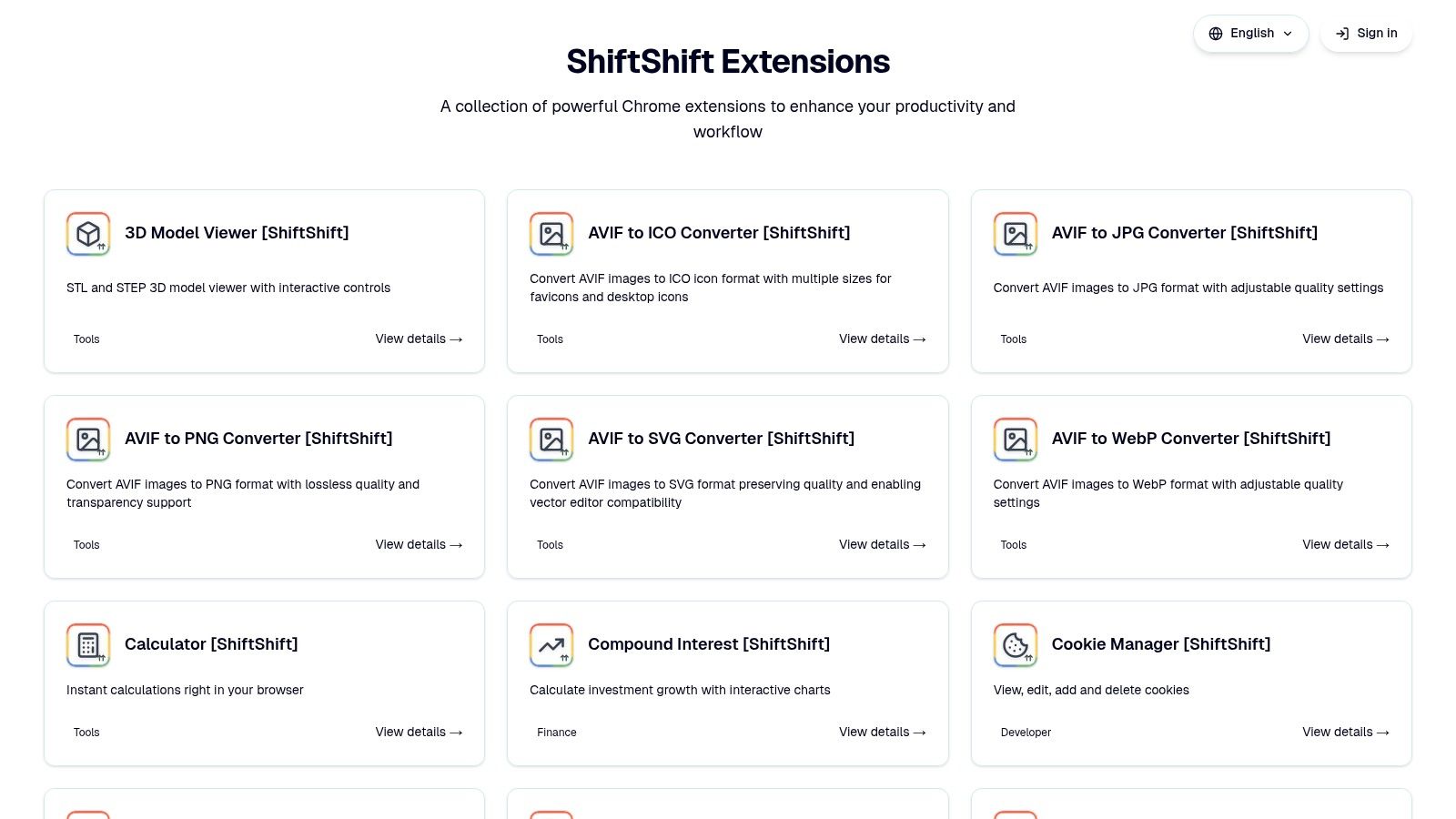
ዋና ጥቅሞች እና አጠቃቀም አጋጣሚዎች
ይህ ተጨማሪ በቅድመ ሁኔታ ለመቀየር እና በአ▊ርነት ለማሻሻል ያለ ነው። ላስፈላጊ ሥራ አዲስ መስኮት መክፈት በሚያስፈልግበት ጊዜ፣ ላስተዋይዎች Cmd/Ctrl+Shift+P ንግግር ለማድረግ በፍጥነት ወደ ሀብታም መሳሪያዎች ቤተ መዛግብት ይkses ይችላሉ።
- የኮድ እና የውሂብ ቅርጸ ተከር装扮: በፍጥነት ያስደራሹ ወይም ይጨንቁ JSON, SQL፣ እና XMLየእፅዋትን ዳታ ያስቀምጡ፣ ትእዛዙን ይፈጽሙ፣ በጥቂት ሰከንዶች ውስጥ ንጹህ ውጤት ያግኙ።
- ኩኪ አስተዳደር: በፍጥነት _cookies ይመልከቱ፣ ያስተካክሉ ወይም ይሰረዙ ለአሁኑ ዴመይን ከፓሌት በቀጥታ ሳያመሩ DevTools አለመዝረፍ።
- Diff Checker: የተግባር የተቀመጠ የጽሑፍ ማነጻጸሪያ መሳሪያ ያግዝዎታል የኮዴ ቅርጾች ወይም የማዋቀሪያ ፋይሎች መካከል ትልልቆችን በፍጥነት ለመለየት ያግዝዎታል።
- ፋይል እና ምስል ማቀየሻ: ከተለመዱ የሰራተኞች ሥራዎች ባሻገር፣ ለ JPG, PNG, WebP, AVIF, እና SVGበተጨማሪም የ CSV ከ XLSX እና DOCX ከ PDF.
- ተግባራዊ መሳሪያዎች: ፍጠር QR ኮዶች፣ ዴመይን ማግኘት ይችላሉ ወይም በምድር ላይ 3D STL/STEP ሞዴሎች ብራውዘርዎን በማስተዋል ሳይሆን።
ShiftShift ከመሣሪያዎች ስብስብ በላይ የሆነ ዕድመ ማሻሻያ ነው፤ የሦስተኛ ደረጃ የዕውቀት ተግባራትን ለማሻሻል የበለጠ ዝርዝር ለማየት፣ በShiftShift ብሎግ ላይ የገንቢ ሥራ ትኩረትን ማሻሻል ላይ ተጨማሪ መረጃ ያግኙ.
ጥቅሶች እና አድሎች
| ጥቅሶች | ማጣሪያዎች |
|---|---|
| አንድ የተቀናበረ ት명 ቤት: ለቅጽበታዊ፣ በቃል ማስተናገጃ መድረሻ የ dozen መሳሪያዎችን ማካከያ ነው። | በብራውዘር ብቻ የሚሰጥ: በዋናነት ለ Chrome እና ሌሎች በ Chromium ላይ የተመሰረቱ አሳሽዎች ተ 설계 ነው። |
| Privac-First & Offline: ሁሉንም ዋና ማስኬጃ በአካባቢ ስር ይሠራል፣ የደመና ጭረት ወይም መከታተል አያስፈልግም። | በኢንተርኔት ላይ የተመሰረቱ ባህሪዎች: ጥንታዊ ማስተካከያ ወይም የክሪፕቶ ዋጋዎችን የሚያሳዩ አቪሎች እንደ ስፔድ ቴስት ወይም ክሪፕቶ ሪቴቾች ያሉ መሣሪያዎች ግንኙነት ይፈልጋሉ። |
| ሰፊ የመሣሪያ ስብስብ፦ ለDevelopers፣ designers እና ለባጠባተኞች አስፈላጊ የሆኑ ውጤታማነት ፍላጎቶችን በአንድ ጥቅስ ያቀርባል። | |
| በቅጂነት የሚያድግ፦ ኢኮስስቴም በየጊዜው አዲስ ባህሪያት እና ማሻሻያዎችን ተቀብሎ ያዘመናል። |
መገኛ
ShiftShift Extensions በChrome Web Store ይገኛል። ዋናው ተግባርነት ነፃ ነው፣ ደግሞ በማረፊያ መረጃ የሚቀርቡ ተጨማሪ የተከላከሉ አማራጮች አሉ።
ድር ጣቢያ: https://shiftshift.app
2. Chrome ዌብ ሱክ (የDevelopers መሳሪያዎች ምድር)
Chrome ዌብ ሱክ የGoogle በቃ ያስተዳድረው ብርሃን ገበያ ነው እና ማንኛውንም የቃOLA ተጨማሪ ለመፈለግ በጣም ደህንነቱ የተጠበቀ መጀመሪያ ቦታ ነው። የተለየ "Developers መሳሪያዎች" ምድር አስፈላጊ፣ በጥበብ የተዘረዘረ ቤተ-መዛግብት ሲሆን፣ developers ተጨማሪ መሳሪያዎችን ለመፈለግ በሺዎች የሚቆጠሩ ልዩ መተግበሪያዎችን ያግኙ ይችላሉ፣ እንደ React እና Vue Devtools ያሉ ታዋቂ ሞዴሎች እስከ JSON formatters፣ color pickers እና API testing clients ያሉ አስፈላጊ መሳሪያዎች ድረስ። ይህ ከምንጭ በቀጥታ የመምጣት አቀራረብ ምኳን ከደህንነት እና ከተማከለ መሠረታዊ ዋስትና ይሰጠናል።
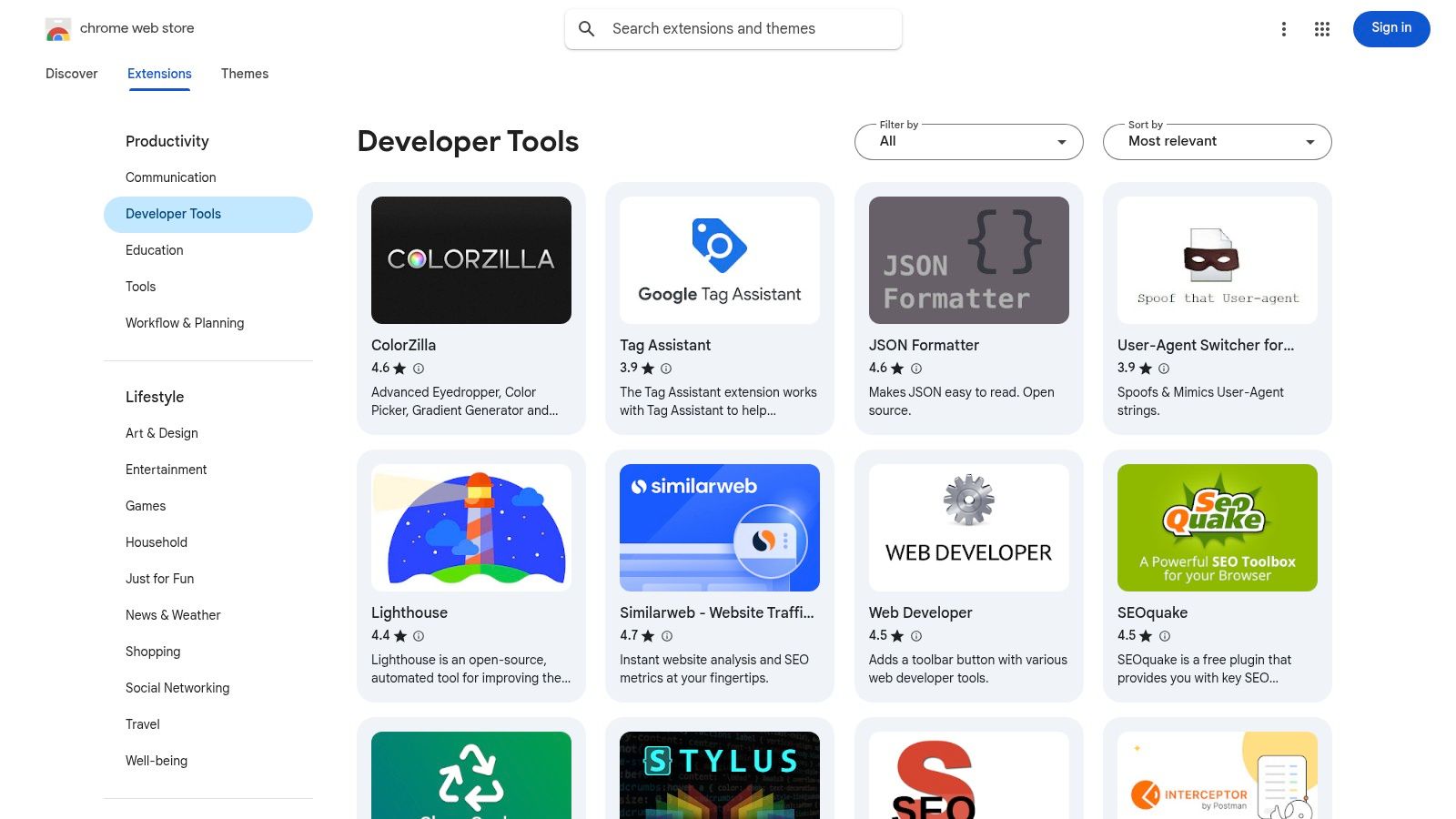
ከዋና ማ distributing መንገድ ሆኖ፣ በግልጽ የምርመራ ሂደት፣ በመጫን በፊት ግልጽ የፈቃድ ጥያቄዎች እና በራስ-ሰር የሚከሰተው ዝግጅት ያለው ተማማኝ አከባቢ ይሰጣል። ለዌብ ገንቢዎች ማለት ይሄ ማለት ለስራ ሂደታቸው ወሳኝ የሆኑ መሳሪያዎች በቅርጻቸው የ/latest, በጣም ደህንነቱ የተጠበቀ ቅርጾች ለማግኘት ያለ እጅ ጣገኛነት መድረስ ነው። ሰፊ ምርጫው ትልቅ ጥቅም ቢሆንም፣ ጥራት ያለው፣ ልዩ የሆነ የveloper ስኬት መሳሪያዎች ለማግኘት በጣም ብዙ መጠን ማለኘት አንዳንድ ጊዜ ተግራ ሊሆን ይችላል።
ቁልፍ ባህሪያት እና የተጠቃሚ ተሞክሮ
የመድረክ የተጠቃሚ ተሞክሮ ቀላል ነው፣ ከተጠቃሚ's የ Google መለያ ጋር የተገናኙ የአንድ ጊዜ ጠቅላላ ማስገባቶችን ይቀምሳል። እያንዳንዱ ማሰሪያ ዝርዝር የተጠቃሚ አስተያየቶችን፣ አጠቃላይ ዕይታን፣ የግላዊነት ሥራ መርሆዎችን፣ እና የማደሻ ታሪክን ያካትታል፣ ይህም ማሰሪያ አጋ营业执 ጥንቃቄ ሁኔታ እንዲገኝ ለመገመጥ አስፈላጊ ነው።
- የታመነ ምንጭ፡ ሁሉም ማሰሪያዎች በ Google ተሰርተው ማረፊያ ያልፋሉ፣ ይህም ማለትም የማል መሳሪያ አደጋውን ይቀንሳል።
- ተስፋፍሮ ምርጫ፡ ወብ ዘር የሆኑ ተሞክሮ ለሚሰጡ ሰዎች chrome extensions በተጨማሪ የአሰራር መስሪያ መሆናቸውን በተለይ ተሞክሮ ለሚሰጥ ዓለም አቀፍ ተጠቃሚዎች አስተማማኝ ነው, ከአጠቃላይ መጠቀሚያ መሳሪያዎች ጀምሮ እስከ ፍሬምዎርክ ተወዳዳሪ የሆኑ debuggers ድረስ ይዘት አለው
- ተጠቃሚ ተመራጭ መርሆምርጫዎችና ግምገማዎች ዋጋ ያላቸውን ማህበራዊ ማስረጃ ይሰጣሉ፣ እንዲሁም ተጠቃሚዎች እንዲያስወግዱ ዘመናዊ ጥቅም እና ጥራትን ለማወቅ ይረዳቸዋል።
| ትልቁ ጥቅማት | አሉታይ ጥቅማት |
|---|---|
| ሁሉም ከጠበቀ በላይ እና ቀጥታ ማግኘት መንገድ | ፍላጎት ሳይኖር ማግኘት በቂ ምልክቶች ካልተሰጡ ጊዜ ግ聒ን ሊሆን ይችላል |
| ከታይ ያለ ልዩነት ከታየ ዝግጅት ታሪክ ጋር | ክፍያ ያላቸው መሳሪያዎች ብዙ ጊዜ ከማከማቻው ውጪ የክፍያ ሂደት ይፈልጋሉ |
| ነፃ እና ነፃ-ፕሪሚየም ሞዴል ከGoogle መለያ ጋር ተያይዞ | ጥራቱ በተወዳወዱ እና በያልተወዳዱ መሣሪያዎች መካከል በጣም ይለያያል |
ድህረ ገጽ፡ chromewebstore.google.com/category/extensions/ርዥም ተሞክሮ/ሰራተኛ
3. Chrome-Stats
Chrome-Stats የ.Chrome ቅርንጫፍ አከባቢውን ለመረዳት ከ official Web Store የሚያበርት ደረጃ ያለው የውስጥ ተከታይ መረጃ መፍጫ እና ማህደር ነው። ለ开发建设者፣ ለደህንነት ማረጋገጫ እና ለተወዳዳሪ ትንታኔ የማይተኝ መሣሪያ ሲሆን፣ በተጠቃሚዎች ብዛት፣ ግምገማዎች፣ የተሟላ መ AssemblyVersion ለውጦች እና ፈቃድ ለውጦች ላይ ታሪካዊ መረጃ ያቀርባል። ይህ ለ开发建设者 ቅርንጫፍ ከመጫን በፊት ትክክለኛ ተጠቃሚ ግምገማዎችን ባለፉት ከፍተኛ አስተምറሮ ማስተካከል ይችላል፣ በከፍተኛ ደረጃ ትክክለኛ እና ደህንነቱ የተጠበቀ ዕይታ ያቀርባል።
ይህ መድረክ በተለይ አዲሶችን ወይም ተጨባጭ ዕቅዶችን ለመፈለግ ይጠቅማል ለዌብ መ开发ርዎች chrome ተስፋፋዎች በመከታተል ተወዳጅ መሣሪያዎች እና ከዌብ መጠበቂያው የሚያቀርበው በጣም ዝርዝር ማጣሪያዎች በመፈለግ። ተስፋፋው የዘመናዊነት ታሪክ እና የፈቃድ ጥያቄዎች በጊዜ ለይ በመተንተን፣ ተጠቃሚው በዌብ መረጃ ላይ መድረስ ለመስጠት እንደሚገባው በበለጠ ግንባር ውሳኔ ማድረግ ይችላል። ዋና ባህሪዎቹ ነፃ ሲሆኑ፣ ከባለፉት አንዳንድ የበለጠ ዘመናዊ ትንታኔዎች በተከፈለ ሰብስበኝነት በኋላ የተዘረዙ ናቸው።
ዋና ባህሪዎች እና የተጠቃሚ ልምድ
የተጠቃሚው ልምድ በውጤታማነት ላይ የተመሰረተ ሲሆን፣ መረጃውን በግልጽ ቻርት እና ሰንጠረዥ ውስጥ በቀላሉ አንድ አይነት ማስተካከያ አቅም ለማየት ያቀርባል። መሳሪያው በ主动性 የሚጠበቅ ወይም ተ弃置 እንደሆነ በፍጥነት ማየት ይችላሉ፣ ይህ ለደህንነት እና ለተስማሙነት ወሳኝ ምክንያት ነው። አደጋማ ተስፋፋ ሥልጣኖችን የሚያሳይ የአደጋ ትንታኔው፣ ማንኛውም ለደህንነት ያደነ የሆነ ለDevelopers ልዩ ባህሪ ነው።
- ታሪካዊ ትንታኔ: በተጠቃሚ እድገት፣ ደረጃዎች እና ብ︺ር ታሪክ ላይ ዝርዝር ግራፎችን ያቀርባል፣ ከጊዜ በኋላ ቴስት እንቅስቃሴውን ጤና እና ተወዳጅነትን ለመገምገም ይረዳል።
- ደህንነት ጥንታዊ ተሞክሮ: ከተጠቃሚው የሚጠበቁ ፈቃዶችን ያሳያል እና አደጋዎችን ያመለክታል፣ ተጠቃሚዎች ደህንነቱ የተጠበቀ ማጫወቻ ምርጫዎችን እንዲሠራ ይረዳል።
- የላቀ ጥናትከይዘቱ ማጠቃለያ በላይ የሆነ ፍለጋ እና ማጣቀሻ አቅም ይሰጣል፣ እንዲሁም ጥሩ ሞ窃质量 ያላቸውን እና ግንኙነት ያላቸውን መሳሪያዎች ለማግኘት ቀላል ያደርገናል።
| ጥቅሶች | አንዳንድ ጥቅሶች |
|---|---|
| ለደህንነት እና ለአዝናኝ ትንታኔ ጥልቅ የመረጃ ግንዛቤዎች | አንዳንድ የላቀ ትንታኔዎች የተከፈለ ሰብስክሪፕሽን ያስፈልጋቸዋል |
| ለፌድራል ምርምር እና ለመፈተሽ በጣም ጥሩ ነው | መረጃው ከጋዜጣው ያለውን በየጊዜው ከማይከተለው ይሆና ይቃኛል |
| የ phức tạp የታሪክ መረጃዎችን ግልጽ ማቅረብ | በዋናነት የተቀናበረ መሳርይ ነው፣ በቀጥታ ተከላከይ አይደለም |
የเว็บไซต์: https://chrome-stats.com/
4. ፕሮዳክት ሃንት (የቻሮም ማሰሪያ ምድር)
Product Hunt በዕለት ተዕለት በሚቀርቡ አዲስ ቴክ ምርቶች እንደ በራስ-ሰር ተቆራኝ በመሆኑ እና የሚያገኙት መድረክ ሆኖ ይሠራል፣ በነፃ ስፍራ ተሟላቂዎች ላይ ተጨማሪ ለሚያስተዋይ ሁሉም ዕለት ይሰጣል። የተወሰዱት የ "Chrome Extensions" ምድር ለዕቅድ ጠረጴት ጋር የምትሠራ በሆነ አዲስ አብነት ጋር ፍላጎት ያላቸው ጠርቢያኞች ለማግኘት ሀብት ቻይ ነው፣ ብዙ ጊዜ በመጠቀም ከመጀመሪያ ቀድሞ ነገር ከሆነ አስደናቂ አዲስ ስለ ሆነ ይሠራል። ከመቀጠል የተወሰደ መጠቅለያ በመሆኑ ፣ Product Hunt የማይታወቅ የማይቀር በመሆኑ ፣ በተጨማሪም በቃላት ተስፋፋ የተለያዩ የቻናል ዕቃዎች ይሰጡ ፣ እና ይወያዩ ፣ ተጨማሪ ለተሻሻሉ ተጓዦች ፣ ማርክን ማድረግ እና በመጀመሪያ አሠራር ማቅለብል በማድረግ ፣ ልዩ የመሬት ተጨባጭ እይታ ይሰጣል።
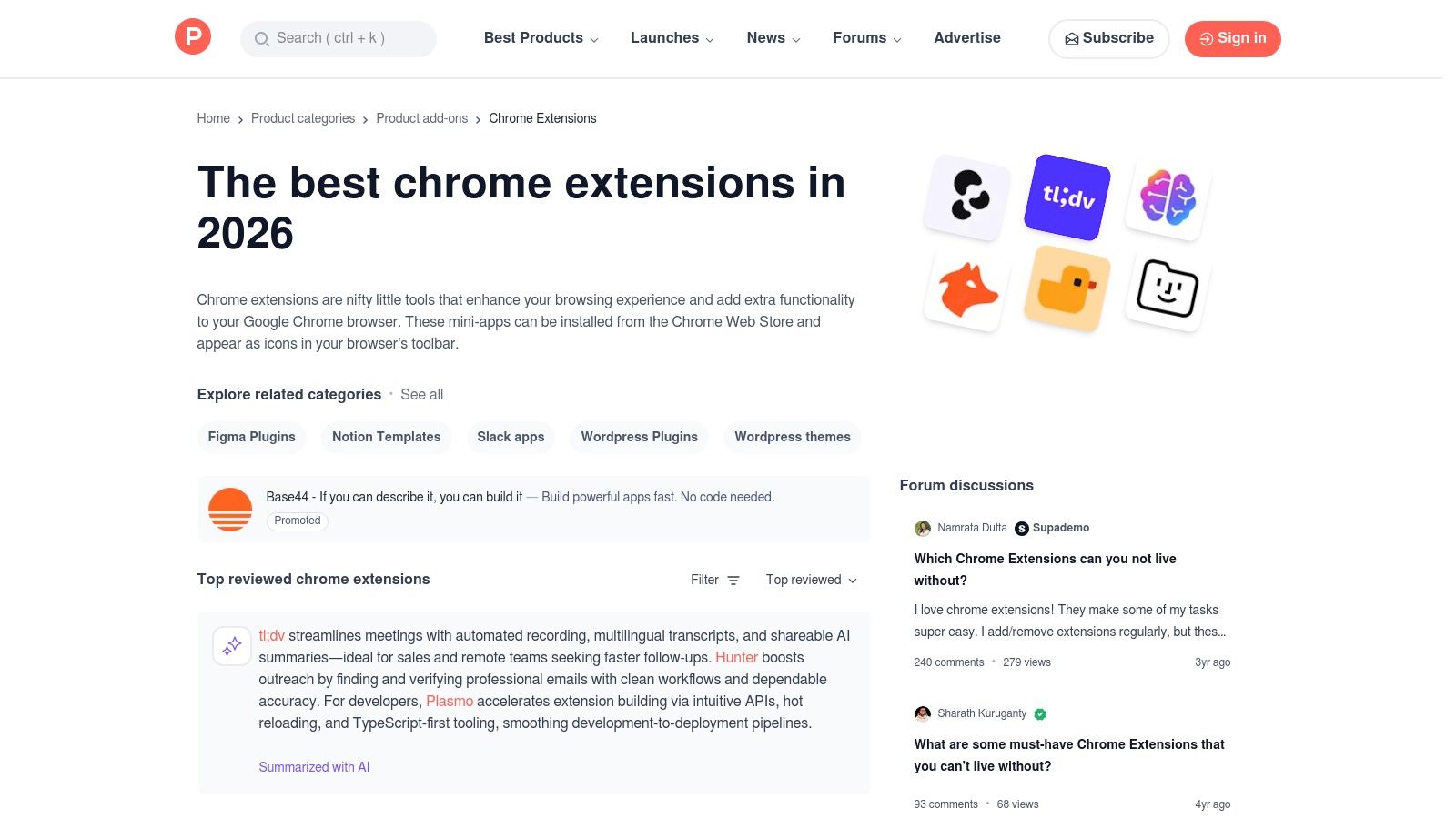
የፍላጎት ዋጋ በአዲስ እና በተጓዳይ ላይ ላለው ትኩረት በመሆኑ ፣ ለማግኘት የሚገባው በጣም የተሻሻለ የግንባታ መሳሪያዎች አድራሻ ሆኖ ይሠራል። -makers ብዙውን ጊዜ ለمنتجهم ማስመርKeyType የሆነ ስርዓት ላይ በመሳት ወደ እቅዱ እና ዓላማው በቀጥታ ገጽታ ይሰጣሉ። ይህ በቀጥታ የተገነባ መስመር ለገንነቶች ጥያቄዎችን መጠየቅ፣ አስተያየት መስጠት እና መሣሪያ ጀብሩን መረዳት ይችላል፣ ይህም በ.Chrome Web Store. ላይ የማይገኝ ልምድ ነው።
ቁልፍ ማስፈንጠሪያዎች እና የተጠቃሚ ልምድ
የProduct Hunt ገጽታ በዕለት ተዕለት የምርመራ ሰንጠረዦች፣ ስብስቦች እና ምድሮች ላይ በተመስ囔 ነው፣ ምርጥ የተоцен ወይም በቅርብ ጊዜ የተመለከቱ መሰ扩充 በቀላሉ መምረጥ ይችላሉ። ተጠቃሚዎች በ"የ geliştirici መሳሪያዎች" የመሳሰሉ ምልክቶች በመቃኘት በፍጥነት ተዛማጅ ማሳየቶችን ሊፈልጉ ይችላሉ። የአስተያየት እና ከፍተኛ ለመ賦予 ማዕከላዊ ማህበራዊ ክፍል በባለሙያ ተጠቃሚዎች ለተጨማሪ ስፌቶች ጥራት፣ ሊሆኑ የሚችሉ ችግሮች እና በእውነተኛ ዓለም ግልጽ ሥራ ያለው ዋጋ ፈጥሮ ይሰጣል።
- Early Discovery: አዲሶችን እና አርፍ ባልሆኑ ለመፈለግ ለድር ገንባታ ተሞክሮ ባላቸው Chrome ማሰፋፊያዎች በመነሳቸው ቀን.
- የማህበረሰብ መረጋገጫ፡ መሣሪያዎችን በኩራት ባላቸው ማህበረሰብ ተቃቃሚ ይሆናሉ፣ ትክክለኛ የመጀመሪያ ግንዛቤ ግምገማዎችንና መጠቀም ዘይቤዎችን በማቅረብ ያስተምራል።
- ከተሠራዋቸው ተቀርታቸው ጋር በቀጥታ መገናኘትበአስተያየት አካባቢ ከተሠሪያው ጋር በቀጥታ ተገናኙ ምክንያቶችን ለመመለስ እና አስተያየት ለማቅረብ የሚያስፈልግዎ ሁሉንም ጥያቄዎች ያቅርቡ።
| ተጨማሪዎች | አጥIGINALISM |
|---|---|
| አዳዲስ የሰው ሥራ መሣሪያዎችን ለመፈለግ ልዩ ነው | ሲናላው ቀን ግንኙነት ሊጽና ይችላል |
| ከማህበረሰቡ የተነሳ ተጨባጭ አስተያየቶች እና ማነጻጸሪያዎች | ሁሉም የተመረጡ ማሰሪያዎች ረጅም ጊዜ እንዲታደሉ አይጠብቁም |
| Chrome ዌብ ሱቱ ወደ ማግኘት በቀጥታ ማያያዣዎች | ማግኘት በእርግጠኝነት ብቻ ሳይሆን በቀን ተነሳሽነት ላይ የተመሰረተ ነው |
የድር ጣቢያ: https://www.producthunt.com/categories/chrome-extensions
5. GitHub (ምንጭ ማሰሪያ ፣ ማውሳቶች ፣ "-awesome" ዝርዝሮች)
GitHub የዓለም ትልቅतම ኮድ ማስቀመጫ መድረክ ሲሆን ለፀረ-ግላዊነት እና ለዘመናዊ መሣሪያዎች የሚፈልጉ ልማት ተግባሪዎች ላይ መሠረታዊ ሀብትም ነው። በርካታ ምርጥ ለድር ግንባሪዎች chrome extensions Open-source ናቸው፣ እና የመነሻ ኮዳቸውም በGitHub ላይ ይገኛል። ይህ ልማት ተግባሪዎችን ለደህንነት ኮዳውን ለመፈተሽ፣ በችግሮችን በመቅረብ ወይም pull requests በማቅረብ ፕሮጀክቱን ለመዋደድ እና ከጠባቂዎች በቀጥታ የቅድመ ልውውጥ ጥቅሶችን ለመድረስ ያስችላል። ይህ ከመደብ ሻጩ በተጨማሪ አነስተኛ ቁጥር የሚመራ በማህበረሰብ ተጽዕኖ የተገነባ አማራጭ ነው።
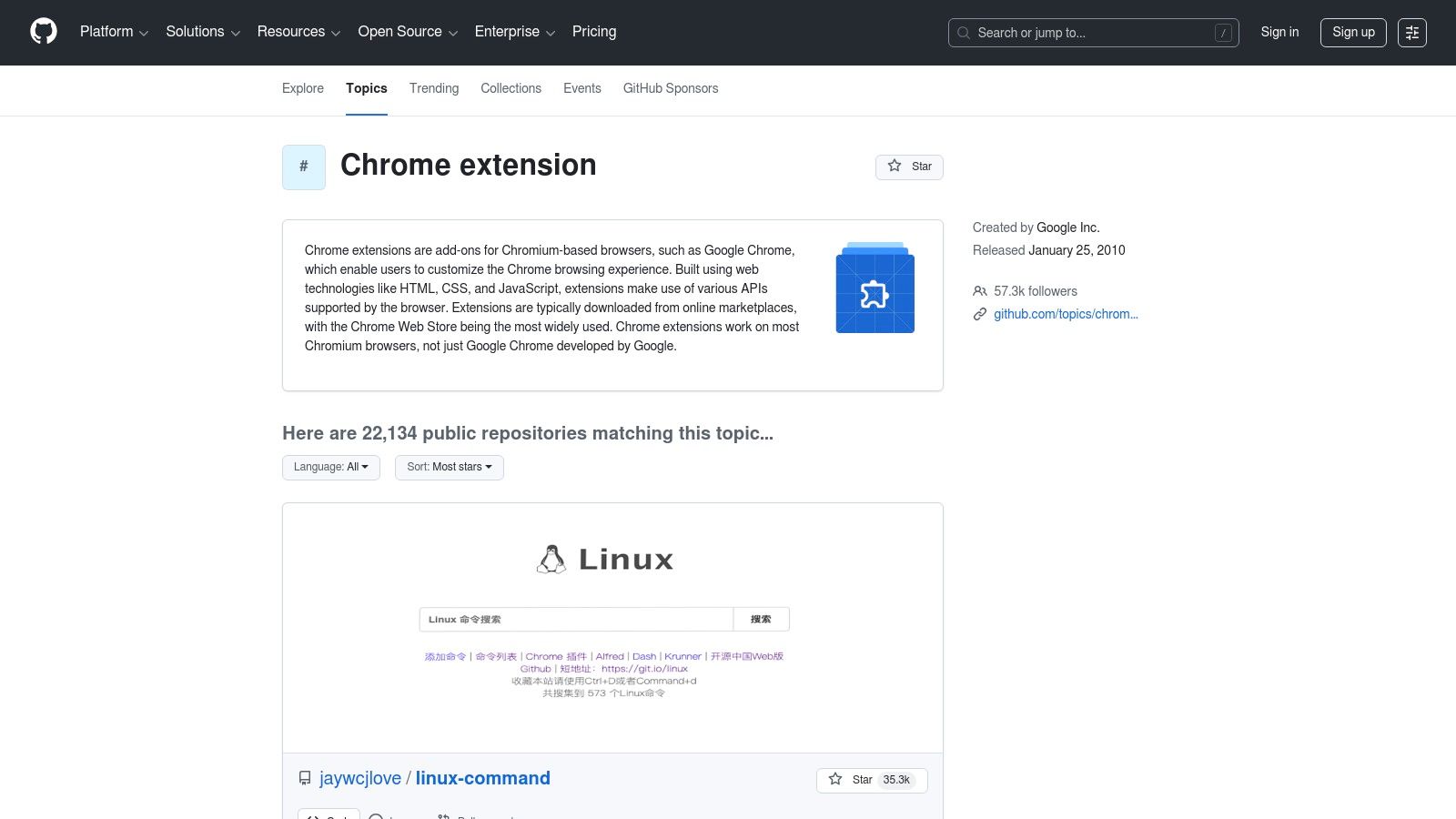
ከግል ማከማቻዎች ባሻገር፣ GitHub በማህበረሰብ የተያዙ "awesome" ዝርዝሮች መኖሪያ ሲሆን፣ እነዚህም በChrome Web Store ላይ ከፍተኛ ትዕይንት የሌላቸውን ጥራት ያላቸውን ተጨባጭ መሣሪያዎች ለማግኘት ያስፈልጋቸዋል። ለማንኛውም የሆነ ዘርፍ ለማሳደግ ሰራተኛ፣ አቀራረብ ያለው ችግር መከታተያ እና የመልቀቂያ ገጾች ጋር በቀጥታ መድረሻ አለው፣ ይህም የልማት ዑደት፣ ንቁ ጥገናነት ሁኔታ እና ወደፊት አቅጣጫ ላለው ያልተቋቋመ ግንዛቤ ያቀርባል። ይህ ግልጽነት በሙያዊ የስራ ሂደት ውስጥ መሣሪያ ላይ ለመተማመን አስፈላጊ ነው።
ዋና ባህሪዎች እና የተጠቃሚ ጉብኝት
የGitHub ገጻዊ ቅርጽ በኮድ፣ በሕብረት እና በማህበረሰብ ላይ የተገነባ ነው። ተጠቃሚዎች እንደ "chrome-extension" ያሉ ቦታ ገጾች በመጠቀም ማከ箔 መቃኘት እና አዲስ ፕሮጀክቶችን ማግኘት ይችላሉ። የመድረክ የመልቀቂያ ገጾች የአቀራረብ ግንባቶችን (በብዛት እንደ .zip ወይም .crx ፋይሎች፣ ወይም በግምባር ሁኔታ ለምርምር ወይም ለመጀመሪያ መድረሻ በ developer mode ሊያዋረዱ ይችላሉ።
- ሙሉ ግልጽነት: የመሠረታዊ ኮዱን ለመርምር ችሎታ ምንም የተደበቀ ተከታይ ወይም አጋላጭ ተግባራት እንዳልኖሩ ያረጋግጣል።
- ቀጥታ ተሳትፎ: ተ geliştiriciዎች ችግሮችን ለመዘገን ወይም ባህሪዎችን ለመጠየቅ በችግር መስፈርት ወይም በችግር ማጠቃለያ በቀጥታ ከተሰጡ ተጨማሪ ደራሲዎች ጋር መገናኘት ይችላሉ።
- ማህበራዊ ማቀዝቀዣየ "Awesome" ዝርዝሮች እና የጠቅላላ ርዕሶች ትምህርታዊ ተወዳዳሪዎች ለማግኘት ያለቸውን ከፍተኛ ስብስብ እና በ主動 ሁኔታ የሚጠበቅ መረጃ ለድር ተጠቃሚዎች chrome ማሰፋፊያዎች.
| ተጨማሪ ጥቅሞች | አሉታዊ ወ党风ning |
|---|---|
| ሙሉ ግልጽነት؛ ኮዱን ማንበብና ራስዎ ማሟላት ይችላሉ | ጎብኝተኛ ማስጫ መ扩充lements Chrome ዌብ ሳጥን ደህንነት ማረጋገጫ ያለፈ |
| ወደ ዝመናዎች እና ቀደም ለተለያዩ ጥቅም ለማድረግ ፈጣን ተደራሽነት | ጥራት እና ዝግጅት ደረጃዎች በ孊ject በከፋ ሁኔታ ይለያያሉ |
| ጥራቱ ከፍተኛ የሆኑ መሳሪያዎች በተደራሽ የ "awesome" ዝርዝሮች ያግኙ | ለ-sided versions የእጅ ግንባታ እና ማዘመኛ ይፈልጋል |
ድህንገት: https://github.com/topics/chrome-extension
6. AlternativeTo
AlternativeTo የተጠቃሚዎች ቡድን የተመሰረተ የሶፍትዌር ማግኘት መድረክ ሲሆን ተጠቃሚዎች ከመሰረታዊ መተግበሪያዎች ላቀርቡ ምርጥ አማኞችን ለማግኘት ያገለግላል። ለDevelopers እንደ ኃይላማ የምርምር መሳሪያ አለው ለዌብ ግንባኞች Chrome ተቅርጾች ለተወሰኑ ስለሆኑ ፍላጎቶች በሚስማሩ፣ እንደ ክፍት ምንጭ ፈቃዶች፣ በመካከል ያሉ ባrowsers ተስማሚነት ወይም ተጨማሪ ያዩ ባህሪዎች ስብስቦች። ተጠቃሚዎች ብቻ በChrome Web Store አልጎሪዝም ላይ በመመስረት ሳይሆን፣ ተወዳጅ ተቅርጾችን ማየት ይችላሉ እና ወዲያውኑ በማህበራዊ ማህበር የሚመከርበትን መከላከያ ያይቷል።
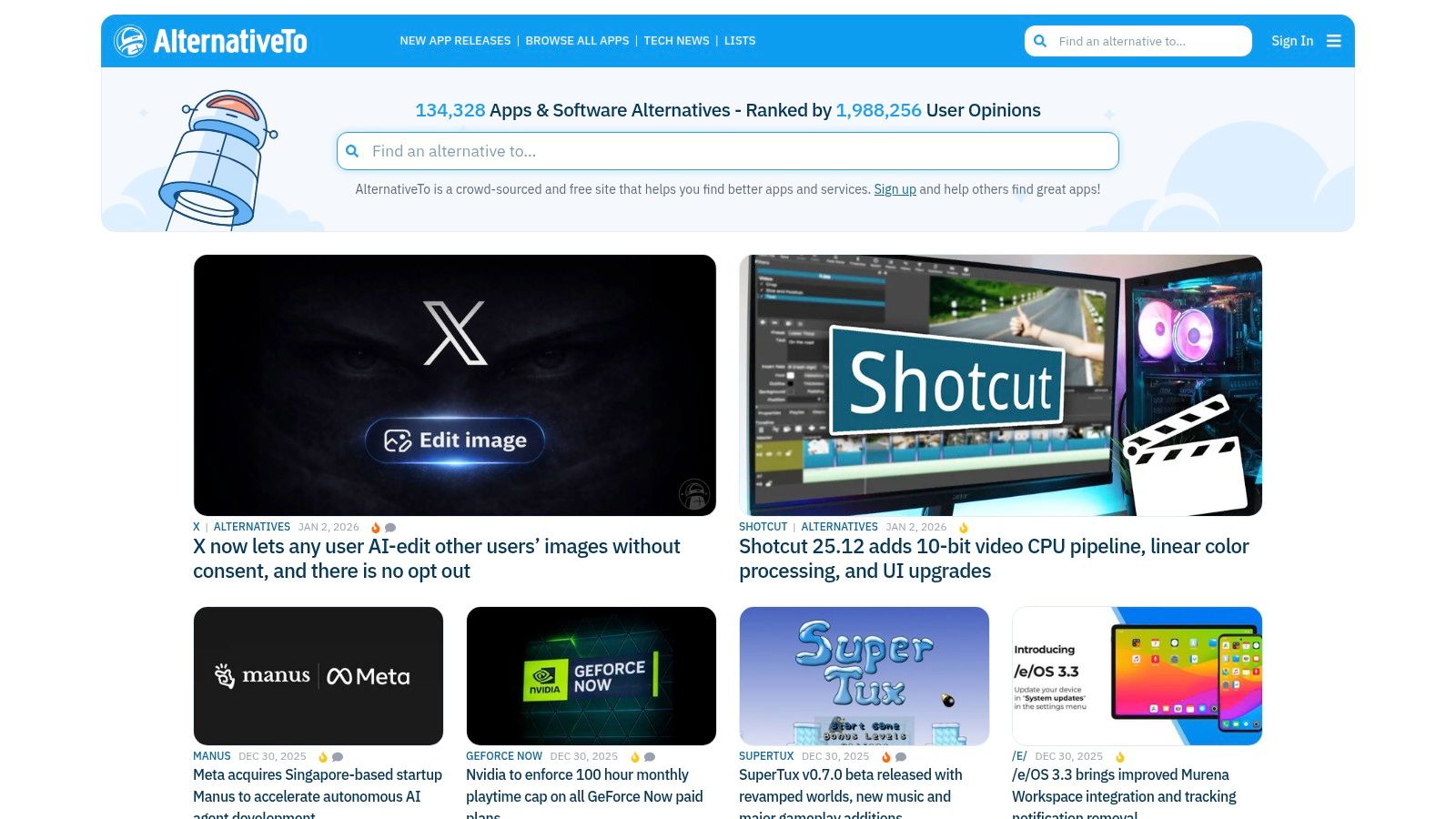
ይህ "ዚህ-vs-ያ" አድርገው የመቃኘት ዘዴ እስከሚጠቅም ተገዢ ነው የተቅርጹ ጊዜ ሲያቋምጥ ወይም ከተከፍለ ቅርጽ ሲለይ ወይም ምንጊዜም ጠቃሚ ባህሪ ሳይኖረው። መድረክ ማዕከል በየማህበራዊ ድርጅቱ መሪ የሆነው አጋራ ነው፣ በዚህ ውስጥ የተጠቃሚዎች አስተያየቶች እና "መውደዶች" በስተቀር ከመደብ መስሪያ ማቅረቢያ የሚቀርብ በላይ ማህበራዊ ማስረከቢያ እና በእውነተኛ ዓለም ሁኔታ ሁኔታ ያቀርባሉ። የተወሰነ የአጋች አባባል ባለዎት ጊዜ፣ ለስራው በጣም ተወዳጅ መሣሪያ ከፍተኛ ተስፋፋ የማይሆን ሲሆን ፣ ጥሩ መነሻ ቦታ ነው።
ዋና ባህሪዎች እና የተጠቃሚ ተሞክሮ
መተንበሪያው በፍለጋ እና ማጣቀሻ ላይ ተመስርሮ ነው፣ በመድረክ (በመደበኛነት Chrome)፣ ፈቃድ (ነፃ፣ ክፍት ምንጭ) እና ምልክቶች በማጣቀስ በፍጥነት ምርጫዎችን ማሳነስ ያስችሎታል። እያንዳንዱ ግብር በቀጥታ ወደ አ官方 ድህረ ገጽ ወይም የድር መጠቀሚያ ገጽ ይያያዛል፣ ደህንነቱ የተጠበቀ የመጫኛ መንገድ በማድረግ።
- የማህበረሰብ ማጣቀሻ: ምክርቶቹ በተጠቃሚዎች ሀሳቦች እና ድምጽዎች ላይ የተመሰረቱ ናቸው፣ እንደ ግልጽ የሆኑ ወይም አዲስ መሳሪያዎችን ብዙ ጊዜ ያሳያሉ።
- አ强悍 ማጣሪያ: ለባለቤትነት መርጠኛ ወይም ብዙ መርጫ መለያዎች ነፃ የሆኑ ወይም በመስመር ላይ የሚሠሩ አማራጮችን በቀላሉ ያግኙ።
- ተጠረጠረ የምርመራ ቀን፡ ማስታወሻ የሚሆን አመልካች ሲሆን የሚፈልጉትን የመሳሪያ ዓይነት በትክክል ሲያውቁ እና ያሉ ሁሉ አማራጮችን በአንድ ቦታ ሲያነጻግሩ ለማድረግ ይሄንን መጠቀም ይችላሉ። ዓይነት የሚፈልጉትን መሳሪያ ያውቁ እንዲሁም ያሉ ሁሉ አማራጮችን በአንድ ቦታ ማነጻጸሪያ ማድረግ ይፈልጋሉ።
| ጥቅሞች | አሟናቸው |
|---|---|
| ልዩ አጠቃቀሞች ለመፈለግ ፈጣን "ይህ ይህን ላይ" የመርመራ ሂደት | ጥቂት ማስገቢያዎች ጊዜ ያለፈ ወይም ዕድል ያላቸው ዝርዝሮች ሊኖራቸው ይችላል |
| ከክፍት ምንጭ ወይም ከግል ግላዊነት ላይ በተመለከተ ምርጫዎችን ለማ находи በጣም ጥሩ ነው | የመጠቆም ጥራት ሙሉ በሙሉ በማህበረሰብ መ.contribution ላይ የተመሰረተ ነው |
| የተጠቃሚዎች አስተያየቶች ዋጋ ያለው የእውነታ ህይወት ግንዛቤ ይሰጣሉ | ተ/interface ተግባራዊ ነው ነገር ግን ከመተግበሪያ መደብሮች የ أقل ውብ ነው |
ድር ጣቢያ: alternativeto.net
7. AppSumo
AppSumo በመድረክ ላይ የሚታይ ዋና የቀን ቅናሾች ገበያ ሲሆን ለሶፍትዌር መርሆዎች የአ终身 ዕድሜ ቅናሾችን (LTDs) በደንበኛነት ያቀርባል፣ ለመጪ ቀን ያሉትን ጨምሮ። ለድር ገንባታዎች የሚሆኑ Chrome ቅጥያዎች. በተለየ ሁኔታ ከባህላዊ ቅርጽ ማደጊያ ሱቅ ጋር ሲነሳ፣ ዋጋው በከፍተኛ አንድ ጊዜ ማስታወቂያ ቅናሽዎችን በቅድመ ተጠያቂ መሳሪያዎች ላይ መስጠት ላይ ይገኛል፣ ሌላ ደግሞ በመደበኛ ተመዝጋቢ ስብስብ የሚያስፈልጋቸው። ልማት ሰራተኞች ለስርዓት ማቀነባበር ትንታኔ፣ ማሳያ መቅረጽ ወይም ፕሮጀክት አስተዳደር ያሉ ዜሮ ተግባራት ላይ ከረጅም ጊዜ ወጪው በክፍል ማንኛውም ጉዳይ ማሟላት ይችላሉ።
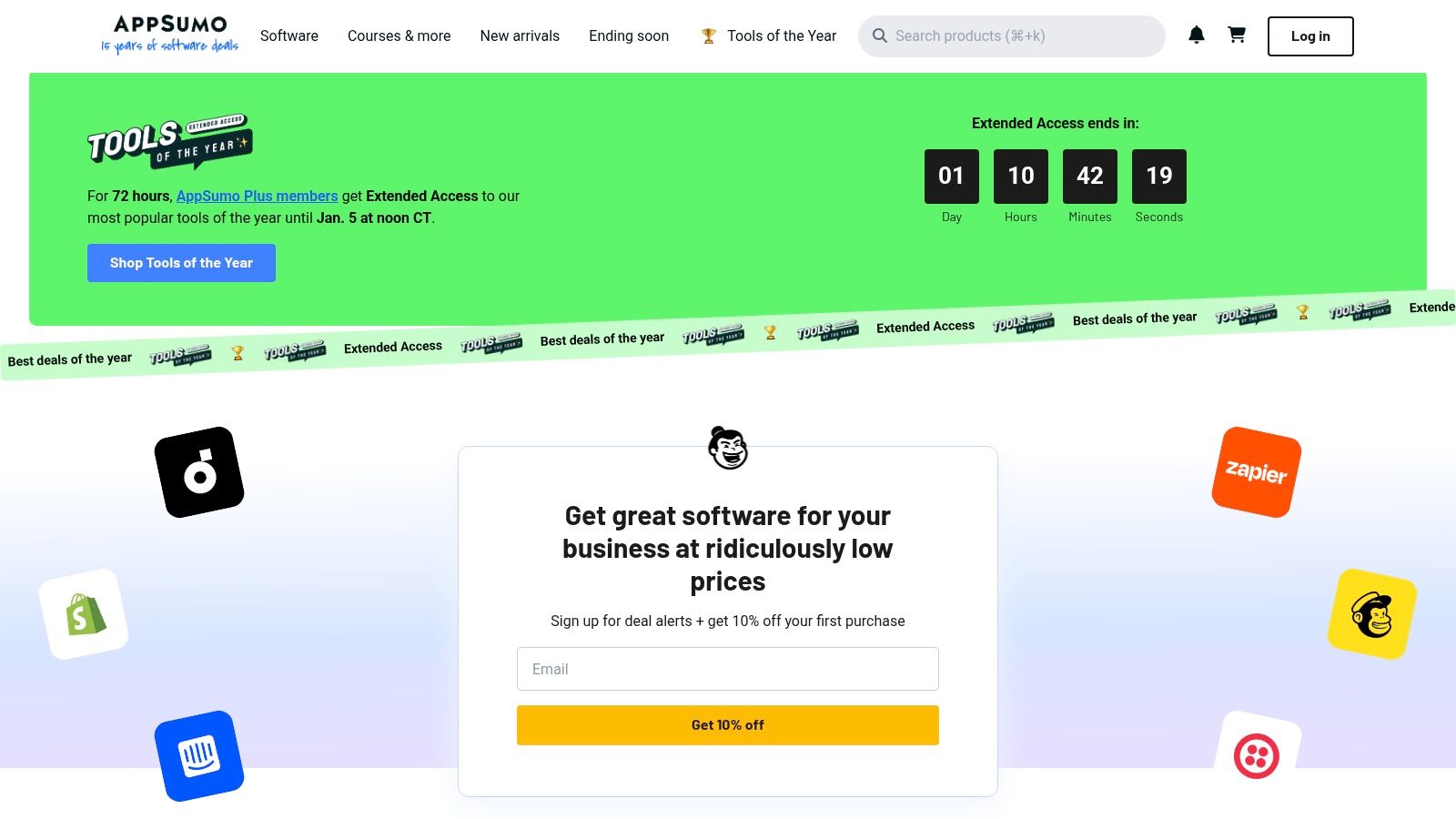
መድረክው ዞረፍታዊ ማስታወቂያዎችን ያቀርባል፣ የጊዜ ግድ ያለው ስሜት ይፈጥራል። በበጀት ውስጥ ያሉ ልማት ሰራተኞች ወይም በወር ክፍያ ሳይዋስም አዲስ መሳሪያዎችን ለመሞከር የሚፈልጉትን ለማንኛውም ሰው የ AppSumo ልዩ እድል ነው። ነገር ግን፣ በብዛት የሚታዩት ምርቶች ከአዲስ ኩባንያዎች ስለሆነ፣ በርስት ዕቅድ፣ ድጋፍ ጥራት እና የተጠቃሚ ግምገማዎችን ከመግዛት በፊት መገምገም አስፈላጊ ነው፣ በተጨማሪም በቂ የገንዘብ መመለሻ ዋrantee ካለው ቢሆንም።
ዋና ምልክቶች እና ተጠቃሚ ልምድ
AppSumo የተጠቃሚው ልምድ በግብር ማግኘት እና ግልጽ የዋጋ አቅራቢያ ላይ በተከተለ ነው። እያንዳንዱ ምርት ዝርዝር የባህሪያት፣ የግብር ውሎች፣ እና ተጠቃሚዎች ከቀረቡ ጥያቄዎች እና ግምገማዎች መረጃ ይሰጣል፣ ገዢዎችን በተመሰጠ ውሳኔ እንዲስሱ ያስተናግዳል። የ60 ቀን የተመላሽ ፖሊሲ ዘመናዊ ሶፍትዌርን ለመሞከር ደህንነቱ የተጠበቀ መረብ ይሰጣል።
- የዕድሜ አስራ ግብር ግብሮች (LTDs): ሶፍትዌርን ከአንድ ክፍያ ጋር ለመገዛት ዕድል ይሰጣል፣ ድጋፍ ማድረጊያ የደንበር ክፍያዎችን አይፈልግም።
- የተመረጠ ምርጫ: ቋንቋ ላይ ያልተቋቋመ የምርጫ ስለሆነ፣ ዝግጅቶቹ በተመረጡ ሁኔታ ይሠራሉ እና ብዙ ጊዜም ለተነሳሽ ወይም ለልዩ የገንዳ ሰራተኞች ስኬት መሣሪያዎችን ያቀርባሉ።
- ለገዢ ጥበቃየመመለሻ ዋጋ በ60 ቀን ውስጥ ለመመርመር የሚያስችል የውጤታማነት ዋስትና ነው፣ መሣሪያው ለ développeur የስራ ሂደት ምን ያህል ምቹ እንደሆነ ለማረጋገጥ አደገኛ ስለማይሆን።
| ውጤታማነቶች | አልባቶች |
|---|---|
| ወግ ያለፈ ዋጋ እና አንድ ጊዜ የ תשלום ምርጫዎች | 딜 ያልቃሉ እና ዘላቂ ዝርዝር አይደለም |
| የገዢ ዋስትና የጊዜ ክልል (አብዛኛውን ጊዜ 60 ቀናት) | አንዳንድ ምርቶች የጀመሩ ደረጃ ላይ ናቸው፤ መንገድ አቅጣጫና ድጋፍ ያረጋግጡ |
| አዳዲስና ለቀጣይ ወቅት የሚመጡ ለ geliştirici ትሪ መሳሪያዎችን ያግኙ | ተስፋፋ ማስተካከያ ስለ ተዛማጅ ተለማኝ ስንት ለማግኘት እንቅስቃሴ ተከታይነት ይፈልጋል |
የድር ጣቢያ: https://appsumo.com/
8. StackSocial
StackSocial ለሶፍትዌር፣ የመዝግብ ትምህርቶች እና ዴጋለብ ንብረቶች ትልቅ ቅናሾችን ለማቅረብ የሚታወቀው ውድ ቦታ ገበያ ነው። ለወንበር አemdna ለሚሰሩ ሰዎች፣ ሁለት ዓመት የሚቆዩ ውድ ቦታዎችን ወይም የተቀናበሩ ፓኬጆችን ለማግኘት በአንጻራዊ ፕሮዳክቲች ላይ ጠቃሚ ሀብት ነው፣ በቃ ያልተለየ ሁሉ ለድር ማemdna ሺፍትዌሮችተጨማሪ ማከፋፈያ ሱች የመሆን ቀጥታ ምንጭ አይደለምም፣ ነገር ግን በደጋሚ ስብስቦች በመሆናቸው ከመደበኛ ምክንያት ያልተጨመረ ዋጋ የግዢ መሳሪያዎችን ለማግኘት እድል ይሰጣል፣ ይህም የማስፋፊያ ዕቃ ማስፋፊያ ተንታኝ ላለው መሳሪያ እንቅፋት ለመስፋፋት በበጀት ውስጥ የሚገባ ምርጫ ነው።
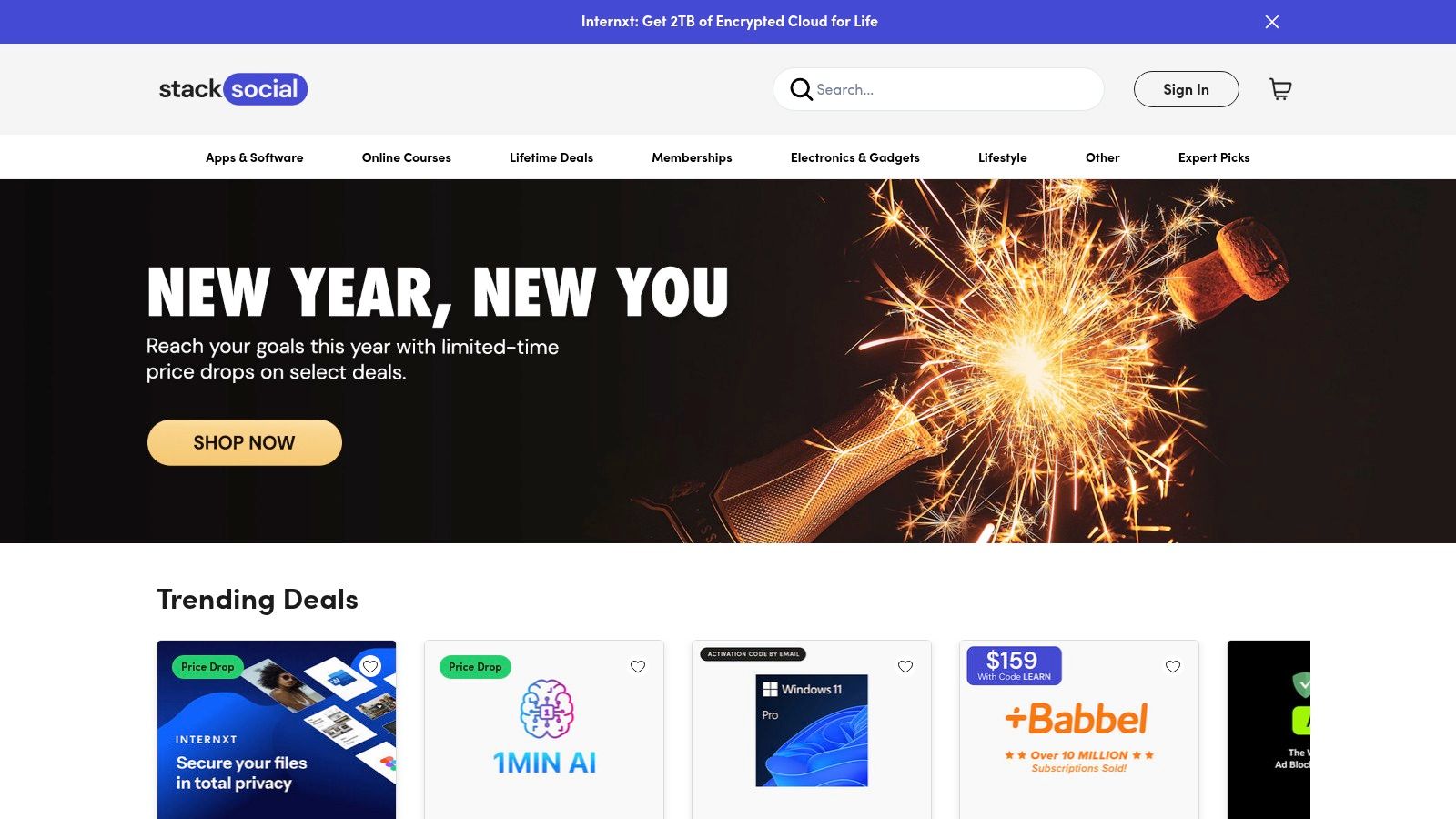
መድረኩ ከባለቤቶች ጋር ተሳትፎ የጊዜ ገደብ ማስፋፊያዎችን ለማቀር ያገለግላል። ይህ ማለት አንድ መሳሪያን ከመግዛት በፊት አንድ ደvelopers መደበኛ ጥናት ማካሄድ አለበት፣ ምክንያቱም የ"የህይወት ጊዜ" ስምምነቶች ረጅም ዘመን ቆይታ ከባለቤቱ ቀጥታ ስርዓት ላይ ይመስላል። ይህን ሆኖ፣ StackSocial ከመደበኛ ዋጋ በቀንሽ ዋጋ የተሻለ የድር ልማት መሳሪያዎችን እና አገልግሎቶችን ለማግኘት ለሚፈልጉ በቃ የሚፈልጉ ሰዎች በቃ መድረክ ሆኖ ቀጥሷል።
ዋና ባህሪዎች እና የተጠቃሚ ልምድ
የተጠቃሚው ልምድ እንደ መደበኛ ኢ-ኮሜርስ ድህረ ገጽ ሲሆን፣ በአጋዦች ለመፈለግ እና በቀላሉ ለመክፈል በመโฟከስ ላይ ያተኩራል። እያንዳንዱ ምርት ማስታወቂያ ባህሪዎችን፣ ውሎችን እና የመክፈያ ሂደትን ያቀርባል፣ ይህም በአጋዱ ድህረ ገጽ ላይ ለመጠቀም ቁልፍ ለማንሳት ይከተላል። ስለ ማሻሻያ እና ድጋፍ በሚኖረው ሰለጠና ቃል መንበብ እጅግ አስፈላጊ ነው።
- ቅናሽ ያለው ዋጋ: ያልተከፈለ ስብስብ ዋጋዎችን ይሰጣል፣ በአብዛኛው አንድ ጊዜ የተከፈለ ስምምነት ይሰጣል፣ ሌላ በ돋ለን ስብስብ የሚወጡ ሶፍትዌሮችን ላይ።
- ሶፍትዌር ቦታዎች: በተደጋጋሚ ጊዜ ከተመሳሳይ የDevelopers መሳሪያዎች፣ VPNዎች ወይም የተማሪ ሀብቶች ጋር ያገናኛል፣ በከፍተኛ ቅናሽ ያለው ቦታዎች ውስጥ።
- የ መለያ መሣሪያ ማግኘት: ለ ታዋቂ ያልሆነ እና ልዩ የ ወጣት ወይም ልዩ የ ተፈጥሮ ማስተካከያ መሣሪያዎች ማግኘት በጣም ጥሩ ቦታ።
| ጠቃሚ ነገሮች | አልባ ነገሮች |
|---|---|
| ከመደበኛ ምርት ዋጋ ጋር ሲነጻጸር ከፍተኛ ቅናሾች | "ሀይን" የሐሳብ ውሎች በቅርንጫፍ ተመጣጣኝ ሊሆኑ ይችላሉ፤ ጥንቃቄ ያስፈልጋል |
| በሌሎች ቦታዎች ላለማገኘት የተቀነባበረ የነጋሪት መሳሪያዎች | የደንበኛ ድጋፍ እና የሐሳብ ማስተካከያ በተለያዩ ሻጮች ይለያያሉ |
| የአንድ ጊዜ ክፍያ ሞዴል የሚደርስበትን ተደጋጋሚ ስብስብ አበረክቶ ይከላከላል | የመጋце ማከმ ባልተጠቀመ ሁኔታ ነው እና በጊዜ በተጨማሪ ለውጥ ያለው ነው |
የድር ጣቢያ: https://www.stacksocial.com/
9. Gumroad
Gumroad ምርጥ ወይም ውድ የሆኑ ዕቃዎችን ለመ sprzedaž በቀጥታ ለፍጠኛው የሚያስተጠርጥ ገበያ ነው፣ በሰነብ ቅርጸ ቀን የሆኑ chrome extensions for web developers ወደ ማ贩卖 ያስችላል፣ምንጮች ኮድ ቲሮች፣ እና ልዩ ዜሮ-ተጠቃሚ ምርቶችን ያቀርባል። ይህ አዳዲስ መገናኛ ያለበት መሬት ውስጥ ሊያገኝ የማይችል የሆነ ምርጥ መሣሪያዎችን ለማግኘት መድረክ በመስጠቱ ለዋና ገበያዎች ልዩ አማራጭ ይሰጣል። ይህ ሞዴል ለ desenvopers በቀጥታ ከፍጆታዎች መገዢ እንዲሆን ያስችላል፣ በቅርብ ግንኙነት ማቀन እና ብዙ ጊዜ ወደ ቀደሙ ስርጭት ወይም ቤታ ስብስብ መድረሻ ማቅረብ።

ከ Chrome Web Store የተለየ፣ Gumroad's ecosystem ሙሉ በሙሉ decentralized ነው፣ እያንዳንዱ ፈጢራ የራሱ ምርት ገጽ፣ ማሻሻያ እና ድጋፍ አስተዳደር ያደርጋል። ይህ ማለት የመግዛት ተሞክሮ በጣም standardized አይደለም፣ ነገር ግን ለ indie developers በራሳቸው ሶፍትዌር ዙሪያ ቆืน ሊኖራቸው የሚችል ንግድ ለመገንባት ኃይል ይሰጣል። ለግዢ አደረጋጆች፣ ይህ በኋላ በቀን የሚጠቀሙበትን መሳሪያዎች ወደ ፊት ለፊት ያሉ ሰዎችን ድጋፍ ማድረግ እና ለልዩ development ችግሮች የተገነባ ልዩ extensions መድረሻ ማግኘትን ያስፈልጋል።
ዋና ባህሪዎች እና የተጠቃሚ ተሞክሮ
መድረክው ቀላል እና ንጹህ የገዢ ሂደት ይሰጣል፣ በአብዛኛው ጊዜም በግዢ ላይ ፈጥነው ዲጂታል መላኩን ይሰጣል። ፈጠኞች ምርት ገጾቻቸውን ይቆጣጠራሉ፣ በመካከልም መግለጫዎች፣ የውድ打交ን ማስተካከያ ሰንጠረዥ እና የድጋፍ ቻናሎችን ያካትታሉ፣ ይህም ገዢዎችን በቀጥታ የግንኙነት መንገድ ይሰጣል።
- ወዲያውኑ ወደ ፈጠኞች የሚቀርብ ሞዴልግዢዎች በቀጥታ ነጻ ገንቢዎችን ይደግፋሉ፣ ፈጠኞች ከገቢው በተለያዩ መልኩ ትልቅ ክፍል እንዲያገኙ ያረጋግጣሉ።
- ንግስና እና ትኩስ መሣሪያዎች፡ ልዩ ልዩ ዓይነት ተ/extensions ለማግኘት በጣም ጥሩ ምንጭ፣ ለተወሰነ ዓይነት የሚያገለግል ወይም በመሬት መሣሪያዎች ውስጥ ላለመገኛ ተስፋፋ የሆነ ባህሪያት ያቀርባል።
- ቀላል እና ደህንነቱ የተጠበቀ ገብ굼፡ ዋጋ ያላቸውን የክሬዲት ካርዶች እና PayPal የሚደግፍ ቀላል የግዢ ሂደት ለፈጣን የዲጂታል ዕቃ መድረስ።
| እቃleen | መጥፎ |
|---|---|
| ነጻ ተሟልቾችን ይደግፋል እና ቀጥታ ድጋፍ ይሰጣል | ጥራት፣ ማሻሻያዎች እና ድጋፍ በተፈጥሮ በተለያዩ መንገዶች ይለያያሉ |
| የተለዩ መሣሪያዎችን እና በመጀመሪያ ደረጃ ላሉ ፕሮጀክቶችን መድረስ | ፍቃድ እና ማስተካከያ ከሱክ ውጭ እና በአማራጭ መንገድ ይከናወናል |
| ግልጽ ዋጋ እና ከሠራተኞች ጋር ቀጥታ ግንኙነት | ተወዳ_jButton ባይደሉ ሰዎችን ባለማወቅ ማግኘት ከመቻል ጋር ያለ |
ዌብሳይት: https://gumroad.com/
10. Spin.AI Chrome Extension ስለ ችግር ግምገማ (በ Chrome Browser Cloud Management በኩል)
የግል ለማስፋፋት ተሞክሮ ያላቸው ደvelopers እንደዚህ አይነት ማሰፋፊያዎችን በነጻነት ይጠቁማቸዋል፣ ነገር ግን የኩርпорሬት የአካባቢ የሆኑ የዳይvelopments ቡድኖች ከጥቅም ላይ የሚውሉ ደህንነት ስለ ችግሮች ተጋላጭ ናቸው። Spin.AI's Chrome Extension ስለ ችግር ግምገማ፣ ከ Google's Chrome Browser Cloud Management ጋር ተቀላቅሏል፣ ይህም የIT እና የደህንነት ቡድኖች ለቃይ ተጨማሪዎች ለመፈተሽ ማሰሪያ እንዲኖራቸው ያቀርባል። ይህ በተለይ በሚስጥራዊ መረጃዎችን የሚያስተናግዱ ቡድኖች ለእርስዎ አስፈላጊ የሆነ የተለይ መሣሪያ አይደለም፣ የደህንነት አስተዳደር ሀብት ነው፣ እርስዎ እርግጥ ነው ለ ለድር ተሞክሮ ገንቢዎች የ铬 extension እንዲሆኑ ያደረጋቸው በመድረኩ ሁሉ ላይ የሚጠቅמוት ደህንነታቸው እና ተገዢነታቸው ይጠበቃል።

ይህ መድረክ በextension ፈቃዶች፣ በጸሐፊ ስም ክብር፣ በግላዊ ፖሊሲዎች እና በተሰጡ ችግሮች በሚፈተሽበት ሁኔታ የအRIES ስኬታማነት በራስ-ሰር ያደርጋል። ይህ በኋላ የአደጋ ደረጃ ይፈጥራል፣ አስተዳዳሪዎች በቀጥታ በGoogle አስተዳዳሪ console ውስጥ የሚደረግ መፈቀቅ ዝርዝር ወይም መከልከል ዝርዝር እንዲያደርጉ ያስችላል። ይህ ሂደት ከመልከ መከላከያ ተቃውሞ ባለው ማዕከላዊ ምክንያቶች ሊመጣ ቻይ የሆኑ የይሆናቸው የሰው ሰራሽ ብልጽግና መሰረቂያዎች እንዲቀር ይረዳል፣ ለደህንነት በመሰረት ያሉ ድርጅቶች ለምን እንደሚጠቀሙት ማዕከል ሆኖ አለ።
ዋና ባህሪያት እና የተጠቃሚ ተሞክሮ
የተጠቃሚው ተሞክሮ ለIT አስተዳዳሪዎች ዘይቤ ነው የታሰበው፣ ለመጨረሻ ተጠቃሚዎች አይደለም፣ በታውቃል የGoogle አስተዳዳሪ console ውስጥ በቀጥታ ይዋሃናል። መድረክ ለእያንዳንዱ extension ዝርዝር ሪፖርቶች ይሰጣል፣ ስለ ንግድ፣ ደህንነት እና የስራ ተስራዕነት ወሰኖች ያሉ አደጋዎችን ይመልከጣል።
- የአዝማም የመከላከያ ደረጃ መስጠት: ለማንኛውም Chrome ዌብ ስቶር ተጨማሪ ቁጥራዊ የመከላከያ ደረጃ ይ賦予 ሲሆን፣ የማጽደቅ ሂደቱን ቀላል ያደርጋል።
- ጥልቀት ያለው ውህዶት: ከ Chrome Browser Cloud Management ጋር ሳንላላ እንዲሠራ ይረዳል፣ በድርጅት ውስጥ የፖሊሲ ተግባርን ለማከፋፈል።
- ተግባር ተሟላቂነትና ደህንነት ላይ ትኩረት: በተጨማሪም ከ20 በላይ ልዩ ልዩ ስለ አደጋ ምድር ዓይነቶች መሰረት ማን춤ና መስሪያ ስብስብ ይገንዳል፣ ከመረጃ መድረሻ ፈቃዶች እስከ ደጋፊ ታሪክ።
| ተጠቃሚዎች | ደረጃ |
|---|---|
| ከቁርስ መሬት ያለው የንግድ ደረጃ ተመརቆን ከጉግል መሣሪያዎች ጋር የተቀኘ | ለድርጅት አስተዳዳሪዎች ብቻ የተዘጋጀ፣ ለጋራ ሰዎች አይደለም |
| ለደveloper ቡድኖች ደህንነቱንና ስምমientoን ያቀላጥፋል | ሙሉ ችሎታዎች Spin.AI ስብስብ ያስፈልጋል |
| በክፍል የሚሆን የመቀጠያ ማጽደቅ ሥራ ሂደትን ለማስከበር ይረዳል | መሳሪያ መቀበልን ያ쇠ን የአስተዳዳሪ ደረጃ ይጨመራል |
ድር ጣቢያ: spin.ai
11. CRXViewer
CRXViewer የተ paź尐 ድር ላይ የተሰራ መሣሪያ ሲሆን፣ ተነሳሽዎችን (ን ተነሳሽ በማግኘት) የቻይም ቅርጶችን ያመለከታል። ተሳስቶቹን በመጫን ሳይቀር፣ በዚህ መሣሪያ ማንኛውም ተስፋፊ የሆነ ተግባር ሊያሳይ ይችላል። በ那么简单 በቻይም ዌብ ሱቅ ማገናኛ ለመስጠት ወይም የአካባቢ ፋይል ለመጫን ብቻ እንጂ፣ ተጠቃሚዎቹ ሙሉ የምርምር ኮድ፣ የሀብት ፋይሎች እና manifest.json ሊያዩ ይችላሉ። ይህ ለደህንነት ምርምር፣ ከሌሎች ተንሸራታቾች ኮድ መማር፣ ወይም ተንሸራታቹ የእርስዎን ብራውዘር ማብቂት ከመቀደም በፊት የሚያገኘውን ተግባር መያዝ ከሚያረጋግጥ ሲሆን፣ በጣም ዋጋ ያለው ነው።
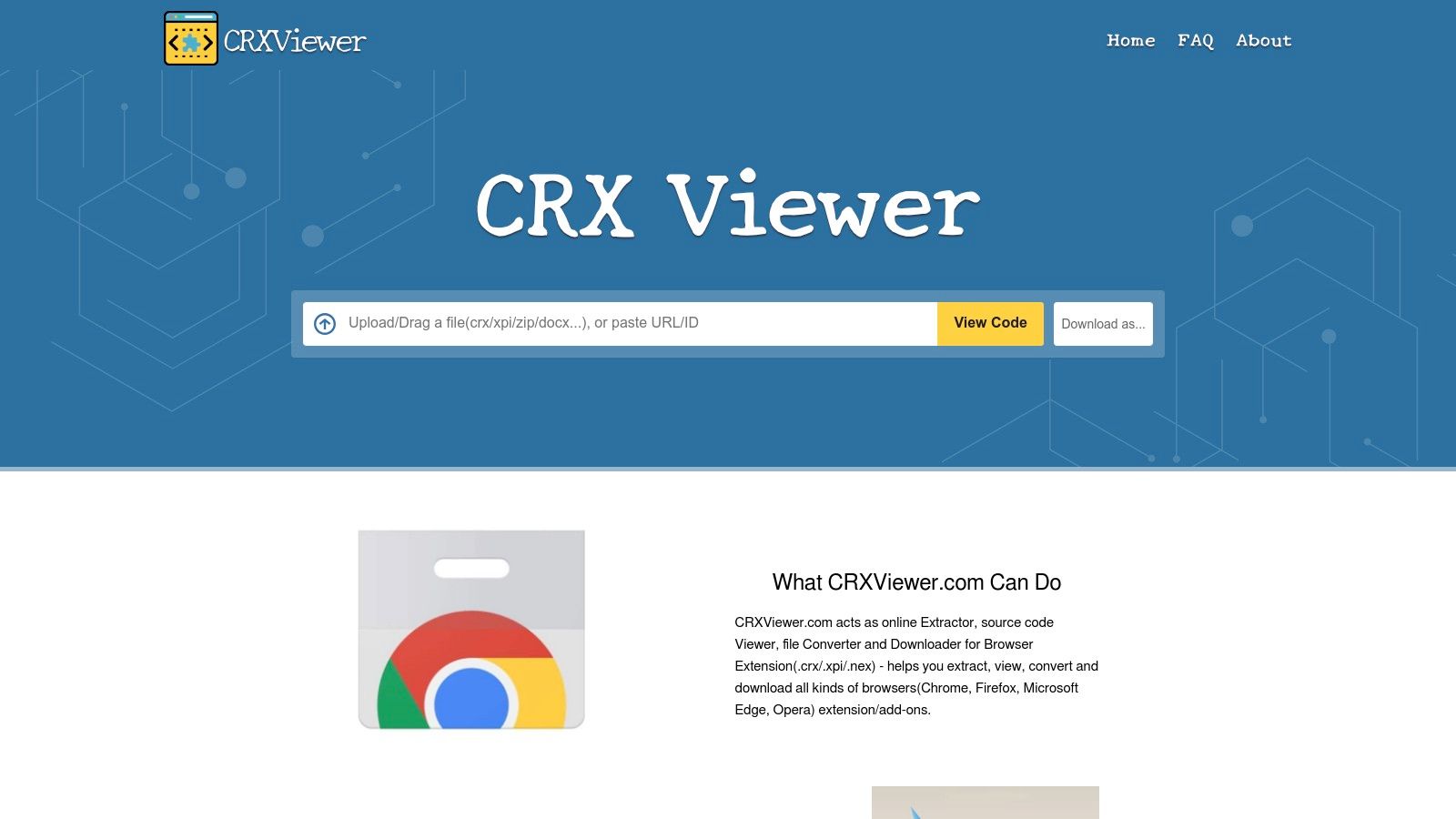
ይህ መሳሪያ በመvelopment ሂደት ውስጥ የግልጽነትን እና ደህንነትን በማነሳሳት ቁልፍ ዓላማ ያለው ነው። መ发育veloper ከፓኬጌው ወዲያውኑ እንዳይታመን በመሆን፣ በወለል የተደራጀ ድር አከባቢ ውስጥ ማፈላለግ ይችላል። CRXViewer የምንጭ ኮድ ከፊል ቀለም እና የተደራጀ ፋይል ቅርጽ ጋር ያቀርባል፣ ይህም ቅርጹን ቀላል እንዲሆን እና ማንበብ እንዲቻል ያደርገዋል። እንዲሁም ምንጩን እንደ ZIP ፋይል ማውረድ ወይም ለአፍላይ ትንታኔ ዋናውን CRX ፓኬጌ ማውረድ ምርጫዎችን ይሰጣል።
ዋና ባህሪዎች እና የተጠቃሚ ልምድ
የተጠቃሚው ገጽታ ተቀန饷ier und zweckgerichtet ist: Ein einzelnes Eingabefeld akzeptiert die URL oder ID der Erweiterung. በ之后 መሬት መሬት በፍጥነት ለይቶ ከጥበብ ባለው ሁለት ፓን መመልከቻ ውስጥ ያቀርባል፣ የፋይሉ ዛፍ እና የተመረጠው ፋይል ይዘት ያሳያል። ይህ ቀላል ተሞክሮ ለመመርመር ያሉትን ሁሉ እንቅፋቶች ያስወጣል ለየብርሃን መ开发者 Chrome ሙ延长ments የደህንነቱን በተሻለ ሁኔታ የሚያስከብሩ።
- የምንጭ ኮድ ማጣቀሻ: ማንኛውንም ሙ延长ments ሙሉ በሙሉ ያልተከፈተውን የምንጭ ኮድ በቀላሉ በሳይን택ስ ማብቂያ ማስጠንቀቂያ ያለው በቃዎች ውስጥ በቀጥታ ይመልከቱ።
- በመጫኑ አያስፈልግም የሚሆን በመቃኘት ላይ የሚሰራ ስርዓት: በመጫኛ በጠንቀቅ የሚሰራ እና ለስርዓተ-መርግ ተስማሚነት የሚሰጥ በመሆኑ እና ግጭቱን ለማስቀረት እንዲችል በመጫኑ ሳይከሰት ሊታወቀ ይችላል በተጨማሪም የተመዝጋቢ ኮድ ይሄንን ሊያስቀር ይችላል።
- ፓኬጅ ወደታች ማስተካከያ: ወደ ተጨማሪው ዘረፋ ምንጭ ለማድረግ የተዘጋጀ በጥሩነት የሚሰጥ በሆነው ፓኬጅ ላይ ወይም ZIP በአርክиваይ በስርዓተ-መርግ የሚሰጥ በመሆኑ ለግል በቂ በመሆኑ ይሄንን ለማድረግ ቀጥታ ማገናኛ ይሰጣል።
| የተጠቃሚ ጉዳዮች | አሉታዊ ጉዳዮች |
|---|---|
| ኮድና ፓኬጅ ይዘቶችን ለመጠየቅ የመግባት ስጋት ሳለ ይመልከቱ | በተጠቃሚዎች የተጫኑ CRX ፋይሎች እውነተኝነት አይረጋግጥም |
| ለመረጃ ግምገማዎች እና ከሌሎች መማር በጣም ጥሩ ነው | የንባብ ብቻ ተመልካች ይሰጣል፤ ግን ምንም ዓይነት ዲኋሚክ ትንታኔ ወይም ድিবግንግ የለውም |
| ቀላል፣ ፈጣን እና የድር ላይ በመሆኑ ምንም ዓይነት ምዝገባ አያስፈልግም | ተቀልቅሎ ወይም የሚደበቅ ኮዱን ትንታኔ ማድረግ እንኳን በጣም ከባድ ሊሆን ይችላል |
የድር ጣቢያ: crxviewer.com
12. ShiftShift ማሰራቶች (shiftshift.app)
ShiftShift ማሰራቶች የግል መረብ መነሳሳትን የሚያደርጉ ተለይተው የሚሰራ የDevelopers መሳሪያዎች ባለው የ ማዕከላዊ ትዕዛዝ ፓሌት የተዋሰኑ ልዩ ስርዓተት ነው። አንድ ትልቅ፣ ሞኖሊቲክ ቅጥያ መጠን በመጠን ይጠቅማል፣ ባለሙያዎች JSON ፦ርማተር፣ የጽሁፍ ማነጻጸሪያ መሳሪያ ወይም ቁርስ ማስተዳደሪያ ያሉ ልዩ መሳሪያዎችን ከመርጡ ይችላሉ። እነዚህ ተለያዩ ቅጥያዎች ሁሉ አንድ ቁልፍ-ተኮር ተሞክሮ ውስጥ ይዋሃናል፣ ከፍጥነት Cmd+Shift+P ወይም Shift ቁልፍ ሁለት ጊዜ በመንካት ይከፍታል፣ በ多余 የመጠን ሳይኖር ህብረት ያለውና ውጤታማ የሆነ የስራ ፈጠራ ይሰጣል።
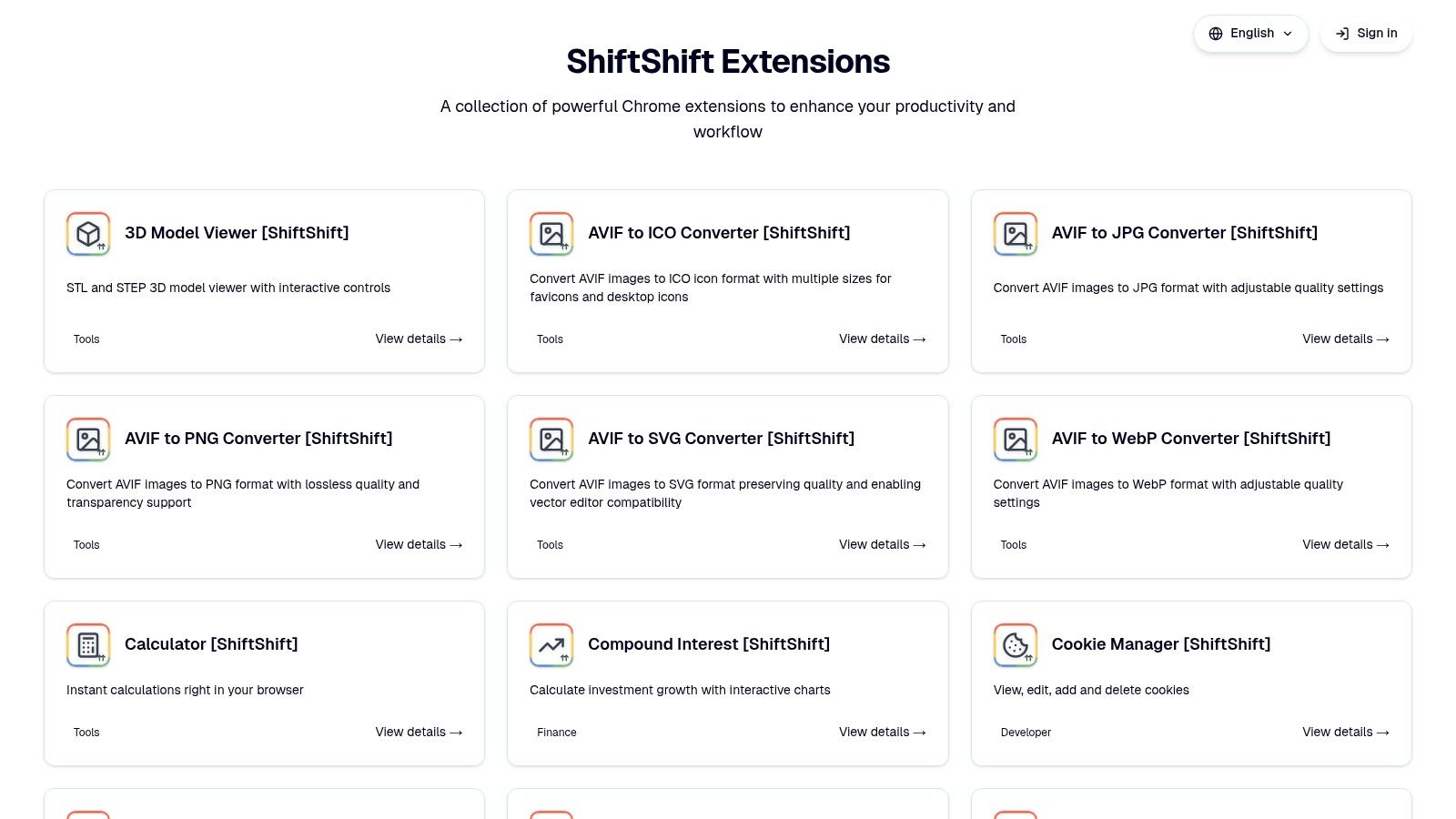
የመድረክ ማዕከላዊ ፊልስፀፀ በአንበሳ መጀመሪያ ሂደትና በግላዊነት ያለ ቁርጠኝነት ላይ የመሰረተ ነው፣ ማለትም ምንም መረጃ ወደ ውጪ ሰርቨሮች አይልክም እና ምንም ተጠቃሚ መከታተል አይፈጸጥም። ይህ አቀራረብ ለ_sensitive መረጃዎችን የሚከተሉ ገንቢዎች ልዩ ምርጫ ያደርገዋል። ኢኮሲስቴሙው አስቀምጥ እንደሆነ ቢሆንም፣ ሞዱላዊ ዲዛይኑ እና በተለያዩ መሣሪያዎች ውስጥ የሚሰጥ ተመጣጣኝ ተጠቃሚ ተሞክሮ ይህንን በጣም ኃይለኛ ተፎካካሪ ያደርገዋል ለዌብ ገንቢዎች chrome extensions ለ ቀላል፣ ደህንነቱ የተጠበቀ እና በቺ መተግበሪያ ስለሚፈልጉ ሰዎች።
ዋና ባህሪዎች እና የተጠቃሚ ተሞክሮ
የተጠቃሚው ተሞክሮ በፍጥነት እና በቋንቋ አንድነት ይገለጻል። የትዕዛዝ ፓሌት ለተጫኑ ሁሉ ShiftShift መሣሪያዎች ወዲያውኑ ፈልጎ ማግኘት የሚችል በፍጥነት መድረስ ይሰጣል፣ ለተvelopers SQL ማዋቀር፣ ጽሑፍ ማነጻጸር ወይም ቂኳኮች አስተዳድር ወይም ከተጫኑ ቁልፍ ወይም ከአሁኑ ታብ አለማጥፋት ይችላሉ። ይህ አንድ የሆነ ስርዓት የአውደ ምርምር ለውጥን ይቀንሳል እና የተለመዱ የገንቢነት ሥራዎችን ያ加速 ይያዙ።
- አንድነት የተደረገ የትዕዛዝ ፓሌት: ሁሉንም ተጫኑ የተvelopers መሣሪያዎች በአንድ ተስተካክሎ የተvelopers ቁልፍ መዝገብ በኩል ይድረሱ።
- የግላዊነት ዋስተኝነት ያለው ዲዛይን: ሁሉም ሂደት በብራውዘር ውስጥ በአካባቢ ይሠራል፣ ምንም ክትትል ወይም የውጭ የመረጃ ማስተላለፍ የለም።
- መካከላዊ እና ቀላል: የሚያስፈልግዎትን ልዩ መሳሪያዎች ብቻ ያግዙ፣ ከሁሉን አስቀልቅሸኛ ቅርጽ በጋራ የሚሄድ የማያስፈልግ ሸናጆ ቢስ ይቀሩ።
| Pros | Cons |
|---|---|
| ለብዙ ሥራዎች አንድ በመላ የሚሆን፣ በቺቢርድ የሚከፈተው ባህሪ | መሣሪያዎች ተለይተው ለመጫን የሚያስፈልጉ extensions እንደሚቀርቡ ናቸው |
| ጠንካራ የግል ተኮር አቀራረብ በከባድ በመስሪያ ማሰሪያ ላይ ብቻ የሚሰራ ስለሆነ | አዲስ ሲሆን የአካባቢ አርእስት ግንባታ እየተከሰተ ነው |
| በ Chrome Web Store ላይ በእያንዳንዱ ተስፋፋ ማሰሪያ ማውጫ ይገኛል | አንዳንድ የወደዱ ባህሪያት ከተነ㎛ኩ መሳሪያዎች በላይ ሊሆኑ ይችላሉ |
የድህረ ገጽ: shiftshift.app
12 Chrome ተስፋፋ ሀብቶች — የድር ገንቢ ማነጻጸሪያ
| አይটም | ዋና ባህሪዎች | የተጠቃሚ ልምድ / ጥራት | ዋጋ (የዋጋ ወጪ) | ዓላማ ተጠቃሚዎች | ልዩ ሽያጭ ዐይነቶች |
|---|---|---|---|---|---|
| 🏆 ShiftShift ተሰፋፊዎች | ተቀናሽ የትዕዛዝ ፓሌት; 52 ቋንቋዎች; ከመስመር ውጭ በአካባቢ ሂደት | ★★★★★ (የቅንTestFixture ወይም ቦታTestFixture የተሻለ የቃለ ኪብር መሠረት፣ ፈጣን) | 💰 ፍሪሚየም / ዌBSITE ይፈትሹ | 👥 የፋይዳ ስብስብ، ዲዛይነሮች፣ ኃይለኛ ተጠቃሚዎች | ✨ ግላዊነትን መረጡ በአካባቢ ሂደት፤ እየተጨመረ የሆነ የመሳሪያ ቤተ መዛግብት |
| Chrome ዌብ ሳይት (የፍጣን መሣሪያዎች) | የመንግስት ገበያ; በአንድ ጠቅታ መጫን; ግምገማዎች እና ዝማኔዎች | ★★★★ (የተመረመ ማረጋገጫ) | 💰 በብዛት ነፃ / ነፃ-ብርቅ | 👥 ሁሉም Chrome ተጠቃሚዎች፣ ቅ扩张 ፈላጊዎች | ✨ ትልቁ ማዕከል ማጠቃለያ፣ በራስ-ሰር ይሸሻል |
| Chrome‑Stats | ተከታይነት፣ ደረጃዎች፣ እትም እና አደጋ ምልክቶች | ★★★★ | 💰 በነጻ እና በተከፋፈለ ደረጃዎች | 👥 ምርምር ሠራተኞች፣ ምርት መምczywilar መስራቾች፣ ደህንነት ቡድኖች | ✨ ታሪካዊ አዝማሞች እና የደህንነት አጋጣሚ |
| Product Hunt (Chrome Extensions) | ተወዳጅ ማስተዋይ ስርዓቶች፣ ምርት ሠራተኞች ገጾች፣ ማህበረሰብ አስተያየቶች | ★★★ (モメンタム駆動) | 💰 無料発見 | 👥 メーカー、アーリーアダプター、ハンター | ✨ アーリー発見&実世界のディスカッション |
| GitHub (ምንጭ & ስርጭቶች) | ማከማቻዎች፣ ስርጭቶች፣ ግዠታዊ ተከታይነት፣ "ያሪፍ" ዝርዝሮች | ★★★★ (ግልጽ) | 💰 ነፃ (ራስን ማስተካከያ/ማህበረሰብ) | 👥 የፋ뇽 ተሞክሮ ለማምጣት፣ ለመቀንጨር | ✨ ሙሉ የኮድ ግልጽነት; ይቃረኑ እና ይጠይቁ |
| ተለዋዋጭ ምርጫ | የሚመረጡ ተለዋዋጭ ምርጫዎች፣ የተጠቃሚ ዝርዝሮች፣ የመድረክ/ፍቃድ ማጣሪያዎች | ★★★ | 💰 ምንም ይክፈላል | 👥 ለአማካኝ አማራጮች የሚፈልጉ እና የ OSS ምርጫዎች ተጠቃሚዎች | ✨ ፈጣን እና "ነው በ" ማነጻጸሪያዎች |
| AppSumo | የጊዜ ገደብ የተወሰነ ማሳሰቢያዎች፣ የជีжነት ዕድль ውለታዎች፣ የመስማመኛ ጊዜ ቆንጆ | ★★★ | 💰 በጣም ተቅንጦ ዋጋ / የህይወት ጊዜ ውለታዎች | 👥 አነስተኛ ንግዶች፣ ዋጋ ተፈላጐች | ✨ ግንኙነት ያለው ዋጋ መስጠት + 60 ቀን የተመለሰ ገንዘብ |
| StackSocial | ከአንድ ጊዜ በቃ ቅናሾች፣ ቡንዶች፣ ህይወት ዘመን ቅናሾች | ★★★ | 💰 ቅናሽ ያሉ ቅናሾች (በአቅራቢያ ላይ የተመesen) | 👥 ቅናሽ ለፍላጎት የሚፈልጉ፣ ልዩ መሳሪያዎችን ለሚገዙ | ✨ ቦንዶች እና ልዩ ምርቶች |
| Gumroad | ቀጥታ የመፍጫ ሱperyች፤ ፈጣን ዲጅታል መድረክ | ★★★ | 💰 የተከፈለ (የተመረጠ ዋጋ በተፈጥሮ) | 👥 ኢንዲ መሳሪያ ገዦች፣ ድጋፍ ሰጪዎች | ✨ በቀጥታ የፈጠራ ሰጪ ድጋፍ እና ልዩ/ነOffsetTable ማስተካከያዎች |
| Spin.AI (አደጋ ግምገማ) | የተስፋፋ መለያ ደረጃዎች; የአስተዳደር ኮንሶል ግንኙነት | ★★★★ (ለንግድ ማዕከላት የተሰጠ) | 💰 የንግድ ማዕከላት ስብስብ ወጪ | 👥 የአይቲ አስተዳደሮች፣ ደህንነት/ቁም ሥርዓት ቡድኖች | ✨ የንግድ ማዕከላት ማረጋገጫ + የአስተዳደር ሥራ ሂዶች |
| CRXViewer | CRX/XPI ፓኬજዎችን በማጣቀሻ ላይ ይመልከቱ፤ ምንጭ ይመልከቱ፤ ሐሽዎችን ያግኙ | ★★★★ | 💰 በነጻ | 👥 የደህንነት ተመቻችዎች፣ ለማפיתוח ሰዎች | ✨ ፓኬጅዎችን ሳይመዝግብ ማን撵ር |
መሣሪያዎችን በየቀኑ ሥራዎ ላይ ማዋሰስ
ብረን በሰፋል የሆነ መሣሪያዎች፣ መድረኮች እና ዘዴዎች በሰፋል መልክዓ ምድር በተዘረጀ ላይ ተጓዝን፤ ብራውዘርዎን እና በተጨማሪም የበለጠ ልዩ የሆነ የማስተዋይ ሥራ ጠር궤ርን ለማሻሻል የተነነገኙ ናቸው። ከተ专用 ብዙ-ምክንያት መሣሪያዎች እንደ ShiftShift Extensions እስከ የምርምር መድረኮች እንደ Product Hunt እና የደህንነት ማረጋገጫዎች እንደ Spin.AI ድረሰለሰን ተሰጥቷል፤ ለዌብ ገንቢዎች chrome ቅርጽ ቅጥቻ በችሎታው እንደ ዓለም አቀፍ ቢሆንም፣ ቁልፍ መልእክት ሁሉንም ተጠቃሚዎች በኋላ ለመጠቀም አይደለም፣ ነው ግን ከተለያዩ ሥራዎች፣ ፕሮጀክቶች እና የግል ምርጫዎች ጋር የሚስማሩ ተስፋፋ በሆነ መንገድ በድርግታ የተዘረዘረ ሥነ ሥርዓት መቋቋም።
የዘመናዊ ዌብ መተግበሪያ ተሟልቷል በብዙ ዓላማዎች ይሠራል። ከአንድ ጊዜ የሆነ አይታይም አይረደም ሆነ የተበላሸ JSON ፓይሎድ መቀጠል ወይም ሁለት SQL ስክሪፕቶችን መለያየት አለብህ። ከሚቀጥለው ጊዜ ጋር፣ QA ባለሙያ ነህ፣ በትጠuffy የኩኪዎችን መርምረህ የድር መረጃ ያጠፋላህ። ከዚያ በኋላ ወደ ዲዛይነር ሚና ሊፈልጉ ይችላሉ፣ ፒክ塞尔-ፐርፌክት ስክሪንሾትዎችን በመያዝ እና የምስል ቅርፎችን በቅጡ ለመቀየር። ይህ በርካታ ገጽታዎች ያለው እውነት የተለመደ አቀራረብ ለብራውዘር መሣሪያዎች አይደለምም።
ከፍተኛ ስለ አገኘሁ ወደ ማስተላለፊያ: ስትራቴጂያዊ አቀራረብ
ትክክለኛውን ልኝቶች መምረጥ ስትራቴጂያዊ ሂደት ነው፣ ብቻ ማከማቻ አይደለም። ያለፉት ምክንያት ከመሬት በላይ ባለው ብራውዘር ውስጥ ድንቅ፣ ቀላል እና ደህንነቱ የተጠበቀ የማምረት አከባቢ ለመገንባት ነው። ይህንን ለማድረግ፣ እነዚህን መሣሪያዎች ወደ ባህላዊ ሥራዎ በሚያካተቱ ጊዜ ከዚህ በታች ያሉትን እርምጃዎች ያስቡ።
መጀመሪያ፣ የአሁኑን ወርክፍሎው በአስተዳደር ሂደት ይፈትሹ። ተደጋጋሚ ሥራዎችን፣ በቂ ቀላል ችግሮችን፣ እና ሌሎች ሂደቶችን ለመቀየር ወይም ቀላል መሳሪያ ለማግኘት በሳይት ላይ በመቆራኘት የምታገኙትን ጊዜያት ያውቁ። በቃሊ ቁራጭ ለውጪ ቅርጸተኛ ማድረጊያ ለመቅመጥ ያlland ይላል? አልements መጠኑን ለመፈተሽ ወይም ቀለም ኮድ ለመያዝ በፍጥነት ያlland ይላል? እነዚህ ጊዜዎን የሚያምኑ ለ扩展 ለማድረግ ተስፋፋ ዕድሏቸው ናቸው።
ሁለተኛ, በተጽዕኖው ላይ በመመስረት የቅድሚያ ሰጥ. ያልተለያዩ መግቢያ መሳሪያዎችን በመጫን በምትሆንበት ቦታ፣ የሚጠቃሚ ዘመናዊ ተግባራትን የሚያቀምጥ መ擴延 ተሰጥረዋል። ለምሳሌ፣ እንደ ShiftShift Extensions ያሉ መሳሪያዎች፣ ተለያዩ JSON ፎርማடርዎችን፣ SQL ቆንጆ አድራጊዎችን፣ ኪኪ ኢዲተሮችን እና የተለያዩ ማጣቀሻዎችን በአንድ ተሰብስቦ በሚታይ ገጽታ ሊተናግር ይችላል። ይህ ማጠቃለያ የብራውዘር ቁரδን ይቀንሳል፣ ሊኖሩ የሚችሉ የደህንነት ግጭቶችን ይቀንሳል፣ እና ሁሉንም አስፈላጊ መሣሪያዎች በአንድ ት 명령 ላኩ በመያዝ የአእምሮዎ ሽፋንን ቀለል ያደርገዋል።
ሦስተኛ፣ ለእምነትና ለደህንነት ይገንጠሩ። ይህን መጠናከር አይቻልም። ማንኛውንም ተጨማሪ መጫን ከመጀመርዎ በፊት፣ ፈቃዶቹን ግምት ያንኳኑ፣ የግል ፖሊሲውን ይፈትኑ፣ እና በGitHub የምሰጡትን ምንጭ ይፈትኑ። ከፍተኛ ጥቅም ያላቸው መሣሪያዎች የአቅርቦት ቀዳሚ ዘዴን ያስከብራሉ፣ ዳታዎ በቃን ተሣርሶ ለአገልጋይ አይልካም። ሁሌም ለዋናው ተግባራቸው ያስፈልጋቸውን አነስተኛ ፈቃዶች የሚጠይቁ ተጨማሪዎችን ይምረጡ።
የእርስዎን የግል የ开发商 መቆጣጠሪያ ቦታ ማስ建设
ከፍተኛው ዓላማ የ.chromeን ከ简单 የዌብ ባንኩር ወደ የግል የ开发商 መቆጣጠሪያ ቦታ ለመቀየር ነው፣ ፕሮጀክቶችዎን በፍጥነት እና በትክክል ለማስተዳደር እርስዎ ከፈለጋችሁ ትክክለኛ መሳሪያዎች የተሟላ ነው። ይህ የመሳሪያዎች ተመጣጣኝ ስርዓት መፍጠርን ያካትታል።
ለምርጫዎ የሚመቻች አስተሳሰብ እዚህ አለ፡
- መሠረታዊ መጠቀሚያ: ከተደጋጋሚ ተግባራት እንደ ቅርጽ መስጠት፣ ልዩነት ማንሳት እና ለውጦች የሚሸፍነውን መሣሪያ በመጀመር ይጀምሩ። ይህ የብራውዘር መሣሪያ ስብስብ ሥራ ፈጣሪ ይሆናል።
- ልዩ ረዳቶች: ለራስዎ ተግባር ልዩ የሆኑ ተግባራት ለማከራከር አንድ ወይም ሁለት ልዩ መሰረቶች ያክሉ። ለፊንት-ኤንድ ወንድ ሞያ ይህ ዝርዝር የተደራሽነት ተመራጭ ወይም React component inspector ሊሆን ይችላል። ለQA እንግዳ ተሞክሮ አስፈጻሚ ደግሞ የላቀ የመረብ ጥያቄ ተቆራኛ ሊሆን ይችላል።
- ፍለጋ እና ማረጋገጫ: በሰንጠረዥዎ ላይ በተጠቃሚነት የሚጠቀሙትን አዲሶች እና የተዘመኑትን ይከታተሉ ለየብስ መሰረተ ልማት ተሞክሮ አድርጎ ለሚያስደንቁ chrome extensions በመሰረተ ልማት ማዕከላት ይጠቀሙ። ማንኛውም አዲስ ተጨማሪ ለሰንጠረዥዎ መጨመርዎ እንዲመከት እና ጥሩ ጥገናነት እንዲኖረው CRXViewer እና የደህንነት ተመርመሮችን ይጠቀሙ።
ምክሮችዎን በግምት በመምረጥ ከተጨማሪዎች ስብስብ ብቻ በላይ ይንኩ። በእርስዎ ላይ ምርጫዎችን በሚያቀርቡት አንድ አዎንታዊ ባህሪያት ያላቸው ስርዓት ይፈጥራሉ፣ የልማት ተሞክሮን ለማቀን ይረዳል። የእርስዎ ብራውዘር ልዕልት ሳይሆን በሃይማኖትዎ ላይ የማይለወጥ ባልደረባ ይሆናል።
በአንድ ተጠቃሚ ስርዓት ውስጥ ብራውዝሩን ለማቀን እና ብዙ ሰፊ የሆኑ መሳሪያዎችን ለመቀየር ዝግጁ ነዎት? ShiftShift Extensions የ开发者 መሣሪያዎችን በ数十 ያከል ያቀርባል፣ ከፎርማተሮችና ዲፍ መሣሪያዎች እስከ መቀየሪያዎችና ኪኪ መቆጣጠሪያዎች፣ ሁሉም በምክንያት ላይ በቃ በምትጠቀምበት ማሽን በአካባቢ ይሰራል። ShiftShift Extensions ያስሱ ወዲያውኑ የእርስዎን የስራ ሂደት ቀይረው።