The 12 Best Chrome Extensions for Web Developers in 2026
Discover the top 12 Chrome extensions for web developers. Boost your workflow with essential tools for debugging, design, and productivity in 2026.

Recommended Extensions

In the modern web development environment, efficiency is paramount. The right toolset can transform a cumbersome, multi-step process into a seamless, single-click action, saving valuable time and reducing cognitive load. While the browser is our primary canvas, it can also be our most powerful ally. This is where the strategic use of chrome extensions for web developers becomes a game-changer, augmenting the native DevTools with specialized capabilities that streamline debugging, optimize performance, and simplify everyday tasks.
This comprehensive guide moves beyond generic lists. We will dissect a curated selection of essential extensions, providing an in-depth analysis of their real-world applications. Each entry is structured for quick evaluation, featuring a concise summary, key feature breakdowns, common workflow integrations, and an honest assessment of both pros and cons. We also include crucial details on privacy implications and required permissions, helping you make informed decisions about what you add to your browser.
Whether you are a developer or QA engineer needing robust formatters and diff tools, a designer requiring quick image conversions, or a user looking for unified in-browser utilities, this resource is built for you. You will find direct installation links and screenshots for every tool, enabling you to immediately implement the extensions that best fit your specific needs. We will explore everything from dedicated single-purpose tools to consolidated powerhouses like ShiftShift Extensions, which integrates numerous developer utilities into a unified, privacy-focused command palette. This list is your blueprint for building a more intelligent and productive development workflow directly within Chrome.
1. ShiftShift Extensions
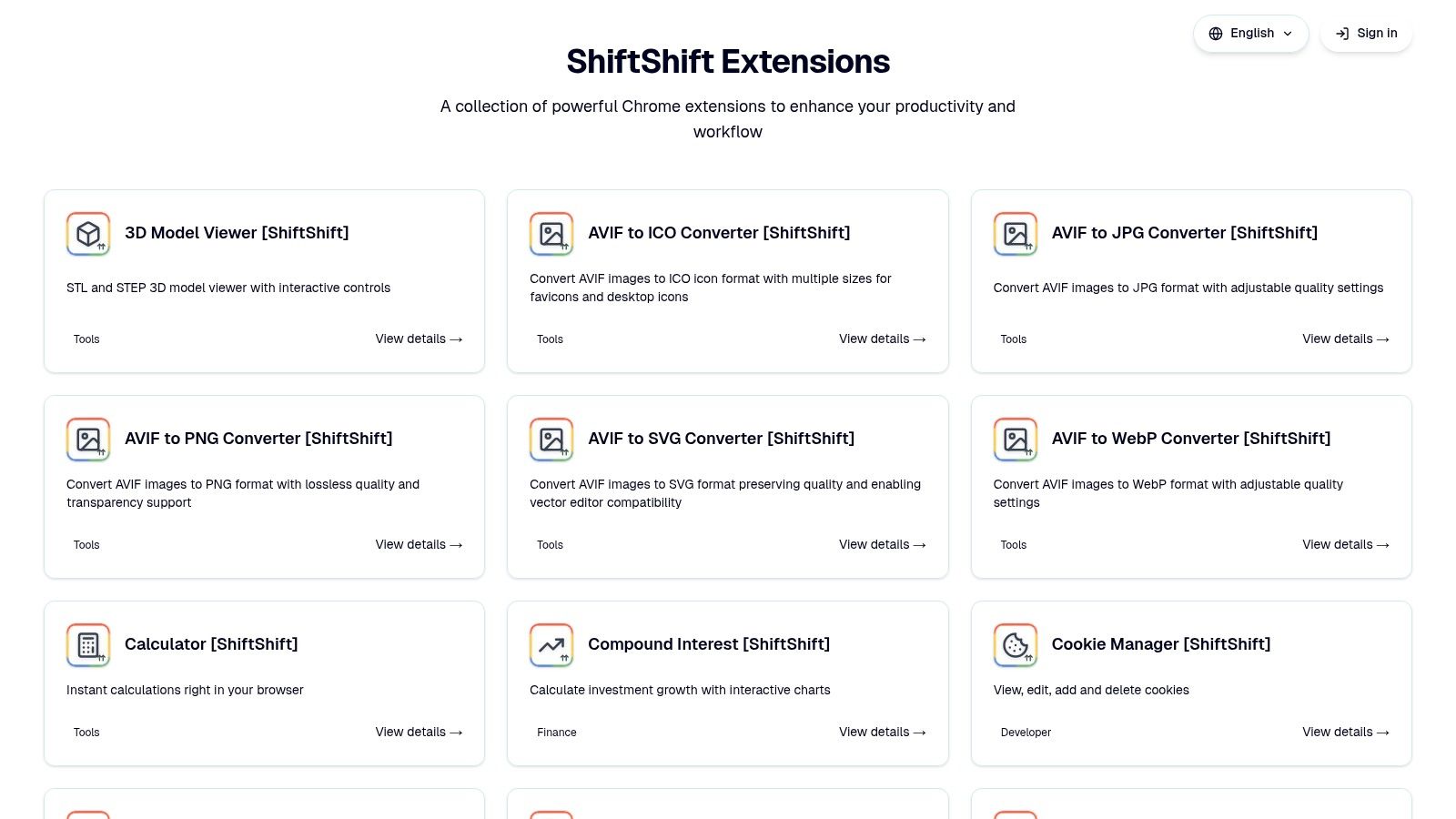
ShiftShift Extensions consolidates the functionality of dozens of disparate developer utilities into a single, cohesive, and remarkably fast toolset. It stands out not by doing one thing well, but by doing many things exceptionally well, all accessible through a unified, keyboard-driven Command Palette. For developers tired of juggling multiple extensions for formatting, converting, and inspecting, ShiftShift offers a powerful, streamlined alternative.
Its core strength lies in its privacy-first, local-processing model. Tasks like formatting a messy JSON blob, running a diff check on two code snippets, or managing cookies are handled directly in your browser without ever sending data to an external server. This offline-capable design ensures both speed and security, making it a reliable tool in any environment.
Key Strengths and Use Cases
This extension excels in reducing context switching and boosting efficiency. Instead of opening a new tab for a simple task, developers can press Cmd/Ctrl+Shift+P to instantly access a rich library of tools.
- Code & Data Formatting: Instantly prettify or minify JSON, SQL, and XML. Paste raw data, execute the command, and get clean output in seconds.
- Cookie Management: Quickly view, edit, or delete cookies for the current domain directly from the palette without navigating through DevTools.
- Diff Checker: A built-in text comparison tool helps you identify differences between code versions or configuration files swiftly.
- File & Image Conversion: Beyond typical developer tasks, it includes a robust suite of converters for JPG, PNG, WebP, AVIF, and SVG, along with utilities for CSV to XLSX and DOCX to PDF.
- Practical Utilities: Generate QR codes, check domain availability, or even view 3D STL/STEP models without leaving your browser.
ShiftShift is more than just a collection of tools; it’s an integrated workflow enhancer. For an in-depth look at optimizing your daily tasks, learn more about improving developer productivity on the ShiftShift blog.
Pros & Cons
| Pros | Cons |
|---|---|
| Unified Command Palette: Centralizes dozens of tools for instant, keyboard-driven access. | Browser-Limited: Primarily designed for Chrome and other Chromium-based browsers. |
| Privacy-First & Offline: All core processing is done locally, requiring no cloud uploads or tracking. | Internet-Dependent Features: Some tools like the speed test or crypto rates require a connection. |
| Expansive Toolset: Covers developers, designers, and general productivity needs in one package. | |
| Actively Developed: The ecosystem receives regular updates with new features and improvements. |
Availability
ShiftShift Extensions is available on the Chrome Web Store. The core functionality is free, with potential premium options detailed on the store listing.
Website: https://shiftshift.app
2. Chrome Web Store (Developer Tools category)
The Chrome Web Store is the official, Google-managed marketplace and the most secure starting point for finding any browser extension. Its dedicated "Developer Tools" category is an essential, curated library where developers can discover thousands of specialized add-ons, ranging from popular frameworks like React and Vue Devtools to indispensable utilities like JSON formatters, color pickers, and API testing clients. This direct-from-the-source approach ensures a baseline of security and reliability.
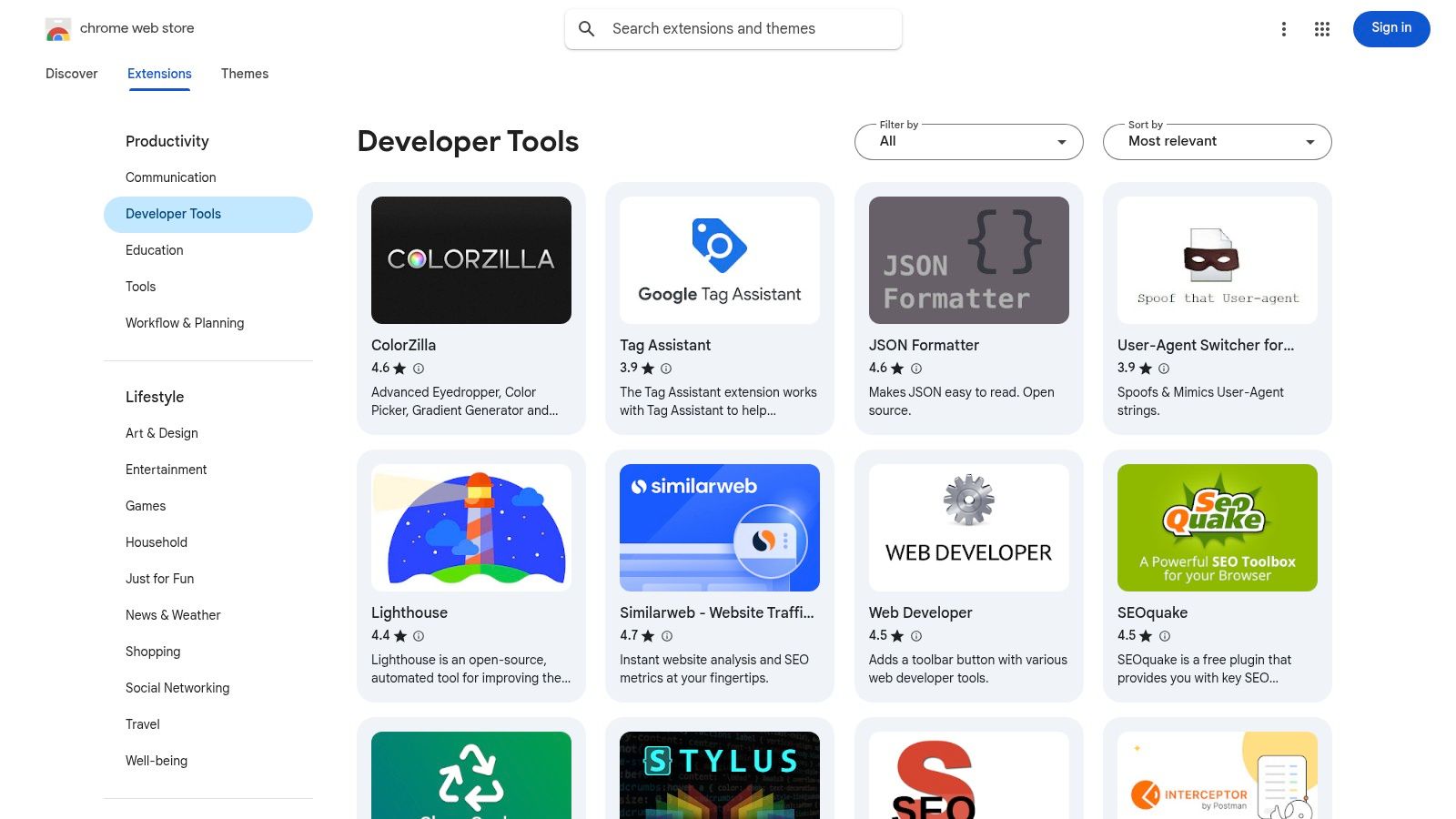
As the primary distribution channel, it provides a trusted environment with a transparent review process, explicit permission requests before installation, and automatic updates. For web developers, this means access to the latest, most secure versions of tools critical to their workflow without manual intervention. While its vast selection is a major advantage, navigating the sheer volume to find high-quality, niche developer productivity tools can sometimes be challenging.
Key Features and User Experience
The platform’s user experience is straightforward, prioritizing one-click installations tied to a user's Google account. Each extension listing includes user reviews, an overview, privacy practices, and an update history, which is crucial for assessing an extension's maintenance and security posture.
- Trusted Source: All extensions undergo a review process by Google, reducing the risk of malware.
- Massive Selection: It offers the most comprehensive collection of chrome extensions for web developers, from general-purpose utilities to framework-specific debuggers.
- User-Driven Curation: Ratings and reviews provide valuable social proof, helping users gauge the quality and usefulness of an extension before installing it.
| Pros | Cons |
|---|---|
| Safest and most direct installation path | Discovery can be noisy without specific search terms |
| Huge variety with visible update history | Paid tools often require off-store payment processing |
| Free and freemium model tied to Google account | Quality varies widely between popular and obscure tools |
Website: chromewebstore.google.com/category/extensions/productivity/developer
3. Chrome-Stats
Chrome-Stats is an advanced analytics platform and directory that offers a level of insight into the Chrome extension ecosystem that the official Web Store lacks. For developers, it's an indispensable tool for security vetting and competitive analysis, providing historical data on user counts, ratings, version updates, and permission changes. This allows a developer to evaluate the stability, maintenance cadence, and potential security risks of an extension before installation, moving beyond simple user reviews.
This platform is particularly useful for discovering new or niche chrome extensions for web developers by tracking trending tools and searching with more granular filters than the Web Store provides. By analyzing an extension’s update history and permission requests over time, a user can make a more informed decision about whether to trust it with access to their browser data. While the core features are free, some of the more advanced analytics are gated behind a paid subscription.
Key Features and User Experience
The user experience is data-driven, presenting information in clear charts and tables that make it easy to assess an extension's trajectory at a glance. You can quickly see if a tool is actively maintained or has been abandoned, a critical factor for security and compatibility. The risk analysis, which flags potentially dangerous permissions, is a standout feature for any security-conscious developer.
- Historical Analytics: Provides detailed graphs on user growth, ratings, and version history to gauge an extension's health and popularity over time.
- Security Due Diligence: Highlights an extension's required permissions and flags potential risks, helping users make safer installation choices.
- Advanced Discovery: Offers better search and filtering capabilities than the official store, making it easier to find high-quality, relevant tools.
| Pros | Cons |
|---|---|
| Deep data insights for security and trend analysis | Some advanced analytics require a paid subscription |
| Excellent for competitive research and discovery | Data can occasionally lag behind the official store |
| Clear presentation of complex historical data | Primarily an analysis tool, not a direct installer |
Website: https://chrome-stats.com/
4. Product Hunt (Chrome Extensions category)
Product Hunt serves as a dynamic launchpad and discovery platform where new tech products, including browser add-ons, are unveiled daily. Its dedicated "Chrome Extensions" category is a treasure trove for developers seeking the latest innovations, often before they gain mainstream traction. Unlike the official store, Product Hunt offers a community-driven curation model where tools are upvoted, discussed, and reviewed by fellow tech enthusiasts, makers, and early adopters, providing a unique ground-level perspective.
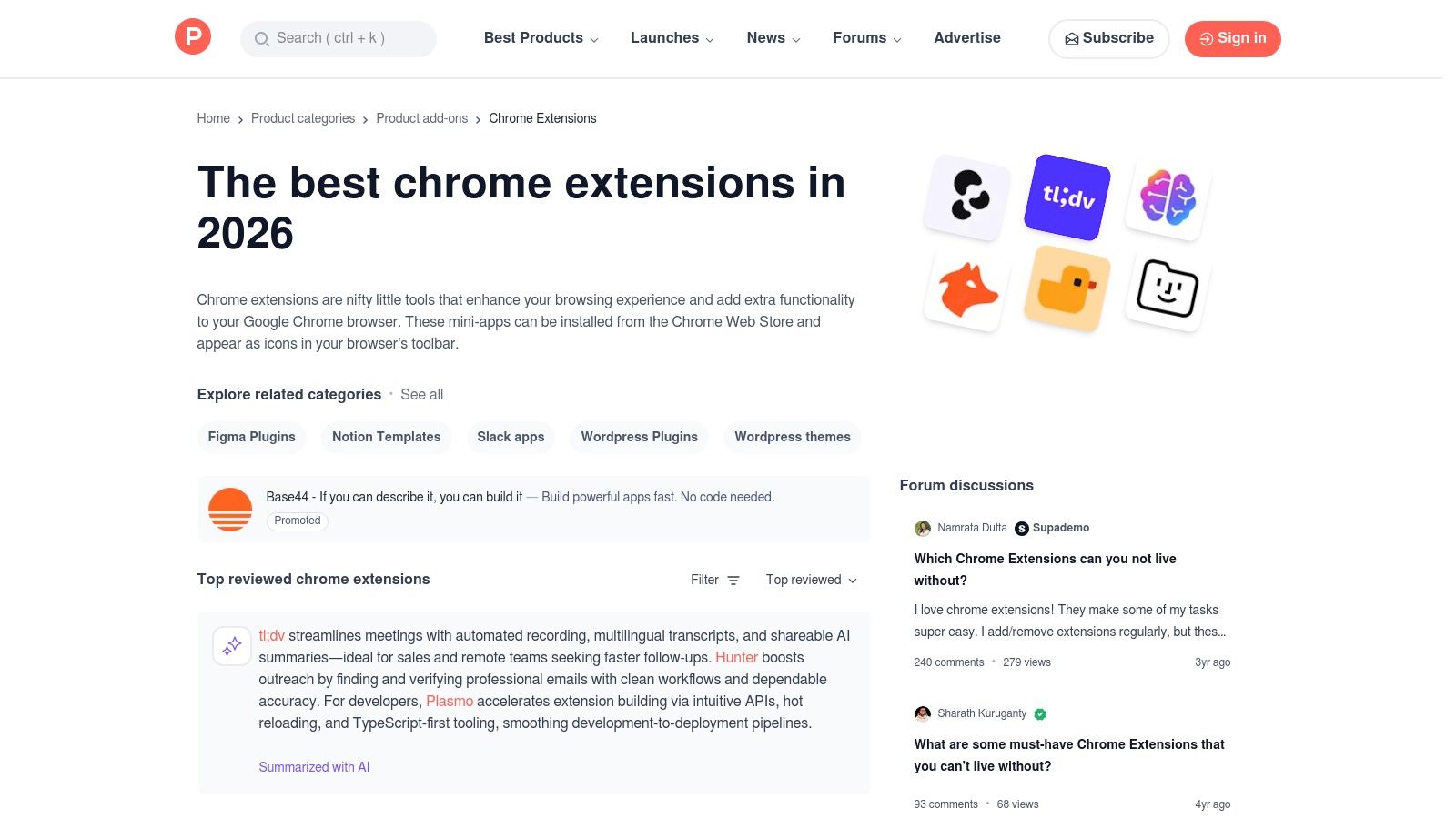
The platform's value lies in its focus on what's new and trending, making it the ideal place to find cutting-edge developer tools. Makers often participate in the discussion threads for their product launch, offering direct insight into the extension's roadmap and purpose. This direct line to the creators allows developers to ask questions, provide feedback, and understand the vision behind a tool, which is an experience not available on the Chrome Web Store.
Key Features and User Experience
Product Hunt's interface is centered around daily leaderboards, collections, and categories, making it easy to filter for top-rated or recently launched extensions. Users can browse by tags like "Developer Tools" to find relevant listings quickly. The social layer of comments and upvotes provides immediate context on an extension's quality, potential bugs, and real-world utility from a tech-savvy audience.
- Early Discovery: Find new and innovative chrome extensions for web developers on the day they launch.
- Community Curation: Tools are vetted and discussed by a community of peers, offering authentic first-impression reviews and use cases.
- Direct Maker Interaction: Engage directly with the extension's creators in the comments section to get questions answered and provide feedback.
| Pros | Cons |
|---|---|
| Excellent for discovering brand-new developer tools | Signals can be influenced by launch-day momentum |
| Real-world comments and comparisons from the community | Not all listed extensions are actively maintained long-term |
| Direct links to the Chrome Web Store for installation | Discoverability relies on daily trends, not just relevance |
Website: https://www.producthunt.com/categories/chrome-extensions
5. GitHub (source, releases, “awesome” lists)
GitHub is the world's largest code hosting platform and a fundamental resource for developers seeking transparency and cutting-edge tools. Many of the best chrome extensions for web developers are open-source, and their source code lives on GitHub. This allows developers to audit the code for security, contribute to the project by filing issues or submitting pull requests, and access pre-release builds directly from the maintainers. It serves as a decentralized, community-driven alternative to the official store.
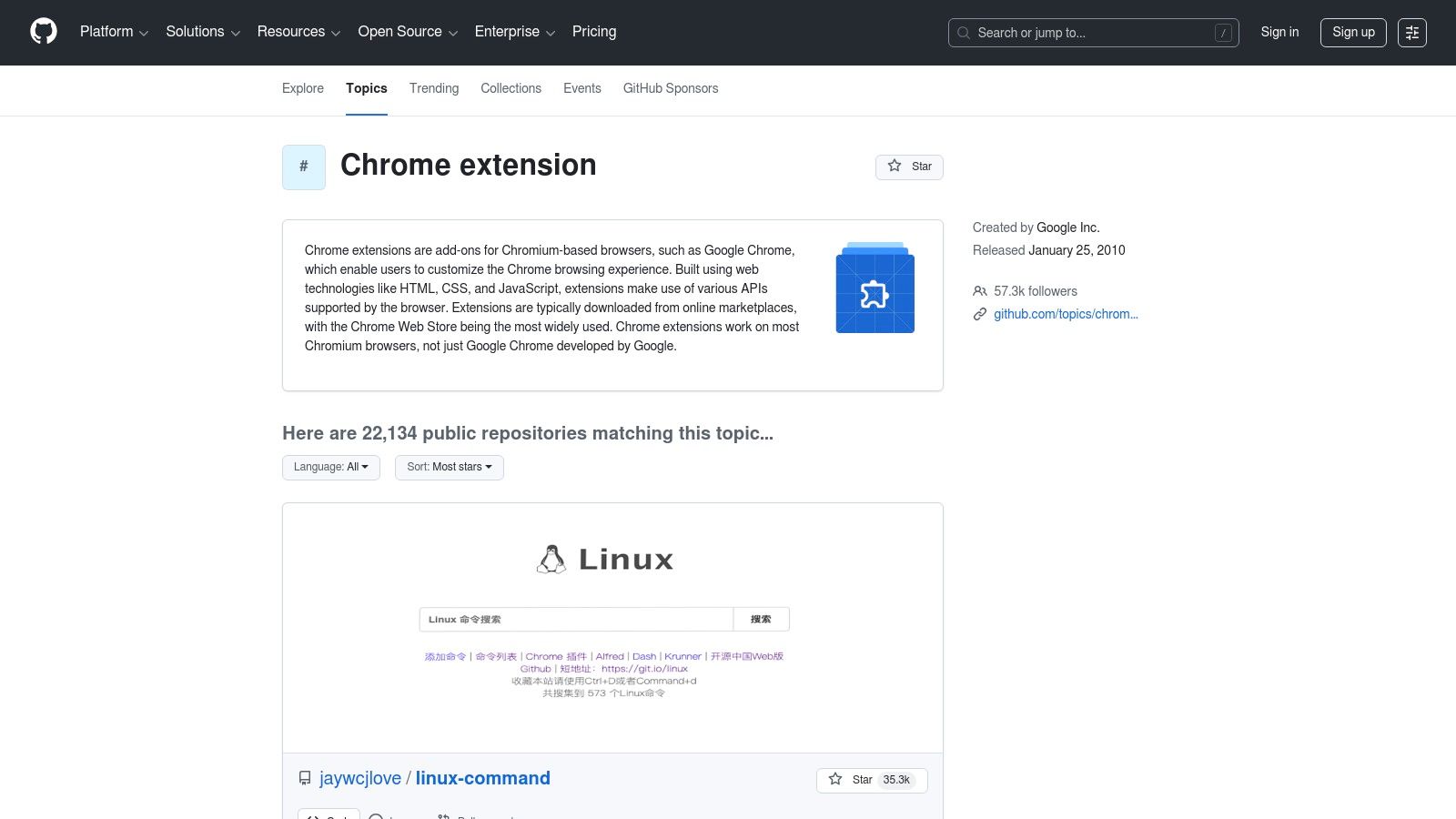
Beyond individual repositories, GitHub is home to community-curated "awesome" lists, which are invaluable for discovering high-quality, specialized tools that might not have high visibility on the Chrome Web Store. For any developer, having direct access to an extension's issue tracker and release pages provides unparalleled insight into its development lifecycle, active maintenance status, and future direction. This transparency is crucial for relying on a tool in a professional workflow.
Key Features and User Experience
GitHub's interface is built around code, collaboration, and community. Users can explore repositories via topic pages like "chrome-extension" to discover new projects. The platform’s release pages offer direct downloads of extension builds (often as .zip or .crx files), which can be sideloaded in developer mode for testing or early access.
- Full Transparency: The ability to inspect source code ensures there are no hidden trackers or malicious behaviors.
- Direct Engagement: Developers can directly communicate with extension authors via issue trackers to report bugs or request features.
- Community Curation: "Awesome" lists and topic tags help surface the most respected and actively maintained chrome extensions for web developers.
| Pros | Cons |
|---|---|
| Full transparency; you can read the code and build it yourself | Sideloading extensions bypasses Chrome Web Store security vetting |
| Faster access to updates and pre-release builds | Quality and maintenance levels vary significantly by project |
| Discover curated "awesome" lists of high-quality tools | Requires manual installation and updates for sideloaded versions |
Website: https://github.com/topics/chrome-extension
6. AlternativeTo
AlternativeTo is a crowdsourced software discovery platform that excels at helping users find better alternatives to applications they already know. For developers, it serves as a powerful research tool to find chrome extensions for web developers that fit specific needs, such as open-source licenses, cross-browser compatibility, or more focused feature sets. Instead of relying solely on the Chrome Web Store's algorithm, developers can search for a popular extension and immediately see community-recommended substitutes.
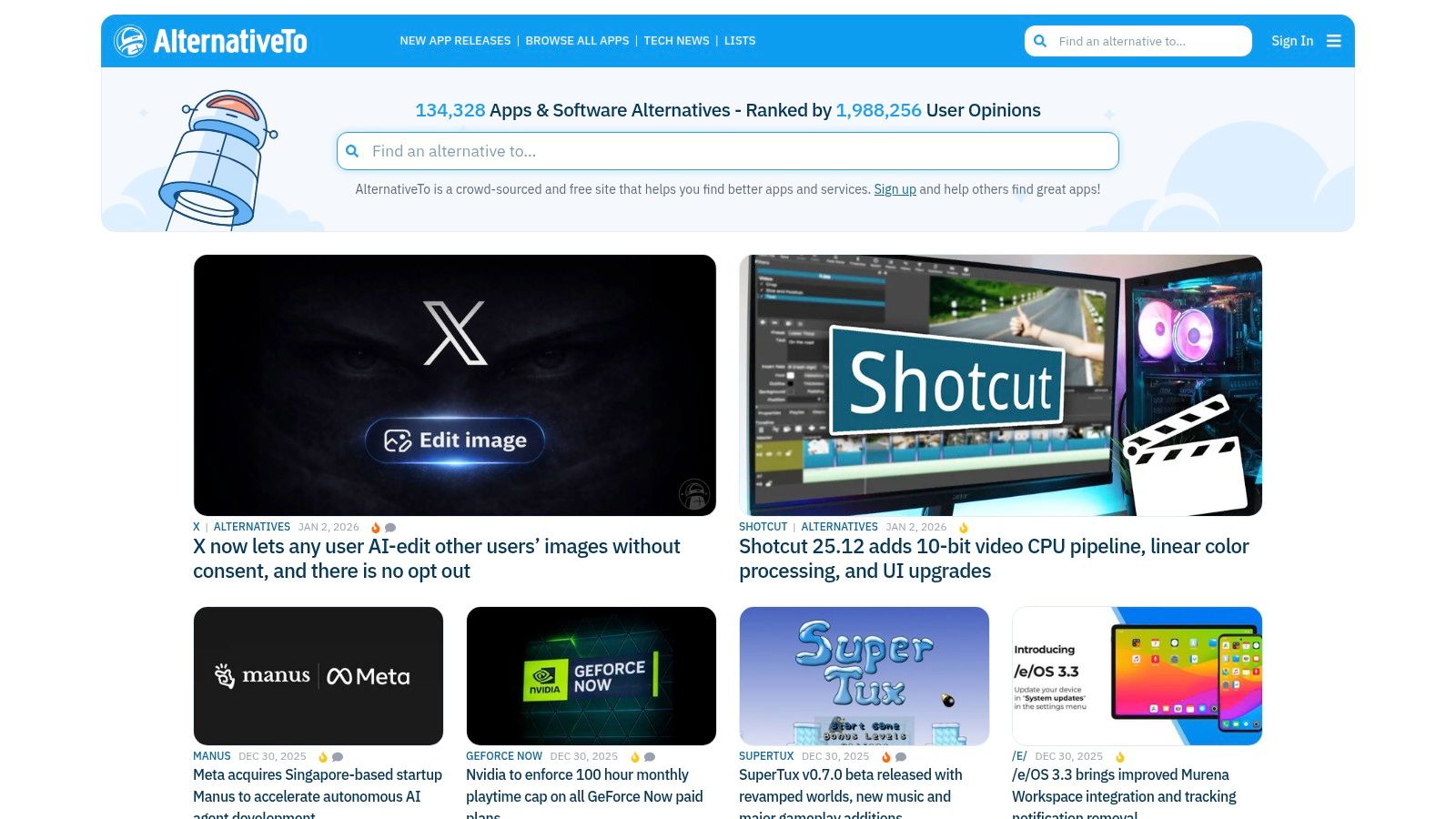
This "this-versus-that" approach is invaluable when an extension becomes outdated, shifts to a paid model, or simply lacks a critical feature. The platform's strength lies in its community-driven curation, where user comments and "likes" provide social proof and real-world context beyond what a store listing offers. It’s the ideal starting point when you have a specific use case but are unsatisfied with the most popular tool for the job.
Key Features and User Experience
The interface is built around search and filtering, allowing you to quickly narrow down options by platform (like Chrome), license (free, open source), and tags. Each entry links directly to the official website or web store page, ensuring a safe installation path.
- Community Curation: Recommendations are based on user suggestions and votes, often surfacing niche or newer tools.
- Powerful Filtering: Easily find open-source, free, or cross-platform alternatives to proprietary extensions.
- Focused Discovery: Ideal for when you know the type of tool you need but want to compare all available options side-by-side.
| Pros | Cons |
|---|---|
| Quick "this vs that" discovery for specific use cases | Some entries can be out of date or have sparse details |
| Excellent for finding open-source or privacy-focused alternatives | Coverage quality depends entirely on community contributions |
| User comments provide valuable real-world insights | The interface is functional but less polished than app stores |
Website: alternativeto.net
7. AppSumo
AppSumo is a popular daily deals marketplace that frequently features lifetime deals (LTDs) on software, including emerging chrome extensions for web developers. Unlike a traditional extension store, its value lies in offering significant, one-time purchase discounts on premium developer tools that would otherwise require a recurring subscription. Developers can acquire powerful utilities for tasks like SEO analysis, screen recording, or project management at a fraction of the long-term cost.
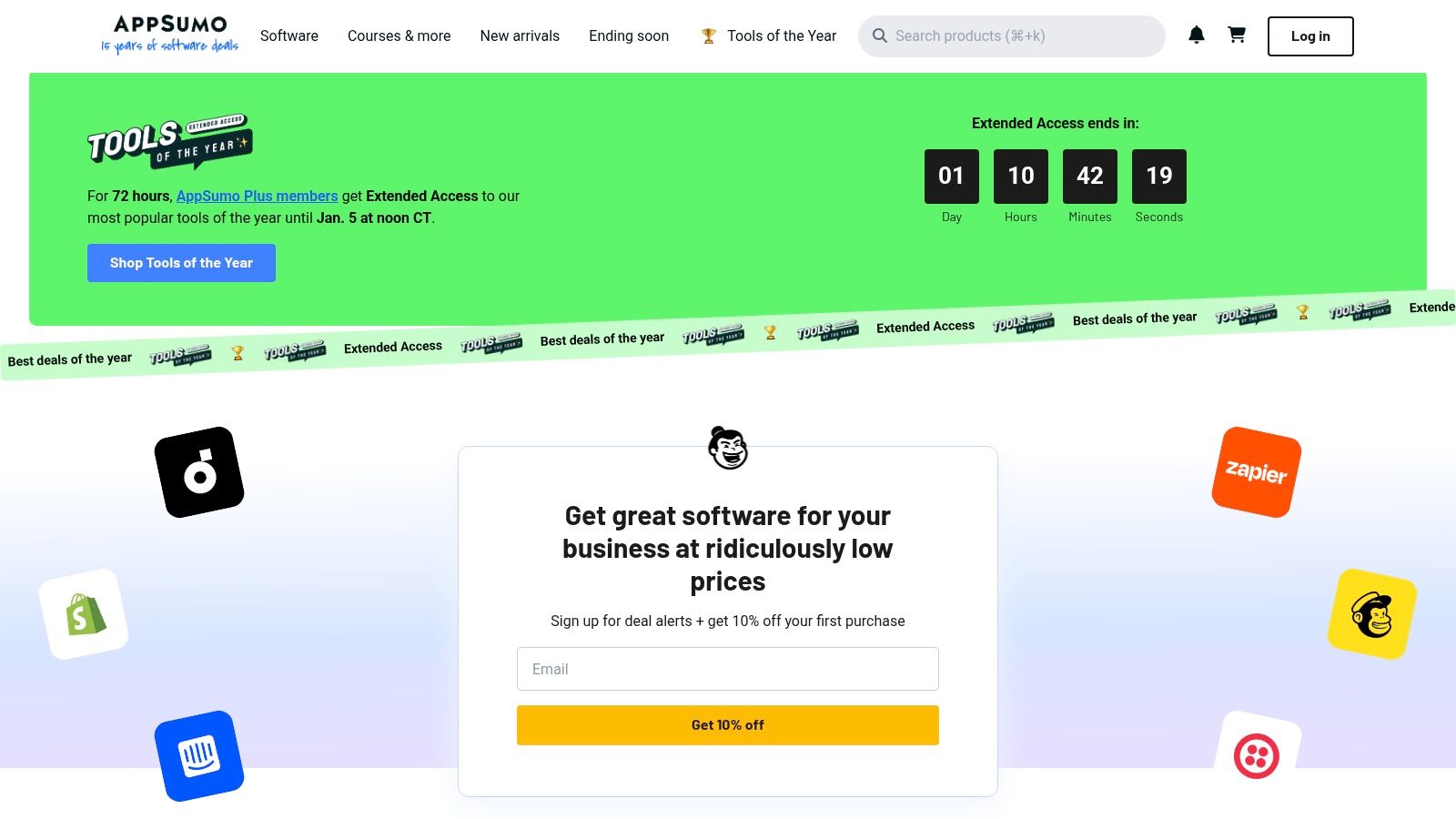
The platform's model is centered around time-limited promotions, creating a sense of urgency. For developers on a budget or those looking to experiment with new tools without committing to a monthly fee, AppSumo presents a unique opportunity. However, since many featured products are from newer companies, it's crucial to assess the tool's roadmap, support quality, and user reviews before purchasing, even with the generous money-back guarantee.
Key Features and User Experience
AppSumo’s user experience is focused on deal discovery and clear value propositions. Each product listing provides detailed information on features, deal terms, and user-submitted questions and reviews, helping buyers make informed decisions. The 60-day refund policy offers a safety net for trying out early-stage software.
- Lifetime Deals (LTDs): Offers the chance to purchase software with a single payment, avoiding recurring subscription costs.
- Curated Selection: While not a permanent catalog, the deals are curated and often feature innovative or niche developer productivity tools.
- Buyer Protection: A standard 60-day money-back guarantee allows for a risk-free trial period to evaluate if a tool fits into a developer's workflow.
| Pros | Cons |
|---|---|
| Aggressive pricing and one-time payment options | Deals expire and are not a permanent catalog |
| Buyer protection window (typically 60 days) | Some products are early-stage; verify roadmap and support |
| Discover new and upcoming developer-focused tools | Requires active monitoring to catch relevant extension deals |
Website: https://appsumo.com/
8. StackSocial
StackSocial is a popular deals marketplace known for offering significant discounts on software, online courses, and digital assets. For developers, it serves as a valuable resource for finding lifetime deals or bundled packages on niche productivity tools, including occasionally featured chrome extensions for web developers. While not a direct source like an extension store, it provides an opportunity to acquire premium utilities through one-time purchases rather than recurring subscriptions, making it a budget-conscious option for expanding a developer's toolkit.
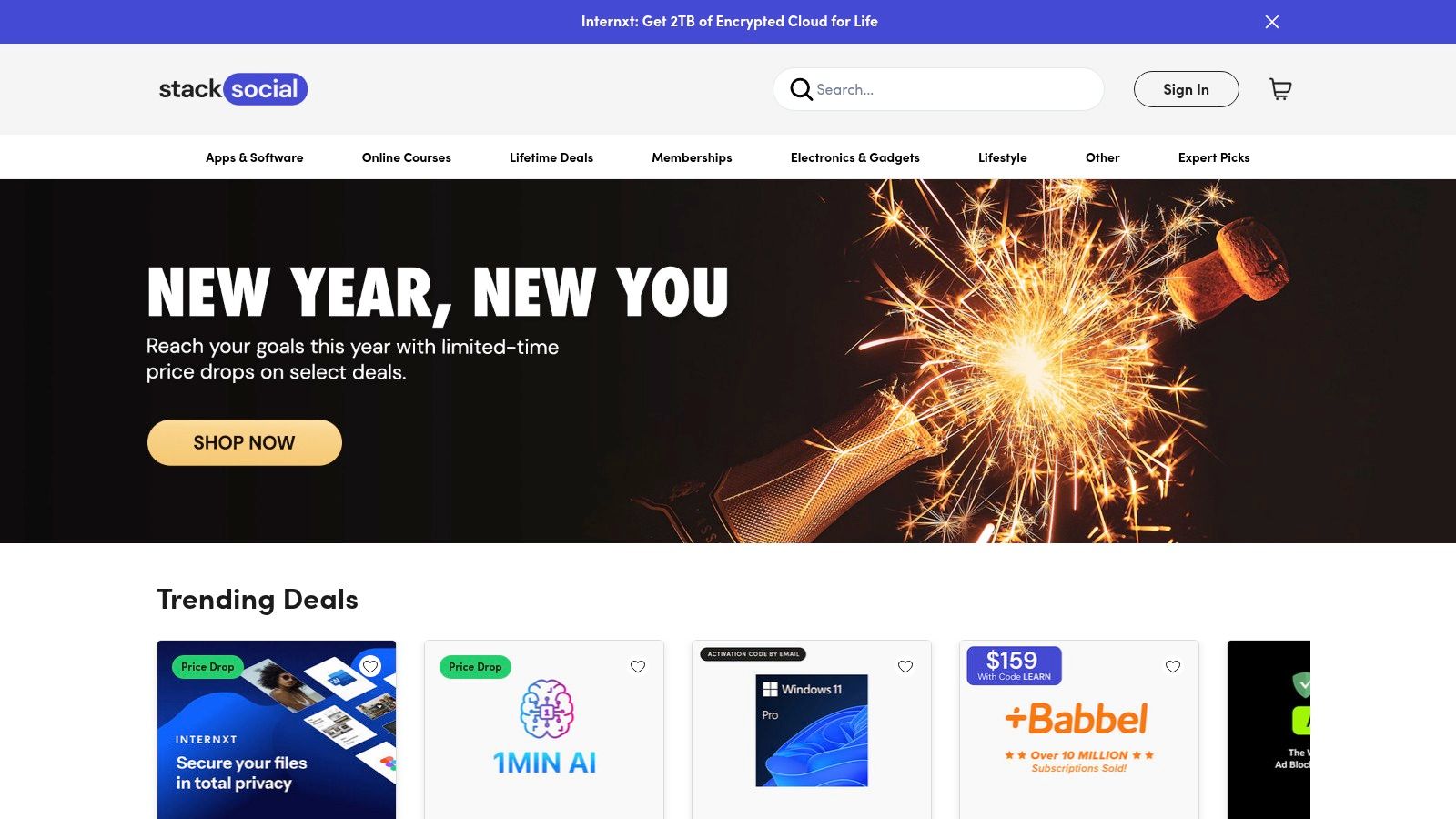
The platform operates by partnering with vendors to offer limited-time promotions. This means developers should perform due diligence on the specific tool and its developer before purchasing, as the longevity of "lifetime" deals can depend on the vendor's continued operation. Despite this, StackSocial remains a key destination for bargain hunters seeking to access premium web development tools and services at a fraction of their standard retail cost.
Key Features and User Experience
The user experience is that of a standard e-commerce site, focused on deal discovery and straightforward checkout. Each product listing details the features, terms, and redemption process, which typically involves receiving a code to use on the vendor's website. It is crucial to read the fine print regarding updates and support.
- Discounted Pricing: Offers substantial, often one-time payment deals on software that would otherwise require a subscription.
- Software Bundles: Frequently groups related developer tools, VPNs, or learning resources into highly discounted packages.
- Niche Tool Discovery: A good place to find emerging or specialized developer utilities that may not be widely known.
| Pros | Cons |
|---|---|
| Deep discounts compared with standard retail pricing | "Lifetime" deal terms can be vendor-dependent; due diligence required |
| Occasional niche developer tools not found elsewhere | Customer support and deal fulfillment vary by seller |
| One-time payment model avoids recurring subscriptions | Inventory is inconsistent and time-sensitive |
Website: https://www.stacksocial.com/
9. Gumroad
Gumroad serves as a direct-to-creator marketplace where independent developers and makers sell premium chrome extensions for web developers, source code licenses, and specialized digital products. It offers a unique alternative to mainstream stores, providing a platform for discovering innovative and niche tools that might not be available elsewhere. This model allows developers to purchase directly from the creators, fostering a closer connection and often providing access to early releases or beta versions.
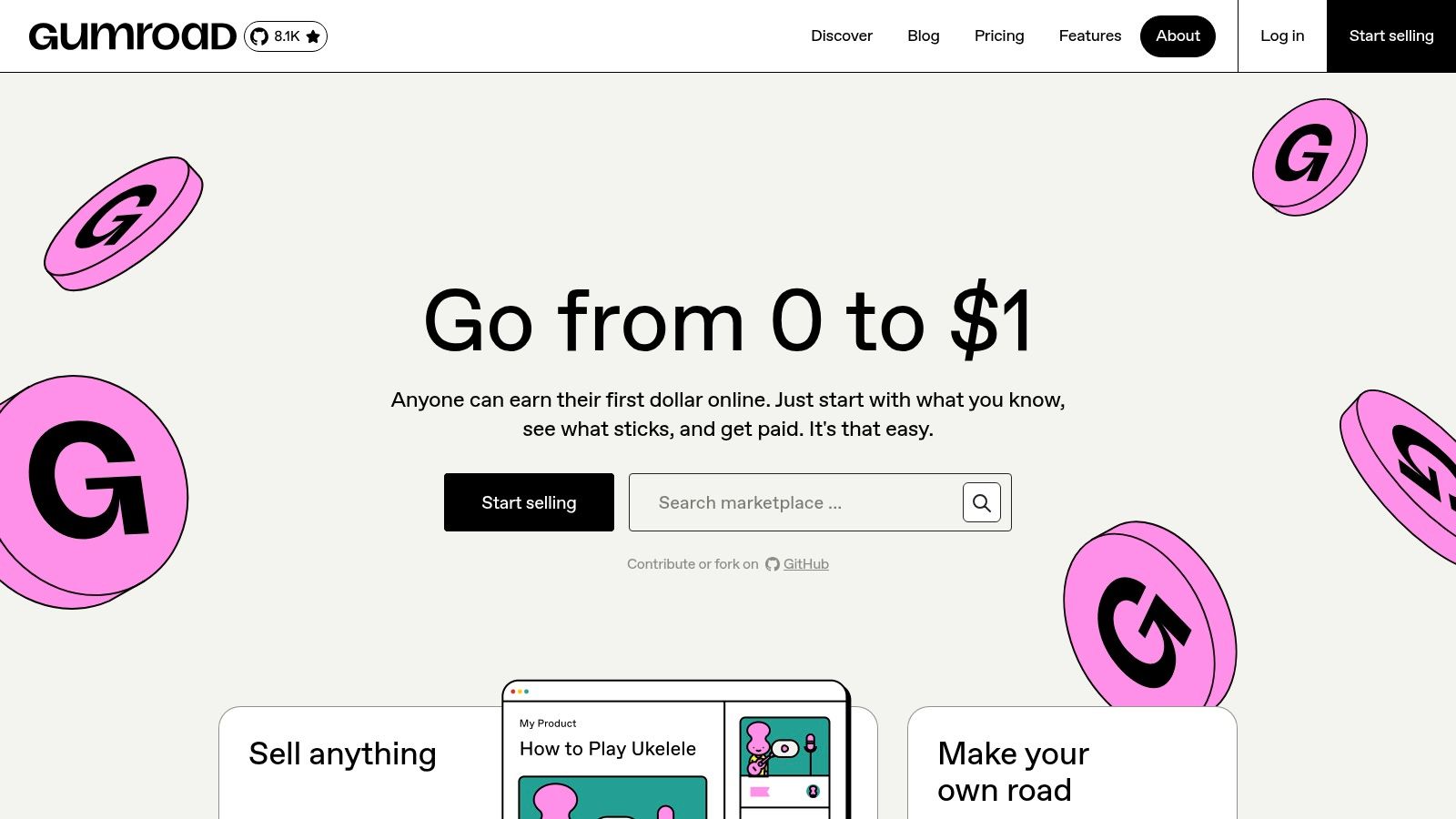
Unlike the Chrome Web Store, Gumroad's ecosystem is entirely decentralized, with each creator managing their own product page, updates, and support. This means the purchasing experience is less standardized, but it empowers indie developers to build sustainable businesses around their software. For buyers, this translates into supporting the individuals behind the tools they use daily while gaining access to unique extensions built to solve very specific development problems.
Key Features and User Experience
The platform provides a simple and clean checkout process, typically with instant digital delivery upon purchase. Creators manage their product pages, including descriptions, changelogs, and support channels, which gives buyers a direct line of communication.
- Direct-to-Creator Model: Purchases directly support independent developers, ensuring the creators receive a larger share of the revenue.
- Niche and Innovative Tools: A great source for finding specialized extensions that serve a specific niche or offer an experimental feature set not found in mainstream tools.
- Simple and Secure Checkout: Streamlined purchasing process supporting major credit cards and PayPal for quick access to digital goods.
| Pros | Cons |
|---|---|
| Supports indie developers and offers direct support | Quality, updates, and support vary greatly by creator |
| Access to unique tools and early-stage projects | License and activation are handled off-store and inconsistently |
| Transparent pricing and direct communication with makers | Discovery can be difficult without knowing specific creators |
Website: https://gumroad.com/
10. Spin.AI Chrome Extension Risk Assessment (via Chrome Browser Cloud Management)
While individual developers often install extensions freely, development teams in corporate environments face significant security risks. Spin.AI's Chrome Extension Risk Assessment, integrated with Google's Chrome Browser Cloud Management, addresses this by providing a framework for IT and security teams to vet browser add-ons. It isn't a typical developer tool but rather a security governance resource, crucial for teams handling sensitive data, ensuring that the chrome extensions for web developers used company-wide are safe and compliant.
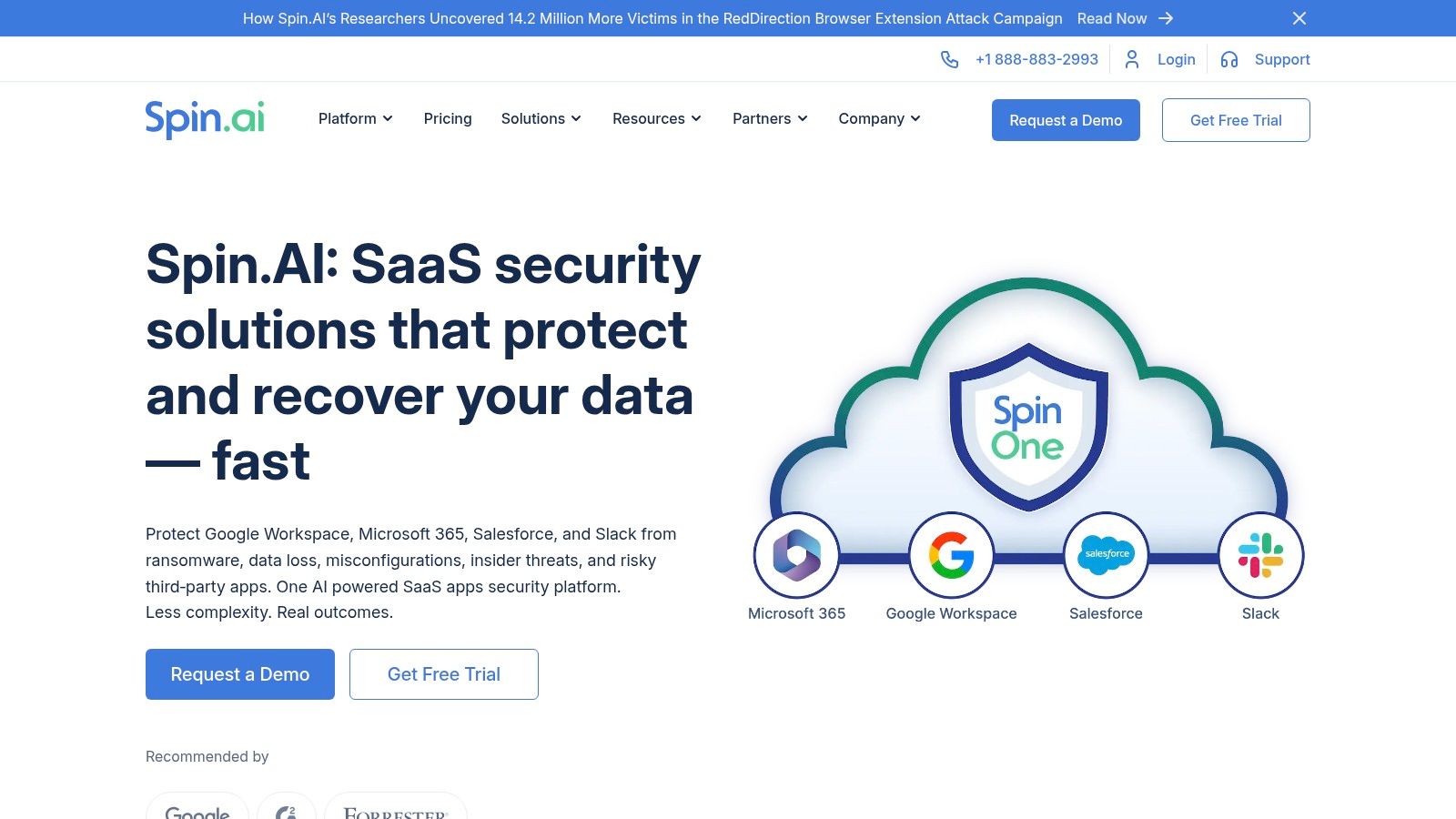
This platform automates risk assessment by analyzing an extension's permissions, author reputation, privacy policies, and known vulnerabilities. It then generates a risk score, allowing administrators to create allowlists or blocklists directly within the Google Admin console. This process helps prevent data leaks and malware infections that can originate from seemingly harmless developer utilities, making it an essential layer of protection for security-conscious organizations.
Key Features and User Experience
The user experience is designed for IT administrators, not end-users, integrating directly into the familiar Google Admin console. The platform provides detailed reports on each extension, categorizing risks across business, security, and operational compliance factors.
- Automated Risk Scoring: Assigns a numerical risk score to any Chrome Web Store extension, simplifying the approval process.
- Deep Integration: Works seamlessly with Chrome Browser Cloud Management for policy enforcement across an organization.
- Compliance and Security Focus: Evaluates extensions based on over 20 specific risk categories, from data access permissions to author history.
| Pros | Cons |
|---|---|
| Enterprise-grade vetting integrated with Google tools | Geared toward organization admins, not individual developers |
| Streamlines security and compliance for developer teams | Full capabilities require a Spin.AI subscription |
| Helps enforce consistent extension approval workflows | Adds an administrative layer that can slow down tool adoption |
Website: spin.ai
11. CRXViewer
CRXViewer is a specialized web-based tool that allows developers and security researchers to inspect the contents of a Chrome extension package (a .crx file) without installing it. By simply providing a Chrome Web Store link or uploading a local file, users can view the complete source code, asset files, and manifest.json. This is invaluable for security audits, learning from other developers' code, or verifying that an extension's permissions align with its functionality before it gains access to your browser.
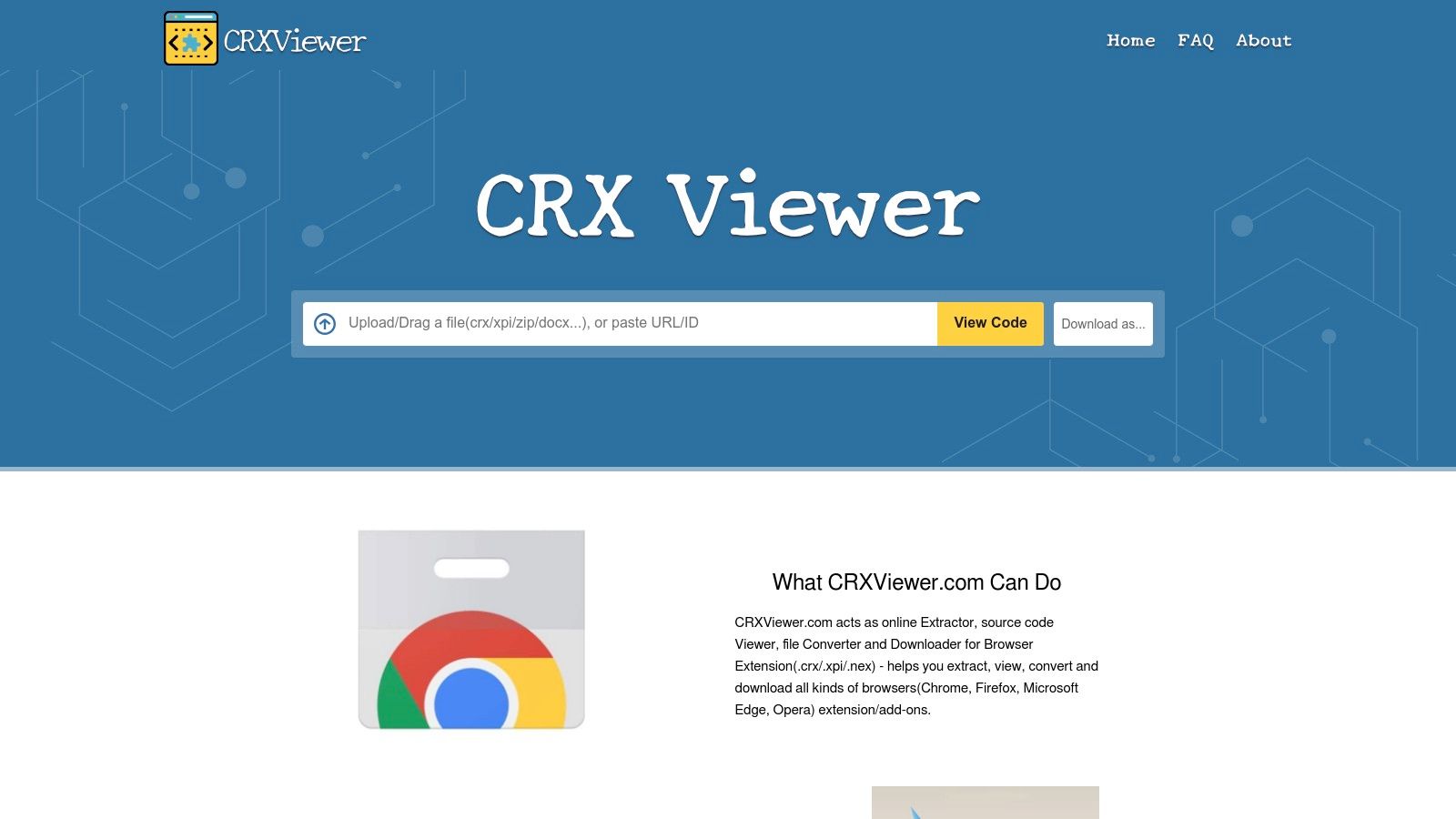
This tool serves a critical purpose in the development ecosystem by promoting transparency and security. Instead of blindly trusting a package, a developer can deconstruct it in a sandboxed web environment. CRXViewer presents the source code with syntax highlighting and an organized file tree, making it easy to navigate and understand the extension's architecture. It also provides options to download the source as a ZIP file or download the original CRX package for offline analysis.
Key Features and User Experience
The user interface is minimalist and purpose-driven: a single input field accepts the extension's URL or ID. The platform then quickly extracts the contents and presents them in a clean, dual-pane view showing the file tree and the selected file's content. This straightforward experience removes all barriers to inspecting chrome extensions for web developers who prioritize security.
- Source Code Inspection: View the complete, unpacked source code of any extension with syntax highlighting directly in the browser.
- Install-Free Auditing: Allows for a thorough security and compliance review without the risk of installing potentially malicious code.
- Package Download: Provides direct links to download either the raw CRX file or a ZIP archive of the extension's source for deeper local analysis.
| Pros | Cons |
|---|---|
| Examine code and package contents without installation risk | Does not verify the authenticity of user-uploaded CRX files |
| Excellent for security reviews and learning from others | Provides read-only view; no dynamic analysis or debugging |
| Simple, fast, and web-based with no signup required | Analyzing minified or obfuscated code can still be very difficult |
Website: crxviewer.com
12. ShiftShift Extensions (shiftshift.app)
ShiftShift Extensions is a unique ecosystem of privacy-first developer tools unified by a central Command Palette. Instead of installing one large, monolithic extension, developers can pick and choose from a suite of individual, specialized tools like a JSON formatter, text comparison tool, or cookie manager. These separate extensions all integrate into a single, keyboard-driven interface, activated with a quick Cmd+Shift+P or double-press of the Shift key, offering a cohesive and efficient workflow without unnecessary bloat.
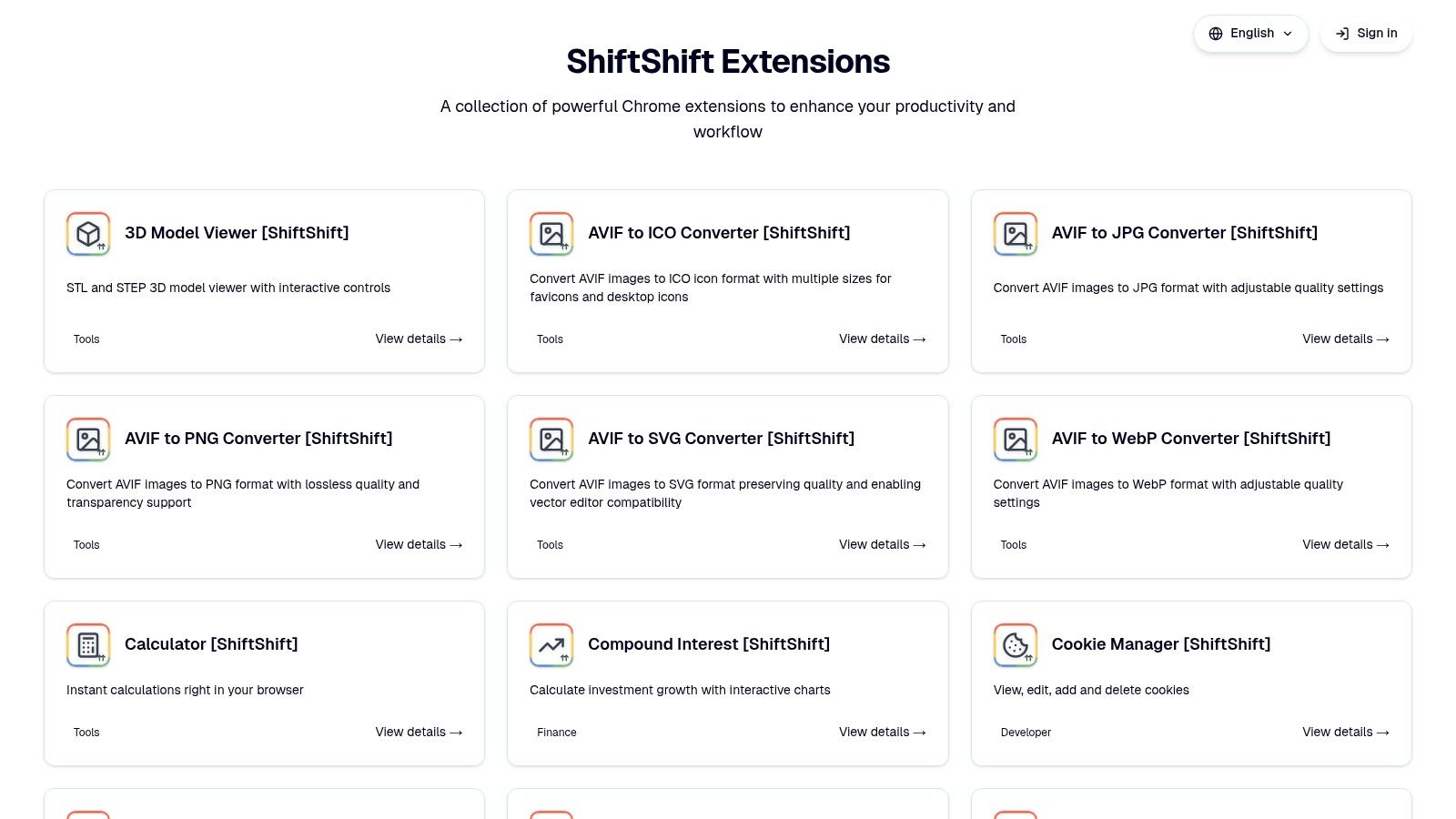
The platform’s core philosophy is built on local-first processing and a commitment to privacy, meaning no data is sent to external servers and no user tracking is performed. This approach makes it a standout choice for developers handling sensitive information. While the ecosystem is relatively new, its modular design and consistent user experience across different utilities make it a powerful contender among chrome extensions for web developers seeking a streamlined, secure, and keyboard-centric toolkit.
Key Features and User Experience
The user experience is defined by speed and consistency. The Command Palette provides instant, searchable access to all installed ShiftShift tools, allowing developers to format SQL, compare text, or manage cookies without leaving their keyboard or current tab. This unified system minimizes context switching and accelerates common development tasks.
- Unified Command Palette: Access all installed developer tools through a single, consistent keyboard shortcut.
- Privacy-First Design: All processing happens locally within the browser, with no tracking or external data transmission.
- Modular and Lightweight: Install only the specific tools you need, avoiding the overhead of an all-in-one extension.
| Pros | Cons |
|---|---|
| One cohesive, keyboard-first interface for many tasks | Tools are delivered as separate extensions to install |
| Strong privacy focus with local-only processing | Being a newer ecosystem, individual tool reviews are still growing |
| Available as individual extensions on the Chrome Web Store | Some advanced features may be less robust than standalone tools |
Website: shiftshift.app
12 Chrome Extension Resources — Web Developer Comparison
| Item | Core features | UX / Quality | Value (Price) | Target audience | Unique selling points |
|---|---|---|---|---|---|
| 🏆 ShiftShift Extensions | Unified Command Palette; 52 langs; offline, local processing | ★★★★★ (keyboard-first, fast) | 💰 Freemium / check site | 👥 Developers, designers, power users | ✨ Privacy-first local processing; growing tool library |
| Chrome Web Store (Developer Tools) | Official marketplace; one-click install; reviews & updates | ★★★★ (trusted vetting) | 💰 Mostly free / freemium | 👥 All Chrome users, extension seekers | ✨ Largest catalog; auto-updates |
| Chrome‑Stats | Trends, rankings, version & risk signals | ★★★★ | 💰 Free + paid tiers | 👥 Researchers, product managers, security teams | ✨ Historical trends & risk context |
| Product Hunt (Chrome Extensions) | Trending launches, maker pages, community comments | ★★★ (momentum-driven) | 💰 Free discovery | 👥 Makers, early adopters, hunters | ✨ Early discovery & real-world discussion |
| GitHub (source & releases) | Repos, releases, issue tracking, "awesome" lists | ★★★★ (transparent) | 💰 Free (self-host/build) | 👥 Developers, auditors, contributors | ✨ Full code transparency; fork & audit |
| AlternativeTo | Filtered alternatives, user lists, platform/license filters | ★★★ | 💰 Free | 👥 Users seeking alternatives & OSS options | ✨ Quick "this vs that" comparisons |
| AppSumo | Time‑boxed promos, lifetime deals, guarantee window | ★★★ | 💰 Heavily discounted / LTDs | 👥 Small businesses, bargain hunters | ✨ Aggressive pricing + 60‑day refund |
| StackSocial | One‑off discounts, bundles, lifetime offers | ★★★ | 💰 Discounted deals (vendor-dependent) | 👥 Deal shoppers, niche tool buyers | ✨ Bundles & niche finds |
| Gumroad | Direct creator storefronts; instant digital delivery | ★★★ | 💰 Paid (creator-set pricing) | 👥 Indie tool buyers, supporters | ✨ Direct creator support & niche/early releases |
| Spin.AI (Risk Assessment) | Extension risk scores; Admin console integration | ★★★★ (enterprise-focused) | 💰 Enterprise subscription | 👥 IT admins, security/compliance teams | ✨ Enterprise vetting + admin workflows |
| CRXViewer | Inspect CRX/XPI packages; view source; compute hashes | ★★★★ | 💰 Free | 👥 Security reviewers, developers | ✨ Audit packages without installing |
Integrating These Tools Into Your Daily Grind
We have journeyed through an extensive landscape of tools, platforms, and methodologies designed to enhance your browser and, by extension, your entire development workflow. From dedicated multi-tools like ShiftShift Extensions to discovery platforms like Product Hunt and security checkers like Spin.AI, the ecosystem of chrome extensions for web developers is as vast as it is powerful. The key takeaway is not to install every extension mentioned, but to thoughtfully curate a toolkit that aligns with your specific role, projects, and personal preferences.
The modern web developer wears many hats. One moment you are a data wrangler, needing to format a messy JSON payload or diff two SQL scripts. The next, you are a QA engineer, meticulously inspecting cookies and clearing site data. Then, you might shift into a designer's role, capturing pixel-perfect screenshots and converting image formats on the fly. This multifaceted reality is why a one-size-fits-all approach to browser tooling is no longer sufficient.
From Discovery to Deployment: A Strategic Approach
Choosing the right extensions is a strategic process, not just a matter of collection. Your goal is to build a lean, efficient, and secure development environment directly within your browser. To do this, consider the following steps as you integrate these tools into your daily grind.
First, audit your current workflow. Identify the repetitive tasks, the minor annoyances, and the moments you find yourself switching contexts or leaving the browser for a simple utility. Are you constantly copying code snippets to an external formatter? Do you frequently need to check the dimensions of an element or grab a color code? These are prime opportunities for an extension to save you time.
Second, prioritize based on impact. Instead of installing a dozen single-purpose tools, look for extensions that consolidate functionality. A tool like ShiftShift Extensions, for example, can replace separate JSON formatters, SQL beautifiers, cookie editors, and diff checkers with a single, unified interface. This consolidation reduces browser bloat, minimizes potential security vulnerabilities, and simplifies your cognitive load by keeping essential utilities under one command palette.
Third, evaluate for trust and security. This cannot be overstated. Before installing any extension, vet its permissions, review its privacy policy, and check its source if available on platforms like GitHub. Tools that prioritize a local-first model, where your data is processed on your machine and never sent to a server, offer a significant advantage in privacy and security. Always favor extensions that request minimal permissions necessary for their core function.
Building Your Personalized Developer Cockpit
The ultimate aim is to transform Chrome from a simple web browser into a personalized developer cockpit, equipped with precisely the instruments you need to navigate your projects with speed and precision. This involves creating a balanced ecosystem of tools.
Here’s a practical way to think about your selection:
- Core Utility: Start with a multi-tool that covers your most frequent, day-to-day tasks like formatting, diffing, and conversions. This will be the workhorse of your browser toolkit.
- Specialized Helpers: Augment your core utility with one or two specialized extensions for tasks unique to your role. For a front-end developer, this might be a detailed accessibility checker or a React component inspector. For a QA engineer, it could be an advanced network request manipulator.
- Discovery and Vetting: Keep a pulse on new and updated chrome extensions for web developers using discovery platforms. Use tools like CRXViewer and security audits to ensure anything new you add to your stack is safe and well-maintained.
By being intentional about your choices, you move beyond simply having a collection of extensions. You create a synergistic system where each tool serves a distinct purpose, contributing to a faster, more secure, and more enjoyable development experience. Your browser becomes less of a distraction and more of an indispensable partner in your craft.
Ready to streamline your browser and replace multiple single-purpose tools with one unified, privacy-first command center? ShiftShift Extensions consolidates dozens of developer utilities, from formatters and diff tools to converters and cookie managers, all processed locally on your machine. Explore ShiftShift Extensions and transform your workflow today.