12 የነጻ የChrome እትም የሚሆኑ ምርጥ እትሞች የምትወዱት ይወቁ
12 ዋና በነፃ የተለመዱ የChrome እንቅስቃሴዎች ዘዴዎች እና ምክር ያግኙ። በተግባር የሚያደርጉ መረጃዎች ጋር የተሞላ መመሪያ።

የተመነጨ ማስተካከያዎች

የዘመናዊ ዌብ ባውሮር ለድህረ ገጽ ለማሳየት ብቻ የሆነ ቀላል መሳሪያ አይደለም፤ በተወሰነ የሥራ ፈሳሽ ውስጥ ሊቀልብል የሚችል ገለልተኛ መድረክ ነው። ትክክለኛ የተሟላ መሳሪያዎች ከተጠቀሙ፣ Google Chrome ከመደበኛ ባውሮር ወደ በት产销力፣ ለDevelopment እና ለዕለት ተዕለት ሥራዎች ጠንካራ፣ በተበጀረ ማዕከል ሊቀይር ይችላል። ይህ መመሪያ ከቻርተኛ መሳሪያ ስርዓት ውስጥ በትክክል የሚያስተዳድሩ እና በትክክል ተሞክሮዎን ያሻሽላሉ ምርጥ ነፃ Chrome extensions ለማግኘት ለማገዝ የተዘጋጀ ነው፤ በተጨማሪም ብቻ የሸንተኛል ብሎ ለማስደንቅ አይደለም።
ልዩ ምክሮችን ባለማሳየት ላይ የተመሰረተ ሙሉ ዝርዝር አዘጋጅተናል። ለDebugging እና ለAnalysis ትክክለኛ መሳሪያዎች የሚፈልጉ ተገንቢዎች ይሁኑ፣ ፋይሎችን በፍጥነት ለማስተናገድ የሚያስፈልጋቸው ዲዛይነሮች ይሁኑ፣ ወይም ቁልፍ ቃላት መቆጣጠር ወይም ትዕዛዞችን ማስከልከል ያሉ መደበኛ እንቅስቃሴዎችን ለቀለል የሚፈልጉ ማንኛውም ሰው ይሁን፣ ይህ ሀብት ድርሰት መፍትሄዎችን ይሰጣል። እያንዳንዱ ምርጫ ለተወሰኑ፣ በእውነት የሚያገኙ ችግሮች መፍትሄ እንዲሆን ተመርጧል፣ በታሪካዊ ደህንነት መሳሪያዎች የግላዊ መረብ ማስከልከልን እስከ በባውሮር ውስጥ ያሉ ውስብብት የፋይናንስ ስሌቶችን ቀለል ማድረግ ድረስ።
ይህ ጽሑፍ እያንዳንዱን መተግበሪያ በሚከተሉት መሰረት ያጣቀምላል፡ ዋና ባህሪዎች፣ ሊኖሩ የሚችሉ ጉዳኞች፣ እና ጠቃሚ የግልነት ግንኙነቶች በ謀 ላይ። ለማውረድ ቀጥታ አገናኞች፣ ለፈጣን ቅድመ ቅኝት ስክሪንሾቶች፣ እና ወዲያውኑ ለመጀመር የሚረዱ ተሞክሮ ምክሮች ያገኛሉ። ግ搦ታችን ጊዜን እና ጥረትን የሚያቀፉ ከተፈተኑ መሣሪያዎች አጋር እንዲያቅንዎ ነው። የ *ShiftShift መተግበሪያዎች* ያሉትን አዳዲስ ስርዓቶችም እንወስዳለን፣ ይህም በመረጡት የቁልፍ ቁጥር በኩል ተደራሽ የሆነ ዕቅድ በማቀፊያ ውስጥ በአንድ የተቀናጀ ገጽታ የሚያቀላጥፍ ብዙ መሣሪያዎችን ያቀላጥፋል፣ በቃል ፓሌት በኩል የተደራሽ ሲሆን፣ በቃላት በምርኩት ሥራ የመሆን ዘዴን ያሳያል። ስለዚህ እንበልበት እንትረጽ እና ሥራዎንን እና በውስጡ ያሉትን እንወስዳለን
1. ShiftShift መተግበሪያዎች
ለማን ይመጣል፡ ሁሉንም በአንድ ላይ ያቀላጥፋል የምርምር መሣሪያዎችን፣ በማህበራዊ ድርግም ከሚመለከተው የቁልፍ ቁጥር ስርዓት ጋር.
ShiftShift መተግበሪያዎች እንደ ጠንካራ ስርዓት ተለይቶ ይታያል፣ ብዙ የተለያዩ የቃል መሣሪያዎችን በአንድ ፈጣን የሆነ ቅልፍ ወሰን ውስጥ ያቀላጥፋል። ለልዩ ሥራዎች ብዙ ተለያዩ መተግበሪያዎችን ወደ መሣሪያ ክፍልዎ ለማከፋፈል በሆነ ፋንታ፣ ShiftShift በቀላል Shift-Shift (ወይም Cmd/Ctrl+Shift+P) የቃል አጋር አጠቃሎ የሚደረግ ከተቀናጀ ስብስብ ይሰጣል። ይህ ፈጣንነት፣ ውጤታማነት፣ እና ጥሩ የሥራ ቦታን ያከብራሉ ለተጠቃሚዎች ከተለያዩ በነጻ የሆኑ Chrome መተግበሪያዎች አንዱ ያደርገዋል።
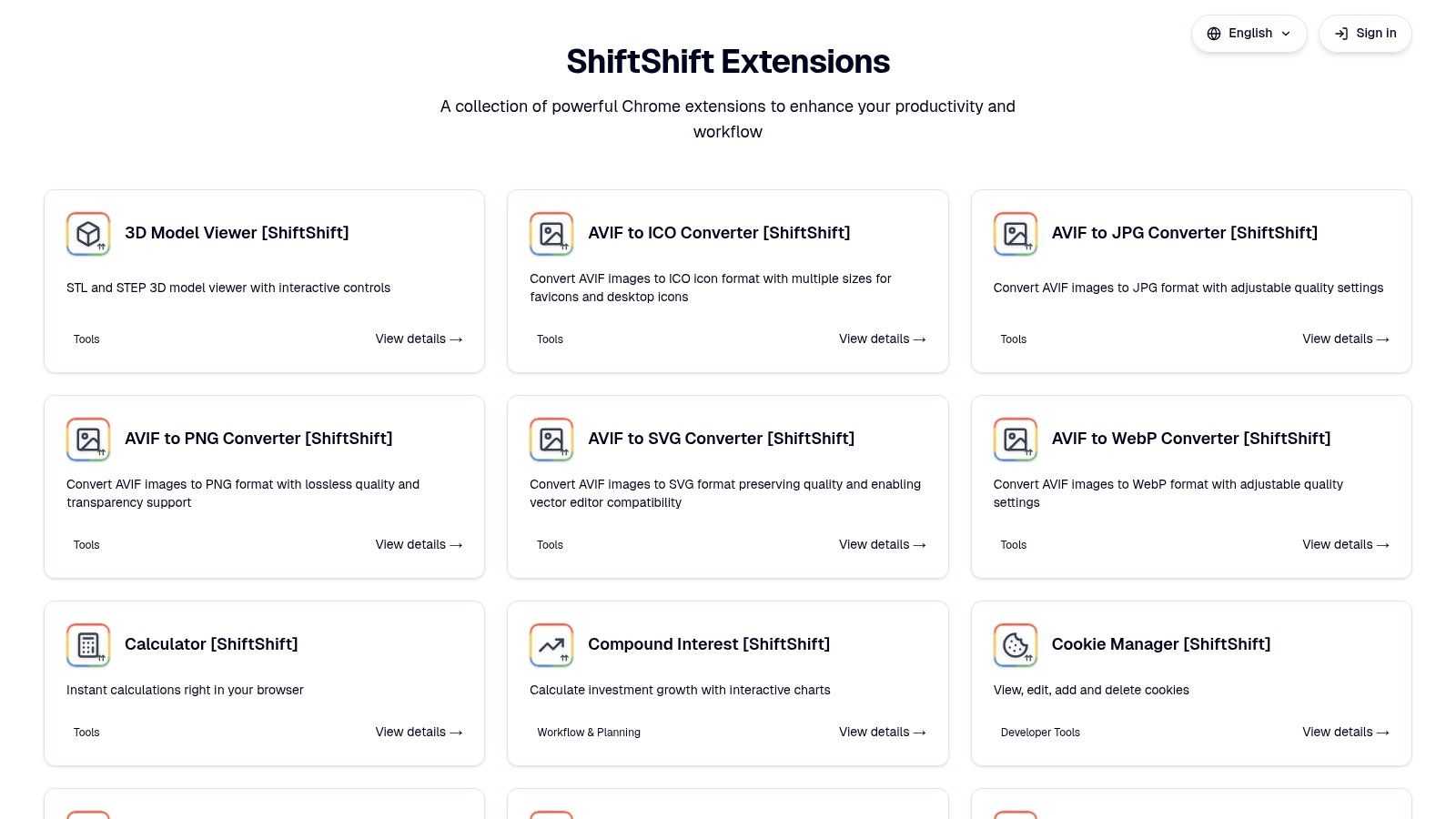
ShiftShift ዋናው ጠንካራ ቦታ በተመሳሳይና በመተላለፊያ መሠረት የሆነው ሥርዓት ነው። በቻይን ቤቱ (Command Palette) ከተከፈተ በኋላ፣ ከሁለተኛው መ昭 አይጥልም ወይም መሬት መጠቅለያን ( mouse) አያስገኘም ብሎ ወዲያውኑ ማንኛውንም መሳሪያ መፈለግና ማስኬድ ይችላሉ። በ频繁ness (frecency) ላይ የተመሰረተው መደምደምያ የበለጠ እንደሚጠቀሙባቸውን መሳሪያዎች በአስቀድሞ ሁኔታ ያደርጋቸዋል፣ ሥርዓትዎን በበለጠ ፈጣን ያደርጋል። ሁሉም ስሌቶች በአሳዳጊ ቦታ በአሳዳጊ ስህተት ይሰራሉ፣ ዳታዎ እንዲቀጥል ምስጢራዊና ደህንነቱ የተጠበቀ ሲሆን፣ የድር ላይ ማስቀመጥ ወይም የውጪ ክትትል አይደረግም።
ዋና ባህሪያትና ጥቅም ሁኔታዎች
- ለDevelopers መሳሪያዎች: JSON ወይም SQL ወዲያውኑ ያmarvin ያድርጉ፣ ጽሑፍን በጎ lado lado diff መሳሪያ አጋር ያነጻን፣ ኪኾችን ያስተዳድሩ፣ እና MD5 hashes ያመነጩ። ይህ ለDevelopers እና ለQA ባለሙያዎች የበለጠ ተፈጥሯዊ ከሆነ የማይፈለግ የሆነ እስኪመቻል በፍጥነት የሚሠራ ነው::
- የጋራ ተቀይሪዎች፡ ዲዛይነሮችና የይዘት ፈጣሪዎች በብዙ ምስሎች መካከል በ JPG፣ PNG፣ WebP፣ AVIF፣ SVG እና ICO ቅርጸ ተብይሃቶች መቀየር ይችላሉ። እንዲሁም ከ CSV ወደ XLSX እና ከ DOCX ወደ PDF ያሉ ፋይሎችን መቀየር በማንኛውም ቦታ ያቀርባል::
- የዕለት ተዕለት መሳሪያዎች፡ ስuito የቀን ግንኙነት ለሚያከናውኑ በታች የተሰጠው እኩልታ መחשב መሳሪያ፣ QR ኮድ አመንጪ፣ ሙሉ ገጽ ስክሪንሾት መሳሪያ፣ ተርጓሚ እና ደህንነቱ የተጠበቀ የይለፍ ቃል አመንጪ ያካትታል::
- ፋይናንስ እና ጤና፡ ቀጥታ የክሪፕቶ መጠንዎችን ተከታተሉ፣ የአ '{@}' ወለል ስценarioዎችን ዕይታዊ ያድርጉ፣ ወይም በቃላዊ ዘዴ በ Nightscout ጋር በሳይት ውስጥ የወፍራመር ደረጃዎችን ይከታተሉ፣ ለባለሀብቶችና ለጠባቂዎች እኩል ሰላማዊ::
ግንባታዊ ሐሳቦች
መሠረታዊ ተግባራት ሚ NUIT ቢሆንም፣ ስለ ዋጋ እና ፈቃድ ShiftShift' ለ公众 የሚታይ መረጃ በዋና ምርት ገጾች ላይ አልተዘረዘረም። ለንግድ ወይም ለድርጅት አጠቃቀም፣ ለመረጃ ትክክለኛነት ከ.Chrome ዌብ ስቶር ማውጫ ወይም ከ official ድር ገጽ ማጣቀሻ ጋር ማስተካከል ያለብዎት ነው። በብቻ በአካባቢ የሚሠራ ስርዓት የግላዊነት ተስፋፋ ነው፣ ነገር ግን በተለያዩ መሳሪያዎች ወይም ታሪኮች ላይ የተሠቃይ ቅንብር ወይም ታሪክ የመቃላት ገጽታ የለውም::
ድር ገጽ፡ https://shiftshift.app
2. Chrome ዌብ ስቶር (ይሄው ነው official ማርኬትፕሌስ)
የ Chrome ወብ ስቶር ለቃለ ምስጢር ማሰሪያዎች መፈለግና መጫን ለሚፈልጉ ሰዎች ከGoogle Chrome ብራውዘር ጋር የሚሄድበት ብቸኛ ባህላዊና መካከለኛ ማዕከል ነው። ከግንባታው በፊት የተሟላ እና ተመራጭ ዝርዝር በመቀረብ እና የGoogle የ entwickler ፖሊሲ በሚከሰሰ መሠረት የሚያገኙትን ማሰሪያዎች አለመጠበቃቸውን ያረጋግጣል። ይህም ብራውዘሩን ለማጠናከር የሚፈልጉ ማንኛውም ሰው ለመጀመር ሁልጊዜም ደህንነቱ የተጠበቀ መነሻ ነው.
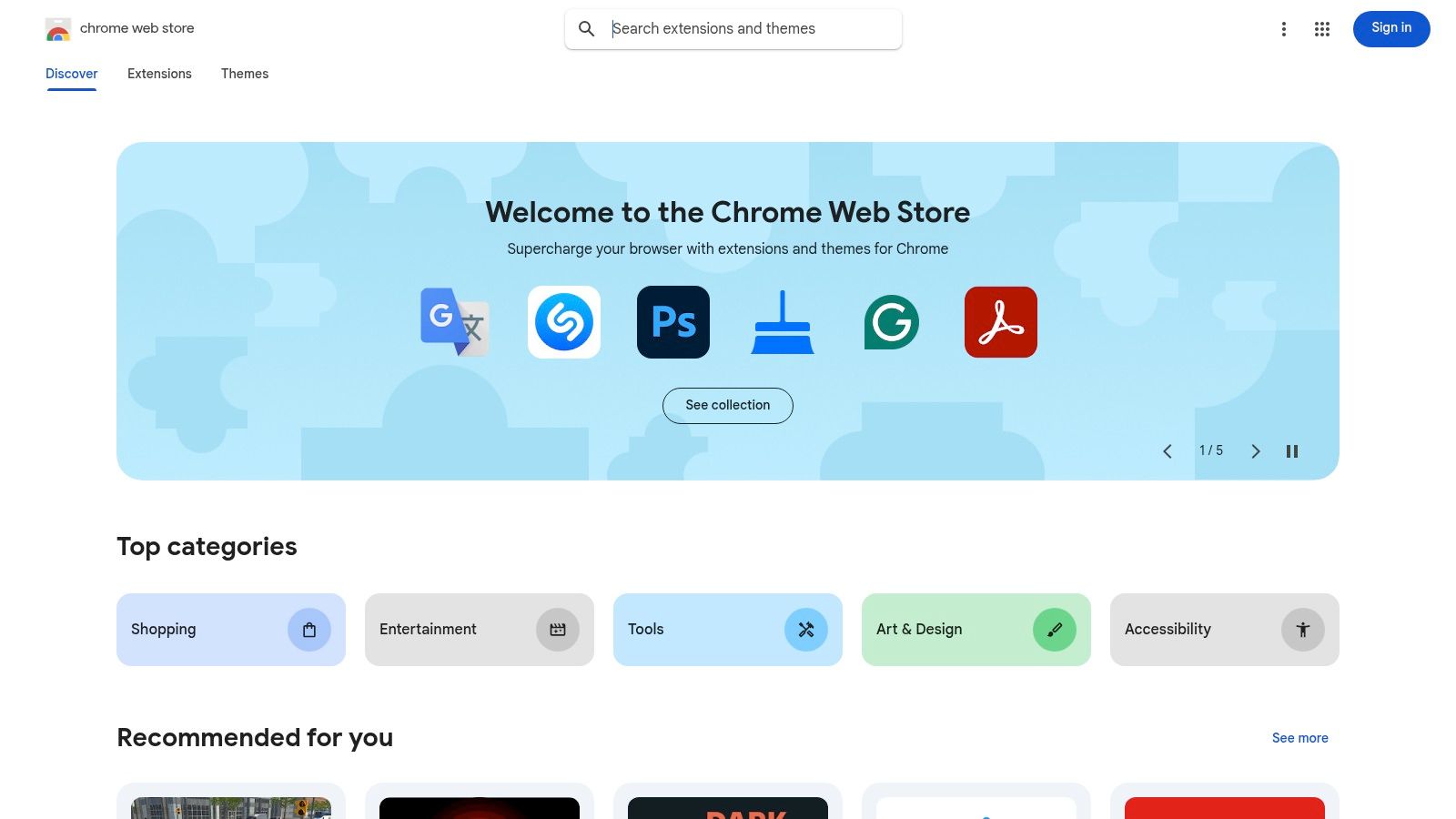
ይህ መድረክ ደህንነቱ የተጠበቀና ቀላል የተጠቀመ ተሞክሮ ለማቅረብ ይPostBack ነው። ሳምንታዊ የመጫን እና ራስ-ነቂ የማዘመኛ ሂደቶች የቴክኒካል ቸብላቆችን ያስወግዳሉ፣ ከመጫን በፊት የሚታዩት ድግስ ጥያቄዎች ማሰሪያው ምን ዓይነት መረጃ መድረስ እንደሚችል ሙሉ በሙሉ ግልጽ ያደርገዋል። በደህንነት ላይ ያለው ትኩረት ከልዩ ምንጮች የተለየ ተለያይቷል። ማንኛውም ሰው ለ ቀላል ምንም ከይሆኑ ጥሩ chrome ማሰሪያዎች ፍላጎት ካለው ማንኛውም ሰው ለመጀመር እዚህ መጀመር ማድረግ አለበት።
ዋና ባህሪዎች እና የተጠቀመ ተሞክሮ
ሱቅ ውስጥ መድረስ ቀላል ነው። በቅርጽ ተሞክሮው በተሳሳሪ የአርቲስት ቡድኖች (\"የአርቲስት ምርጫዎች\")، ወጣት ምርኮ ቅርጾች እና የተጠቃሚ ደረጃዎችን ያቀርባል፣ ይህም ከፍተኛ ጥራት ያላቸው መሣሪያዎችን ለመገለጥ ይረዳል። የፍለጋ ማጣሪያዎቹ ምናምን መሠረታዊ ቢሆኑም፣ እነዚህ በተሳሳሪ ክፍሎች በተለይ ለነፍስ መሪ ተጠቃሚዎች ልዩ መመሪያ ይሰጣሉ። ለሶፍትዌር ስርጭት የተለያዩ ሴቶችን ለመቃኘት ያህል ደግሞ ያስፈልጋል፣ ለምሳሌ፣ ለሌሎች ሶፍትዌር ሱቆች እንደ Capterra መረዳት የዲጂታል መሣሪያዎች እንዴት እንደሚከፈልு እና እንዴት እንደሚገመግሙ ሰፊ አያያዝ ይሰጣል። ሱቁ የግምገማ ስርዓት፣ ፍጹም ቢሆንም፣ አስፈላጊ የህዝብ አስተያየት ይሰጣል።
እጥርት አጋማሾች:
- በጣም ተስፋፋ ምንጭ: በጣም ትልቅ እና ሙሉ የ.Chrome ቅጥረ ሥራዎች ስብስብ።
- የደህንነት ላይ ትኩረት: ግልጽ የፈቃድ ጥያቄዎች እና ለገንቢዎች ፖሊሲዎች አስተኛት።
- ከፍተኛ ግንኙነት: በአንድ ጊዜ ጠቅ ማድረግ እና ራስ በራስ የሚሆኑ ዝማኔዎች በ.Chrome ይተከላሉ።
እጥርት አጽወቶች:
- ተወሰኝ የመፈለግ ማጣሪያዎች: ከሦስተኛ ወገን ስብስቦች ጋር ሲነጻጸር ዘመናዊ የማጣሪያ አማራጭዎችን ይጎድላል።
- የተፎመረ ጥፋት እድል: በአንዳንድ ጊዜ መጥፎ ቅጥረ ሥራዎች የመጀመሪያ ምርመራዎችን ያልፋሉ።
ድህረ ገጽ: https://chromewebstore.google.com/webstore
3. Product Hunt (Chrome Extensions ርዕስ)
Product Hunt ማኑ ለማገኘት የሚያስችል የማህበረሰብ መሪ መድረክ ሲሆን፣ ልዩ የሆነው የ Chrome Extensions ርዕስ ለቅርብ ጊዜና ለብርካነ የብራውዘር መሳሪያዎች መነሻ ነው። ከመደበኛ መገናኛ በፊት ቀደም እንዲያጡ ለማግኘት ተስማሚ ቦታ ነው። ተቀባይ መድረኩ እንደ ተቃይሮ፣ Product Hunt በምርቱ ጀርባ ያለውን ታሪክ ላይ በፍጹም ትኩረት ይሰጣል፣ ፋብሪካንቶች በግጠም ለውይይቶች ተሳትፈው ጥያቄዎችን በመልስ አስተሳሰብ ይሰብራሉ።
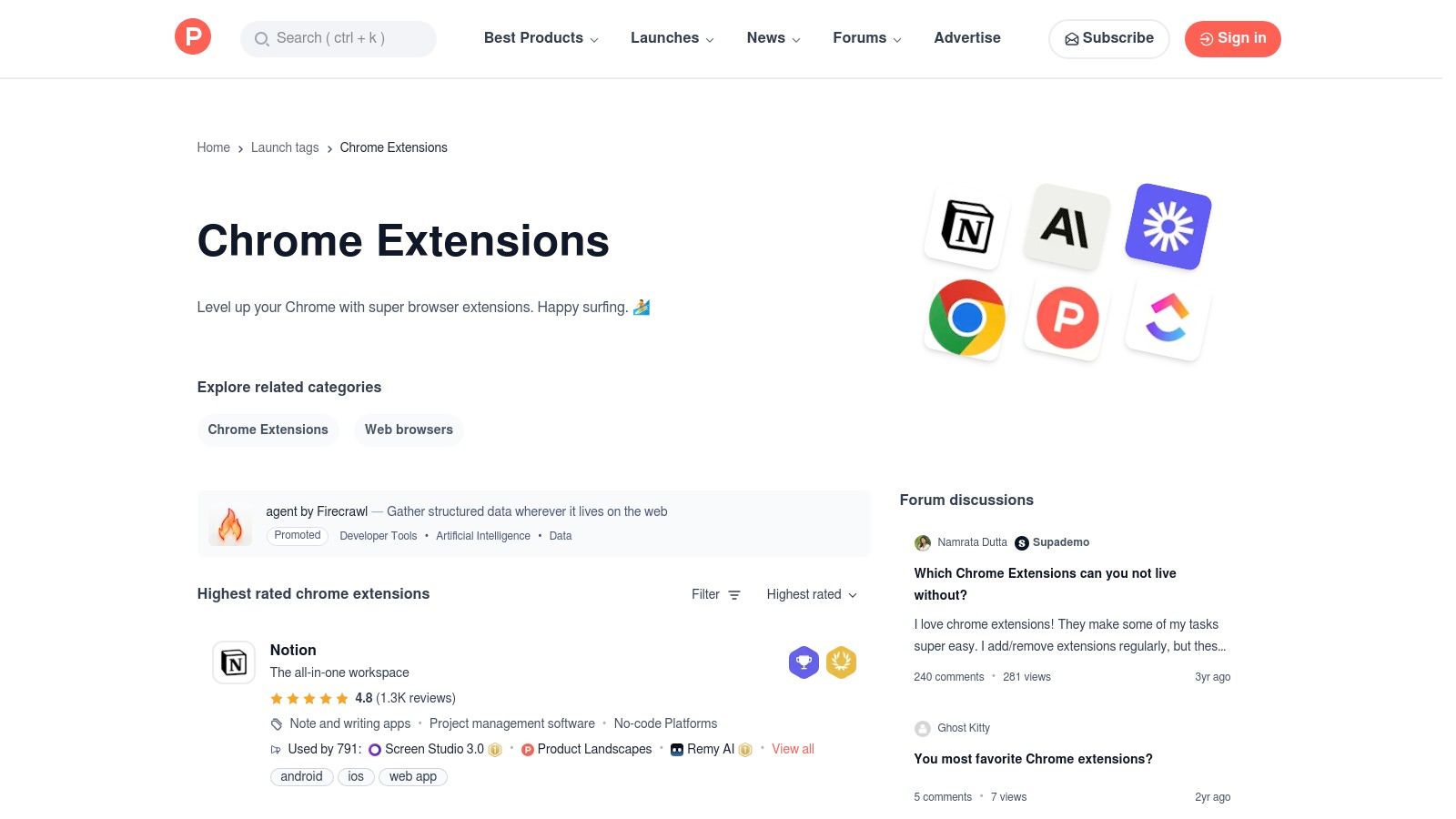
መድረክው ዋና እሴቱ በተሰጠው ሕይወት ተሞላቸው ማህበራዊ ግንኙነት ላይ የሚገኝ ነው። እምባ መስጫዎች፣ አስተያየቶች እና ግምገሞች ከተስፋፋ ተሞክሮ እና ከንግድ ምክንያቶች ወዲያውኑ የማህበራዊ ማስረጃ እና ለተጨማሪ መስሪያ ቁጥጥር አስፈላጊ ግንባታ ይሰጣሉ። ለምልከታ የተለያዩ በነጻ የሚገኙ በጣም ጥሩ የክሮም ተጨማሪዎች ለሚፈልጉት ሰዎች፣ እንደ ማህበራዊ ወገን ታማኝ የሆነው ይህ ወጥ ለመረጫ ልምድ ለማንኛውም ሌላ ቦታ የማታገኘው ነው። የልዩ ችግሮችን በብቃት የሚፈቱ ፈጣን የሚያድጉ እና በባለሙያዎች የተገነባ መሣሪያዎችን ለመለየት ምርጥ መንገድ ነው።
ቁልፍ ልዩ ባህሪዎች እና የተጠቃሚ ተሞክሮ
የProduct Hunt መቃኛ ተሟላቂ እና ማራኪ ነው። ተጨማሪዎችን በማህበራዊ ጥቅም በቀላሉ ማመጣጠን፣ በቀን ወይም በተጠራው ዕቃ ስብስቦች መጋራት ይችላሉ። እያንዳንዱ ምርት ገጽ ገላጭ መግለጫ፣ ስክሪንሾቶች እና ተጠቃሚዎች እና ባለቤቶች ባህሪዎችን፣ ስህተቶችን እና አማራጮችን የሚወያዩ የአስተያየት ሰንጠረዥ ያቀርባል። ተጨማሪው ለሥራ መንገድዎ መጥረቢያ እንደሆነ እና ግንኙነቱ ከማህበራዊ አስተያየት ላይ ምን ያህል ፈጣን እንደሆነ ለማየት ይህ ቀጥታ መግናኘት በጣም አስፈላጊ ነው።
ጥቅሞች:
- ከማስተዋይ ወዲያውኑ ጋር የመድረስ: አዲሶችን እና ተወዳዳሪ ተጨማሪዎችን በመነሻ ቀን ያግኙ።
- ቀጥታ የባለቤት አስተያየት: በአስተያየት ሰንጠረዥ ውስጥ ከበለፀጉ ጋር ቀጥታ ይገናኙ።
- የማህበራዊ ቅርጽ: እምባ መስጫዎች እና ውይይቶች ጥሩ ጥራት ያላቸውን እና ተጠቃሚ መሣሪያዎችን ለማሳየት ያግዙታል።
ጉድለቶች:
- ማሳሳት ከጥራት በፊት ሊሆን ይችላል: ታዋቂነት ሁልጊዜም የረጅም ጊዜ ድንጋጌነትን ወይም ድጋፍን አያረጋግጥም.
- ለመዝገብ ማንበብ አይደለም: እያንዳንዱ ማስታወቂያ ለቦታ ብቻ ግልጽ ሰንጠረዥ ወይም ድንጋጌ የመንገድ ሰንጠረዥ አያቀርብም.
ድር ጣቢያ: https://www.producthunt.com/topics/chrome-extensions?utm_source=openai
4. GitHub (chrome-extension / chrome-extensions ቦታዎች)
ለአጋራ ሽፋን አበרוקኞች እና ሃሳብ በመብት ግድ የሚያደርጉ ተጠቃሚዎች፣ GitHub ክፍት ምንጭ የኮሮም ማስታወቂያዎችን ለመፈለግ አስፈላጊ ሀብት ነው። ስም ከፍተኛ የሆኑ ፕሮጀክቶችን ያስተናግዳል፣ የምንጩ ኮዱ ሙሉ በሙሉ ለህዝብ ተደርጓል፣ ይህም በመዝጋቢ ምንጭ ማስታወቂያዎች መስጠት ባለማችን ባለው በግልጽነት እና በደህንነት ምርመራ ደረጃ እንዲኖር ያደርጋል። በአ的传统 ሱቅ ቦታ በ temp chrome-extension እንደ ዓይነት መሰረት በማድረግ፣ GitHub ተዛማጅ ምንጮችን በመከተብ አዳዲስ ልማትን እና የማህበረሰብ መሪ ልማትን መሬስ ያደረገው ነው.
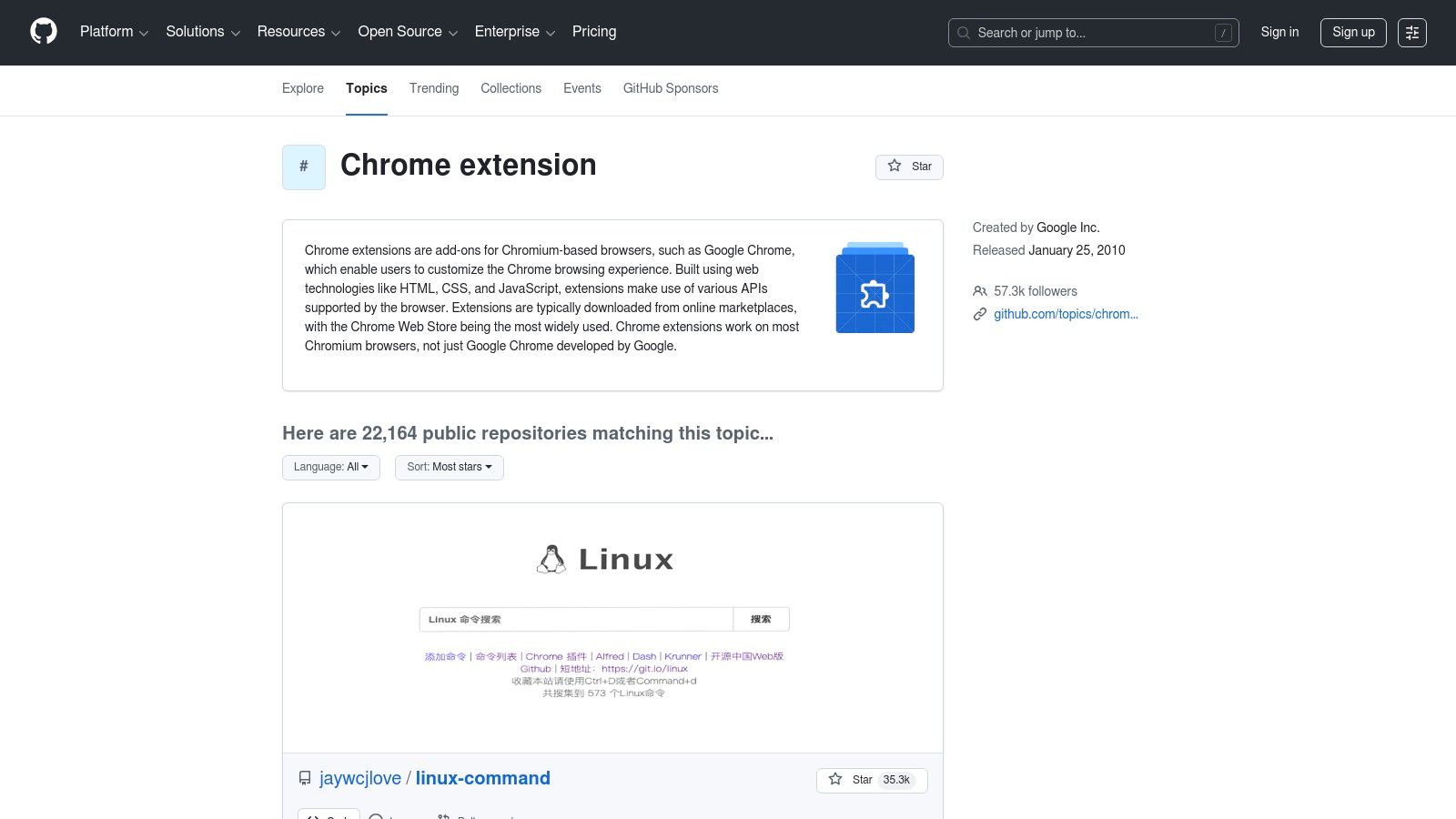
እውቀቱ ተጠቃሚዎችን Chrome Web Storeን በመቅለፍ ከልብ የሚወዱ መሳሪያዎችን ወይም እስከ በትክክል አልተ.publish በማይደረጉ ጥለኞችን ፕሮጀክቶችን ለማግኘት ያስችላል። በራስዎ ኮድን በማማከል ወይም የፕሮጀክቱን ችግሮች መከታተያ መሣሪያዎች እና የመልቀቂያ ማስታወቂያዎችን በማጣቀም ዓላማውን ማረጋገጥ እና የጥገናኝ እንቅስቃሴውን መጠን መቀረም ይችላሉ። ይህም ተጨባጭ ቀላልነት እና መሳሪያዎችን ለመቆጣጠር ያለን ጥቅም ካለ ለ ምርጥ ነፃ Chrome መ扩建entionዎች ማግኘት GitHubን ዋና መድረሻ ያደርገዋል.
ዋና ልዩነቶች እና የተጠቃሚ ልምድ
GitHub በተቀጥታ ተጨማሪዎች ለማግኘት ሲያስሱ፣ ለእርስዎ የሚስሩ ገጽ ምክሮች፣ የተመረጡ «-awesome» ዝርዝሮች እና የገንነተኛ የ פרופይሎችን መቃኘት ያስፈልጋል። chrome-extension እና chrome-extensions በተለይም ተወዳጅ እና እንደምን እየተጠገኑ የሆኑ ማከማቻዎችን ያሳያሉ፣ ይህም ከተከራካሪ እይታ ምንጭ ሆኖ ያገለግላል። ለገንነተኛ ጋር የሚሠሩ ተሟልቾችን ለማግኘት ይህ የመጠቀም አይነት በጣም ዋጋ አለው፤ በተጨማሪም ለገንነተኛ በኋላ የሚሠሩ ተጨማሪዎችን በመጠቀም ተጨማሪ መረጃዎችን ማግኘት ይችላሉ. የዌብ ሳይት አስቂኝነት አለው ቢባል የሆነው ባህሪ አይኖሩም፣ ግን ዋጋው በቀጥታ ወደ ኮድ እና ከዚህ ጀርባ ያለውን ማህበረሰብ የሚ 제공 የሚያቀርብ ቀጥታ መድረሻ ላይ ነው።
ጥቅሞች:
- ሙሉ ግልጽነት: የሃብት ኮድ ለመከላከያ እና ለማረጋገጥ ለህዝብ ክፍት ነው።
- ንቁ ማህበረሰቦች: ችግር ተከታዮች እና ጉጉት ጥያቄዎች በቀጥታ መስመሮችን ወደ ለማውራተኞች ያቀርባሉ።
- ወደ ዘመናዊ መሣሪያዎች መድረስ: በድር መጠጋት ላይ አልተወሰነም ለሆኑ ስፌቶች እና ባህሪ ቅርጾችን ያግኙ።
ከ缺点:
- የቴክኒካል ችሎታ ያስፈልጋል: አንዳንድ extensions በ开发者 ሁኔታ በእጅ መጫን አለባቸው።
- ለውጥ ሊኖረው የሚችል ጥራት: ደህንነቱና መረጋገጫው ሙሉ በሙሉ በየግል ፕሮጀክት ሥርዓተኞች ላይ ይወሰናል።
ওয়েবসাইট: https://github.com/topics/chrome-extension?utm_source=openai
5. AlternativeTo
AlternativeTo የተጫዋቾች በሰብአዊ አማካኝነት የተቀመጠ ሶፍትዌር ማግኛ መድረክ ሲሆን፣ ተጠቃሚዎች እንደ Chrome extensions ያሉ ማንኛውንም መተግበሪያ ለመቀየር ምርጫ ሊፈጥሩ ይችላሉ። በቀጥታ ገበያ ሆኖ መሆን በምትሆነው በተጨማሪ፣ በማህበራዊ ምክሮች ላይ በመመስረት ተመሳሳይ መሳሪያዎችን እንዲያገኙ ይረዳችኋል። እርስዎ የሚወዷቸውን፣ ነጭ ነጭ ወይም በፍላጎት የተለየ ቅርጽ ያላቸውን ቅplode extensions ሲያገኙ ይህ እጅግ ጠቃሚ ነው።
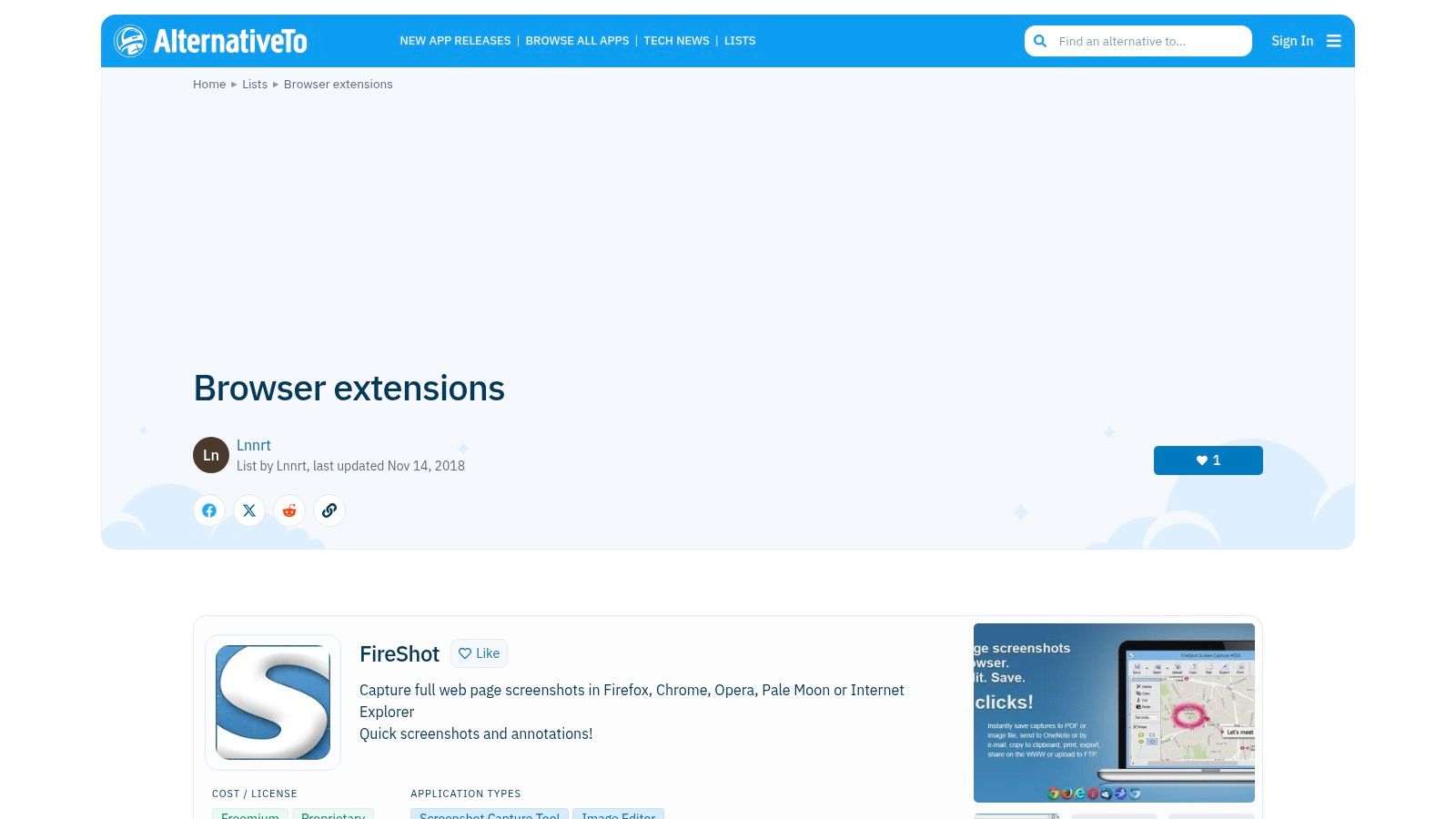
መድረኩ በተጠቃሚዎች የሚገኘው መረብ እና በጠንካራ ማጣቀሻ ማሰሪያ ተሞክሮ ላይ ይመስላል። የተወሰነ መ擴 diverter ማሰጠፊያ ማሰራጫ ማግኘት ትችላለህ፣ እና በድጋሚ ምርጫ በቃላት ማጣቀሻ የተመረጡትን (እንደ Google Chrome ያሉትን)፣ የፍቃድ ዓይነት (ነፃ፣ ንግድ፣ ክፍት ምንጭ) እና የተጠቃሚዎች "ሰ獯ሮች" ያለው ዝርዝር ወዲያውኑ ማየት ትችላለህ። ይህ ለመቼውም ቢሆን የ best free chrome extensions የሚፈልጉ፣ ሐረግ በጣም ድንቅ ሆነው የማይታወቀውን ማግኘት ያለባቸውን ሰዎች ወሳኝ ሀብት ያደርገዋል። ይህ ተጠቃሚዎችን ከመደበኛ ምርጫዎች ባሻገር ተንሥኦ ለልዩ ፍላጎታቸው በተሻለ ሁኔታ የሚስማሩትን የትርፍ መሣሪያዎች ለማግኘት ያስረዳቸዋል።
ምዕርናት ባህሪያት እና የተጠቃሚ ጉብኝት
AlternateTo መጠቀም ዋና በሆነው ማገኝ እና ማወቅ ሂደት ላይ የተመሰረታ ነው። አንድ ተጨማሪ ሲያግኙ፣ የማህበራዊ ሰብዓዊ ቅርጾች ዋና ባህሪያቸው ሲሆን ተጠቃሚ አስተያየቶችን እና ማብራሪያ የሚሰጡ በመሰረት ምልክቶችን ያካትታሉ። ገጽታው የሚያገለግል ቢሆንም፣ ምርጫዎችን ለመቀነስ በጣም ተ.effectively ናቸው። ለምሳሌ፣ ተወዳጅ የተከፈለ ምርታማ ተጨማሪ ለነጻ እና ክፍት ምንጭ ዘርፍ በቀላሉ ማግኘት ይችላሉ። ማህበራዊ ግብዛት ላይ የተመሰረተነው ትክክለኛ ምክሮች እንዲያግኙ ያደርጋል፣ ምንም ዓይነት ዝርዝሮች ጊዜ እንደሚያብቁ እንደሚሆን ግን።
ጥቅሞች:
- ለማግኘት ተመጣጣኝ: "ከ X ጋር ተመሳሳይ ነገር ነው ግን ነጻ/ክፍት ምንጭ ዘርፍ" የሆኑ ዘርፎችን ለማግኘት ተስፋፋ ነው።
- ማህበራዊ ማሰር遢: ከባለ ግድ ተመራጭ መረጃ ብቻ ሳይሆን እውነት ተጠቃሚ ምክሮችን እና ደረጃዎችን ይተኛል።
- ሰፊ ሽፋን፡ ለተጨማሪ ተ擴ሬሽኖች ብቻ አይደለም፣ ዴስክቶፕ ሶፍትዌር፣ ዌብ መተግበሪያዎችን እና ሞባይል መተግበሪያዎችንም ያካትታል.
አᨴሎች፡
- ምቹ የሆነ ጊዜ ሊቆይ ይችላል፡ በተጠቃሚ የተዘረዘሩ ዝርዝሮች እና ምክሮች አንዳንድ ጊዜ ጊዜ ቆይተው ሊሆኑ ይችላሉ.
- ምላሽ ባይደረግም ማገናኛዎች፡ ማገናኛዎች ብዙ ጊዜ ወደ ሶፍትዌሩ ዋና ገጹ ይሄዳሉ፣ በቀጥታ ወደ Chrome ዌብ መጠበቂያ ማመቻቸያ አይሄድም.
አድራሻ፡ https://alternativeto.net/lists/6487/browser-extensions/
6. Chrome-Stats
Chrome-Stats የተነሳ የትንታኔ መድረክ ሲሆን፣ የChrome ዌብ መጠበቂያ ስርዓት ላይ የሚሰጥ ጥልቅ፣ በውስጥ መረብ የተመሰረተ ግንዛቤ ነው። የመደብ ገጹ ላይ ያለውን ቀላል መረጃ ማለትም ታሪክ አዝማመኖችን፣ ዝርዝር ፈቃድ ማጠቃለያዎችን እና ተፎካካሪ ደረጃዎችን ይዘት ይቃልጣል። እንዲህ ዓይነት ተጨማሪ አመቻቂያ መጠንቀም ከሚፈልጉ ሰዎች፣ በተጨማሪም ደህንነትን እና ተጨማሪውን የመገንባት ታሪክን ስለሚጨነቁ ሰዎች ላይ ግድ የማይሰጥ መሳሪያ ነው።
መድረኩ የተመረጡ ውሳኔዎችን ማድረግ የሚፈልጉ ተጠቃሚዎችን ለማድረግ የተነሳ ነው። የተርሆ ታሪኮች፣ የግምገማ አዝናኝነቶች እና የሳምንታዊ ተጠቃሚ ብዛቶችን በመከታተል፣ Chrome-Stats እንደ የምርጥ ደረጃ ድንጋጌ መቀነስ ወይም ተቸርቮ ፈቃዶችን ያቀར ዘመናዊ ዝውውር ያለ አንድ ዓይነት ምልክቶችን ለማግኘት ይረዳዎታል። ለ开发建设者 እና ለ. ምርጥነት ባለው ነጭ ቀለም በቃሪታ ማከፋፈያ የሚፈልጉ ሰዎች እና ነፃ የክሮም መ扩建ል ተሰብስበው ተጠቃሚዎች ለመረዳት ይረዳል፣ ይህም በቃሪታ ማከፋፈያ የምትኖር ግልጽ ጉዳዮችን ማረጋገጥ እና በጊዜ አንድ ተ扩张ል ከፍተኛ አስተማሪነት እና ታሪክ ማከተል ይረዳል። በዚህ
ዋና ባህሪያት እና የተጠቃሚ ተሞክሮ
ተመልካቹ ለመረጃ ማዕከል የተቀረ ቢሆንም በቀላሉ ሊሰሻ የሚችል ሲሆን، ለእያንዳንዱ ተ扩张ል ተደicated የሆኑ ገጾች በቃ ገጽታ እና አስፈላጊ መለያዎችን ለማሳየት ተዘርግተዋል። አንድ ተ扩张ል የእድገት መንገድ፣ የግምገማ ስርጭት እና ሙሉ ማIFEST ማፍለቅ በፈጣንነት ማየት ይችላሉ። የቃል አጻፍ እና ደረጃ ግንዛቤዎች በተ扩张ል ስንት ሰዎች እንደሚጠቀሙ እና በተወሰነ ዓለም አቀፍ መስመር ምርጫዎችን ለማግኘት በጣም ጠቃሚ ናቸው። እሱ ራሱ የመጫን መድረክ ሳይሆን ከመጠን በፊት የምርምር ማዕከል አድርጎ ያገለግላል.
ጥቅሞች:
- ጥልቅ ምስል ይጨመራል: በድር ሱቁ ላለ ታሪካዊ መረጃ እና አዝናኝነቶች ይሰጣል።
- ደህንነቱ የተጠበቀ ነው: የፍቃድ ታሪክ እና የተጠቃሚ አዝናኝነቶችን በመተንታት ተ扩张ል ለማጽደቅ ይረዳል።
- ለምርምር ምርጥ ነው: የተጾረኛ ግንዛቤዎችን እና የድንበር ብዛት ማከተል ይሰጣል።
Cons:
- ከፍተኛ ባህሪዎች የተከፈተ ናቸው: ከፍተኛው ተናጥላዊ ተግባራት ለመጠቀም ስብስብ ያስፈልጋል።
- መጫኛ አይደለም: ወደ ብዙ ማዕከላዊ ሕ createStore ገጾች የሚያገናኝ የምርምር መሳሪያ አድርጎ ይሠራል።
ድር ጣቢያ: https://chrome-stats.com/?utm_source=openai
7. TechRadar
TechRadar በታዋቂነት የታወቀ የቴክኖሎጂ መረጃ እና ግምገማ ድር ጣቢያ ሲሆን ለሰፊ ተጠቃሚ ተከታዮች አርቲክል ማጠቃለያዎችን እና የገዢ መመሪያዎችን ያቀርባል። በ ልዩ chrome ቴክኒክ መሣሪያዎች ላይ የተመረጡ ምክሮችን የሚፈልጉ ተጠቃሚዎች ለማገልገል፣ ዝርዝሮቹ ታማኝ፣ የመሬት ዘመን እይታ ይሰጣሉ። መድረክ በቂም የሆኑ "ምርጥ" ምርጫዎችን ሁልጊዜ ያሟላል እና የደህንነት ማስጠቂያዎችን ያተላልፋል፣ በታምረው እና በተወሰነ ምክሮች ላይ ማንቂያ ለመቀጠል ትልቅ ሀብት ነው።
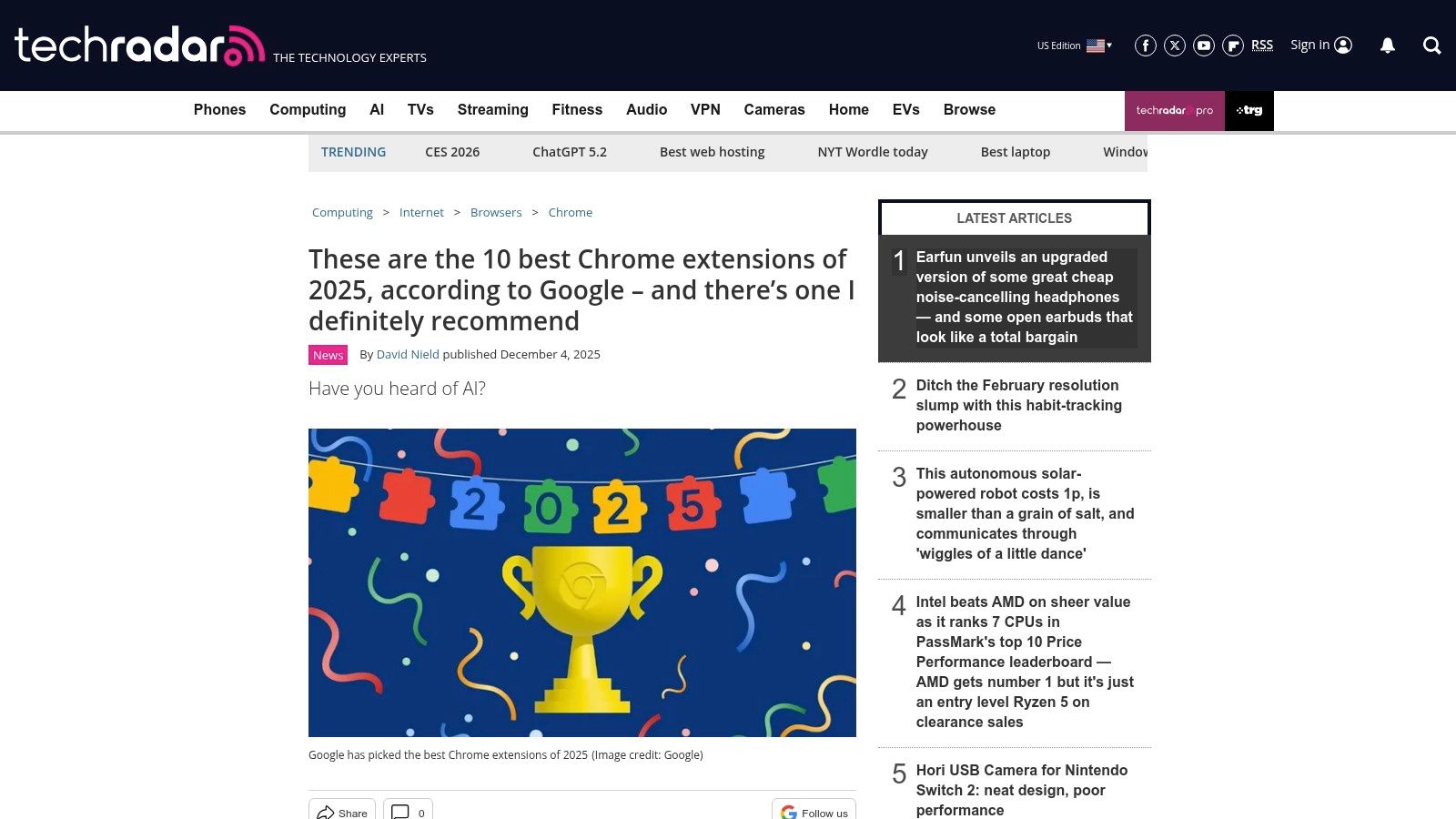
ጥረ ገበያ ከሌለው የተለየ፣ TechRadar ዋጋ ከሦስተኛ ወገን ማረፊያ ድርጊት እና የደህንነት ግንዛቤ ያለው ሪፖርቲንግ ይገኛል። ጽሑፎቹ ብዙ ጊዜ አንድ ቅርጫ ለምን ተመርጧል፣ ዋና አጠቃቀም ሁኔታው፣ እንዲሁም ከChrome ዌብ ሆስታል ጋር የተያያዙ ማንኛውም የተቃውሞ የደህንነት ዜና እንደ ማስተሳሰር ለክሰርት ቅርጫዎች ወደ ማስወገድ ያሉ ዜናዎች ያብራራሉ። ይህ የ补齐 መርጊያ ዘዴ ተጠቃሚዎች ማስተካከያ ለማድረግ ከመሳል በፊት በተለይ በአስተማማኝ ውጤቶች እንዲያወጡ ይረዳቸዋል::
ዋና ባህሪያት እና የተጠቃሚ ተሞክሮ
መድረክ ይዘቱ በቀላል የሚያንብስ እና ለማቀላቀል ቀላል የሆነ ቋንቋ ውስጥ ያቀርባል። እያንዳንዱ የተመከረ ቅርጫ አጠቃላይ መግለጫ፣ ዋና ጥቅሙ እና ለማውደም የ.chrome ዌብ ሆስታል ቀጥታ ማገናኛ ይሰጣል። ዋና ጉልበት ያለው ነገር ሪፖርтировቱ ጊዜ ትክክለኛነቱ ነው፤ TechRadar ለአዲስ ተгалናጭ ምድን ሁኔታዎች፣ የደህንነት ክስተቶች እና ከጎוגל የመጡ ባህሪያዊ ምክሮች ሪፖርት ማድረግ ፈጥኖ ይሰራል፣ የቅርጫ መድረክ ምễn ትናንትና ተመልሶ ያሳያል::
ጥቅሶች:
- ለጊዜ በቂ እና በሰፊ የሚሸፍን ግብር፡ በቀላሉ ሊ 이해 የሚችል እና ዘመናዊ ምክርችን ያቀርባል።
- ስለ አደጋዎች እና ዘመቻዎች ያንሳል፡ ስለ ክፉ ማሰሪያዎች እና ዘመናዊ መከልከሎች ጠቃሚ የደህንነት መረጃ ያቀርባል።
- በኢditor ተገንብቧል፡ ምርጫዎቹ በተጠቃሚ ደረጃ ብቻ ከመሆናቸው በተጨማሪ በቴክኖሎጂ ጸሐፊዎች ተቆጣጠረ ነው።
አሉnten缺点፡
- ቀጥታ ምንጭ አይደለም፡ የድንበር መረጃ ቦታ ሲሆን፣ ለማሰሪያዎች ቦታ አይሰጥም፤ ወደ ዋር ሰጠው ይሄዳል።
- በተወዳጅነት ላይ ትኩረት፡ ዝርዝሮቹ ኃይለኛ ምርጫ መሣሪያዎችን በመካከል በጣም የሚታወቁ ማሰሪያዎችን ሊመርጡ ይችላሉ።
8. ዲጅታል ቴረንዶች
ይህ ዘዴ ለመመርኮ የሚመርጡ ሰዎች ምርጫዎችን የሚያስፈልጋቸው እንደሆነ በልዩ ሁኔታ ተስፋፋ ያደርገዋል። ይህ ዘዴ ለመመርኮ የሚመርጡ ሰዎች ምርጫዎችን የሚያስፈልጋቸው እንደሆነ በልዩ ሁኔታ ተስፋፋ ያደርገዋል። ይህ ዘዴ ለመመርኮ የሚመርጡ ሰዎች ምርጫዎችን የሚያስፈልጋቸው እንደሆነ በልዩ ሁኔታ ተስፋፋ ያደርገዋል።
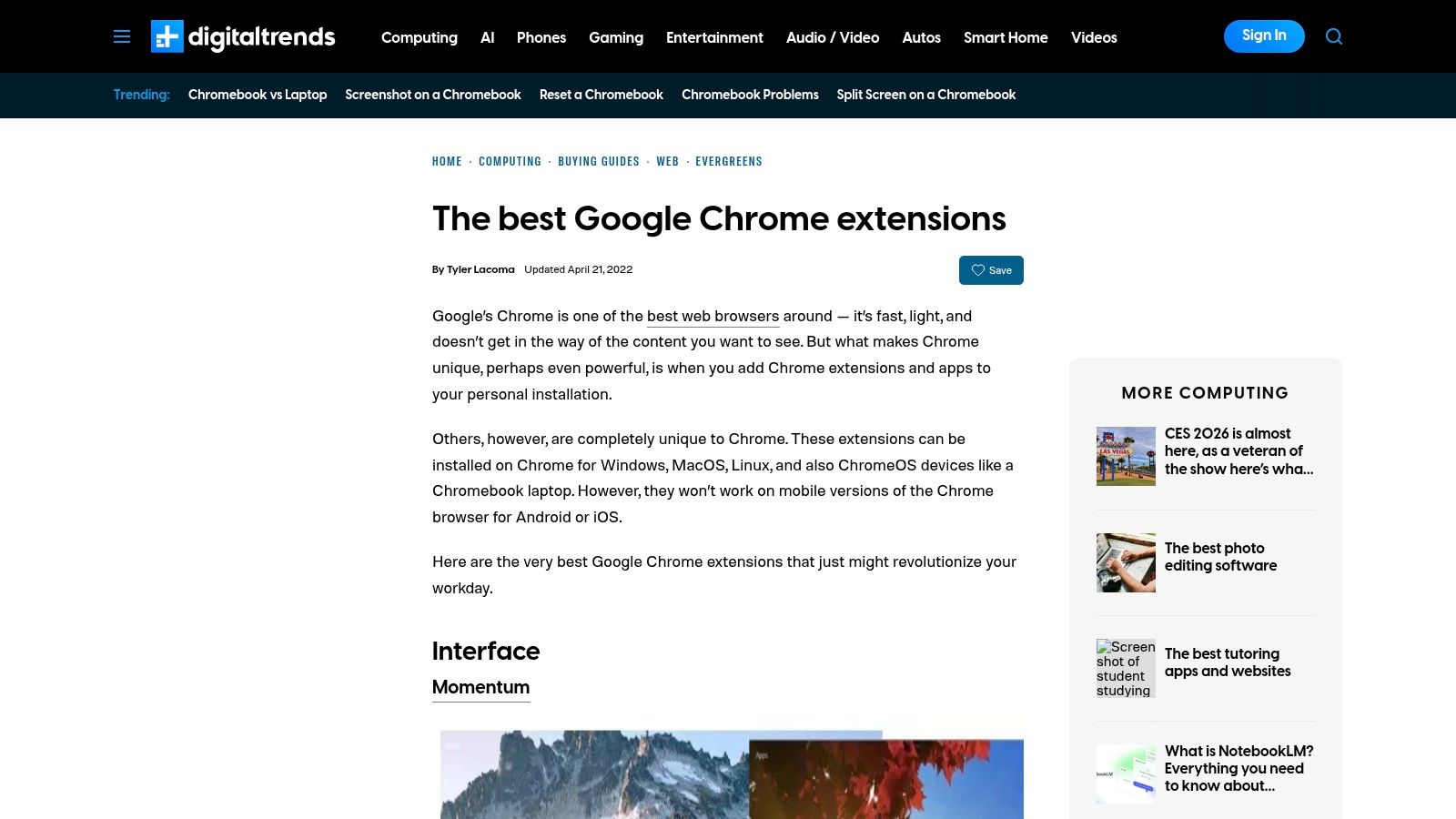
መድረክ ጥንቅቆቹ በተደራሽ እና በልዩ ቃላት ያልሞላ ጽሑፍ እና በአጠቃላይ ጥቅማጥቅማዊ መረጋጋት ላይ የተመሰረተ ነው። እያንዳንዱ ምክር በተለይ ቀላል መግለጫ፣ ዋና ጥቅሞች እና ለመጫን በቃ በ Chrome Web Store ላይ ትክክለኛ ማገናኛ ይዟል። ለማንኛውም ሰው የሚፈልገው ፈጣን፣ ታማኝ ማጠቃለያ ለ ምርጥ ነፃ Chrome ቅጥፎች በቴክኒካል ዝርዝሮች በመጠል አለመገረገብ እንዲቃወም፣ Digital Trends የዕለት ተዕለት ወርክፍሎዎችን ለማሻሻል ጥሩ መነሻ ነው።
ምኳናዊ ባህሪያት እና የተጠቃሚ ልምድ
የዲጂታል አዝማሞችን መረዳት በ那么简单 ነው፣ ምክንያቱም እንደ መደበኛ ብሎግ ልጥዶች በግልጽ ርዕሶች የተዘጋጁ ናቸው። ይዘቱ በተደጋጋሚ አፕሊኬሽኖች ላይ በተናጠል ያተኩራል፣ መሳሪያ እንዴት ልዩ ችግሮችን (ለምሳሌ ትኩረትን ማሻሻል ወይም የይለፍ ቃሎችን ማስተዳደር) መፍታት እንደሚችል ያብራራል። ይህ ችግር-መፍትሄ ቅርጽ ለስራ አልባ ተጠቃሚዎች በተለይ ጥቅম ይሰጣል፣ የት መፈለግ እንደሚያውቁ ከመጠን ባልታወቀው ሱቅ ውስጥ ሊያውቁ ከመቻላቸው ያነሳ። ቀጥታ የመጫኛ ማገናኛዎች ግድግዳውን ያrais አይሉም፣ ወዲያውኑ ወደ ትክክለኛው የሱቅ ገጽ ያመጣችሃል::
ምርጥ ነገሮች:
- ቀላል ለማንበብ: መግለጫዎች ለሰፊ ተመልካች ተስማሚ ናቸው::
- ተለያዩ መረጓጎቶች: ቀደም በተመረጡ ውድ እና ታማኝ መሳሪያዎችን ያቀርባል::
- መጠቀሚያ ሁኔታ ላይ የተኮሰ: ልጥዶች እንዴት የተለመዱ ተጠቃሚ ችግሮችን እንደሚፈቱ ያተኩራል::
ስህተቶች:
- ሙሉ አይደለም: ዝርዝሮች ተምረጊ ናቸው እና አዳዲስ ወይም የተወሰነ ልጥዶችን ሊያስቀር ይችላል::
- የማዘመኛ መጠን ይለያያል: ይዘቱ ከ最新 መሳሪያ ማሰరቶች እና ዝግጅቶች ጀርባ ሊሆን ይችላል::
ድር ጣቢያ: https://www.digitaltrends.com/computing/best-google-chrome-extensions/?utm_source=openai
9. MakeUseOf (MUO)
MakeUseOf (MUO) በቀላል ዝርዝር ሰRuntimeObject በላይ የሚደረግ አገልግሎትን በመለየት ከተወሰኑ ተጠቃሚዎችና ፍላጎቶች ጋር የተዘረጋ ምርጥ ነፃ Chrome ተ 확장 ዝርዝሮችን በመቀደም ከቀላል ዝርዝር ሰRuntimeObject በላይ ያለው ዋጋ ያለው አገልግሎት ይሰጣል። ተጠቃሚዎችን በተጨባጭ አማራጮች አይከራከራም MUO፣ ለተማሪዎች፣ ለግዢ ሰRuntimeObject እና ለሙያተኞች የተညီ ዝርዝሮችን ፍጠራ እና ተግባራዊ፣ በዕለት ተዕለት የሚሄዱ አጠቃቀሞችን ማትኩት ይችላል። ይህ ዘዴ ተጠቃሚዎችን ሌላ መሰረት የማይገኙትን በእውነት ጠቃሚ መሣሪያዎችን ለመፈተሽ ይረዳቸዋል።
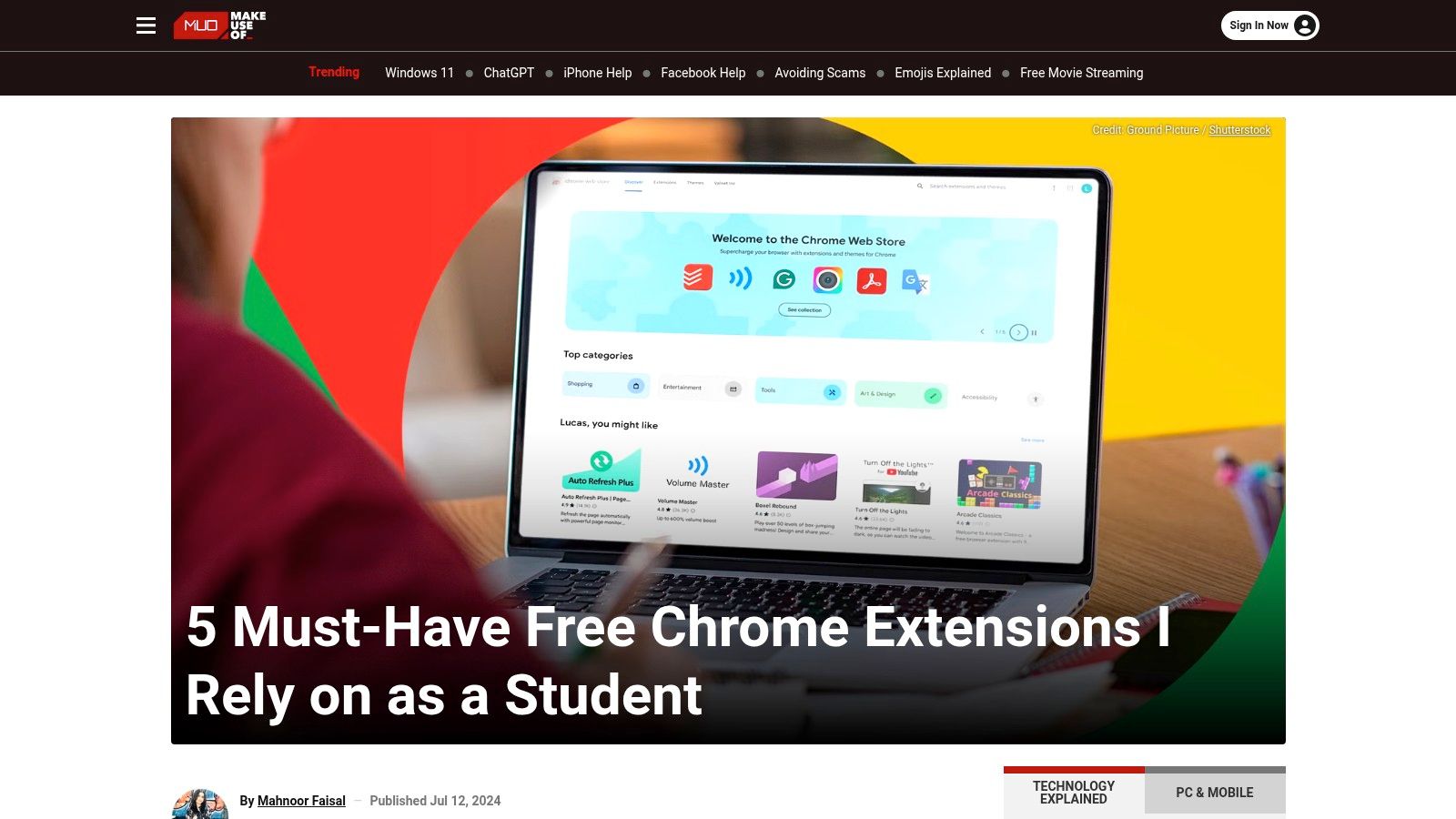
ይህ መድረክ በተደጋጋሚ የ الأمن ማሳሰቢያዎቹም ታዋቂ ሲሆን፣ ለነጻነት መፈረጅ እንደሚያስፈልግ ተለይተው ከተገለጹ እና መድረስ ያለባቸው አስቸኳይ ተጨማሪዎች ላይ ያንበብተኞቹን ይጠቁማል። በአይነት ይህ በተጠቃሚ ደህንነት ላይ ባለው ትኩረት፣ ከግልጽ የተወሰነ ምክር ጋር በማጣቀም፣ ለ פחות ቴክኒካዊ ሚዛን ያላቸው ተጠቃሚዎች ልዩ ሀብት ይሆናል። ለተወሰኑ ሥራዎች መሳሪያዎችን (ለምሳሌ ጥቅም ላይ የሚውሉ በቅርጾች ላይ ተመዝጋቢዎች ወይም ቅማጥ ሁነን አስቻሊዎች) በማቅระከት፣ MUO ብራውዝር ማቅረብ ለሁሉም ሰው ተደራሽ ያደርገዋል።
አይነት ዋና ባህሪዎች & የተጠቃሚ ተሞክሮ
MUO መቃኘት ቀላል ነው፣ ጽሑፎቹ በርዕስ የተደረጋቸው እና ግልጽ አርእስቶች ትክክለኛውን ይዘት ወደ ማሰ雷锋 ያግዛሉ። እያንዳንዱ የርዕስ ዝርዝር መጠቃሚያ ተጨማሪዎቹን ዓላማ ይቀምጣል እና ለቀላል ጥቀሳ ወደ Chrome ዋርስት ድር ማከፋፈያ ቀጥታ ማገናኛዎችን ይሰጣል። ይዘታቸው ብዙ ጊዜ ውጤታማ ምክሮችን ያካትታል፣ ለምሳሌ ለተወሰነ ሥራ መሳሪያ እንዴት በብሩህ መንገድ እንደሚጠቀሙ፤ ለምሳሌ፣ ለ productivity ተጨማሪዎችን ሊያቀርቡ ይችላሉ፣ እነዚህም እንደ scrolling screenshot አንዴ ላይ ተለይተው ላይ ያሉ ከፍተኛ ተግባራትን መሰጠታቸው ይሆናል። በተጨማሪም ለዚህ እንዴት ሙሉ ገጹን ስክሪንሾት ይወስዱ .
ጥቅሞች:
- ተለይተው የተቀረጹ ምክሮች: ለተወሰነ ተጠቃሚ ቁጽ铮ር የተቀመጡ ዝርዝሮች ትክክለኛ መሳሪያዎችን በቀላሉ ለማግኘት ያደርጋቸዋል።
- በደህንነት በተ覚思: አስቸኳይ ተጨማሪዎችን በመለየት እና በማስወገድ ላይ አጋዕ ጽሑፎችን ያቀርባል።
- የተግባር መመሪያ: አዳዲሶችን በፍጥነት ደህንነታቸው የተጠበቀ እና የከፍተኛ ጥቅም ላላቸው ማሰፋፊያዎችን እንዲያገኙና እንዲጠቀሙ ይረዳቸዋል.
ጥቁর ባህሪዎች:
- ችግር የሚያስተሳስሩ: አንዳንድ ጽሑፎች በቅርብ ጊዜ እንደማይዘምኑ ሊሆኑ ይችላሉ፤ ሁልጊዜ የዕцен ቀን ይፈትሹ.
- ተለያይቷል የሚባል ጥልቀት: ዝርዝር መረጃ እና ትንታኔ ከአንድ ጽሑፍ ወደ ሌላው ሊለይ ይችላል.
ድር ጣቢያ: https://www.makeuseof.com/chrome-extensions-student-free-must-have/?utm_source=openai
10. Reddit – r/chrome_extensions
ከ ባህሪ መሸጫ ቦታዎች እና በተመረጡ መዝገብ ቤቶች በላይ, Reddit የ r/chrome_extensions subreddit አዳዲስ እና ልዩ ማሰፋፊያዎችን ለማግኘት እንደ አመቀ የሕዝብ መምህር ማዕከል ያገለግላል. አበይተኛ ሃሳቦችን የሚያወጅ ቦታ, ተጠቃሚዎች አስደናቂ ምርኮ ይጋራሉ, ከ ደህንነት ግጭቶች እስከ ባህሪ ጥያቄዎች ድርሰት ሁሉንም የሚሸፍን ጥልቅ ውይይቶች ይሰጥልሃል. ይህ ከዕለታዊ ማዕከል በፊት መሳሪያዎችን ለማግኘት በፀጋ የምር ሀብት ያደርገዋል.
የመድረክ ሃይлат በተቀኘው፣ በተከፈተው አስተሳሰብ ላይ ይወዳል። በ网约 Store ላይ ብዙውን ጊዜ የሚነገሩትን በጥሩ ሁኔታ የተዘጋጀ ትንታኔዎች አለመሆኑን፣ Reddit ገጽታዎች እና የተከፈቱ አስተያየቶች፣ ተስፋፋ ችግሮችን መፍታት እና ከፋንታን ዲቨሎፐሮች ጋር ቀጥታ ተሳትፎን ይሰጣሉ። ለነዚህ የ ተለያዩ ነፃ የChrome ፋንታዎች ማውጫ ለሚሹ፣ በተለይም ሰዎች የተሟሉ ወይም ክፍት ምንጭ ፕሮጀክቶችን፣ ይህ ማህበረሰብ ለመሳሪያው የዕድገት ሂደት እና የተጠቃሚ ቤተሰብ ግልጽ እይታ ይሰጣል.
ዋና ባህሪያት እና የተጠቃሚ ጉብኝት
የ subreddit ጉብኝት በጽሁፎች እና ትንታኔዎች ላይ ያተኮረ ነው። ዲቨሎፐሮች ብዙውን ጊዜ ምስሎችን እና ቀጥታ ማገናኛዎች ያሉትን "ማሳየት" ገጽታዎችን ይሟሉ፣ ተጠቃሚዎች ዘዴዎችን ለማግኘት ወይም ነባሩን ፋንታዎችን ለማነጻጸር "ጥያቄ" ወይም "ውይይት" ጽሁፎችን ይፈጥራሉ። ይህ ተግባራዊ ቅርጸ ተሰር ቀጥታ ጥያቄዎችን ለመጠየቅ እና ሌሎች ምን እንደሚሠሩ ለመመልከት ይችላል። ግን፣ ማህበረሰብ መ/forum ስለሆነ፣ ተጠቃሚዎች ፈቃዶችን እና ምክሮችን አስተማማኝነትን በጥንቃቄ መገምገም አለባቸው.
ተመራጭነቶች:
- በቀን አሃዳዊ የሆኑ ግንኙነቶች: ተስፋፋ መሳሪያዎችን እና ክፍት ምንጭ ፕሮጀክቶችን በመጀመሪያው በሚሄዱ ጊዜ ያግኙ።
- ግልጽ የማህበረሰብ አስተሳሰብ: ቀጥታ የተጠቃሚ ትንታኔዎች፣ የስህተት ሪፖርቶች እና የአጋራ ዲቨሎፐሮችን ጋራ ተገናኝነት ይጠቅማሉ።
- ትልቅ ዕድሎች: ለተለያዩ የመጠቀም አካባቢዎች ተፈጥሯቸው የሆኑ ፋንታዎችን ለማግኘት ጥሩ ቦታ።
አሉታዊ ወገኖች:
- ተለያዩ ደረጃ ነበር: ራስን ማስታወቂያ በተደጋጋሚ ነው የሚከሰተው፣ ሁሉም ተዘርግተው የሚታዩ መ.expandions ጥራት ከፍተኛ ወይም ደህንነቱ የተጠበቀ አይደለም።
- ለማረጋገጡ ይሠራቸዋል: ተጠቃሚዎች መጫን ከመቀረቃቸው በፊት ፈቃዶችን እና የ developern ታሪክን በጥንቃቄ መመርመር አለባቸው።
ድህረ ገጽ: https://www.reddit.com/r/chrome_extensions/
11. ExtensionHub
ExtensionHub የማህበራዊ ትስስር ተጐዦ የሆነ ማዕከላዊ ቦታ እና ገበያ ሲሆን ተጠቃሚዎችን ከ official Chrome Web Store ባልደረቦች ባልደረቦች ባልደረቦች ባልደረቦች ባልደረቦች ለማግኘት ይረዳቸዋል። በ developern portfolios እና በማህበራዊ ትስስር መመርመሪያ ላይ በተኮር ሆኖ ባለው ልዩ ማዕበል ነው የሚያቀርበው፣ በትልቅ መድረኮች ላይ ከፍተኛ ታዋቂነት የሌላቸውን ዘርፍዊ፣ ነጻ ወይም አዲስ የተነገገ መሣሪያዎችን ለማግኘት ምርጥ ሀብት ይሆናቸዋል።
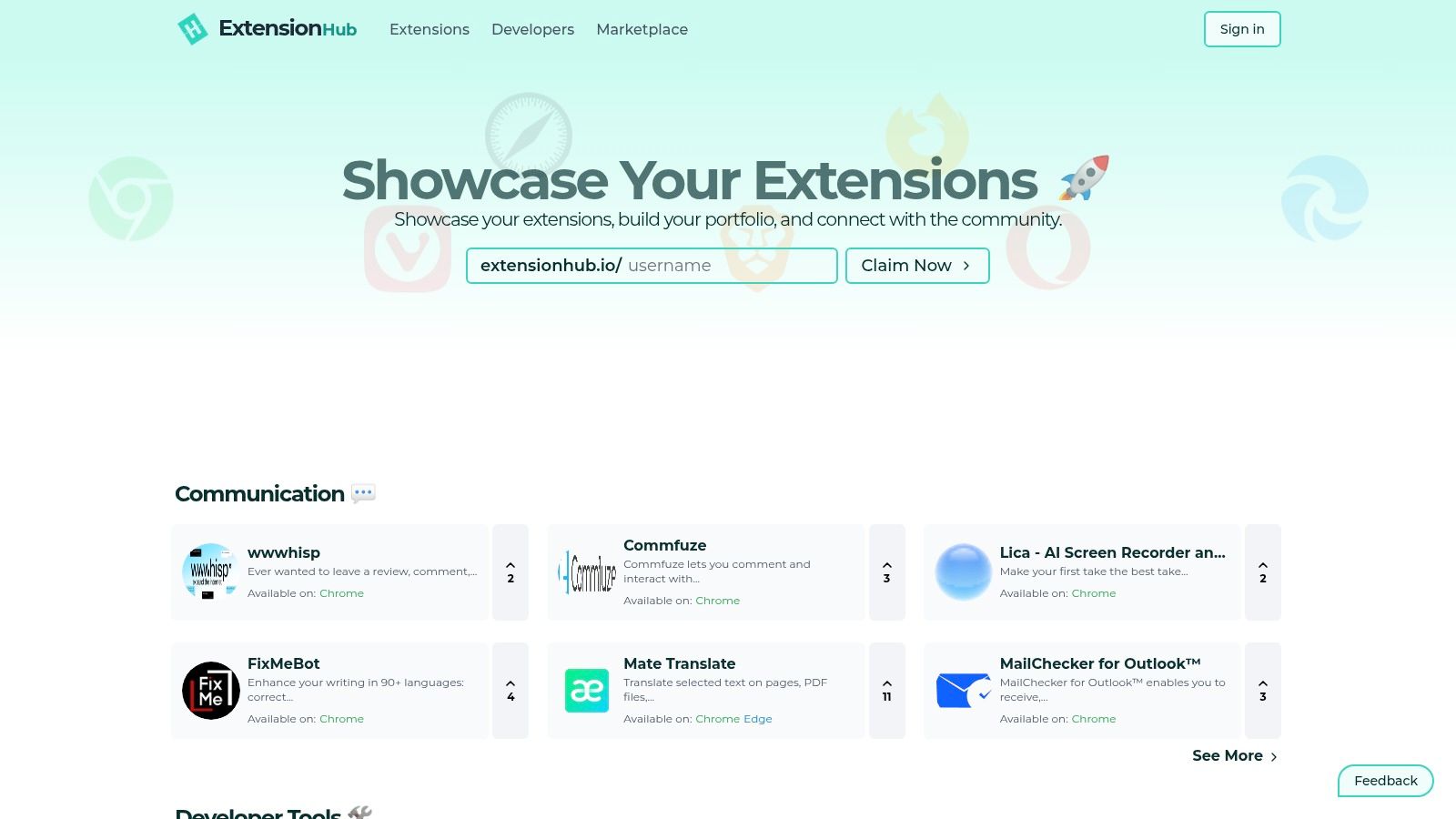
መድረክው በተሰፋፉ ስብስብ ተጫዋቾችና ፈጠኞች የሚሆን የማህበራዊ ማዕከል አይነት ነው። ተጠቃሚዎች በሰ貓ዎ ተመደበው ዝርዝሮችን ማጠቃለያ፣ የተወሰኑ የפיתוח ተማሪዎችን ተከታይ ሆኖ የገነባቸውን የቅርብ ፕሮጀክቶች ማየት፣ እና በማህበራዊ ቅርብ ከተሰፋፉ ስብስቦች ውስጥ ተዘርግተው ያሉ ስብስቦችን መቃኘት ይችላሉ። ይህ የ开发ኛ መሠረት የሚሆነው አቀራረብ ለሚፈልጉት ከታዋቂ የሆኑ ፈጠኞች ወይም ከመነጋገሪያ ስርዓት የመገኘት ስርዓት ባልኖሩ ፈጠኞች የተሻለ ከነበረው ምርጥ ነፃ የክሮም ማሰፋፊያ ቅጽበቶች መፈለግ ለሚፈልጉት ዋጋ ያለው አማራጭ ነው።
ዋና ባህሪያት እና የተጠቃሚው ጉብኝት
ገጽታው ንጹህና ዘመናዊ ነው፣ በቀላል ስብስቦችና የ开发ኛ ገጽታዎች በኩራት ላይ በመስጠት ይፈትሻል። እያንዳንዱ ዝርዝር በተቀጥታ ለመጫን ወደ ኦፊシャル ዌብ ሱቁ ያገናኛል፣ ደህንነቱ የተጠበቀ የማውረድ ሂደትን በማረጋገጥ። ከባህሪያቱ ጋር የሚለይ ነው የገበያ ክፍሉ፣ ውስጥ ፈጠኞች ማሰፋፊያቸውን ለመሸጥ ወይም ለማስተላለፍ ያስቀምጣሉ፤ ይህም ክፍል ግን ምንም እንኳን በማደገፍ ላይ ነው። ለተጠቃሚዎች፣ ዋጋው በዋናው በመፈለጉ የማይገኝ ግ隱秘 ልብ ማውሻዎችን ሊያሳይ የሚችልው በተለየ መንገድ ለመፈለግ ስርዓቱ ነው::
ጥቅሞች:
- ተለይተው ለመፈለግ: ለመፈለግ ምርጥ ነው የመነጋገሪያ ወይም ልዩ ማሰፋፊያ ቅጽበቶችን።
- ለ开发ኛ የተሰጠ: ተወዳጆች ፈጠኞችን ተከታይ ሆኖ የንባብ ስብስቦቻቸውን ተከታተል።
- የማህበራዊ ቅርብ ማረጋገጫ: በওፊሻል ሱቁ ከፍተኛ ደረጃ ላልያዙ መሳሪያዎችን ያሳያል።
አስቀኝቶች:
- ትንሽ ስimpsectorium: በንድፍ Chrome ዌብ ሱቅ ማነስ ሰፊ።
- የተለያዩ የዝርዝር ጥራት: የገበያ ማስታወቂያዎች ዝርዝር እና ምርመራ ሊከታተል ይችላል።
ቪብሳይት: https://www.extensionhub.io/?utm_source=openai
12. ShiftShift ቀ向外扩张
ShiftShift በዘላቂነት የሚሰጡ ነጻ Chrome ቅጥering የሚያደርግ የግል መረብን ያቀርባል፣ እርስዎ ለሚጠቀሙበት በኃይለ Command Palette ይያያዛል። ከነጠላ ዓላማ መሣሪያዎች በተለየ ሁኔታ፣ ይህ ለ公开发行者 ከፎርማተሮች እና መቀይሮች እስከ ምርጫ widgets ድረስ የተለያዩ መሳሪያዎችን ይሰበስባል፣ ሁሉም በመሣሪያዎው ላይ በአካባቢ የሚሄዱ እና ምንም መከታተል የማይኖራቸው ለሆነ ተነሳሽነት ይעצבናል። ይህ በመሬት ላይ የሚነሳ አቀራረብ የእርስዎን መረጃ ይከላከላል እንዲሁም መሣሪያዎች ከኢንተርነት ጋር ያለም ቢሆንም ይገኛቸዋል።
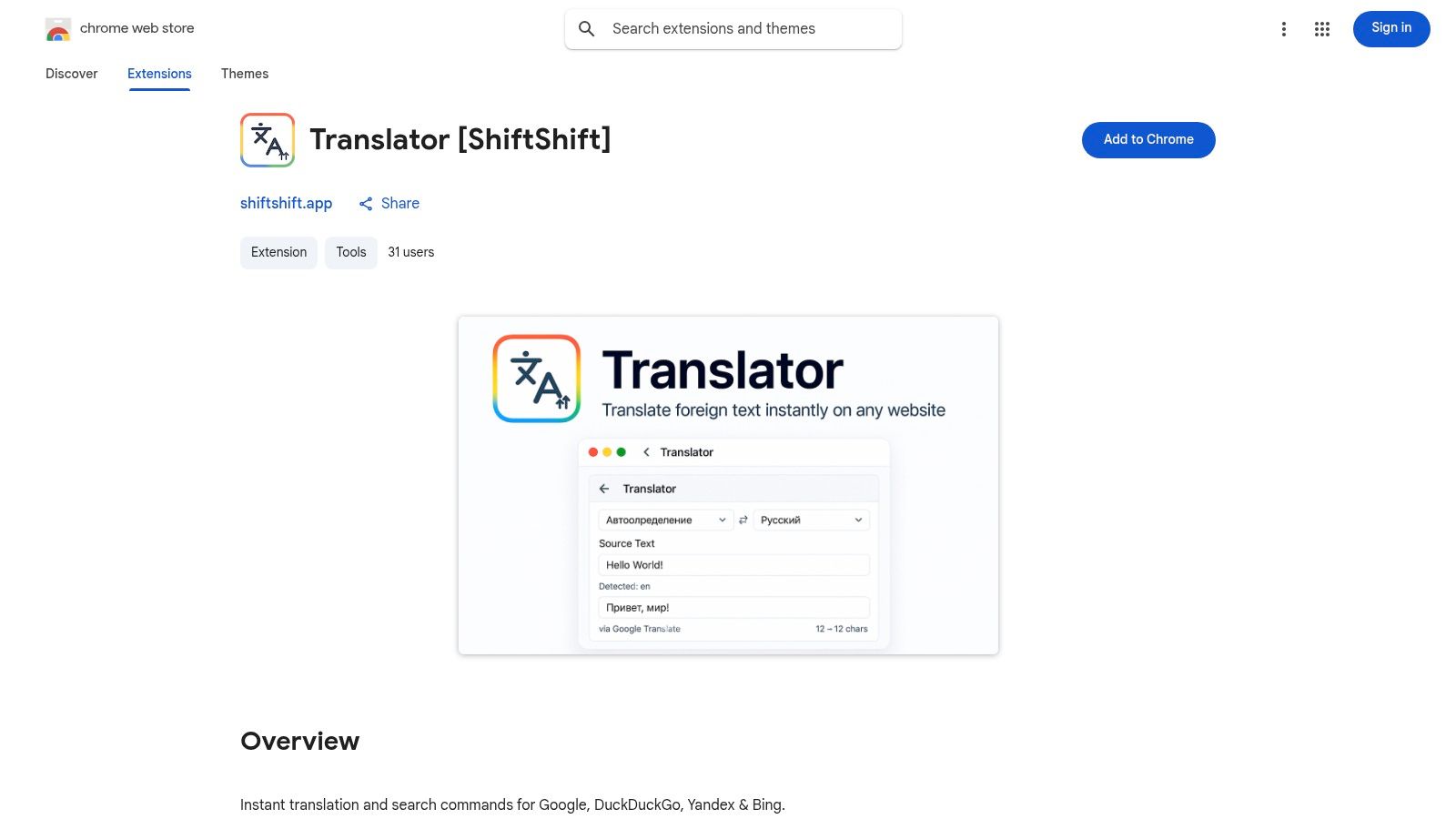
የውጤቱ መመከያ ከሁሉም አጋሮቹ በነጻ ላይ ያለ ተስፋፋ የተጠቃሚ ተሞክሮ እና ጠንካራ ተግባራዊነት ይሰጣል። ፈጠራ ባለው ለፈጣን JSON formatter የሚፈልግ ተገንቢ፣ ምስሎች የሚቀይረው ዲዛይነር፣ ወይም ተርጓሚ የሚፈልግ ተለ Республиканский пользователь ቢሆንም፣ መሣሪያዎቹ የሚታወቀውን ገጽታ ያጋራሉ። ለነጻ Chrome ሰ_EXTENSIONS እና የተጠቃሚ ግላዊነትን ያከብራሉ ማለትን የሚፈልጉ ለእነሱ፣ ይህ ስርዓት ተፈጥሯዊ አቀርባል::best free chrome extensions በማለት የሚታወቀውን ለማግኘት ይቻላል::
ዋና ባህሪዎች እና የተጠቃሚ ተሞክሮ
የመሪ ባህሪው የተቀነበበው የትዕዛዝ ፓሌት ሲሆን፣ አይኑን ሳይነካ በመclado የመሪ መሄድ እና በፍጥነት መሣሪያ መቀየር ያስችላል። መሣሪያው ደንብ በጣም ሰፊ ሲሆን፣ JSON/SQL formatter፣ የጽሑፍ ልዩነት ተ꼼ዪ፣ ምስል ተቀያሪዎች፣ 52 ቋንቋዎችን የሚደግፍ ተርጓሚ፣ እና የኔትዎርክ ፍጥነት ሙከራ ያካትታል። ሁሉም ማቀናበሪያ በአካባቢ ብቻ ስለሚከሰተው፣ አሠራርኩ ፈጣን ነው እና ደህንነቱ የተጠበቀ ነው። መሣሪያዎቹ ከ Chrome Web Store ብቻ ተግባራዊ በመሆናቸው ተጠቃሚዎች የሚፈልጓቸውን ብቻ መምረጥ ይችላሉ::
ጥቅሞች:
- ግላዊነት መመሪያ የሆነ ዘይቤ: ሁሉም መሣሪያዎች በመረብ ሳይኖሩ ተሰርተው የተሰጠ የተጠቃሚ መረጃ አይቀኝም::
- የተቀነበበ ተሞክሮ: በሁሉም extensions ላይ የተደራጀ UI እና የጋራ የትዕዛዝ ፓሌት::
- ሰፊ ጥቅም: ለተገንቢዎች፣ ዲዛይነሮች እና ለአጠቃላይ ተጠቃሚዎች የተለያዩ የከፍተኛ ጥቅም ስብስብ መሣሪያዎች::
አሉAssignable缺点
- የተከፋፈለ ግምባር: አንድ ስብስብ ተግባባሪ አይኖሩም፤ ተጠቃሚዎች እያንዳንዱን ተስፋፋ በድጋፍ ማሰሪያ ብቻ መጨመር አለባቸው።
- አዲስ የተናገረ ተሟላቂ: አንዳንድ መሳሪያዎች ከተመሰረታቸው ተስፋፋዎች ጋር ሲነሱ በተጠቃሚ ምርኮ ሊያነሱ ይችላሉ።
12-ምንጭ ማነጻጸሪያ: ምርጥ ነፃ Chrome ተስፋፋዎች
| ምንጭ | ዋና ተግባራት ✨ | የተጠቃሚ ተሞክሮ & እምነት ★ | ተ鸂arge / ዋጋ | የTarget ተጠቃሚዎች 👥 | ልዩ ጉልልነቶች 🏆 |
|---|---|---|---|---|---|
| 🏆 ShiftShift ተስፋፋዎች | የጋራ ትእዛዝ ፓሌት፣ 52 ቋንቋዎች፣ ያልተገናኘ እና በአካባቢ የሚሠራ ሂደት ✨ | ★★★★☆ — በቀላሉ የሚጠቀምበት ፊደል ቁልፍ ቅድመ እርምጃ፣ የተመሳሰለ ተቋም ገጽታ፣ ንቁ ማሻሻያዎች | 💰 በአጠቃላይ ነፃ፤ ዋጋ በግል ምዝግባት አይታወቅም | 👥 የሶፍትዌር ለማ发育开发者们 ( | )🏆 በአካባቢ የሚሠራ፣ በግል ቅድመ እርምጃ ተመስርቶ የተሟላ ማእከል፤ በvelopment, converters, utilities የተለየ መሳሪያዎች |
| Chrome ዌብ ሱክ (በአንደኛ ደረጃ) | በአንድ ጠቅ ላይ ማጫወት፣ በራስ ማሻሻያ፣ የተወደዱ በедактор ምርጫዎች ✨ | ★★★★★ — በተጠቃሚ በተረጋገጠ ማረጋገጫ፣ የተጠቃሚ አስተያየቶች፣ የሱክ ፖሊሲዎች | 💰 ለማየት ነፃ፤ ለተጨማሪ አировки ዋጋ ይለያያል | 👥 በአጠቃላይ ተጠቃሚዎች፣ ዋና አጋዦች | ለደህንነቱ የተጠበቀ ማጫወት አቅራቢያ በOfficial ምንጭ፣ የተመረጡ ሰንጠረዥ እና እንቅስቃሴ መፈለጊያ |
| Product Hunt (Chrome Extensions) | የመረር ገጾች፣ የድጋፍ ምልከቶች፣ አስተያየቶች ✨ | ★★★☆☆ — የማህበራዊ ምልከት ልዩነት አለው፣ ንቁ ውይይቶች | 💰 ለመጠቀት ነፃ | 👥 የመጀመሪያ ተጠቃሚዎች፣ indie-tool ፈላጊዎች | የአዲስ indie extensions ፈጣን ማግኘት እና ከሰራተኛ ጋር ግንኙነት |
| GitHub (chrome-extension ርዕሶች) | የምንጭ ኮድ፣ ርዕሶች፣ ችግር መከታተያዎች ✨ | ★★★★☆ — ግልጽ፣ ለ_audit ምቹ | 💰 በአብዛኛው ነፃ / OSS ነው፤ አንዳንድ ጊዜ በእጅ መጫን ያስፈልጋል | 👥 መተግበሪያ ለሚ开发者 የሆኑ ተጠቃሚዎች، ደህንነቱን ያማከሉ | ከ_open-source ግልጽነት፣ ቀጥታ እንክብካበ ታሪክ እና ኮድ ግምገማ |
| AlternativeTo | አማራጭ ሀሳቦች፣ መድረክ/ፈቃድ ማጣቀሻዎች ✨ | ★★★☆☆ — የማህበረሰብ ደረጃዎች፣ የተቀላቀለ ትኩረት | 💰 ለመቃየት ነፃ | 👥 እንጋጋ አማራጭ የሚፈልጉ ተጠቃሚዎች | ለተከላከሉ መሣሪያዎች ነፃ / OSS አማራጮች ለማግኘት በጣም ጥሩ |
| Chrome-Stats | анализ መረጃዎች፣ ፈቃድ ማጠቃለያዎች፣ አዝናኝ ሁኔታዎች ✨ | ★★★★☆ — በመረጃ ላይ የተመሰረተ ማረጋገጫ፤ አንዳንድ ክፍያ ባለው ባህሪያት | 💰 ነፃ መሠረታዊ አገልግሎት፤ ከፍተኛ ለሚፈልጉት ስብስክሪፕሽን | 👥 ተንታኞች፣ ደህንነቱን የሚጠብቁ ተጠቃሚዎች፣ ተወቋዮች | የግንኙነት መረጃዎች፣ ታሪካዊ ዝርዝሮች፣ የፈቃድ ታሪኮች |
| TechRadar | የአርታዕ ማዕከላዊ ማጠቃለያዎች፣ የደህንነት ማስጠቢያዎች ✨ | ★★★★☆ — ሞያዊ የአርታዕ ምርመራ፣ የመሬት ማዕከላዊ ታማኝነት | 💰 ነፃ መምሪያዎች | 👥 ባይታክኒክ ተጠቃሚዎች፣ ገዢዎች | ተመር INCIDENTAL ምክሮች፣ በሰዓቱ የአደጋ እና የደህንነት ግብኝቶች |
| Digital Trends | ለደንበኛ ተጠቃሚዎች መመሪያዎች እና ማዕከላዊ ማጠቃለያዎች ✨ | ★★★☆☆ — ተደራሽ ማጋಚ ቃላት፣ በየጊዜው የሚዘመኑ | 💰 ነፃ መምሪያዎች | 👥 በቀን መጠን ተጠቃሚዎች፣ ዓይነት ተጠቃሚዎች | ለተወላጧ ፍላጎቶች ቀላል ለማንበብ የሚችሉ መምሪያዎች እና ቀጥታ መጫኛ አገናኞች |
| MakeUseOf (MUO) | የአገልግሎት ዓይነት ዝርዝሮች፣ የደህንነት ምክሮች ✨ | ★★★☆☆ — ተግባራዊ፣ ለተጠቃሚዎች የተuada ማሰሪያ | 💰 ነጻ ጽሑፎች | 👥 ተማሪዎች፣ ጀማሪዎች፣ ሥራ ዋና በሚሆኑ ተጠቃሚዎች | ለተወሰኑ ተመልካቾች እና ሥራዎች ተስተካክሏል የሆኑ ገጽታዊ ዝርዝሮች |
| Reddit – r/chrome_extensions | የማስተዋይ ፖስቶች፣ የእውነተኛ ተጠቃሚ ጭብጦች፣ ማሳያዎች ✨ | ★★★☆☆ — እርስ ያልተስተካከለ አስተያየት ግን አዕይንት ያለው | 💰 ነጻ ማህበረሰብ | 👥 የማህበረሰብ አባላት፣ እንግዶች ፈላጊዎች | መሠረታዊ ዕቅድ ያላቸው ዝግጅቶች እና የተጠቃሚ ምክር ማህበረሰብ |
| ExtensionHub | ማውጫ + ገበያ፣ የDevelopers መመዝገቢ ገጽታዎች ✨ | ★★★☆☆ — እየተስፋፋ ያለ ሽፋን፣ የተለያዩ ማረጋገጫዎች | 💰 ነጻ ማሰላቸት፣ የገበያ ክፍሎች ይለያያሉ | 👥 ብቃት ያላቸው Developers፣ ገዢዎች፣ ማከማቻዎች | ተሟላተኛ የDevelopers ማሰላቸት እና ለማስተላለፍ/ስéricraft ገበያ |
| ShiftShift ማስተዋይ (የWeb Store ዝርዝር) | የፔብሊሻር ዝርዝር፣ የተመረጡ መሳሪያዎች፣ የWeb Store ገጽታዎች ✨ | ★★★★☆ — በዚህ ሱክ ላይ ለሚጠቅሯቸው ግምገማዎች እያሉ፣ ተመጣጣኝ የተጠቃሚ ልምድ | 💰 ነፃ ማስፊያዎች፤ አንድም ትልልቅ መጫሪያ አይኖረውም | 👥 የChromium ተጠቃሚዎች፣ የግላዊነት ቀደም መሳሪያዎችን ለሚመरከኩ ሰዎች | በብዙ የዌብ ሱክ ማስገቢያዎች ላይ ተመጣጣኝ የወጪ ማቀነባበሪያ ልምድ፤ የግላዊነት ቀደም የአካባቢ መሳሪያዎች |
የመጨረሻ ሀሳቦች
በመሳሪያዎችና ማህበረሰቦች አጠቃላይ አከባቢ ውስጥ ጉዞ አድርገን ነበር፣ ሁሉም ከፍተኛ ደረጃ ላላቸው ነፃ የChrome ማስፊያዎችን ለመፈለግ እና ለማጠቃለል ላይ በተjuana ነበር። ከ official Chrome ዌብ ሱክ ጀምሮ እስከ ተወዳጅ Reddit ማህበረሰቦች እና የተመረጡ ቴክ ብሎጎች፣ የሚገኙ ሀብቶች በጣም ብዙ ናቸው። ዓላማው ማስፊያዎችን ለመፈለግ ቦታዎችን ብቻ አረ茯ር ማለት አልነበረም፣ ነገር ግን እነዚህን ኃይለኛ የብራውዝር መለያያዎች ከዕለት ተዕለት የስራ ፍሰትህ ጋር ለማቀላከል የመገምገም፣ ለመምረጥ እና ለማዋሰስ ስትሮተজি እንዲያውን ነው። ዋናው የሚወሰድ lessons ማለትም ትክክለኛው ማስፊያ ማንኛውም ጥቅማት ብቻ ሳይሆን፣ ለእርስዎ ስራ ቅልጥምና፣ ደህንነት እና አጠቃላይ የዲጂታል ልምድ የሆነ ግስጋኝ ኃይል ነው።
የተመረጡ ምርጫዎች ብዛት መቅረት ይችላል፣ ግን ይህ በጣም ለሚያስፈልገን የመግለጫ መርህ ነው። በዘፈን መንገድ በጣም ተወዳጅ መሰረተ ልማት በማስቧን ወይም በማስቀመጥ አይደለም፣ በስራ ሂደትዎ ውስጥ ልዩ ችግሮችን ለመለየት ትኩረትዎ መሆን አለበት። ለምሳሌ፣ በቻይና በፍጥነት የJSON ማስረኛ የሆነ ተሟልቷች ነዎትን? ወይም ቀለሞችን በፈጥነት ለመምረጥ እና ምስሎችን ለመመርመር የሚያስፈልግ የንድፍ ሥርዓት ነዎትን? ወይም ምርምርዎችን ለቀለል የሚፈልግ ተማሪ ነዎትን? የፈለገንን መጀመሪያ በመግለጽ፣ የፍለጋ ሂደትዎን ከተደራሽ መቃኘት ወደ በታላልቅ ዓላማ ተዘርግቶ ነው የምናድረገው።
ዋና ጥቅሶች እና የሚቀጥሉት እርምጃዎች
ንስሐታችንን ከተመለከትን፣ ለማንኛውም ተስፋፋ ሰው ተስፋ ባለው መሰረተ ልማት መሳሪያ ለመገንባት ብዙ ቁልቁሎች ይዘልቃሉ። መጀመሪያ፣ ተữuታይነትን በተữuታይነት ቀድሞ ያስቀምጡ. ከፍተኛ ግምት ያለው መሰረተ ልማት ቢኖርም የእርስዎ ትክክለኛ ችግር እንደማይፈታ ዋጋ የለውም። ሁለተኛ፣ ምንጭን እና ፈቃዶችን በጠንካራ ይፈትሽ. መሰረተ ልማቱ የግላዊነት ፖሊሲ እና የሚጠየቁ ፈቃዶች ምናምን የማይነገሩ ጽሑፍ አይደሉም፣ ወሳኝ የ الأمن ነጥቦች ናቸው። ሁልጊዜ ይጠይቁ፦ "ይህ መሳሪያ በእርግጥ ለሁሉም ድረ ገጽ መረጃዎቼ መድረስ ያስፈልገዋል?"
ይህን መርህ በማሰብ፣ የሚከተሉት ድርጊቶች እርምጃዎች ያድርጉ፦
- የግል የስራ መስራት ሂደት ይፈትሹ፡ ለአንድ ቀን፣ እርስዎ የሚደርጉትን በድጋሚ የሚደረጉ ሥራዎች፣ ስለ ምንም ሥራ ያሉ እቃበረታቂያ ወይም ቅንጣት፣ እና የመሰረታዊ መረጃ እርስዎ በጣም ማድረግ የሚፈልጉትን በሙሉ ይመዝግቡ። ይህ ማረጋገጫ ለተጠያቂ ማስከበር ማሰሪያ መፈለግ ከእርስዎ በተወሰነ ሁኔታ የተመረጠ ምርታማ ዝርዝር ይሆናል። ሁልጊዜ ክፍሎችን በማሟላት፣ ኩኪዎችን በማስተዳደር ወይም የክርስማ ዋጋዎችን በማድረግ ይሄዳሉ? ለእርስዎ የሚስጥሩ ማስከበር አለ.
- በትንሽ ይጀምሩ እና በጥንካሬ ይፈትሹ፡ በአንድ ጊዜ ሀያ አዲስ ማስከበር ማሰሪያዎችን አይጫኑ። ከእርስዎ የማረጋገጫ ዝርዝር ውስጥ የተጠቃሚ ሥራዎችን ለማከም ከሁለት አንድ ይምረጡ። ለአንድ ሳምንት ይጠቀሙባቸው። ተጽዕኖአቸውን፣ አፈጻጸራቸውን እና ተጠቃሚነታቸውን ይገምግሙ። ጥንታዊ ጊዜ በእርስዎ ቀን ቀ.ribbon እንደሆነ? ባrowser ውስጥ እንደ ቀረ ያደርገዋል? ይህ የተደጋጋሚ ሂደት ማስከበር ማስከበር "ማስከበር ብዛት" ይከላከላል እና በአቋም ውስጥ ያለ ማንኛውም መሳሪያ ልዩ፣ ዋጋ ካለው ዓላማ ያገለግላል.
- ተቀናብሮ ስርዓቶችን ያስሱ፡ የተቀናበሩ ተግባራትን ለማሟላት የሚችሉ መድረክ እንደ ShiftShift Extensions ያስሱ። በተለይ በተለየ ቻልኩሌተር፣ QR ኮድ አመንጪ እና የክፍሎች ተቀይሪ በመጫኑ የተለየ ማስከበር ማሰሪያ ሁሉንም ሦስቱን ሊያስተናግድ ይችላል። ይህ አቀራረብ ባይሰር ጽሑፍ እና አከር ድርቀት አለመታወቂያዎችን ብቻ አይቀንስም፣ ምርጡ መሳሪያዎችን በአንድ ተከታታይ ገጽታ እንደ Command Palette በቀላሉ በመድረስ የስራ መስራት ሂደትዎን ያቀላልል።
- ሁልጊዜ መረጃ አግኙ እና በመደበኛነት አጽወዱ፡ የቃሪያ ተጨማችቶች ዓለም እንቅስቃሴ ላይ ያለ ነው። አዳዲስ፣ ፈጠራ መሳሪያዎች በተጠቃሚነት ይለቀቃሉ፣ ሌሎች ግን ጊዜ ቆይቶ የተሟሉ ወይም ድጋፍ ያንሳቸው ሊሆኑ ይችላሉ። የተጫኑትን ተጨማችቶች በውስጥ ያሉትን ይመልከቱ። ለ几个月 ካልተጠቀሙበት አንዱን፣ ማስወገድ ወቅቱ ሊሆን ይችላል። የሚቀጥሉትን እና ለተለያዩ ፍላጎቶች በተሻለ ሁኔታ የሚያገለግሉ ተ解決 ለመረዳት እንደ Product Hunt ወይም የቴክ ብሎጎች ምንጮችን ይከተሉ። ለእነዚህ በትምህርት ወይም በጥናት ላይ ያነሱ ሥራዎች ላይ ያነጋግረዋቸው፣ በተለይም በተወሰኑ ጥቅም ላይ የበለጠ ጥልቀት ማድረግ እጅግ ጥቅም ይኖረዋል። ለዚህም ምክንያት፣ በ( ለቪዲዮ ትምህርት እና ምርታማነት ምርጥ Chrome ተጨማችቶች (. በሚለው ጽሑፍ ውስጥ ዋጋ ያላቸውን ሊያገኙ ይችላሉ::
በመጨረሻም፣ የምርጥነት ነፃ Chrome ተጨማችቶችን በስትራተጂካዊ አቀራረብ በቃሪያዎ ላይ መተግበር የእርስዎን ተሳትፎ ወደ ውጤታማነት ኢንቨስትመንት ነው። በተለይም የብሔራዊ ዲጂታል መሳሪያዎን ከልዩ ፍላጎቶችዎ ጋር ለማድረግ ነው፣ ከቀላል የድር ቃሪያ ወደ ሥራ፣ ትምህርት እና ህይወት ማዕከል ያደረጋችሁ ማስተካከያ ማድረግ ያለበት።
በብራውзерዎን በቀላሉ ማስተካከል እና በተጠቀሙት መሳሪያዎች ላይ በቀላሉ መድረስ የሚችሉትን በአንድ ፈጣን ገጽታ ወይንም በቀላሉ ማስተካከል ይፈልጋሉ? ShiftShift Extensions በማድረግ ከአሠራር ጋር የሚያገለግል ተሟላት አከባቢ በአይ ምርምር በኩል ለማድረስ ይችላሉ፣ ይህም ችላውን ያመለከታል እና ስራ ፍላጎትዎን ያሰፋል። ShiftShift Extensions.
ላይ ለእርስዎ ተስማሚ የሆነ ስራ ሥርዓት ያግኙ።