The 12 Best Productivity Extensions Chrome Users Need in 2026
Discover the best productivity extensions Chrome has to offer. Our curated list covers top tools to streamline your workflow, boost focus, and save time.

Recommended Extensions

In a world where efficiency is key, your browser is your command center. A stock Chrome experience is full of potential but lacks the specialized tools to get the job done right. The right extensions transform your browser from a simple window to the web into a powerful, personalized productivity machine. This guide dives deep into the best productivity extensions Chrome offers, moving beyond simple lists to give you actionable insights. We'll explore what makes each tool unique, its ideal use case, potential limitations, and how to integrate it seamlessly into your daily workflow.
This comprehensive resource is designed for a wide range of users. Whether you're a developer needing formatters and cookie management, a designer requiring quick screenshot tools, or an everyday user looking for an in-browser calculator, you'll find the perfect addition to your digital toolkit here. For those in specialized roles, we'll cover tools for tracking crypto prices, modeling compound interest, and even in-browser utilities for Nightscout glucose monitoring. To further enhance your browser experience, consider exploring these resources on Chrome extensions for boosting testing productivity to streamline your quality assurance processes.
Each recommendation in our list includes screenshots and direct links to help you make an informed decision quickly. We will also highlight how unified ecosystems like ShiftShift Extensions are changing the game by bundling dozens of tools into a single, privacy-focused command palette. This offers a powerful alternative to installing and managing multiple individual add-ons, simplifying your setup and enhancing your focus. Let's get started.
1. ShiftShift Extensions
ShiftShift Extensions stands out as a uniquely powerful and privacy-centric choice in the crowded field of the best productivity extensions for Chrome. Instead of forcing users to install dozens of single-purpose add-ons, ShiftShift bundles a comprehensive suite of developer, creator, and productivity tools into a single, unified ecosystem. Its core strength lies in its keyboard-first Command Palette, which provides instant, frecency-sorted access to every tool without ever leaving your current tab.
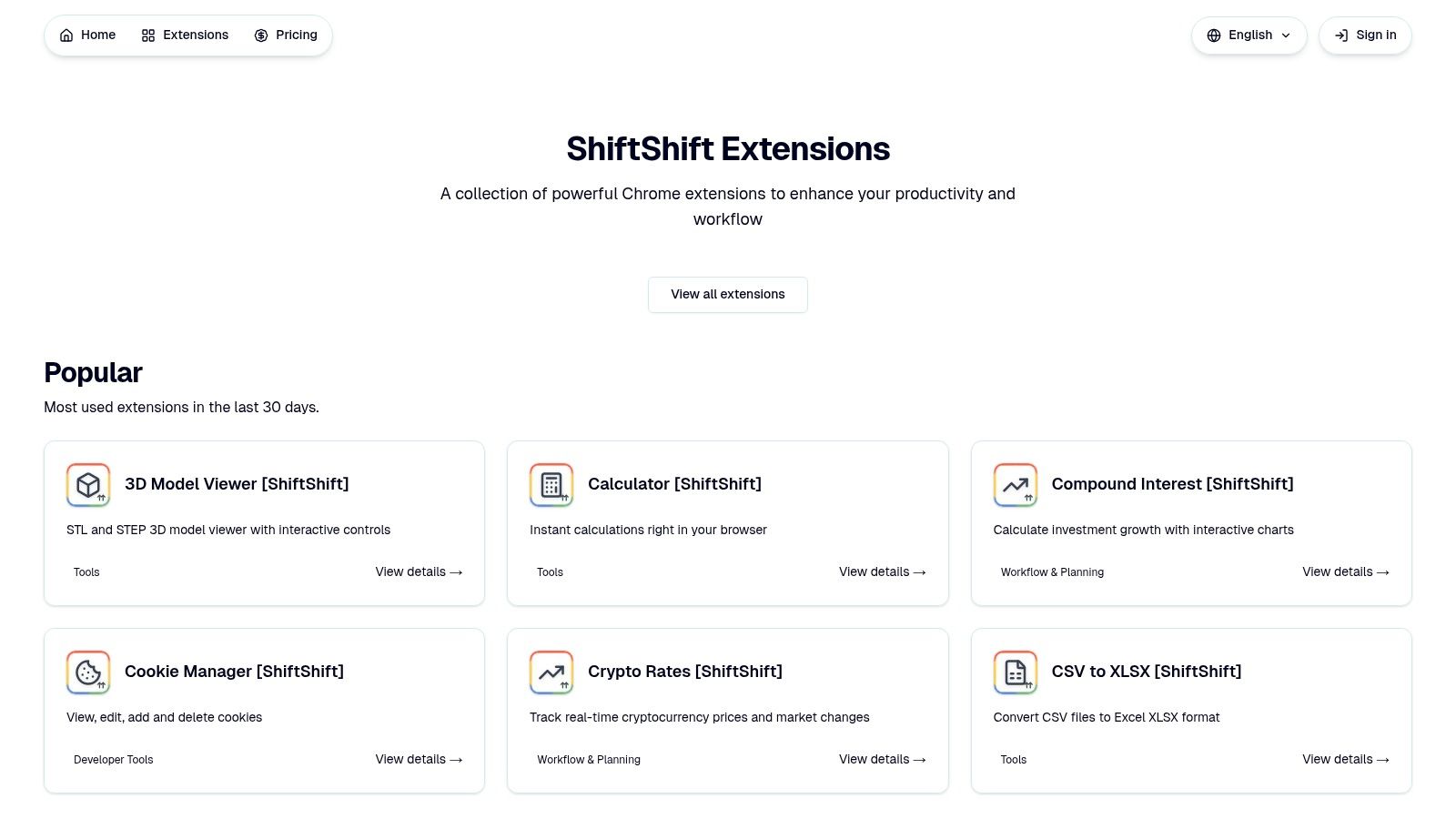
This approach fundamentally streamlines workflows. A developer can format a JSON snippet, a designer can batch-convert WebP images to JPG, and a project manager can generate a QR code for a meeting link, all using the same intuitive interface triggered by a simple double-press of the Shift key.
Core Strengths and Standout Features
The platform's architecture is built on two key principles: speed and privacy. All processing occurs locally within your browser, meaning no data is ever uploaded to external servers. This not only guarantees offline functionality after installation but also provides a critical layer of security for sensitive information, from formatting proprietary SQL code to converting confidential documents.
Key features include:
- Developer Utilities: A robust set of tools including JSON and SQL formatters, a side-by-side text diff checker, a cookie manager, and an MD5 hash generator.
- File and Image Conversion: High-performance, local converters for batch image processing (JPG, PNG, WebP, AVIF, SVG, ICO), file format changes (CSV to XLSX, Word to PDF), and full-page screenshots.
- Productivity Aids: A collection of everyday tools such as a multi-language translator, a secure password generator, a domain availability checker, and a quick-access calculator.
- Specialized Tools: Niche but powerful integrations like a real-time cryptocurrency rate tracker (via Bybit API), an interactive 3D model viewer (STL/STEP), and an in-browser monitor for Nightscout glucose data.
Who Is It For?
ShiftShift is ideal for professionals who value efficiency and data privacy. Developers, QA engineers, designers, and digital marketers will find its consolidated toolset indispensable for daily tasks. Anyone who prefers a keyboard-driven workflow and wants to declutter their browser from multiple, disparate extensions will benefit significantly from its unified design.
- Website: ShiftShift Extensions
- Pricing: While a pricing page exists on the main site, specific costs are not displayed on the extension listings. Users may need to consult the main pricing page for details.
- Pros: Unified Command Palette, privacy-first local processing, broad and actively growing toolset.
- Cons: Limited to Chrome/Chromium-based browsers, pricing and social proof are not immediately visible on product pages.
2. Chrome Web Store (official)
Before diving into individual tools, the best place to start your search for productivity extensions for Chrome is Google’s own marketplace. The Chrome Web Store is the official, centralized hub for discovering, vetting, and installing extensions directly into your browser. It serves as the primary source for ensuring you are getting safe, verified, and up-to-date software.
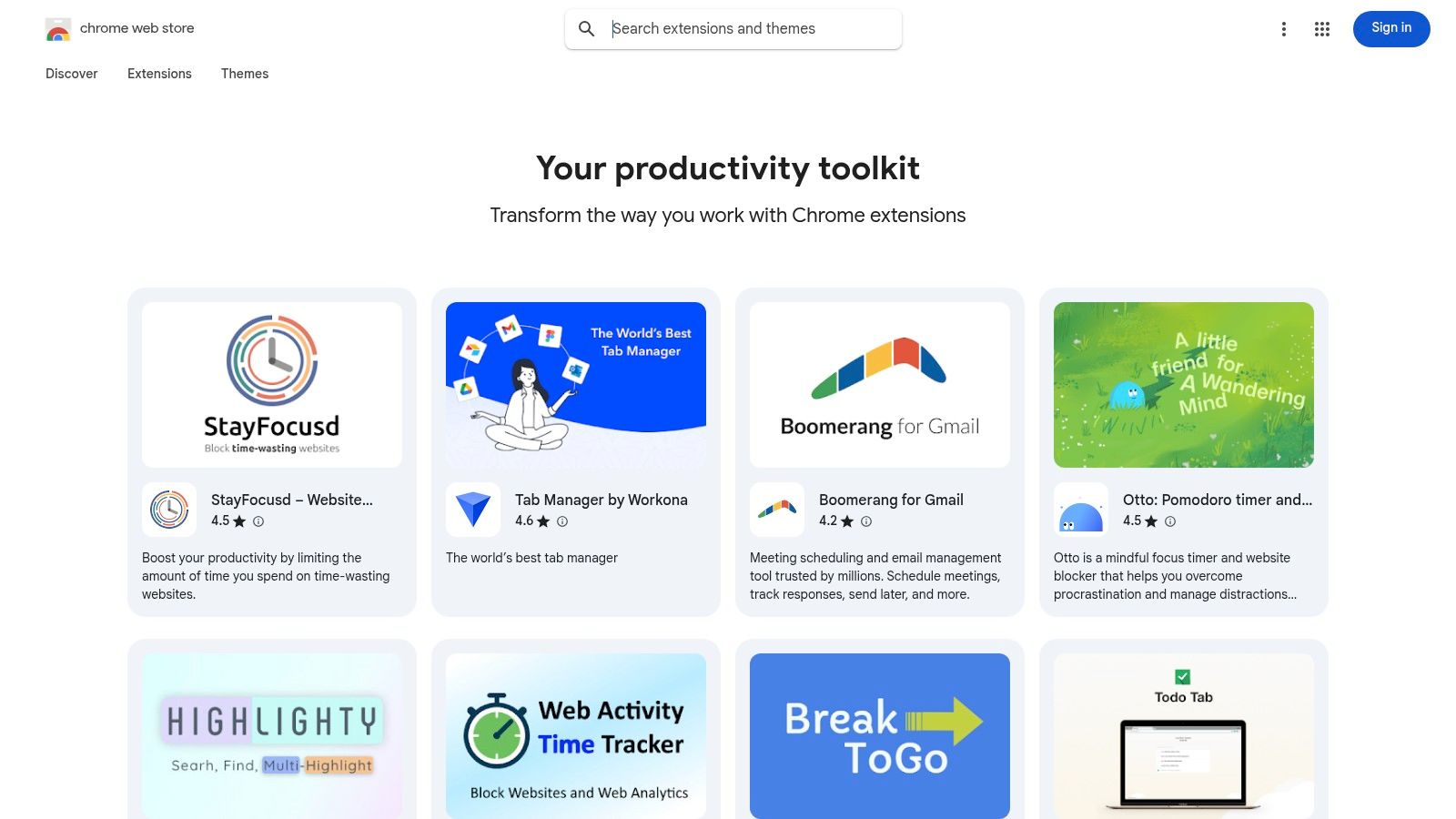
Its main advantage is security and convenience. Every extension lists the specific permissions it requires, allowing users to make informed decisions about data access. Installations are a single click, and updates are handled automatically in the background, ensuring you always have the latest features and security patches without manual intervention.
Key Features & User Experience
The store is more than just a list; it provides valuable discovery tools. Curated collections like "Your productivity toolkit" group top-rated extensions by theme, while robust user reviews and ratings offer real-world feedback. For organizations, it supports enterprise controls, allowing administrators to create allowlists and manage deployments across a team. While a Google account is required for installation, the seamless integration and built-in trust signals make it the essential first stop.
| Pros | Cons |
|---|---|
| Safest source with official vetting | Malicious actors can occasionally slip past review |
| Automatic updates and version history | Requires a Google account to install extensions |
| Integrated user reviews for social proof | Transition to MV3 limits some legacy features |
Website: chromewebstore.google.com
3. Product Hunt – Chrome Extensions Topic
For those looking to discover the next big thing in browser tools, Product Hunt is an indispensable resource. Unlike a traditional app store, it’s a community-driven platform where new products, including the best productivity extensions for Chrome, launch daily. Its dedicated "Chrome Extensions" topic serves as a real-time feed of innovative and often undiscovered tools, making it a prime spot for early adopters.
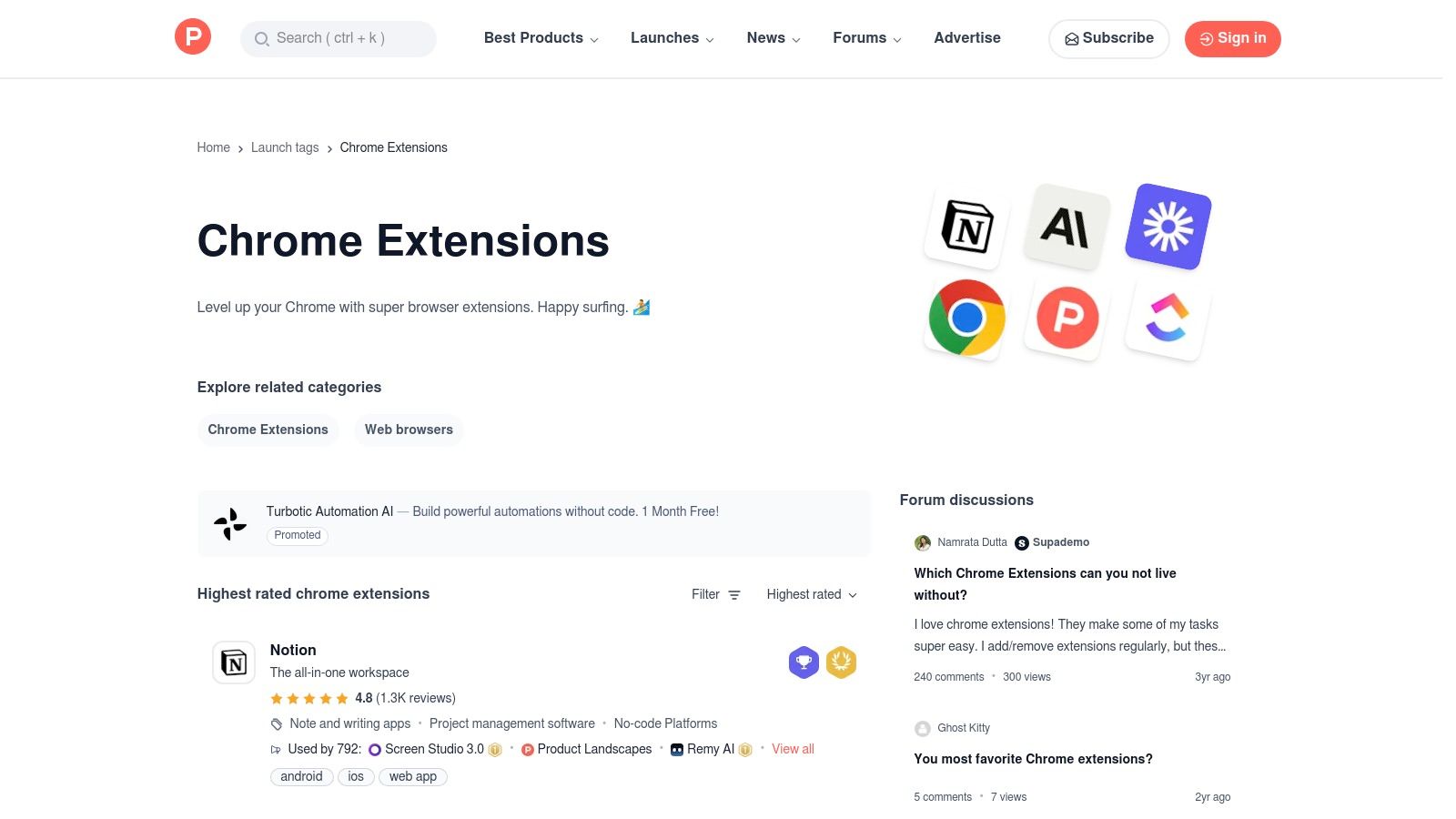
The platform's main advantage is its focus on discovery and community feedback. Instead of just star ratings, you get genuine conversations between makers and potential users in the comments, offering insights into an extension's purpose, upcoming features, and real-world utility. Product Hunt is not a storefront; it curates and links out to the official Chrome Web Store or the developer’s website for installation.
Key Features & User Experience
Product Hunt excels at surfacing trending software through its daily upvote system. Users can browse the most popular launches of the day, week, or month, or filter by specific collections like "AI Chrome Extensions" created by the community. This system helps you quickly identify tools gaining momentum, often before they hit the mainstream. While the quality of newly launched products can vary, the direct line to developers and the vibrant user discussion provide a level of transparency you won't find elsewhere.
| Pros | Cons |
|---|---|
| Early access to innovative and indie tools | Quality varies widely; many tools are very new |
| Community feedback helps gauge real-world usefulness | Not an install/purchase storefront; you follow links elsewhere |
| Good signal for trending or newly released extensions | Can be overwhelming with the volume of daily launches |
Website: www.producthunt.com/topics/chrome-extensions
4. AlternativeTo
If you find a popular productivity extension that isn't quite right for your workflow, AlternativeTo is the best resource for discovering a replacement. This crowdsourced platform excels at helping you find substitutes for well-known software, including the best productivity extensions for Chrome. Instead of being a direct marketplace, it acts as a community-driven discovery engine where users recommend and vote on alternatives.
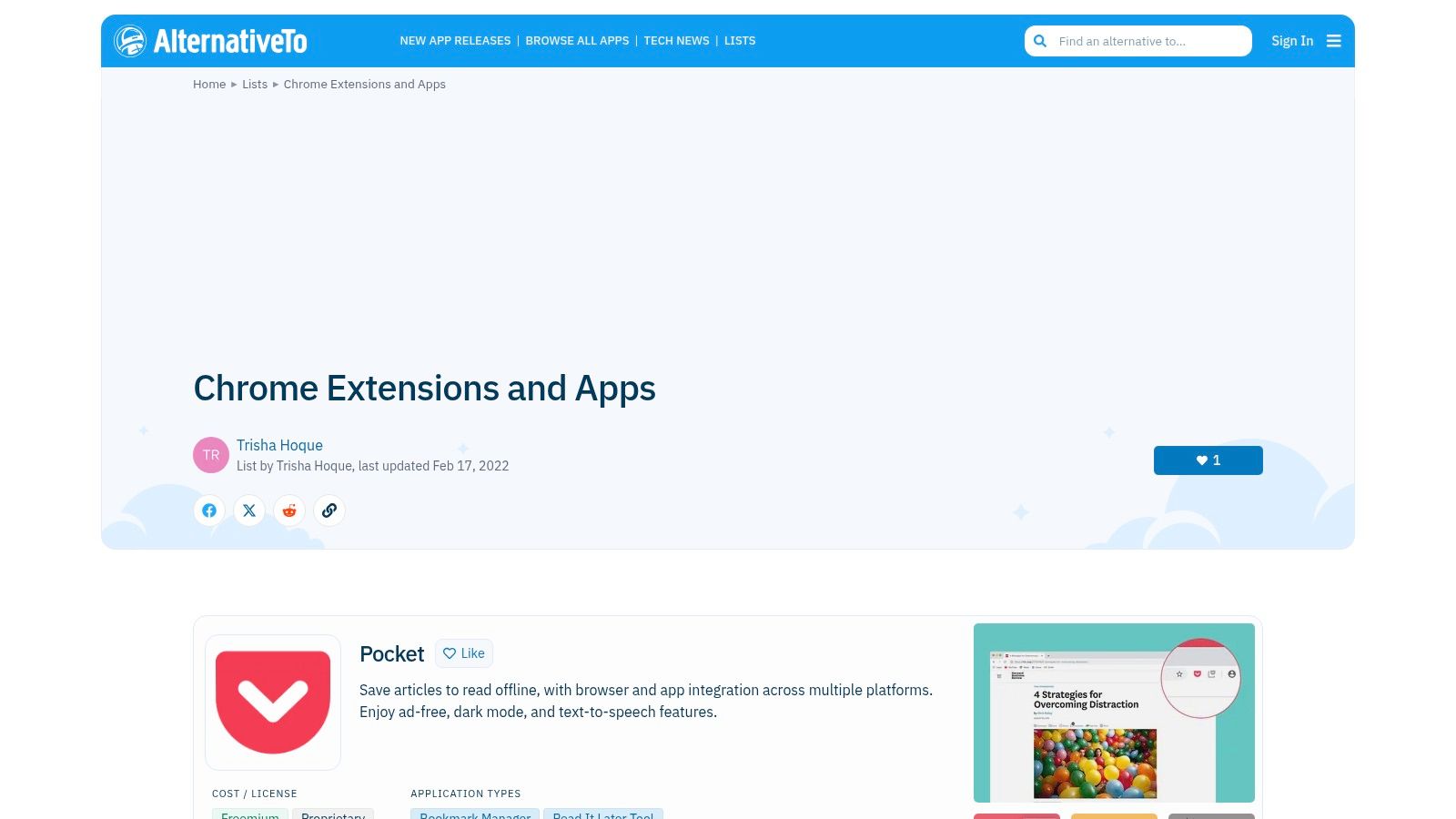
Its main advantage is leveraging community wisdom to surface tools you might otherwise miss. Users can filter results by license type (like free or open source) and platform, making it easy to find an extension that fits specific needs, such as a privacy-focused note-taker or a lightweight tab manager. The platform links directly to the Chrome Web Store or official developer sites for installation, ensuring a safe handoff.
Key Features & User Experience
AlternativeTo organizes extensions into categories and curated lists, such as "tab managers" or "to-do apps," simplifying the search process. Each entry includes community "likes," comments, and tags that provide a quick overview of its popularity and core function. While some user-generated lists may become outdated, the core recommendation engine remains a powerful tool for anyone looking to break away from mainstream options and find a hidden gem. It is completely free to use and requires no account to browse.
| Pros | Cons |
|---|---|
| Excellent for discovering alternatives to popular tools | Not a store; pages link out to official sites |
| Clear platform and licensing indicators for each entry | Some lists can become outdated if not actively maintained |
| Crowdsourced input surfaces widely used options | Quality of recommendations depends on community activity |
Website: alternativeto.net
5. Chrome-Stats
While the Chrome Web Store is the place for installation, Chrome-Stats is the essential destination for pre-installation research. This market-intelligence platform provides deep analytical insights into any extension, helping you evaluate its safety, popularity, and maintenance record before you grant it access to your browser. It’s the due diligence tool for finding the best productivity extensions for Chrome, not just the most popular ones.
Its primary value lies in transparency. Instead of relying solely on user reviews, you can see historical user counts, rating trends over time, and the developer's update frequency. This data helps you spot potential red flags, like a sudden drop in users after a recent update or an extension that hasn't been patched in years, which could pose a security risk.
Key Features & User Experience
Chrome-Stats offers a robust feature set for anyone serious about browser security and quality. The platform provides a risk analysis based on an extension’s required permissions and its update history, giving you a clearer picture of its potential intrusiveness. You can also view a developer's entire portfolio to gauge their track record. The free version offers significant data, but a premium plan unlocks deeper analytics for professional researchers or security-conscious teams. Its clean interface makes comparing similar extensions straightforward, ensuring you make an informed choice.
| Pros | Cons |
|---|---|
| Adds a security and quality lens before installation | Not a direct store-installation is separate |
| Useful for comparing similar extensions and spotting risky changes | Advanced data and some features sit behind a paid plan |
| Free basic browsing with paid premium analytics available | Can feel like data overload for casual users |
Website: chrome-stats.com
6. GitHub – Chrome Extension Projects
For developers and privacy-conscious users, GitHub serves as an indispensable resource for discovering and vetting the best productivity extensions for Chrome. As the world's largest open-source development platform, it provides direct access to the source code of countless extensions, offering a layer of transparency and trust that a standard app store cannot match. It is the definitive place to verify a project's health, track its development, and even contribute to its improvement.
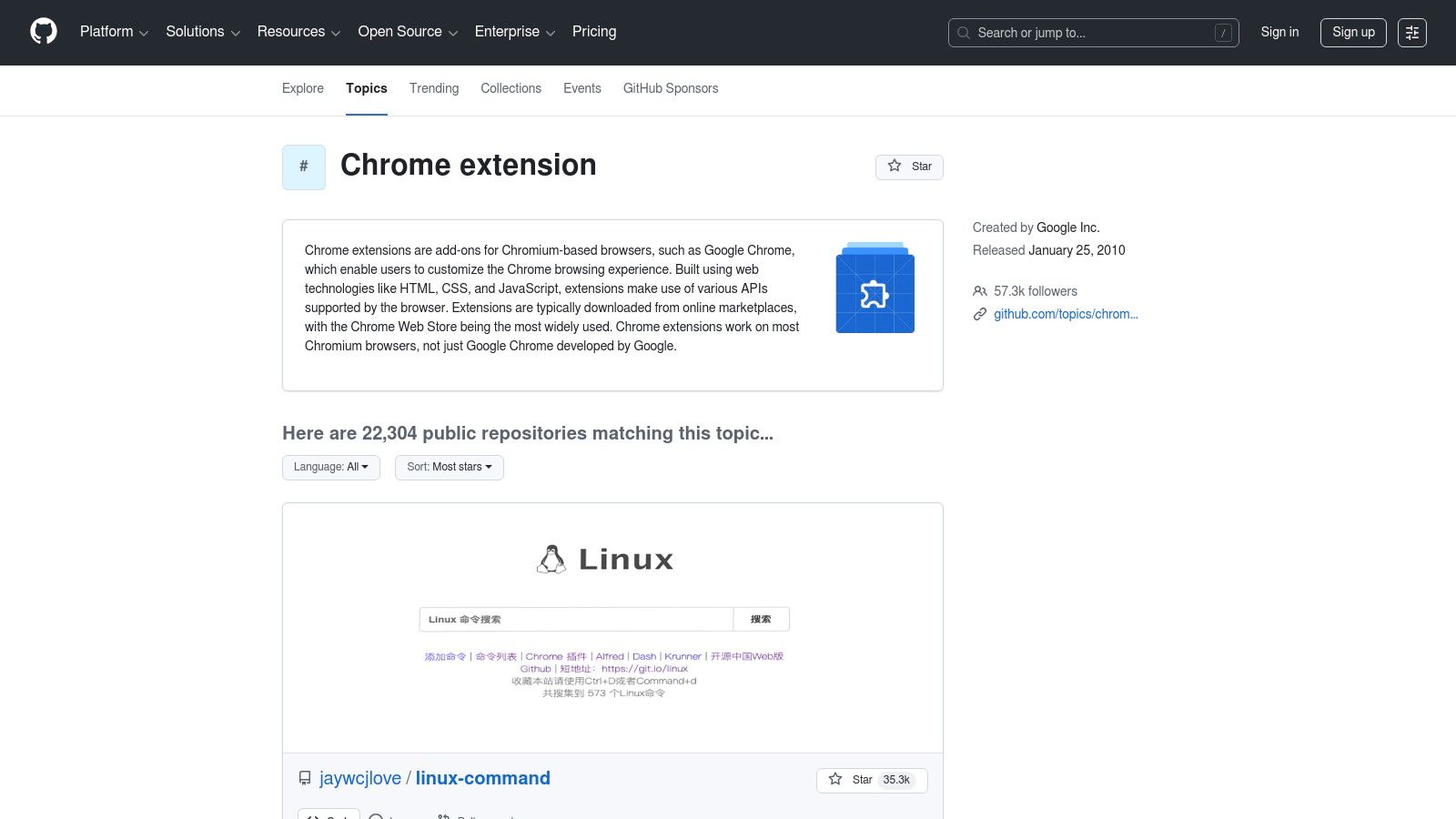
Its primary advantage is unparalleled transparency. Before installing, you can inspect the code to understand exactly what data an extension accesses and how it functions. This is particularly valuable for users who handle sensitive information and want to avoid tools with intrusive tracking. Issue trackers and commit histories also reveal if a project is actively maintained or has been abandoned, helping you avoid security vulnerabilities from outdated software.
Key Features & User Experience
GitHub’s ecosystem allows users to do more than just download code; it’s a community hub. The "Topics" pages, such as the one for chrome-extension, aggregate thousands of relevant repositories, making discovery simple. You can review bug reports, request new features, and see upcoming changes before they are officially released on the Chrome Web Store. For web developers, this platform is an essential toolkit; learn more about Chrome extensions for web developers. While some projects may require manual installation (sideloading), the ability to build and inspect tools yourself offers ultimate control and security.
| Pros | Cons |
|---|---|
| Complete source code transparency for security audits | Some projects require manual builds or sideloading |
| Ability to verify active maintenance and project health | Quality and support levels vary widely across repositories |
| Ideal for privacy-focused users and developers | Navigating repositories requires some technical knowledge |
Website: github.com/topics/chrome-extension
7. TechRadar – Best Chrome extensions of 2025 (picked by Google)
For those who prefer curated guidance from a trusted source, editorial roundups from tech publications like TechRadar are invaluable. Their list of the best Chrome extensions, often highlighting Google's own top picks, provides a filtered, high-signal starting point. Instead of navigating the vastness of the web store, users get a vetted selection of modern, often AI-powered tools relevant to current productivity needs.
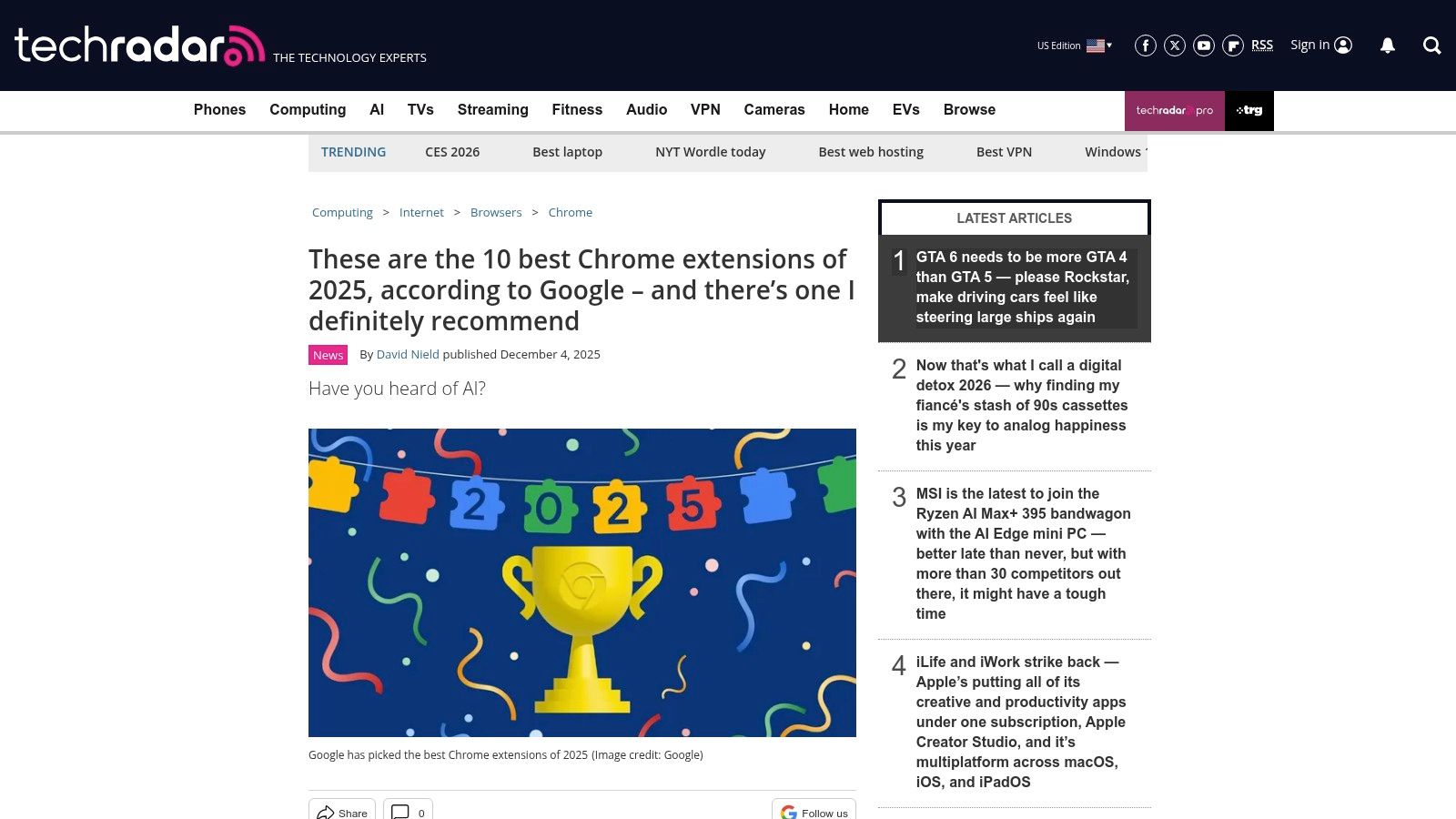
This approach is ideal for discovering trending and innovative tools without extensive personal research. TechRadar offers brief but practical use-case guidance, explaining why an extension for meeting notes or writing assistance made the cut. This context helps non-experts quickly identify solutions that align with their specific workflow challenges, turning a broad search for the best productivity extensions for Chrome into a targeted selection process.
Key Features & User Experience
The primary benefit is the editorial vetting from a reputable publication. Articles are typically updated to reflect the latest trends, ensuring the recommendations are timely and useful. Each suggestion includes a direct link to the Chrome Web Store, simplifying the installation process. While the platform is a discovery resource rather than a direct installer, its expert curation saves significant time and effort for users looking for high-quality, impactful browser add-ons.
| Pros | Cons |
|---|---|
| Reputable tech publication with timely selections | Not a store; users must follow links to install |
| Quick way to surface high-signal picks | Editorial lists can age quickly and may favor trends |
| Editorial context helps non-experts choose tools | Recommendations may overlook niche but useful tools |
Website: techradar.com
8. Zapier Blog – The 17 best productivity extensions for Chrome
For those seeking a curated list focused on practical application, Zapier's blog offers a practitioner-oriented guide. As a leader in workflow automation, their perspective uniquely maps the best productivity extensions for Chrome to real-world use cases, such as task management, writing enhancement, and taming tab overload. This resource excels at explaining how to integrate tools into a cohesive system rather than just listing features.
Its main advantage is its workflow-centric approach. Instead of simply describing an extension, the article explains its role in a broader productivity strategy, offering actionable advice on building an effective digital toolkit. This makes it an invaluable resource for users looking to solve specific workflow bottlenecks, providing context that a simple app store listing cannot.
Key Features & User Experience
The article is structured for quick decision-making, with clear "best for" and pricing snapshots for each recommended extension. Explanations are centered on practical scenarios, showing how a tool like a screen recorder or a text expander fits into a daily work routine. It conveniently provides direct links to both the Chrome Web Store installation page and the tool's official website for further research. While not an exhaustive catalog, its selections are well-tested and reflect a deep understanding of productivity principles. For more on this, discover additional top Chrome extensions for productivity.
| Pros | Cons |
|---|---|
| Actionable, tool-agnostic guidance for building a stack | Not exhaustive; selections are editorial and opinionated |
| Focuses on integrating extensions into workflows | Occasionally favors tools that integrate with the Zapier ecosystem |
| Clear "best for" and pricing snapshots for easy comparison | Lacks deeper technical analysis or privacy considerations |
Website: zapier.com/blog/productivity-extensions-for-chrome
9. Digital Trends – Best Google Chrome extensions
For those who prefer curated lists from established tech publications, Digital Trends offers a reliable buyer’s guide to staple productivity tools. Its long-running article on the best productivity extensions for Chrome serves as an excellent starting point, breaking down popular choices like clippers, focus timers, and screenshot tools with plain-English summaries. This resource is ideal for non-technical users who want approachable overviews without getting bogged down in complex features.
The primary advantage of this guide is its straightforward, accessible format. It categorizes extensions logically and explains each tool's core function and primary use case, making it easy to find a solution for a specific need. For developers looking to optimize their workflow, understanding these foundational tools is a great first step; explore more advanced techniques with our guide on how to improve developer productivity.
Key Features & User Experience
Digital Trends focuses on clarity and simplicity. The list provides direct links to official Chrome Web Store pages, ensuring users can install vetted software safely. Each entry includes a brief but clear description of what the extension does, helping you quickly decide if it fits your needs. While the guide is a strong resource for discovering popular, mainstream tools, its update frequency can vary, so it's wise to check the article's publication date for recency. It also offers limited depth on enterprise-level features or advanced privacy considerations, focusing instead on the general user.
| Pros | Cons |
|---|---|
| Mainstream, approachable overviews for non-technical users | Update cadence varies, so content may not be current |
| Helpful introductions to popular productivity extensions | Limited depth on enterprise or privacy considerations |
| Direct links to official and safe installation pages | Focuses on well-known extensions, fewer niche finds |
Website: https://www.digitaltrends.com/computing/best-google-chrome-extensions/
10. Capterra
While not a direct source for extensions, Capterra serves as an essential research platform for evaluating the software behind many of the best productivity extensions for Chrome, especially those with paid tiers. It excels at breaking down complex tools into comparable data points, featuring user reviews, feature lists, and detailed pricing information that you won't always find clearly presented on the Chrome Web Store.
Its core advantage is providing business-centric context and social proof. Before committing to a paid subscription for a powerful extension like a CRM or project manager, you can use Capterra to compare its pricing tiers, check verified user feedback, and discover direct competitors. This pre-installation diligence helps teams and individuals make informed financial decisions and avoid tools that don’t fit their workflow.
Key Features & User Experience
Capterra’s strength lies in its structured comparison tools. You can view side-by-side analyses of features, read detailed reviews from users in similar industries, and get a clear snapshot of freemium limitations versus premium benefits. The platform also suggests alternatives, helping you discover less-known but potentially better-suited extensions. While the final installation happens elsewhere, using Capterra first ensures your choice is backed by data and community experience, not just marketing copy.
| Pros | Cons |
|---|---|
| Excellent for comparing freemium vs. paid tiers | Not all Chrome-only extensions are listed |
| Verified user reviews offer honest feedback | Some software pages can be marketing-heavy |
| Side-by-side "alternatives" comparison feature | Installation is not direct; requires visiting vendor sites |
Website: capterra.com
11. AppSumo
While not a direct source for free extensions, AppSumo is a marketplace renowned for offering time-limited deals on software, often including lifetime access to premium productivity tools that have a Chrome extension component. It's a strategic resource for discovering emerging and established tools at a significant discount, allowing users to build a powerful productivity suite without committing to recurring subscriptions.
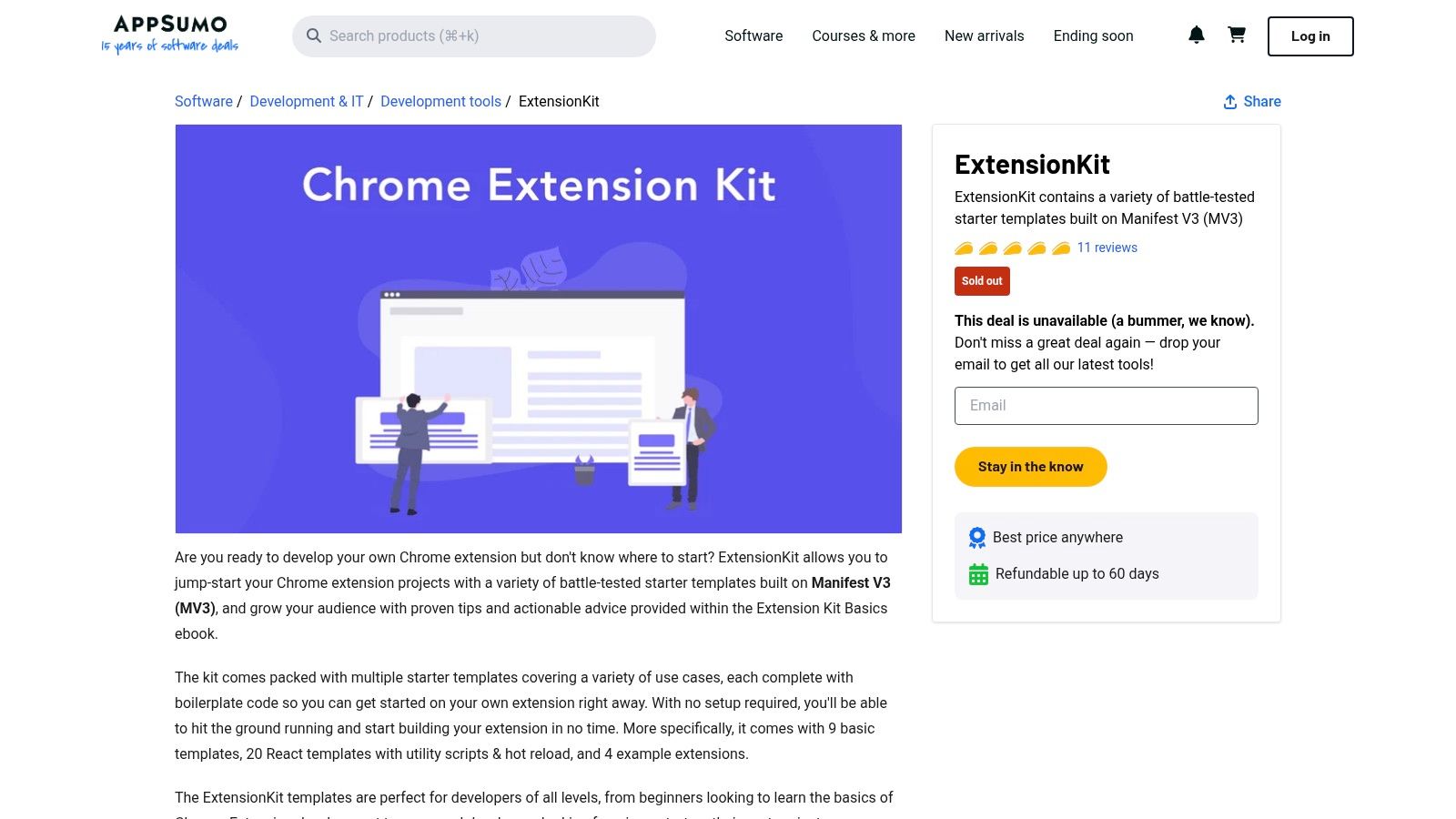
The platform's value lies in its deal-based model. By monitoring its listings, you can find some of the best productivity extensions for Chrome bundled with full-featured web apps for a one-time price. A 60-day money-back guarantee provides a risk-free window to test if a tool truly fits your workflow, making it an excellent alternative to standard free trials.
Key Features & User Experience
AppSumo provides a unique discovery experience beyond the official Chrome Web Store. Each product listing includes a detailed Q&A section where potential buyers can interact directly with the software creators, along with extensive user reviews from the "Sumo-ling" community. These features offer deep insights into a tool's real-world performance, support quality, and future roadmap. Email alerts for new deals ensure you don't miss out on limited-time offers for tools that could transform your productivity.
| Pros | Cons |
|---|---|
| Potential for deep discounts and lifetime deals | Deals are time-sensitive and may not return |
| Centralized discovery beyond the Chrome Web Store | "Lifetime" access depends on the vendor's longevity |
| 60-day refund policy offers a risk-free trial | Buyers must vet vendor stability and product maturity |
Website: appsumo.com/products/marketplace-chromeextensionkit/?utm_source=openai
12. StackSocial
While not a direct source for extensions, StackSocial is a marketplace for lifetime deals and discounted software bundles that frequently includes productivity apps that pair with or rely on Chrome extensions. It’s a valuable resource for finding premium tools at a fraction of their standard cost, making it an excellent stop for budget-conscious users looking to upgrade their toolkit without committing to a full-price subscription.
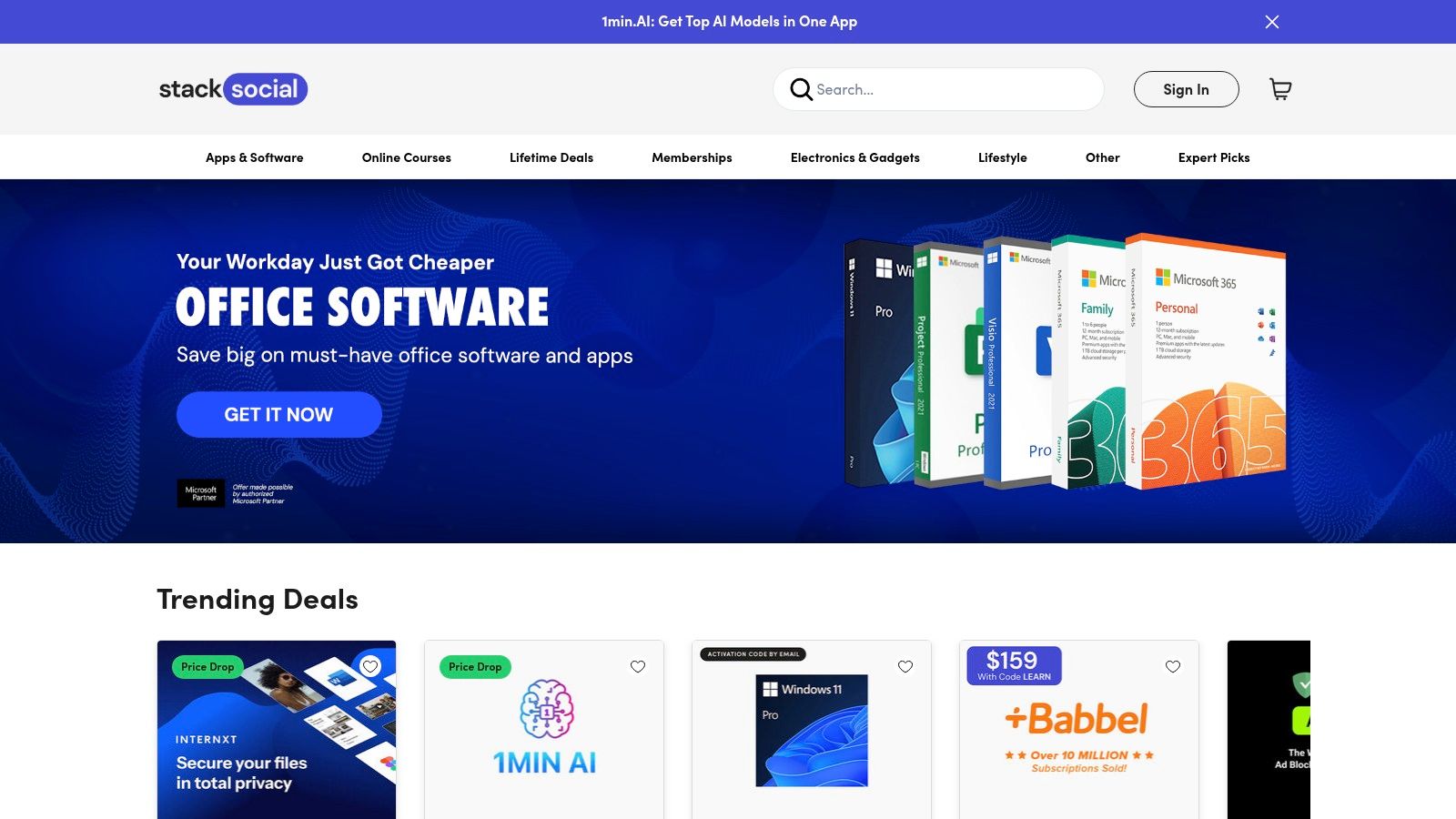
Its primary advantage is cost savings on powerful software. Many of the best productivity extensions for Chrome are gateways to a more feature-rich desktop or web application. StackSocial provides an opportunity to acquire these underlying services, such as VPNs, project management platforms, or cloud storage solutions, through one-time payments or heavily discounted annual plans. This makes it a strategic resource for building a long-term, affordable productivity stack.
Key Features & User Experience
The platform is built around discovery and time-sensitive offers. Users can browse categories like "Productivity" or "Developer" and sign up for email notifications to stay informed about new deals. Each listing details the software's features, license terms (e.g., lifetime access for a specific number of devices), and redemption instructions. While the site is a marketplace and not a direct provider, its user-friendly checkout process and clear deal structures make purchasing straightforward. However, it's crucial to research the software vendor and understand the license terms before buying.
| Pros | Cons |
|---|---|
| Significant savings on premium productivity tools | Deals are temporary and availability changes often |
| Bundles offer multiple apps for a single price | Not a dedicated store for extensions; requires broader searching |
| Easy checkout and clear promotional offers | Users must verify vendor legitimacy and license terms before purchase |
Website: stacksocial.com
12-Source Comparison: Chrome Productivity Extensions
| Option | Core features | UX & Trust ★ | Value & Price 💰 | Target audience 👥 | Unique selling points ✨ |
|---|---|---|---|---|---|
| 🏆 ShiftShift Extensions | Unified Command Palette; 50+ tools (formatters, converters, 3D viewer, health & finance); local-only & offline | ★★★★★ privacy-first; active updates | 💰 Freemium (pricing page); high consolidated value vs many single extensions | 👥 Developers, creators, power & privacy-minded users | ✨ Keyboard-first palette; local processing; growing toolkit |
| Chrome Web Store (official) | Central marketplace, one-click install, curated collections, auto-updates | ★★★★☆ official vetting; reviews & permissions | 💰 Free platform; extension pricing varies | 👥 All Chrome users, admins & enterprises | ✨ Permission transparency; enterprise controls; auto-updates |
| Product Hunt – Chrome Extensions Topic | Daily launches, upvotes, community comments, topic pages | ★★★☆☆ community signals; quality varies | 💰 Free discovery; links out to installs | 👥 Early adopters, makers, explorers | ✨ Early access & trending signals for new tools |
| AlternativeTo | Crowdsourced comparisons, category lists, license/platform filters | ★★★☆☆ community-driven recommendations | 💰 Free; helps find substitutes | 👥 Users seeking alternatives & license-filtered options | ✨ Filter by license/platform; crowdsourced popularity |
| Chrome-Stats | Historical user counts, rating trends, risk analysis, dev history | ★★★★☆ data-driven security & quality lens | 💰 Freemium (premium analytics) | 👥 Security-conscious researchers & teams | ✨ Risk scoring; permission & update cadence tracking |
| GitHub – Chrome Extension Projects | Source code, issue trackers, changelogs, topics aggregation | ★★★★☆ full transparency; inspectable maintenance | 💰 Free (may require builds) | 👥 Developers, auditors, privacy-focused users | ✨ Full source access; contribute/verify code & fixes |
| TechRadar – Best Chrome extensions | Editorial roundups, vetted picks, install links | ★★★★☆ reputable editorial curation | 💰 Free guidance; links to stores | 👥 Non-technical readers seeking vetted picks | ✨ Journalist-vetted, timely curated lists |
| Zapier Blog – The 17 best productivity extensions | Workflow-centric recommendations, “best for” guidance | ★★★★☆ practitioner-tested; workflow focus | 💰 Free content; workflow integration tips | 👥 Automators, workflow designers | ✨ Actionable integration examples & use-cases |
| Digital Trends – Best Google Chrome extensions | Buyer’s guide, plain-English summaries, category sections | ★★★☆☆ approachable overviews | 💰 Free guides; direct links | 👥 Mainstream users & beginners | ✨ Easy-to-read summaries and quick links |
| Capterra | Pricing tables, user reviews, compare widgets, alternatives | ★★★★☆ user reviews & vendor info | 💰 Free; pricing snapshots & tier comparisons | 👥 Buyers evaluating paid vs freemium software | ✨ Pricing + customer-review lens for buying decisions |
| AppSumo | Time-limited deals, lifetime offers, deal Q&A | ★★★☆☆ deals-focused; vendor risk varies | 💰 Discounted/time-limited deals (refund window) | 👥 Bargain hunters, small businesses | ✨ Deep discounts & occasional lifetime deals |
| StackSocial | Discount codes, bundles, seasonal promotions | ★★★☆☆ promo-driven marketplace | 💰 Discounted bundles & coupons | 👥 Deal-seekers (US-focused) | ✨ Bundles and seasonal promotional offers |
Building Your Ultimate Productivity Stack
You've explored the primary sources for discovering top-tier browser tools, from the official Chrome Web Store to community-driven hubs like Product Hunt and developer repositories on GitHub. We’ve analyzed how to vet extensions, identify trustworthy sources, and find niche solutions for specific professional needs. The journey to find the best productivity extensions chrome has to offer isn't about installing dozens of tools; it's about strategic curation.
The core principle is to build a personalized, lean, and effective toolkit. An overloaded browser with conflicting extensions can become a performance bottleneck and a source of distraction, defeating the very purpose of enhancing productivity. The goal is to create a digital environment that serves your specific workflow, whether you're a developer needing a JSON formatter, a designer converting images on the fly, or a caregiver monitoring Nightscout data.
From Discovery to Implementation: Your Action Plan
To move from reading this guide to actively boosting your productivity, follow these actionable steps. This framework helps you build a system that works for you, rather than against you.
Identify Your Pain Points: Before searching for solutions, pinpoint your biggest time sinks. Are you constantly switching tabs to use a calculator? Do you waste minutes formatting code snippets? Write down the top three to five repetitive tasks that slow you down.
Start Small and Test Rigorously: Choose one extension to solve your most significant pain point. Install it and use it consistently for a week. Assess its real-world impact. Did it genuinely save you time, or did it introduce new friction? Be ruthless in your evaluation.
Prioritize Privacy and Performance: Always review an extension's permissions and privacy policy before installation. A tool that demands access to all your website data for a simple function is a major red flag. Monitor your browser's performance after adding a new extension; if you notice a significant slowdown, the trade-off may not be worth it.
Embrace Consolidation: Consider if a single, multi-functional tool can replace several single-purpose extensions. An all-in-one solution like ShiftShift Extensions is designed for this very reason. It consolidates dozens of utilities into one unified, keyboard-first interface, reducing browser bloat, minimizing security risks, and maintaining speed.
Curating Your Stack for Long-Term Success
Your productivity needs will evolve, and so should your extension stack. Schedule a quarterly "extension audit" to review what you have installed. Ask yourself: "Have I used this in the last 90 days?" If the answer is no, it's probably safe to remove it. This practice keeps your browser lean and ensures every tool you have is actively adding value.
Furthermore, remember that tools are only one part of the productivity equation. They are most effective when paired with strong habits and proven methodologies. For instance, when assembling your ideal set of productivity extensions, don't overlook time management strategies; many users find dedicated Pomodoro timer tools to be invaluable for focused work sprints. An extension can help you manage your time, but the underlying strategy is what drives the results.
Ultimately, transforming your Chrome browser into a high-performance productivity hub is an intentional process. By carefully selecting, testing, and refining your chosen tools, you can eliminate friction, automate repetitive tasks, and dedicate more of your valuable time to deep, meaningful work.
Ready to declutter your browser and supercharge your workflow with a single, powerful tool? ShiftShift Extensions consolidates dozens of the utilities discussed in this article into one privacy-first, keyboard-driven solution. Stop managing multiple extensions and start being more productive by visiting ShiftShift Extensions to streamline your browser today.