The Top 12 Best Free Snagit Alternative Tools in 2025
Searching for a free Snagit alternative? Explore our curated list of 12 top-tier desktop apps, browser extensions, and recorders to capture your screen.

Recommended Extensions

Snagit is a powerful tool for screen capture and recording, but its premium price tag isn't for everyone. Whether you're a student on a budget, a QA engineer needing a quick annotation tool, or a professional who only requires occasional capture capabilities, the world of free Snagit alternative software is vast and impressive. The key challenge is finding the right tool that fits your specific workflow without compromising on essential features or introducing unnecessary complexity.
This guide cuts through the noise to provide a comprehensive comparison of the best options available today. We dive deep into each tool, evaluating them on critical features like scrolling capture, video recording quality, annotation power, and overall ease of use. From feature-packed open-source desktop clients like ShareX and Greenshot to lightweight, privacy-first browser extensions such as ShiftShift Extensions, there's a perfect tool waiting for you.
Our goal is to help you find the best free Snagit alternative for your needs, whether you're a developer needing precise capture for bug reports, a content creator making quick tutorials, or an everyday user looking for a simple screenshot utility. We will explore the strengths, weaknesses, and ideal use cases for each of the 12 top-tier options, complete with screenshots and direct links to get you started immediately. We'll look at desktop apps, browser extensions, and web-based tools, giving you a full spectrum of choices to find the right fit without spending a dime.
1. ShiftShift Extensions
ShiftShift Extensions delivers a unique and powerful approach to in-browser productivity, establishing itself as a standout free Snagit alternative for users who value speed and privacy. Instead of being just a single-purpose screen capture tool, it integrates a full-page screenshot utility into a comprehensive ecosystem of over 40+ tools, all accessible through a unified, keyboard-driven Command Palette. This design philosophy is its greatest strength; you can capture a webpage, convert it from WebP to JPG, generate a QR code for its URL, or format a JSON snippet without ever leaving your current tab or reaching for your mouse.

The system is built on a privacy-first foundation. All processing, from image conversions to file formatting, happens locally on your machine. This offline-first capability means your data never leaves your browser, offering a level of security that cloud-based tools cannot match.
Core Strengths and Use Cases
- Keyboard-First Workflow: Press
Shifttwice to open the Command Palette. Its fuzzy search and "frecency" (frequency + recency) sorting learn your habits, making repeated actions like "screenshot" or "convert image" nearly instantaneous. - Integrated Conversions: Immediately after taking a screenshot, you can summon the palette again to convert the PNG or JPG capture to modern formats like AVIF or WebP, or vice versa. This integrated workflow eliminates the need for separate converter tools.
- Developer and QA Powerhouse: Beyond screenshots, it offers essential utilities like a diff checker, JSON and SQL formatters, a cookie editor, and a domain availability checker, making it invaluable for technical professionals.
Practical Implementation
To get started, install the extension from the Chrome Web Store. The core functionality is triggered by double-tapping the Shift key. For instance, to take a full-page screenshot, simply press Shift Shift, type ss, and hit Enter. The capture is saved directly to your downloads folder. This intuitive, command-line-inspired interaction is exceptionally efficient for power users who manage multiple tasks within the browser. While it lacks the advanced annotation and video recording of Snagit, its speed, privacy, and multifunctionality make it a superior choice for quick captures and integrated browser-based workflows.
Website: https://shiftshift.app
2. ShareX
ShareX is the quintessential power-user’s free Snagit alternative for Windows. It is an open-source powerhouse that goes far beyond simple screen captures by offering an unparalleled level of automation and customization. Its true strength lies in its "after capture" workflows, allowing you to automatically annotate, add watermarks, and upload your captures to over 80 different destinations, from Imgur and Dropbox to your own custom FTP server or S3 bucket.
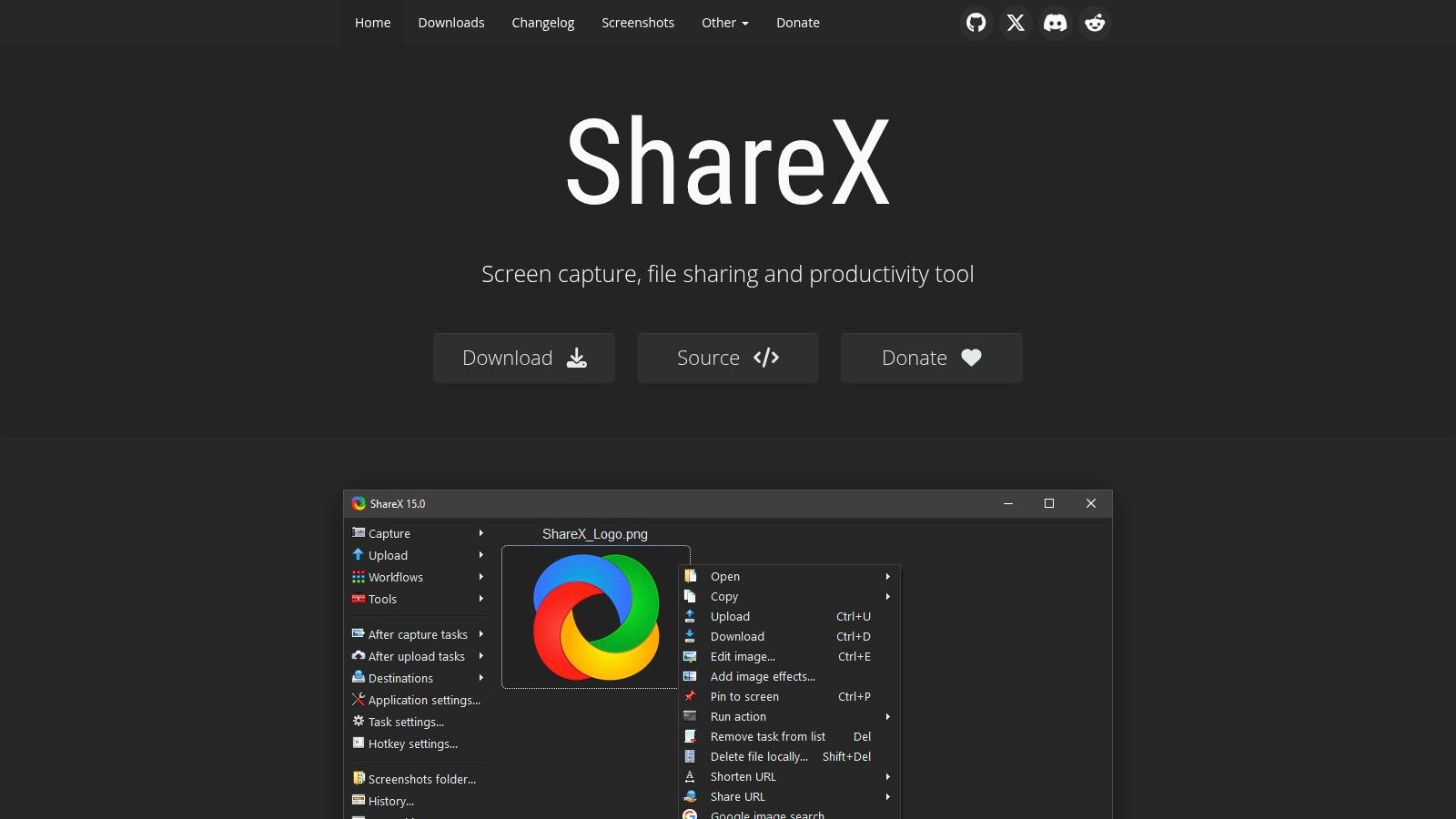
This tool is perfect for developers who need to document bugs and share them to a specific project management tool, or for support staff creating automated visual guides. While its interface can be overwhelming for beginners due to the sheer number of options, those who invest time in learning it are rewarded with a highly efficient and personalized workflow that no other free tool can match.
Key Features and Considerations
The built-in editor is robust, featuring essentials like blur, pixelate, and step annotations, along with more advanced tools like OCR to extract text from an image. ShareX also includes a suite of productivity tools, such as a color picker, screen ruler, and video converter.
- Best For: Power users, developers, and IT professionals who need highly customizable, automated screen-sharing workflows on Windows.
- Pros: Completely free and open-source, massive configuration options, extensive upload integrations.
- Cons: The feature-rich interface can have a steep learning curve; it is available only for Windows.
- Website: https://getsharex.com/
3. Greenshot
Greenshot is a classic, lightweight free Snagit alternative for Windows users who value speed and simplicity. It is an open-source tool renowned for its efficiency, allowing you to capture a region, window, or fullscreen with a single keystroke and immediately jump into a streamlined editor. Its core strength lies in its speed and practicality, making it a long-standing favorite for creating quick, annotated screenshots for bug reports, documentation, or emails without any unnecessary bloat.
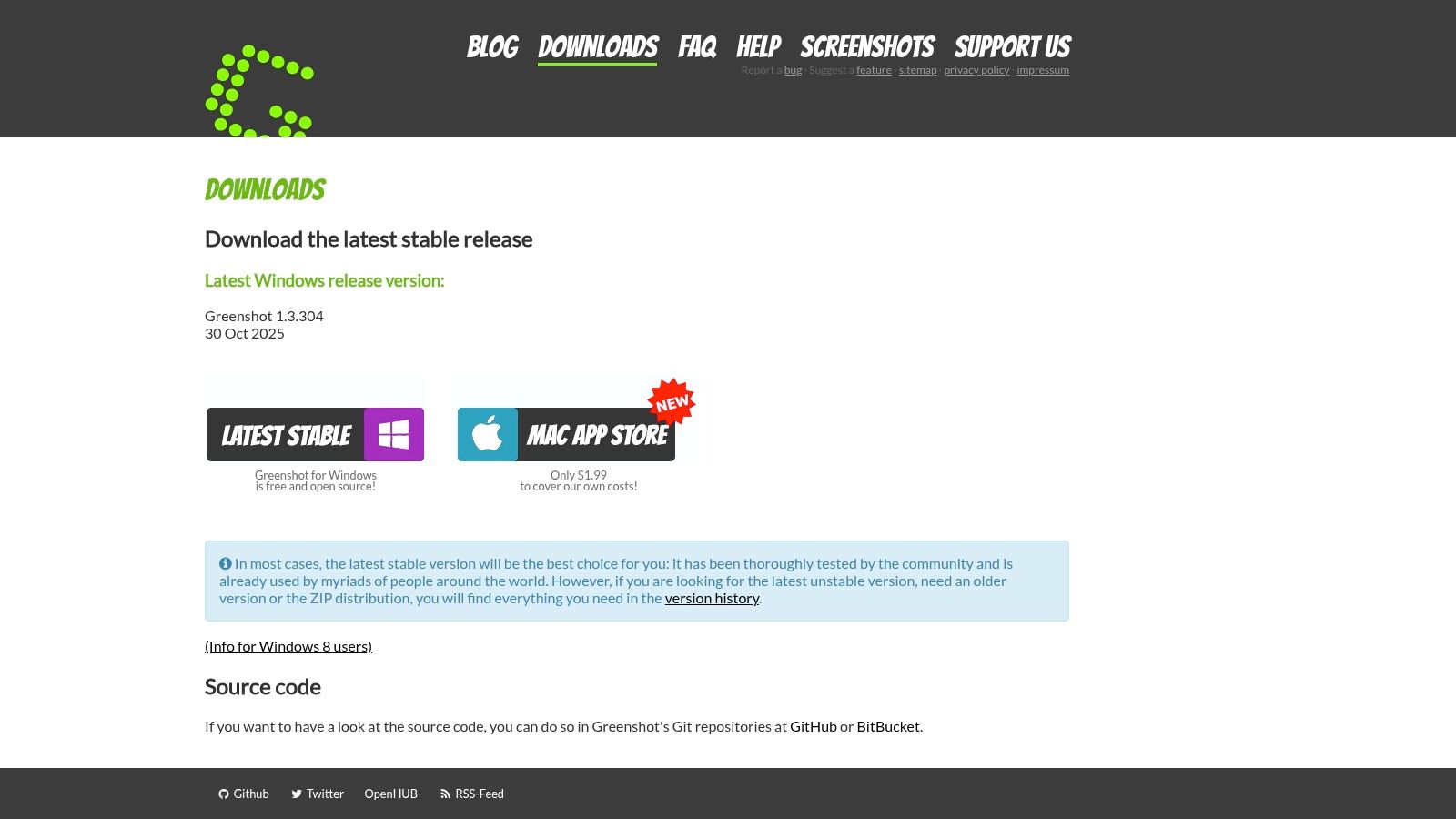
This tool is ideal for quality assurance testers who need to rapidly highlight defects, or for anyone creating instructional content that requires clear, obfuscated visuals. Unlike more complex tools, Greenshot focuses on getting the job done fast with an intuitive interface. Its "Export to" menu is a standout feature, letting you send a capture directly to the clipboard, a file, an email attachment, or even an Office application in just a few clicks. The tool also supports configurable hotkeys, allowing for a highly personalized and rapid workflow.
Key Features and Considerations
The built-in image editor provides all the essential tools for effective communication, including highlighting, adding text, drawing shapes, and an easy-to-use obfuscation tool to blur or pixelate sensitive information. While it doesn't offer video recording, its focused feature set for static images is highly polished. The ability to manage image formats, such as needing to convert PNG files to JPG, is handled by your chosen save settings or external tools.
- Best For: Support staff, QA testers, and business professionals who need a fast, no-fuss tool for creating and annotating screenshots on Windows.
- Pros: Extremely lightweight and fast, very low learning curve, excellent annotation and redaction capabilities.
- Cons: No built-in video capture; macOS version has historically lagged behind the Windows release in terms of features and stability.
- Website: https://getgreenshot.org/downloads/
4. Lightshot
Lightshot is a popular free Snagit alternative designed for speed and simplicity. It excels at capturing a specific region of your screen with just two clicks, immediately opening a lightweight editor for quick annotations. Its primary feature is the ability to instantly upload your screenshot to a public server, providing a shareable link in seconds, making it ideal for users who need to communicate visual information as fast as possible.
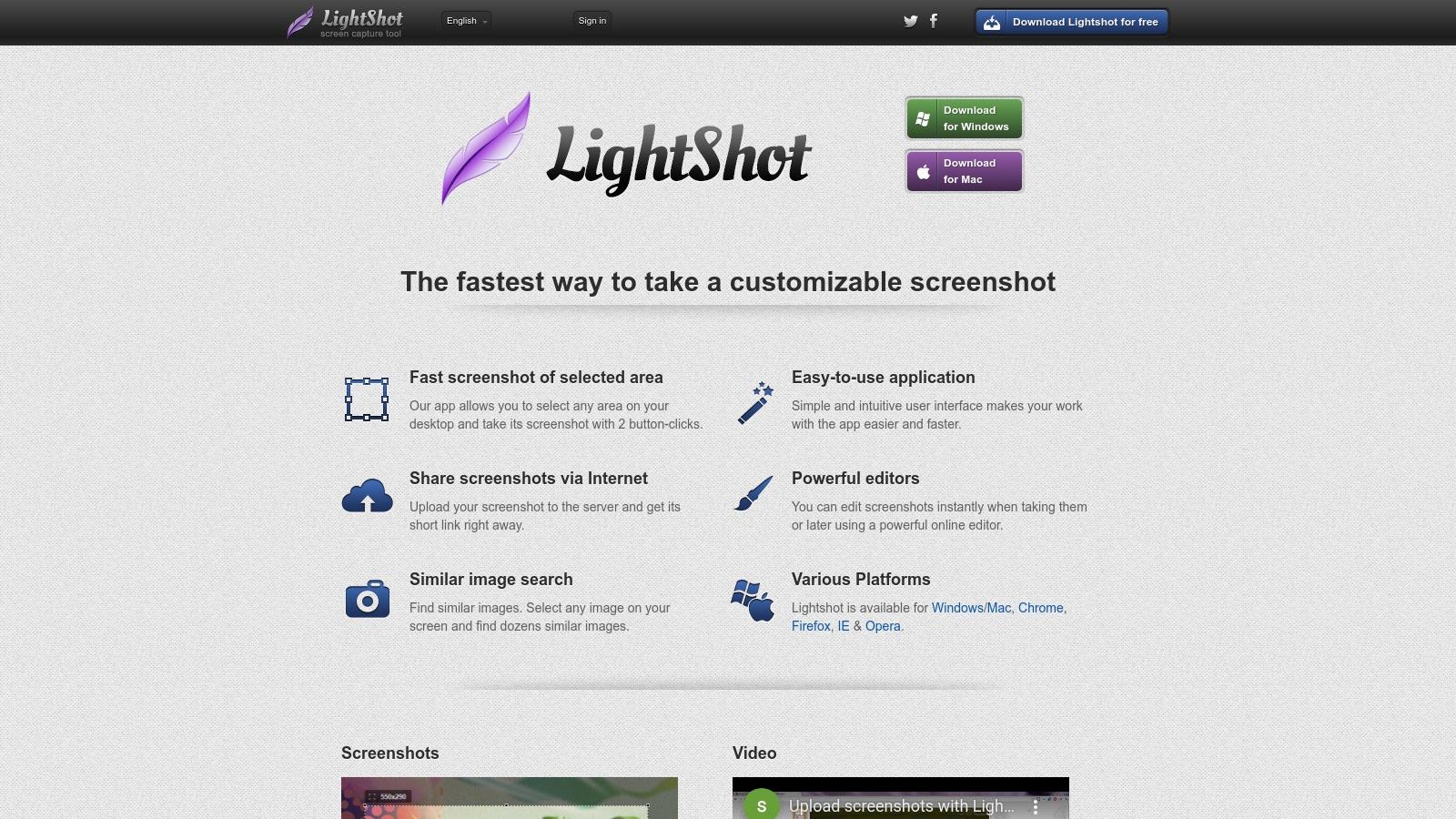
This tool is perfect for support agents who need to quickly show a customer where to click, or for collaborators who want to share a visual snippet in a chat message without the hassle of saving and attaching files. While it lacks the advanced features of more complex tools, its streamlined workflow for capturing, annotating, and sharing is nearly frictionless. The editor provides basic tools like pen, line, arrow, and text, which are sufficient for most immediate communication needs.
Key Features and Considerations
The standout feature is its ultra-fast sharing mechanism, but it comes with a significant trade-off. The public links generated by Lightshot are often sequential and guessable, which has led to documented privacy concerns, as unauthorized users could potentially view sensitive screenshots. Furthermore, some users have reported issues with long-term storage, finding that older links no longer work. For those who need to convert captures, exploring a PNG to WEBP converter might be a useful next step for optimizing image formats.
- Best For: Users needing the absolute fastest way to capture a screen region, add a quick note, and share it via a public link.
- Pros: Extremely fast and easy to use, lightweight editor for basic annotations, available as a desktop app and browser extension.
- Cons: Public links can be a major privacy risk; not suitable for sensitive information. Uploaded images may not be permanently available.
- Website: https://app.prntscr.com/
5. OBS Studio
While primarily known as the gold standard for live streaming, OBS Studio is also an incredibly powerful and free Snagit alternative for high-quality screen recording. This open-source, cross-platform software excels where basic tools fall short, offering professional-grade control over video and audio sources. It's designed for creating complex scenes, allowing you to combine your screen, webcam, application windows, and other media into a single, polished recording.
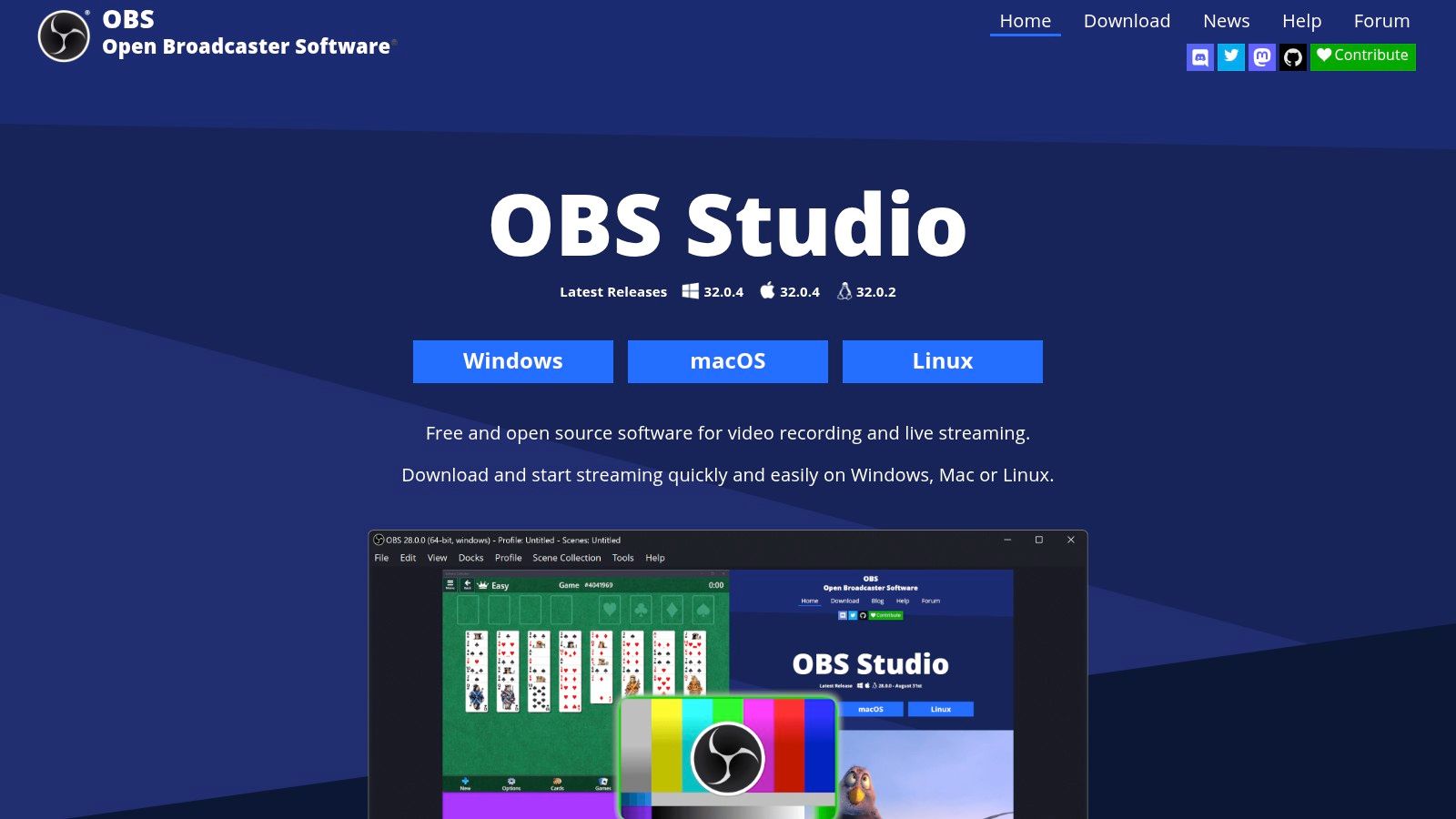
This tool is ideal for users creating detailed software tutorials, gameplay videos, or professional presentations that require multiple camera angles or on-screen elements. Although it lacks dedicated screenshot annotation features, its strength lies in its unparalleled video recording capabilities. For users whose primary need is advanced video capture rather than simple image grabs, OBS Studio provides a level of quality and flexibility that is unmatched in the free software landscape.
Key Features and Considerations
OBS Studio provides granular control with features like an advanced audio mixer with per-source filters, VST plugin support, and seamless transitions between different scenes. Its modular "Dock" UI allows users to arrange the layout to fit their specific workflow, and its performance is optimized for demanding recording sessions without significant system impact.
- Best For: Content creators, educators, and anyone needing to produce high-quality, multi-source video tutorials or presentations.
- Pros: Completely free and open-source, professional-level video and audio mixing, cross-platform support (Windows, Mac, Linux).
- Cons: Overkill for simple screenshots and has a steeper learning curve than basic recorders; it does not have a built-in image editor.
- Website: https://obsproject.com/
6. ScreenRec
ScreenRec is a lightweight and efficient free Snagit alternative designed for users who prioritize speed and instant sharing. Its core philosophy revolves around a simple, one-click capture process that immediately generates a private, shareable link. This makes it an excellent tool for business communication, client feedback, and bug reporting where getting a visual point across quickly is more important than elaborate editing.
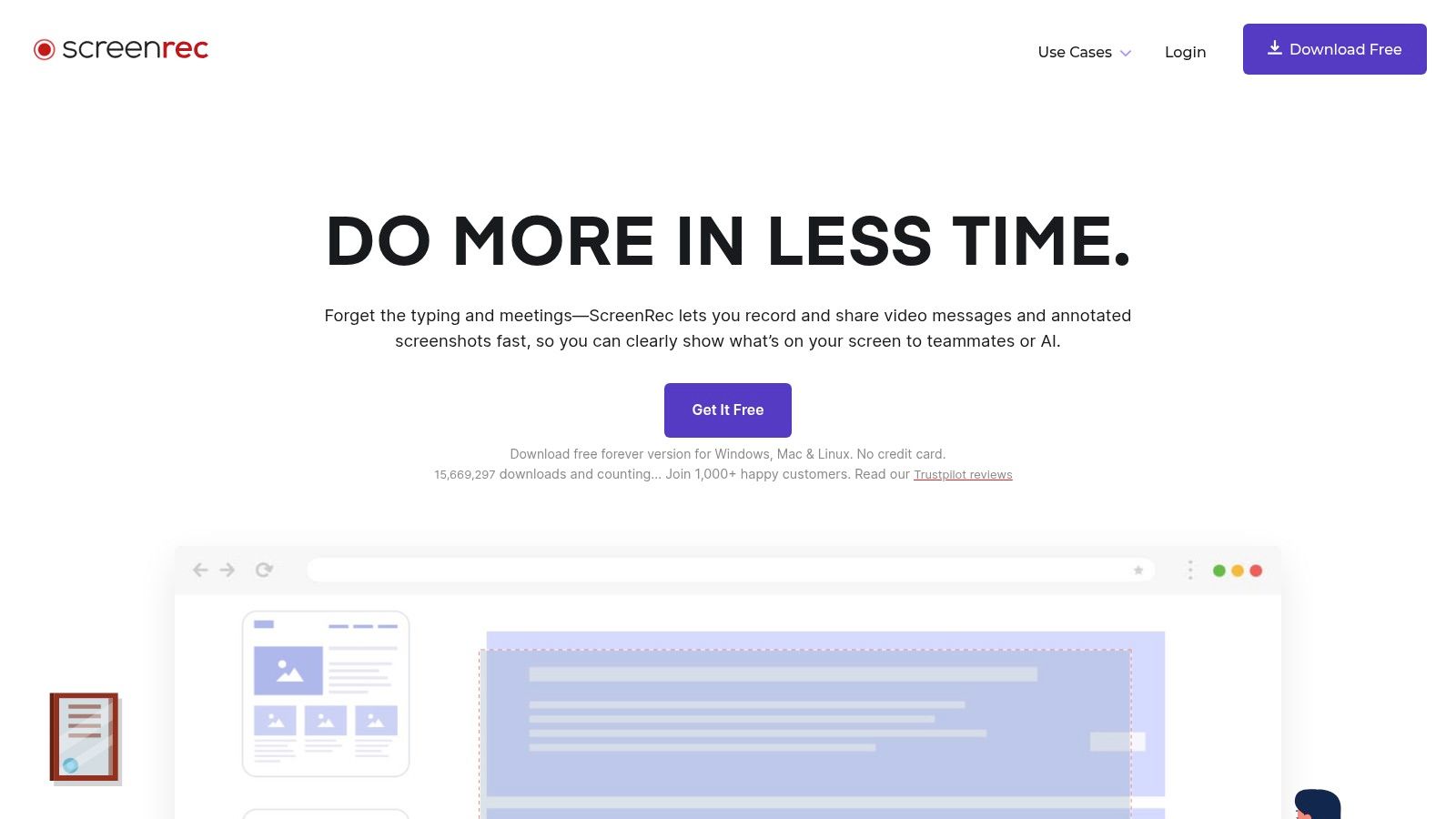
The platform's standout feature is its integrated analytics, allowing you to see who has viewed your shared screenshots or recordings and for how long. This is particularly useful for teams collaborating remotely or for educators tracking student engagement. While it offers basic annotation tools for screenshots, its primary strength is in creating a frictionless workflow from capture to cloud, complete with end-to-end encryption for security.
Key Features and Considerations
ScreenRec captures your screen, webcam, mic, and system audio, making it versatile for both quick screenshots and detailed video walkthroughs. The 2GB of free cloud storage is a generous starting point for users who need to share many captures without worrying about hosting.
- Best For: Remote teams, support staff, and educators who need a fast way to capture and share visuals with integrated viewing analytics.
- Pros: Incredibly simple workflow, instant private link sharing, free cloud storage with analytics, and cross-platform support (Windows, Mac, Linux).
- Cons: Heavily focused on its own cloud-sharing ecosystem; video editing capabilities are very basic and lack advanced features.
- Website: https://screenrec.com/
7. Loom
Loom excels as a video-centric free Snagit alternative, designed for quick communication and asynchronous collaboration. Instead of static images, Loom focuses on recording your screen, camera, or both, and instantly generating a shareable link. Its core strength is removing the friction from creating and distributing short "show and tell" videos, making it perfect for bug reports, design feedback, or team updates without needing a formal meeting.
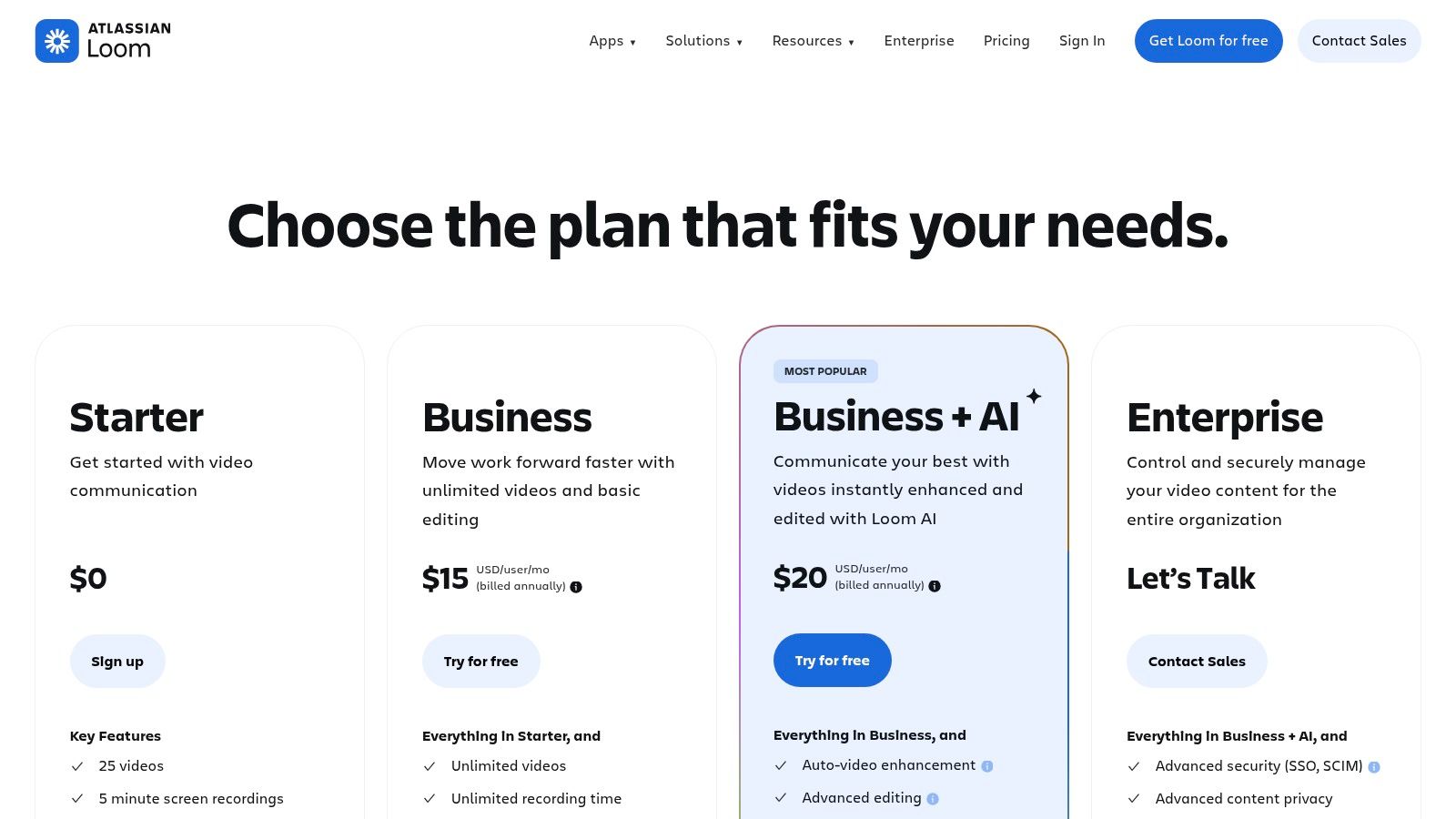
This tool is ideal for remote teams who need to provide context that a simple screenshot can't capture. For instance, a developer can walk through a piece of code, or a support agent can demonstrate a solution to a customer. While its free Starter plan has limitations on video count and length, it provides more than enough functionality for most casual use cases, including viewer analytics and integrations with platforms like Slack and Jira.
Key Features and Considerations
The platform is incredibly polished and user-friendly, with automatic transcription, viewer comments, and reactions built into the viewing experience. This collaborative layer transforms a simple screen recording into an interactive conversation, streamlining feedback cycles.
- Best For: Remote teams, educators, and support professionals who need to create quick, shareable instructional or feedback videos.
- Pros: Extremely intuitive and low friction, powerful team collaboration features, instant cloud sharing with viewer analytics.
- Cons: The free plan is limited (50 videos per user, 5-minute max length); requires a cloud account and an internet connection.
- Website: https://www.loom.com/pricing
8. Monosnap
Monosnap presents itself as a streamlined free Snagit alternative for both Mac and Windows, blending screenshot capture, screen recording, and cloud sharing into one cohesive package. It is designed for users who need a quick and reliable tool for capturing and sharing visuals without a complex setup. The optional Monosnap Cloud integration simplifies sharing by automatically uploading captures and providing a short link, making it ideal for quick feedback loops and personal note-taking.
This tool is particularly well-suited for students creating study guides or individuals documenting personal projects who need a straightforward annotation and sharing solution. While the free tier is generous for non-commercial use, its real value lies in its simplicity and clean user interface, which provides a gentle learning curve compared to more feature-dense applications.
Key Features and Considerations
Monosnap’s editor includes all the essential annotation tools like arrows, text, blur, and highlighters, accessible via a convenient 8-pixel grid overlay for precise placement. The screen recording function is perfect for short GIFs or video explanations, though the free plan imposes time limits. Users can store files locally or take advantage of the integrated cloud storage for easy access and sharing.
- Best For: Students, personal bloggers, and non-commercial users on Mac or Windows looking for a simple, all-in-one capture and sharing tool.
- Pros: User-friendly interface, integrated cloud storage for easy sharing, solid all-in-one tool for personal projects.
- Cons: The free plan is not licensed for commercial use and has video recording limits; premium features and integrations require a subscription.
- Website: https://monosnap.com/
9. Flameshot
Flameshot is a sleek and powerful open-source free Snagit alternative designed for users who value speed and efficiency, particularly across different operating systems like Windows, macOS, and Linux. Its standout feature is the immediate, in-capture annotation toolbar that appears right after you select a screen region. This allows you to add arrows, text, highlights, and blur effects on the fly without ever leaving the capture interface, making it incredibly fast for quick markups and explanations.

This tool is ideal for developers, support staff, and technical writers who need a consistent and responsive screenshot experience across multiple platforms. While it lacks the complex, automated post-capture workflows of tools like ShareX, its strength lies in its simplicity and highly configurable nature. You can customize nearly every aspect, from the color of the interface to the buttons that appear on the toolbar and the keyboard shortcuts that trigger actions.
Key Features and Considerations
Flameshot focuses entirely on perfecting the screenshot process. The on-screen controls let you instantly resize the capture area, undo annotations, copy the image to your clipboard, or save it locally. For advanced users, its command-line interface opens up possibilities for scripting and integration with other tools, allowing you to tailor it to very specific needs.
- Best For: Users on Linux, macOS, and Windows who need a fast, lightweight tool for immediate annotations and consistent cross-platform functionality.
- Pros: Completely free and open-source, intuitive in-capture editing tools, highly customizable interface and shortcuts.
- Cons: No built-in video or scrolling capture features; lacks advanced automation and cloud upload integrations out of the box.
- Website: https://flameshot.org/
10. Shottr
For macOS users seeking a native, lightning-fast free Snagit alternative, Shottr is a standout choice. It is a tiny, meticulously crafted application that punches well above its weight, focusing on speed and precision. Its core strength lies in its responsiveness and a suite of thoughtful tools designed for pixel-perfect work, making it a favorite among designers and developers who need to capture, measure, and annotate with extreme accuracy.
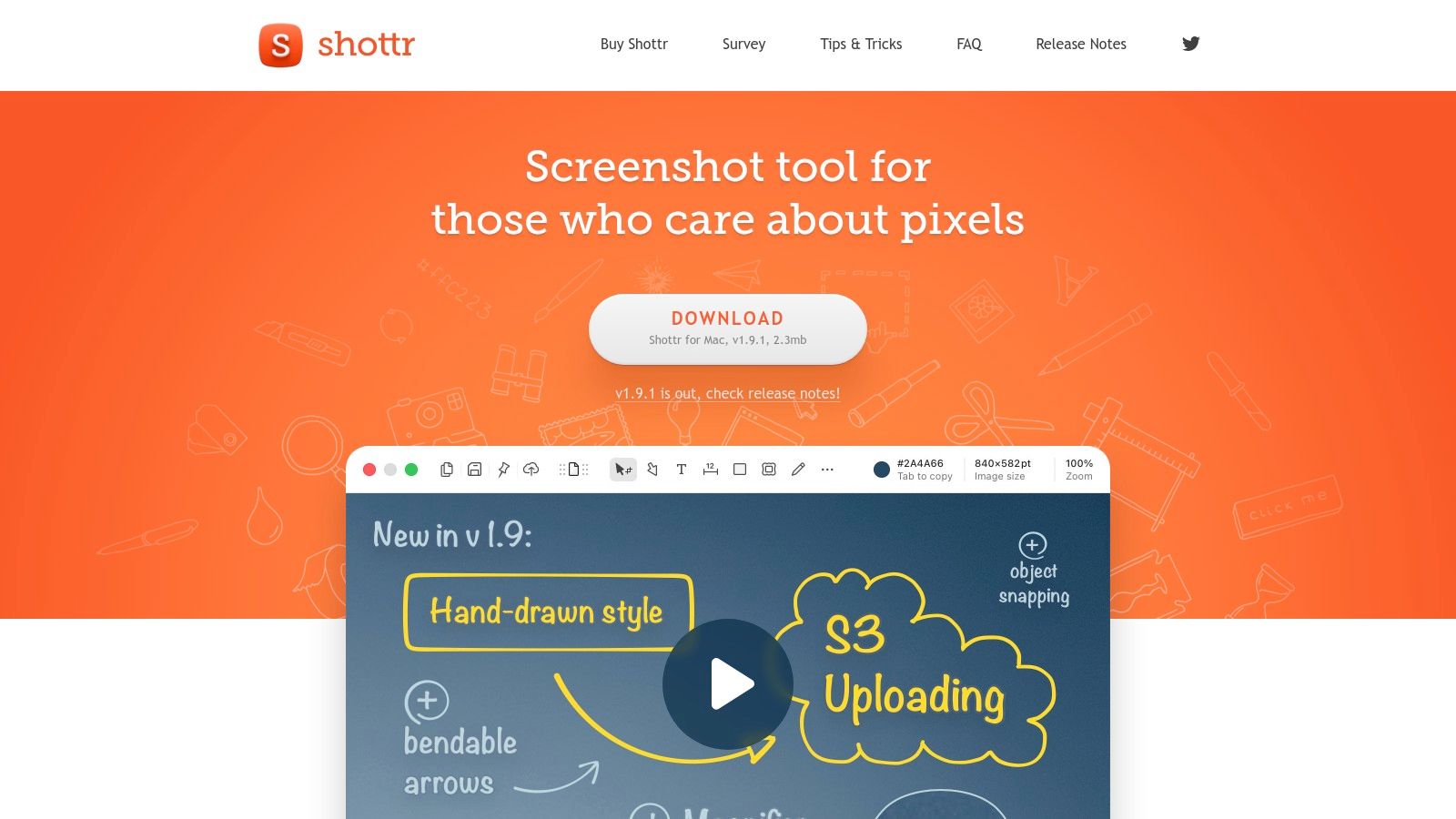
Unlike bulkier applications, Shottr launches instantly and integrates seamlessly into the macOS environment. It is ideal for quickly grabbing a section of the screen, identifying a color hex code, measuring element dimensions, or blurring out sensitive information before sharing. Its built-in OCR is remarkably quick and accurate, allowing you to copy text from any image with a simple key command. The ability to take a full-page screenshot is another powerful feature, though some advanced functions require a license.
Key Features and Considerations
Shottr's editor provides essential annotation tools like arrows, text, and shapes, but its unique offerings are the real highlight. These include a pixel magnifier, a screen ruler for measuring distances, and an overlay feature that lets you place semi-transparent images on your screen for comparison. While the core app is free, advanced capabilities like scrolling capture, cloud uploads, and advanced OCR settings are unlocked with a paid license.
- Best For: macOS users, particularly designers and front-end developers, who need a lightweight, high-performance tool for pixel-perfect screen captures and annotations.
- Pros: Extremely fast and lightweight, excellent OCR and color picker tools, thoughtful features tailored for design work.
- Cons: Exclusively for macOS; some key features like scrolling capture require a paid license.
- Website: https://shottr.cc/
11. Microsoft Snipping Tool
For Windows users seeking a straightforward and instantly accessible free Snagit alternative, the built-in Microsoft Snipping Tool is an excellent first choice. It eliminates the need for any downloads or installations, offering essential screen capture and recording capabilities directly within the operating system. Recent updates in Windows 10 and 11 have significantly improved its functionality, adding screen recording and basic annotation tools like a pen and highlighter, making it surprisingly capable for everyday use.
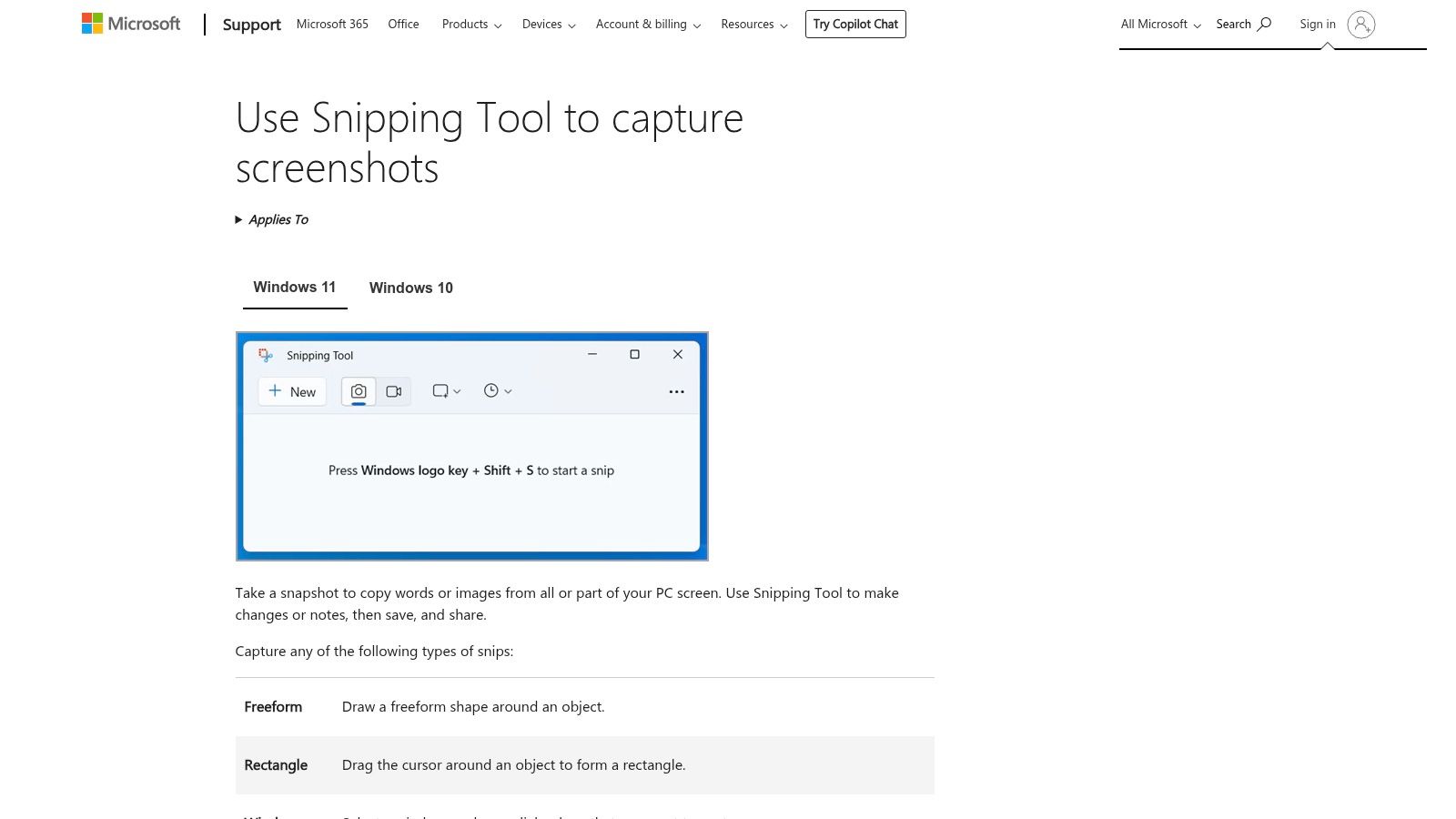
This tool is ideal for users who need to quickly capture a window, a specific region, or their full screen for an email or a document. Its simplicity is its greatest strength; there is virtually no learning curve. With the recent integration of a "Edit in Clipchamp" feature, users can now send video recordings directly to Microsoft's web-based video editor to add captions or perform basic edits, expanding its utility beyond simple captures.
Key Features and Considerations
The Snipping Tool covers the fundamental needs of screen capture with an intuitive interface. It supports rectangular, free-form, window, and full-screen snips, along with a time-delay option. The screen recorder is equally simple, allowing you to select an area and record, making it perfect for quick demonstrations or capturing bugs in action.
- Best For: Everyday Windows users who need a quick, no-frills tool for basic screenshots and short video recordings without installing extra software.
- Pros: Completely free and pre-installed on modern Windows versions, extremely simple and easy-to-use interface.
- Cons: Lacks advanced annotation, no scrolling capture, and has minimal automation or sharing integration compared to dedicated tools.
- Website: https://support.microsoft.com/en-us/windows/use-snipping-tool-to-capture-screenshots-00246869-1843-655f-f220-97299b865f6b
12. TinyTake (MangoApps Recorder)
TinyTake, now known as MangoApps Recorder, is a straightforward desktop capture tool for Windows and macOS that serves as a simple free Snagit alternative. It focuses on providing essential screenshot and screen recording capabilities without the complexity of more feature-heavy applications. Its primary appeal is for users who need a quick, no-fuss way to capture their screen, add basic annotations, and save the output locally without needing an account or cloud integration.
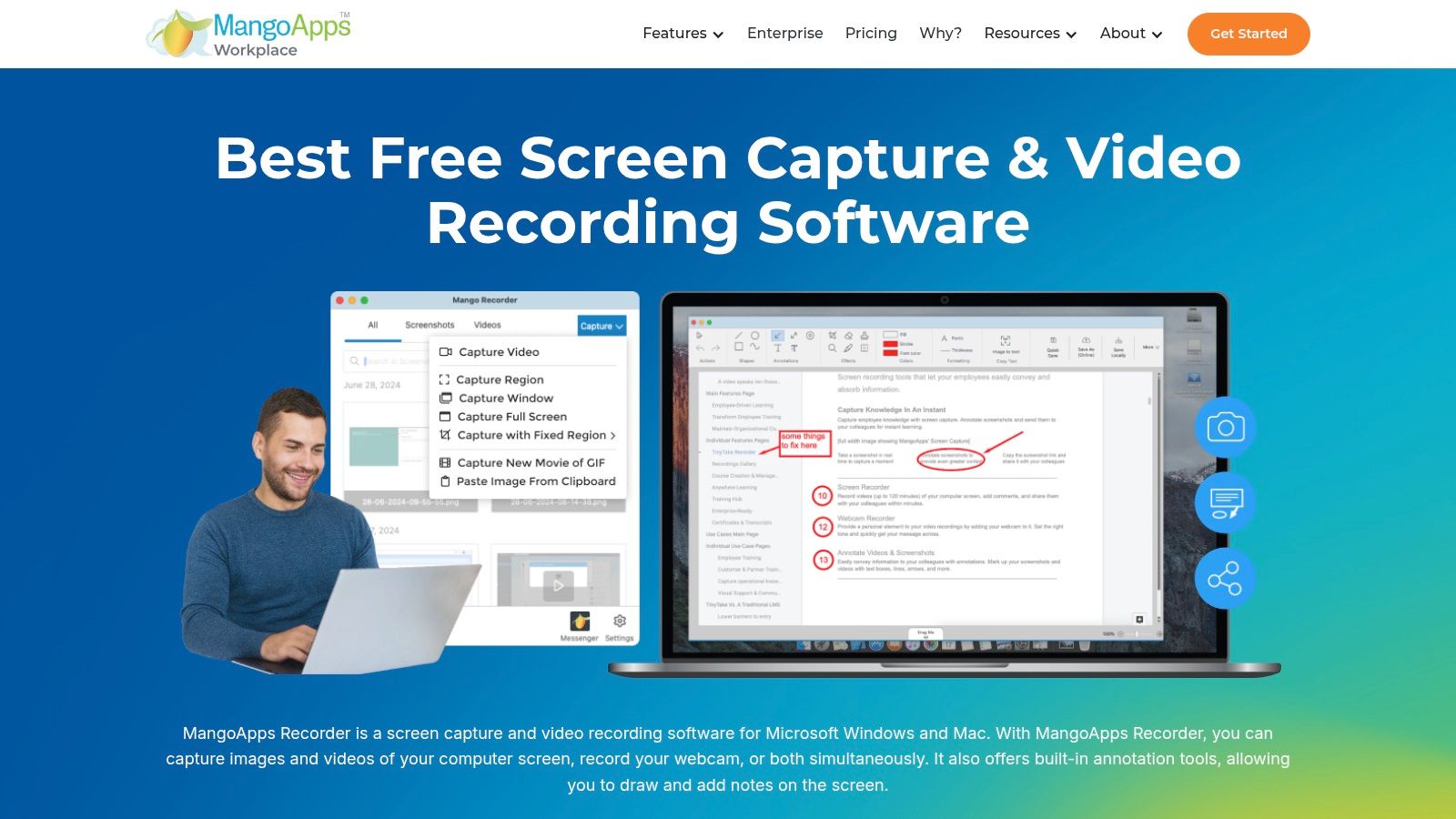
The tool is ideal for creating quick visual aids for an email or documenting a simple process for personal reference. It allows for capturing regions, windows, or the full screen and supports screen recording combined with webcam footage. While premium plans unlock cloud storage and link-sharing features, the free desktop version functions perfectly as a standalone utility for local captures, making it a reliable choice for users who prioritize simplicity and offline access.
Key Features and Considerations
The software includes basic annotation tools like arrows, text, and highlighting, which are sufficient for most day-to-day tasks. The interface is clean and easy to navigate, with customizable shortcut keys to speed up your workflow. The branding change from TinyTake to MangoApps Recorder can be slightly confusing, but the core functionality remains the same accessible capture tool.
- Best For: Individuals and professionals on Windows or Mac who need a simple, free tool for basic screen captures and recordings saved directly to their computer.
- Pros: Free desktop version works without an account, clean and simple interface, supports both screenshots and screen/webcam recording.
- Cons: Free version lacks built-in cloud sharing and hosting features; the rebranding from TinyTake to MangoApps may cause confusion for some users.
- Website: https://tinytake.com/
Top 12 Free Snagit Alternatives — Feature Comparison
| Product | Core / Unique Features (✨) | UX / Quality (★) | Price / Value (💰) | Target Audience (👥) |
|---|---|---|---|---|
| ShiftShift Extensions 🏆 | ✨ Unified Command Palette; dev tools (JSON/SQL/diff); image & file converters; local-only & offline; 52 languages | ★★★★☆ Keyboard-first, frecency search, consistent UI | 💰 Free/Chrome extensions; optional paid tiers/donations | 👥 Developers, power users, privacy-conscious teams |
| ShareX | ✨ Full/region capture, GIF/video, built-in editor, automation & many upload destinations | ★★★★★ Extremely configurable, powerful | 💰 Free, open-source | 👥 Power users, automation-focused Windows users |
| Greenshot | ✨ Fast region/window captures, quick annotate & redaction, export plugins | ★★★★☆ Minimal, very fast for screenshots | 💰 Free, open-source | 👥 Documentation, QA, Windows users |
| Lightshot | ✨ Two‑click region capture, lightweight editor, instant public URL sharing | ★★★☆☆ Very fast & simple | 💰 Free (public links) | 👥 Casual users, quick one-off shares |
| OBS Studio | ✨ High-performance recording, multi-source scenes, pro audio & plugins | ★★★★★ Industry-standard for recording/streaming | 💰 Free, open-source | 👥 Streamers, creators, advanced recorders |
| ScreenRec | ✨ One‑click capture, instant encrypted links, view analytics | ★★★★☆ Simple workflow with sharing analytics | 💰 Free with cloud sharing | 👥 Teams needing quick private share + analytics |
| Loom | ✨ Screen+camera recording, transcripts, cloud hosting & integrations | ★★★★☆ Polished, low-friction collaboration | 💰 Freemium (Starter free, paid tiers) | 👥 Teams, client communication, async video |
| Monosnap | ✨ Screenshot + short video/GIF, annotation, optional cloud storage | ★★★☆☆ Capable all‑in‑one, some limits on free tier | 💰 Freemium (free personal, paid commercial) | 👥 Personal users, small teams |
| Flameshot | ✨ On-capture annotation toolbar, configurable hotkeys, cross-OS | ★★★★☆ Fast, consistent screenshot UX | 💰 Free, open-source | 👥 Cross-OS devs/testers, privacy-minded users |
| Shottr | ✨ macOS-focused: OCR, scrolling capture, pixel tools & magnifier | ★★★★☆ Extremely lightweight & responsive | 💰 Free with paid license for advanced features | 👥 macOS designers & developers |
| Microsoft Snipping Tool | ✨ Built-in captures + markup, screen recording, Clipchamp handoff | ★★★☆☆ Simple, bundled with Windows | 💰 Free (included with Windows) | 👥 Everyday Windows users, casual captures |
| TinyTake (MangoApps Recorder) | ✨ Screenshots & recordings, basic annotation, optional premium cloud | ★★★☆☆ Simple local capture; basic features | 💰 Free desktop; premium cloud/features paid | 👥 Casual users wanting local captures |
Beyond Snagit: Embracing a World of Free Capture Tools
Navigating the world of screen capture software can feel overwhelming, but as this guide has demonstrated, stepping away from a paid tool like Snagit doesn't mean you have to sacrifice quality or functionality. The market for a powerful free Snagit alternative is not just viable; it's thriving with specialized, robust, and innovative options tailored to a wide array of professional and personal needs. We have explored a dozen distinct tools, each with its own philosophy and feature set, proving that the perfect capture solution is often a matter of matching the right tool to your specific workflow.
From the feature-dense, open-source powerhouse ShareX, which automates complex post-capture workflows for power users, to the streamlined simplicity of Lightshot for instant sharing, the diversity is remarkable. We've seen how tools like OBS Studio and ScreenRec push beyond simple screenshots, offering sophisticated video recording and streaming capabilities that rival premium software. For Mac users, Shottr provides a pixel-perfect, lightweight experience, while Greenshot remains a beloved, reliable choice for Windows-based professionals who need quick, effective annotation.
The key takeaway is that a "one-size-fits-all" solution is a myth. Your ideal tool depends entirely on your primary tasks. The journey to finding the best free Snagit alternative starts with a clear understanding of your own requirements.
How to Choose Your Perfect Free Snagit Alternative
To make the best choice, consider your workflow through the lens of these critical questions:
- What is my primary capture need? Do I need pixel-perfect static images, full-page scrolling captures of web pages, or high-fidelity video recordings with audio? A content creator's needs (video) are vastly different from a QA engineer's (precise annotation).
- Where do I work most? If your tasks are almost exclusively browser-based, a dedicated desktop application might be overkill. A lightweight extension like ShiftShift Extensions or a simple tool like Lightshot could be far more efficient, integrating directly into your web environment without system-wide installation.
- How important is privacy and data security? For developers, finance professionals, or anyone handling sensitive information, this is non-negotiable. Tools that process data locally, like ShiftShift Extensions or Flameshot, offer a significant advantage over cloud-based services that might upload your captures to external servers.
- Do I need advanced post-capture editing and automation? If your role involves creating detailed tutorials, bug reports, or automated workflows, a tool with extensive annotation options, customizable hotkeys, and multi-step actions like ShareX or Monosnap will be invaluable. If you just need a quick crop and a highlight, the built-in Microsoft Snipping Tool might suffice.
Final Thoughts on Empowering Your Workflow
The tools we've covered are more than just free software; they are productivity enhancers that can streamline communication, improve documentation, and simplify complex tasks. By carefully selecting a free Snagit alternative from this list, you are not making a compromise. Instead, you are making a strategic choice to adopt a tool that is perfectly aligned with your unique professional demands, all while keeping your software budget lean.
The power to create, annotate, and share visual information effectively is no longer locked behind a paywall. Whether you are a developer debugging code, a designer capturing inspiration, a support specialist creating a knowledge base, or an everyday user sharing a moment, the right free tool is waiting. Embrace the flexibility and innovation offered by this diverse ecosystem and unlock a more efficient, productive, and cost-effective workflow today.
Ready to streamline your browser-based tasks without compromising on privacy? ShiftShift Extensions offers a suite of over 50+ powerful, locally processed tools, including a full-page screenshot utility, image converters, and developer aids, all within a single, secure extension. Discover a smarter, faster, and more private way to work by visiting ShiftShift Extensions and adding it to your browser for free.