Marekebisho 12 Bora ya Ufanisi Ambayo Watumiaji wa Chrome Wanahitaji mnamo 2026
Gundua nyongeza bora za uzalishaji ambazo Chrome inatoa. Orodha yetu iliyochaguliwa inashughulikia zana bora za kuboresha mtiririko wa kazi yako, kuongeza umakini, na kuokoa muda.

Marekebisho Yanayopendekezwa

Katika ulimwengu ambapo ufanisi ni muhimu, kivinjari chako ni kituo chako cha amri. Uzoefu wa kawaida wa Chrome umejaa uwezo lakini unakosa zana maalum za kufanya kazi ipasavyo. Nyongeza sahihi hubadilisha kivinjari chako kutoka dirisha rahisi la wavuti kuwa mashine yenye nguvu ya uzalishaji iliyobinafsishwa. Mwongo huu unachambua kwa undani nyongeza bora za uzalishaji zinazotolewa na Chrome, ukipita zaidi ya orodha rahisi ili kukupa maarifa yanayoweza kutekelezwa. Tutachunguza ni nini kinachofanya kila zana kuwa ya kipekee, matumizi yake bora, mipaka yake inayoweza kutokea, na jinsi ya kuingiza kwa urahisi katika mtiririko wako wa kazi wa kila siku.
Rasilimali hii ya kina imeundwa kwa aina mbalimbali za watumiaji. Ikiwa wewe ni mbunifu unaye hitaji wa fomati na usimamizi wa kuki, mbunifu anaye hitaji zana za haraka za picha, au mtumiaji wa kila siku anayeangalia kalkuleta ndani ya kivinjari, utapata nyongeza bora kwa zana zako za kidijitali hapa. Kwa wale walio katika nafasi maalum, tutashughulikia zana za kufuatilia bei za crypto, kuunda mfano wa riba ya pamoja, na hata zana za ndani ya kivinjari za kufuatilia glukosi za Nightscout. Ili kuboresha zaidi uzoefu wako wa kivinjari, fikiria kuchunguza rasilimali hizi kwenye nyongeza za Chrome za kuongeza ufanisi wa majaribio ili kuboresha michakato yako ya uhakikisho wa ubora.
Kila pendekezo katika orodha yetu linajumuisha picha za skrini na viungo vya moja kwa moja kusaidia kufanya maamuzi kwa haraka. Tutasisitiza pia jinsi mifumo iliyounganishwa kama ShiftShift Extensions inavyobadilisha mchezo kwa kuunganisha zana kadhaa katika palette moja ya amri inayozingatia faragha. Hii inatoa mbadala wenye nguvu wa kufunga na kusimamia nyongeza nyingi tofauti, ikirahisisha mipangilio yako na kuimarisha umakini wako. Hebu tuanze.
1. ShiftShift Extensions
ShiftShift Extensions inajitokeza kama chaguo chenye nguvu na kuzingatia faragha katika uwanja uliojaa wa nyongeza bora za uzalishaji kwa Chrome. Badala ya kulazimisha watumiaji kufunga nyongeza nyingi za kusudi moja, ShiftShift inakusanya seti kamili ya zana za wabunifu, waumbaji, na uzalishaji katika mfumo mmoja uliounganishwa. Nguvu yake kuu inapatikana katika Palette ya Amri inayotumia kibodi kwanza, ambayo inatoa ufikiaji wa haraka, ulioorodheshwa kwa frecency, kwa kila zana bila kuondoka kwenye tab yako ya sasa.
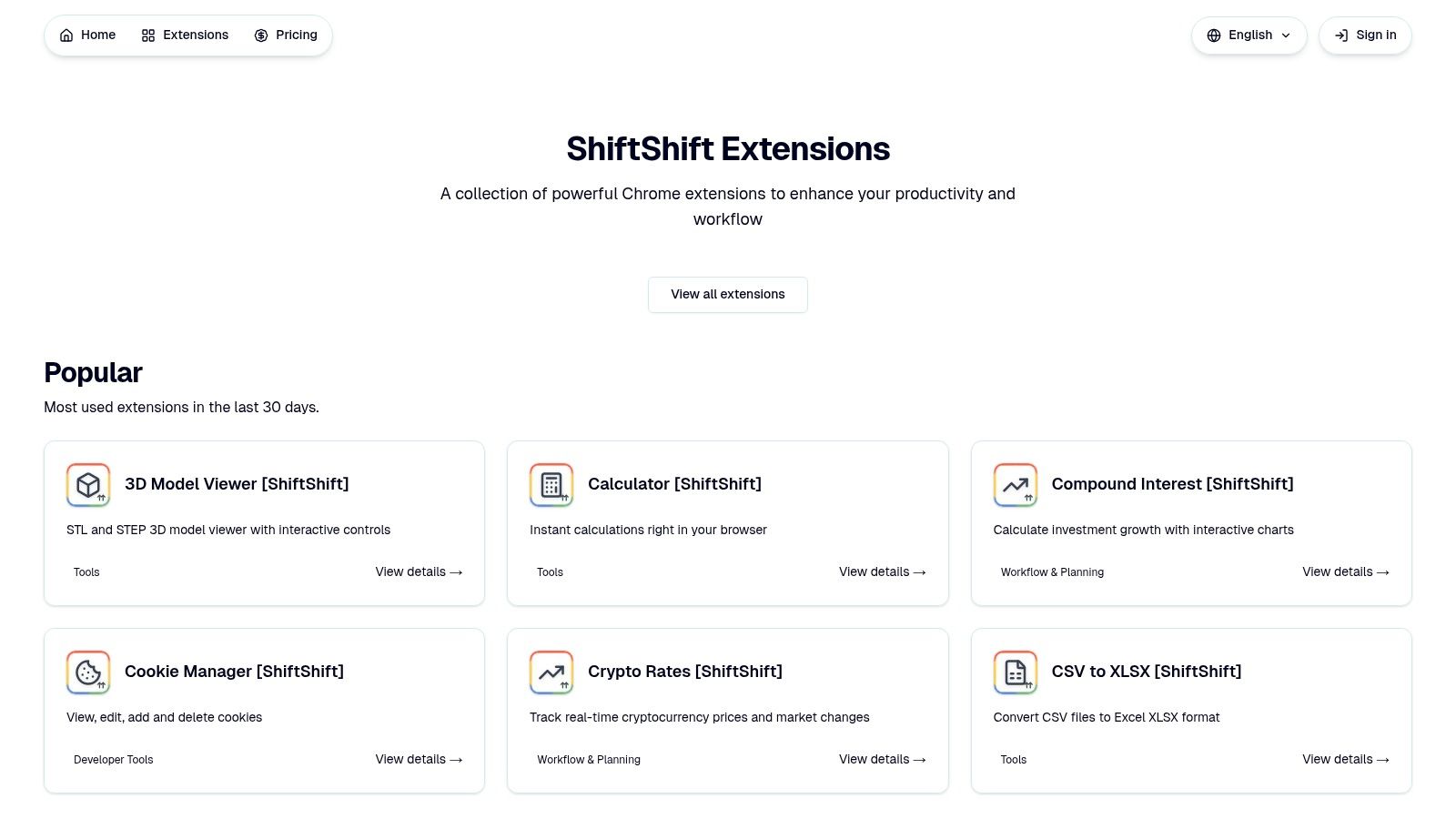
Mbinu hii inarahisisha michakato ya kazi kwa msingi. Mbunifu anaweza kufomati kipande cha JSON, mbunifu anaweza kubadilisha picha za WebP kwa wingi kuwa JPG, na meneja wa mradi anaweza kuunda QR code kwa kiungo cha mkutano, yote kwa kutumia interface rahisi inayosababishwa na kubofya mara mbili ya Shift.
Nguvu Kuu na Sifa Zinazoonekana
Muundo wa jukwaa umejengwa kwa kanuni mbili kuu: speed and privacy. Usindikaji wote hufanyika ndani ya kivinjari chako, ikimaanisha hakuna data inayopakiwa kwenye seva za nje. Hii si tu inahakikisha utendaji wa offline baada ya usakinishaji bali pia inatoa safu muhimu ya usalama kwa taarifa nyeti, kutoka kwa kufomati msimbo wa SQL wa miliki hadi kubadilisha hati za siri.
Sifa kuu ni pamoja na:
- Zana za Wabunifu: Seti yenye nguvu ya zana ikiwa ni pamoja na fomati za JSON na SQL, kipima tofauti cha maandiko kando-kando, msimamizi wa kuki, na jenereta ya hash ya MD5.
- Badilisha Faili na Picha: Wabadilishanaji wenye utendaji wa juu, wa ndani kwa usindikaji wa picha kwa wingi (JPG, PNG, WebP, AVIF, SVG, ICO), mabadiliko ya muundo wa faili (CSV hadi XLSX, Word hadi PDF), na picha za skrini za ukurasa mzima.
- Vifaa vya Uzalishaji: Mkusanyiko wa zana za kila siku kama vile mtafsiri wa lugha nyingi, jenereta ya nywila salama, kipima upatikanaji wa domain, na kalkuleta ya haraka.
- Zana Maalum: Mchanganyiko wa niche lakini wenye nguvu kama vile mfuatiliaji wa kiwango cha sarafu ya kidijitali kwa wakati halisi (kupitia Bybit API), mtazamaji wa mfano wa 3D wa mwingiliano (STL/STEP), na monitor ya ndani ya kivinjari kwa data za glukosi za Nightscout.
Ni Nani Anayefaa?
ShiftShift ni bora kwa wataalamu wanaothamini ufanisi na faragha ya data. Wabunifu, wahandisi wa QA, wabunifu, na wauzaji wa kidijitali watapata seti yake ya zana iliyounganishwa kuwa muhimu kwa kazi za kila siku. Mtu yeyote anaye pendelea mtiririko wa kazi unaotumia kibodi na anayetaka kuondoa machafuko katika kivinjari chake kutokana na nyongeza nyingi tofauti atafaidika kwa kiasi kikubwa na muundo wake uliounganishwa.
- Tovuti: ShiftShift Extensions
- Bei: Ingawa kuna ukurasa wa bei kwenye tovuti kuu, gharama maalum hazionyeshwi kwenye orodha za nyongeza. Watumiaji wanaweza kuhitaji kutafuta kwenye ukurasa wa bei kuu kwa maelezo zaidi.
- Faida: Palette ya Amri iliyounganishwa, usindikaji wa ndani unaozingatia faragha, seti ya zana pana na inayokua kwa haraka.
- Hasara: Inapokewa tu kwenye kivinjari za Chrome/Chromium, bei na uthibitisho wa kijamii havionekani mara moja kwenye kurasa za bidhaa.
2. Duka la Mtandao la Chrome (rasmi)
Kabla ya kuingia kwenye zana binafsi, mahali bora pa kuanzia kutafuta nyongeza za uzalishaji kwa Chrome ni soko la Google lenyewe. Duka la Mtandao la Chrome ni kituo rasmi, kilichokusanywa kwa ajili ya kugundua, kuthibitisha, na kusakinisha nyongeza moja kwa moja kwenye kivinjari chako. Inatumika kama chanzo kikuu cha kuhakikisha unapata programu salama, zilizothibitishwa, na za kisasa.
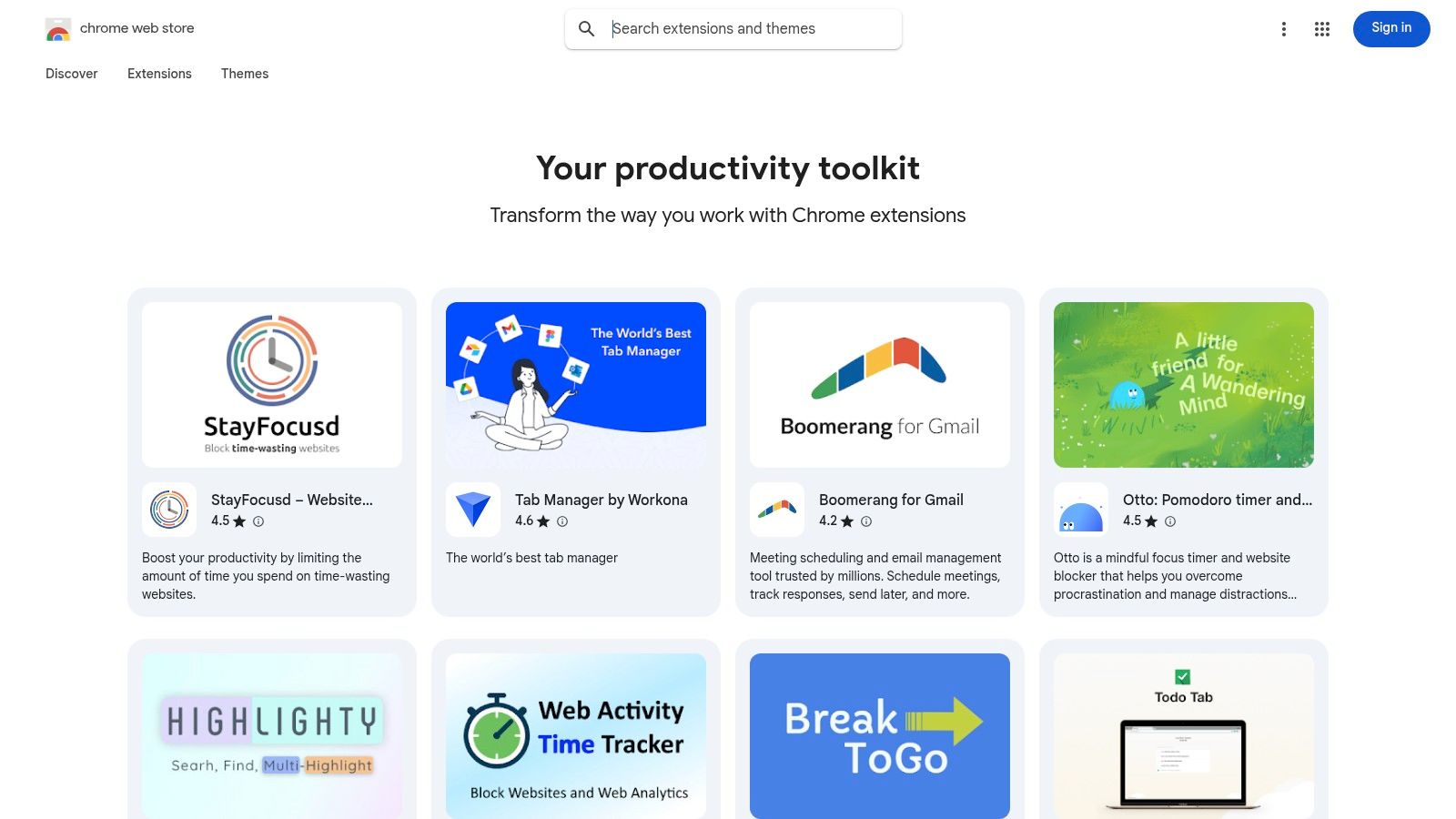
Faida yake kuu ni usalama na urahisi. Kila nyongeza inaorodhesha ruhusa maalum inazohitaji, ikiruhusu watumiaji kufanya maamuzi sahihi kuhusu ufikiaji wa data. Usakinishaji ni kwa kubofya moja, na masasisho yanashughulikiwa kiotomatiki katika mandharinyuma, kuhakikisha unakuwa na vipengele vya hivi karibuni na patches za usalama bila kuingilia kati kwa mikono.
Sifa Kuu & Uzoefu wa Mtumiaji
Duka hili si orodha tu; linatoa zana muhimu za kugundua. Mkusanyiko ulioandaliwa kama "Zana zako za uzalishaji" unakundi nyongeza zenye viwango vya juu kwa mada, wakati hakiki na viwango vya watumiaji vinatoa mrejesho wa kweli. Kwa mashirika, inasaidia udhibiti wa biashara, ikiruhusu wasimamizi kuunda orodha za ruhusa na kusimamia usambazaji katika timu. Ingawa akaunti ya Google inahitajika kwa usakinishaji, uunganisho wa moja kwa moja na ishara za kuaminika zilizojengwa ndani hufanya kuwa kituo cha kwanza muhimu.
| Faida | Hasara |
|---|---|
| Chanzo salama zaidi chenye uhakiki rasmi | Watu wenye nia mbaya wanaweza mara kwa mara kupita ukaguzi |
| Masasisho ya kiotomatiki na historia ya toleo | Inahitaji akaunti ya Google ili kusakinisha nyongeza |
| Hakiki za watumiaji zilizojumuishwa kwa uthibitisho wa kijamii | Mpito kwenda MV3 unakandamiza baadhi ya sifa za zamani |
Tovuti: chromewebstore.google.com
3. Product Hunt – Mada za Nyongeza za Chrome
Kwa wale wanaotafuta kugundua kitu kikubwa kijacho katika zana za kivinjari, Product Hunt ni rasilimali muhimu. Tofauti na duka la programu la jadi, ni jukwaa linaloendeshwa na jamii ambapo bidhaa mpya, ikiwa ni pamoja na nyongeza bora za uzalishaji kwa Chrome, zinaanzishwa kila siku. Mada yake maalum ya "Nyongeza za Chrome" inatumika kama chanzo cha wakati halisi cha zana bunifu na mara nyingi zisizogundulika, ikifanya kuwa mahali bora kwa wapokeaji wa mapema.
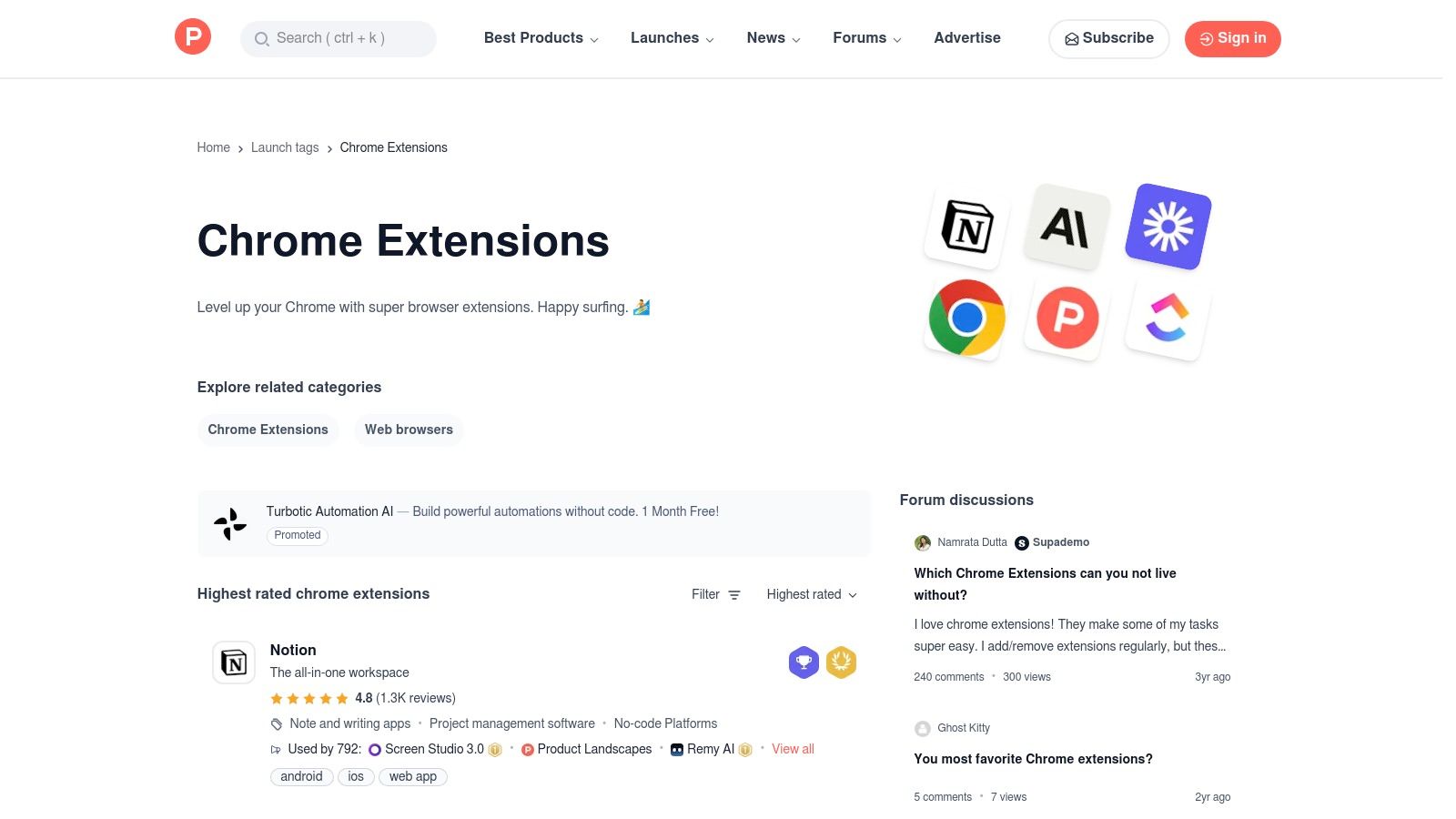
Faida kuu ya jukwaa hili ni kuzingatia kugundua na mrejesho wa jamii. Badala ya viwango vya nyota tu, unapata mazungumzo halisi kati ya watengenezaji na watumiaji wanaoweza kuwa katika maoni, yakitoa maarifa kuhusu kusudi la nyongeza, vipengele vinavyokuja, na matumizi halisi. Product Hunt si duka; inakusanya na kuunganisha kwenye Duka la Mtandao la Chrome rasmi au tovuti ya mtengenezaji kwa usakinishaji.
Sifa Kuu & Uzoefu wa Mtumiaji
Product Hunt inajulikana kwa kuibua programu zinazovuma kupitia mfumo wake wa kupigia kura wa kila siku. Watumiaji wanaweza kuangalia uzinduzi maarufu zaidi wa siku, wiki, au mwezi, au kuchuja kwa mkusanyiko maalum kama "Nyongeza za AI za Chrome" zilizoandaliwa na jamii. Mfumo huu unasaidia haraka kutambua zana zinazopata umaarufu, mara nyingi kabla ya kufikia umma. Ingawa ubora wa bidhaa mpya zinazozinduliwa unaweza kutofautiana, njia ya moja kwa moja kwa watengenezaji na majadiliano ya watumiaji yenye nguvu hutoa kiwango cha uwazi ambacho huwezi kukipata mahali pengine.
| Faida | Hasara |
|---|---|
| Upatikanaji wa mapema kwa zana bunifu na za uhuru | Ubora hutofautiana sana; zana nyingi ni mpya sana |
| Mrejesho wa jamii husaidia kupima matumizi halisi | Sio duka la usakinishaji/kununua; unafuata viungo mahali pengine |
| Kielelezo kizuri kwa nyongeza zinazovuma au zilizozinduliwa hivi karibuni | Inaweza kuwa na msongamano wa uzinduzi wa kila siku |
Tovuti: www.producthunt.com/topics/chrome-extensions
4. AlternativeTo
Ili kupata nyongeza maarufu ya uzalishaji ambayo si sahihi kwa mtiririko wako wa kazi, AlternativeTo ni rasilimali bora ya kugundua mbadala. Jukwaa hili linaloendeshwa na umma linajulikana kwa kusaidia kupata mbadala wa programu maarufu, ikiwa ni pamoja na nyongeza bora za uzalishaji kwa Chrome. Badala ya kuwa soko la moja kwa moja, inafanya kazi kama injini ya kugundua inayotolewa na jamii ambapo watumiaji wanapendekeza na kupigia kura mbadala.
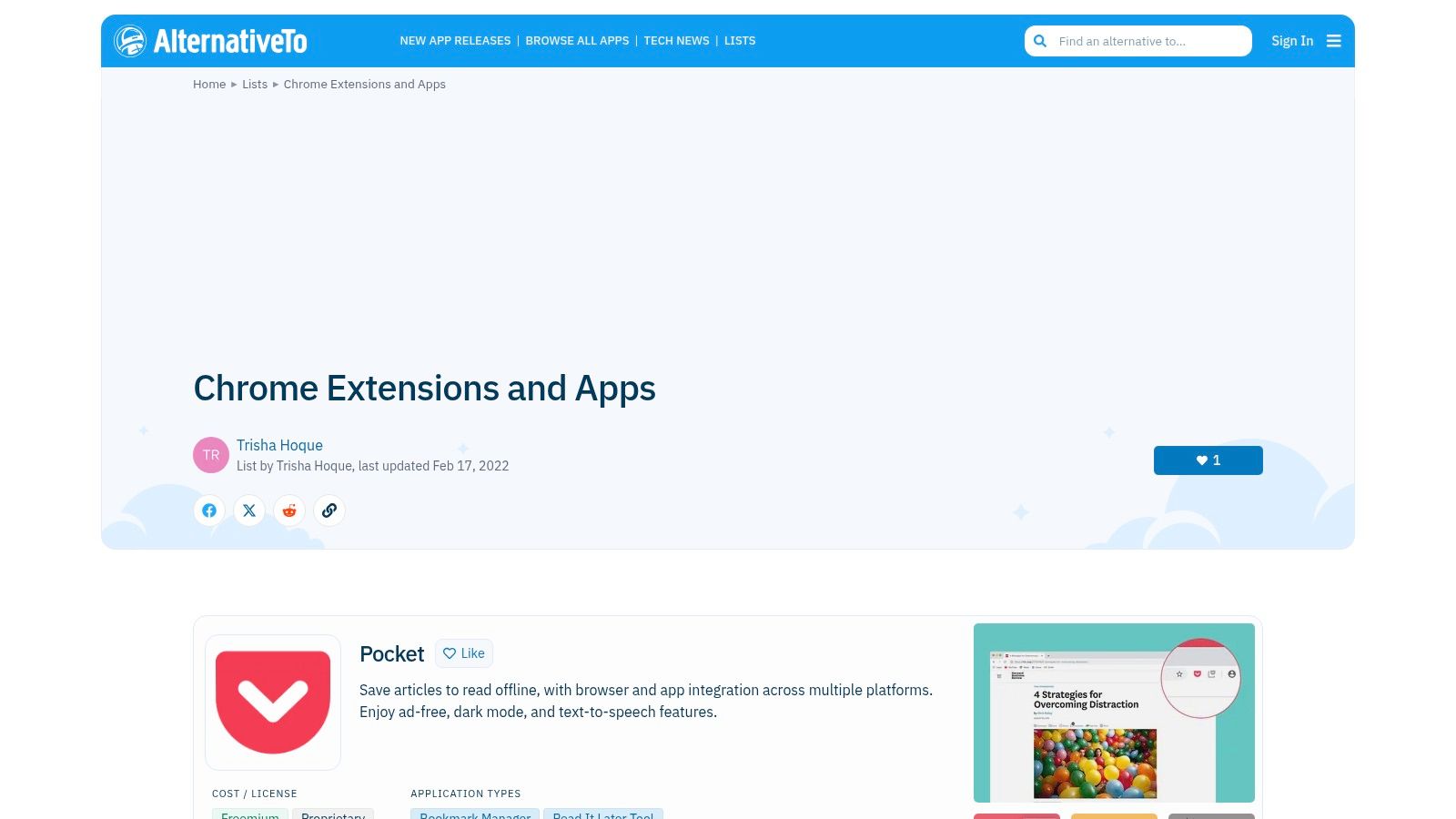
Faida yake kuu ni kutumia hekima ya jamii ili kuibua zana ambazo huenda umepoteza. Watumiaji wanaweza kuchuja matokeo kwa aina ya leseni (kama vile bure au chanzo wazi) na jukwaa, ikifanya iwe rahisi kupata nyongeza inayofaa mahitaji maalum, kama vile mwandishi wa kumbukumbu anaye zingatia faragha au msimamizi wa tab nyepesi. Jukwaa linaunganisha moja kwa moja na Duka la Mtandao la Chrome au tovuti rasmi za watengenezaji kwa usakinishaji, kuhakikisha uhamisho salama.
Sifa Kuu & Uzoefu wa Mtumiaji
AlternativeTo inaratibu nyongeza katika makundi na orodha zilizopangwa, kama vile "wasimamizi wa tab" au "programu za kufanya kazi," ikirahisisha mchakato wa kutafuta. Kila kipengele kinajumuisha "kupendwa" na maoni ya jamii, na lebo zinazotoa muonekano wa haraka wa umaarufu wake na kazi kuu. Ingawa baadhi ya orodha zinazotolewa na watumiaji zinaweza kuwa za zamani, injini kuu ya mapendekezo inabaki kuwa zana yenye nguvu kwa mtu yeyote anayetafuta kujitenga na chaguo maarufu na kupata jiwe lililofichwa. Ni bure kabisa kutumia na haitaji akaunti ili kuvinjari.
| Faida | Hasara |
|---|---|
| Nzuri kwa kugundua mbadala za zana maarufu | Sio duka; kurasa zinaunganisha kwenye tovuti rasmi |
| Viashiria wazi vya jukwaa na leseni kwa kila kipengele | Orodha zingine zinaweza kuwa za zamani ikiwa hazijashughulikiwa kwa ufanisi |
| Mchango wa umma huibua chaguo zinazotumiwa sana | Ubora wa mapendekezo unategemea shughuli za jamii |
Tovuti: alternativeto.net
5. Chrome-Stats
Ingawa Duka la Mtandao la Chrome ni mahali pa usakinishaji, Chrome-Stats ni mahali muhimu kwa utafiti wa kabla ya usakinishaji. Jukwaa hili la akili ya soko linatoa maarifa ya kina kuhusu nyongeza yoyote, kusaidia kutathmini usalama wake, umaarufu, na rekodi ya matengenezo kabla hujatoa ufikiaji kwa kivinjari chako. Ni chombo cha utafiti kwa kupata nyongeza bora za uzalishaji kwa Chrome, si tu zile maarufu.
Thamani yake kuu inapatikana katika uwazi. Badala ya kutegemea hakiki za watumiaji pekee, unaweza kuona idadi ya watumiaji wa kihistoria, mwenendo wa viwango kwa muda, na mara ngapi mtengenezaji anasasisha. Takwimu hizi husaidia kutambua bendera za hatari, kama vile kushuka kwa ghafla kwa watumiaji baada ya sasisho la hivi karibuni au nyongeza ambayo haijapata matengenezo kwa miaka, ambayo inaweza kuwa hatari kwa usalama.
Sifa Kuu & Uzoefu wa Mtumiaji
Chrome-Stats inatoa seti yenye nguvu ya sifa kwa mtu yeyote anayejali usalama wa kivinjari na ubora. Jukwaa linatoa uchambuzi wa hatari kulingana na ruhusa zinazohitajika na historia ya sasisho ya nyongeza, likikupa picha wazi ya uwezekano wake wa kuingilia. Unaweza pia kuona portfolio nzima ya mtengenezaji ili kutathmini rekodi yao. Toleo la bure linatoa takwimu muhimu, lakini mpango wa premium unafungua uchambuzi wa kina kwa watafiti wa kitaaluma au timu zinazojali usalama. Interface yake safi inafanya kulinganisha nyongeza zinazofanana kuwa rahisi, kuhakikisha unafanya uchaguzi sahihi.
| Faida | Hasara |
|---|---|
| Inaleta mtazamo wa usalama na ubora kabla ya usakinishaji | Sio duka la moja kwa moja; usakinishaji ni tofauti |
| Inasaidia kulinganisha nyongeza zinazofanana na kutambua mabadiliko hatari | Takwimu za juu na baadhi ya sifa ziko nyuma ya mpango wa kulipia |
| Kuvinjari bure kwa msingi na uchambuzi wa premium wa kulipia upatikanaji | Inaweza kuonekana kama mzigo wa data kwa watumiaji wa kawaida |
Tovuti: chrome-stats.com
6. GitHub – Miradi ya Nyongeza za Chrome
Kwa wabunifu na watumiaji wanaozingatia faragha, GitHub inatumika kama rasilimali muhimu kwa kugundua na kuthibitisha nyongeza bora za uzalishaji kwa Chrome. Kama jukwaa kubwa zaidi la maendeleo ya chanzo wazi duniani, inatoa ufikiaji wa moja kwa moja kwa msimbo wa chanzo wa nyongeza nyingi, ikitoa safu ya uwazi na kuaminika ambayo duka la programu la kawaida haliwezi kulinganisha. Ni mahali sahihi kuthibitisha afya ya mradi, kufuatilia maendeleo yake, na hata kuchangia katika kuboresha kwake.
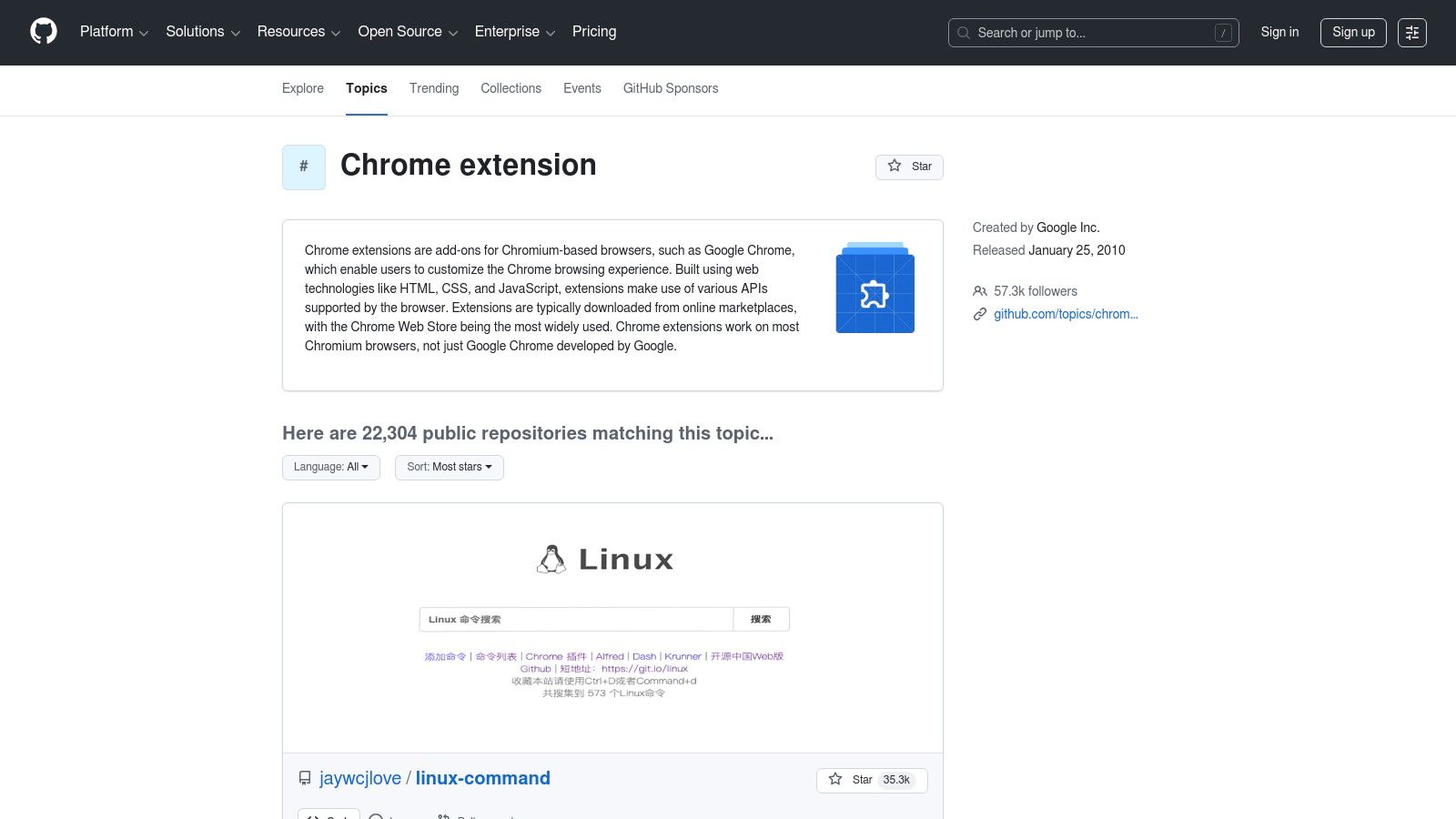
Faida yake kuu ni uwazi usio na kifani. Kabla ya kusakinisha, unaweza kukagua msimbo ili kuelewa ni data gani hasa nyongeza inapata na jinsi inavyofanya kazi. Hii ni muhimu hasa kwa watumiaji wanaoshughulikia taarifa nyeti na wanataka kuepuka zana zenye ufuatiliaji wa kuingilia. Mfuatiliaji wa masuala na historia za kujitolea pia zinaonyesha ikiwa mradi unashughulikiwa kwa ufanisi au umeachwa, kusaidia kuepuka hatari za usalama kutokana na programu za zamani.
Sifa Kuu & Uzoefu wa Mtumiaji
Ekosistimu ya GitHub inaruhusu watumiaji kufanya zaidi ya kupakua msimbo; ni kituo cha jamii. Kurasa za "Mada", kama ile ya chrome-extension, zinakusanya maelfu ya hazina zinazohusiana, ikifanya kugundua kuwa rahisi. Unaweza kupitia ripoti za makosa, kuomba vipengele vipya, na kuona mabadiliko yanayokuja kabla ya kutolewa rasmi kwenye Duka la Mtandao la Chrome. Kwa wabunifu wa wavuti, jukwaa hili ni zana muhimu; jifunze zaidi kuhusu nyongeza za Chrome kwa wabunifu wa wavuti. Ingawa baadhi ya miradi inaweza kuhitaji usakinishaji wa mikono (sideloading), uwezo wa kujenga na kukagua zana mwenyewe unatoa udhibiti na usalama wa mwisho.
| Faida | Hasara |
|---|---|
| Uwazi kamili wa msimbo wa chanzo kwa ukaguzi wa usalama | Baadhi ya miradi inahitaji ujenzi wa mikono au sideloading |
| Uwezo wa kuthibitisha matengenezo ya kawaida na afya ya mradi | Ubora na viwango vya msaada hutofautiana sana kati ya hazina |
| Bora kwa watumiaji na wabunifu wanaozingatia faragha | Kusafiri katika hazina kunahitaji maarifa fulani ya kiufundi |
Website: github.com/topics/chrome-extension
7. TechRadar – Nyongeza bora za Chrome za 2025 (zilizochaguliwa na Google)
Kwa wale wanaopendelea mwongozo ulioandaliwa kutoka kwa chanzo kinachotegemewa, muhtasari wa wahariri kutoka kwa machapisho ya teknolojia kama TechRadar ni wa thamani kubwa. Orodha yao ya nyongeza bora za Chrome, mara nyingi ikionyesha uchaguzi bora wa Google, inatoa hatua ya kuanzia yenye taarifa sahihi. Badala ya kuzunguka katika wingi wa duka la wavuti, watumiaji wanapata uteuzi uliochunguzwa wa zana za kisasa, mara nyingi zenye nguvu za AI zinazohusiana na mahitaji ya uzalishaji wa sasa.
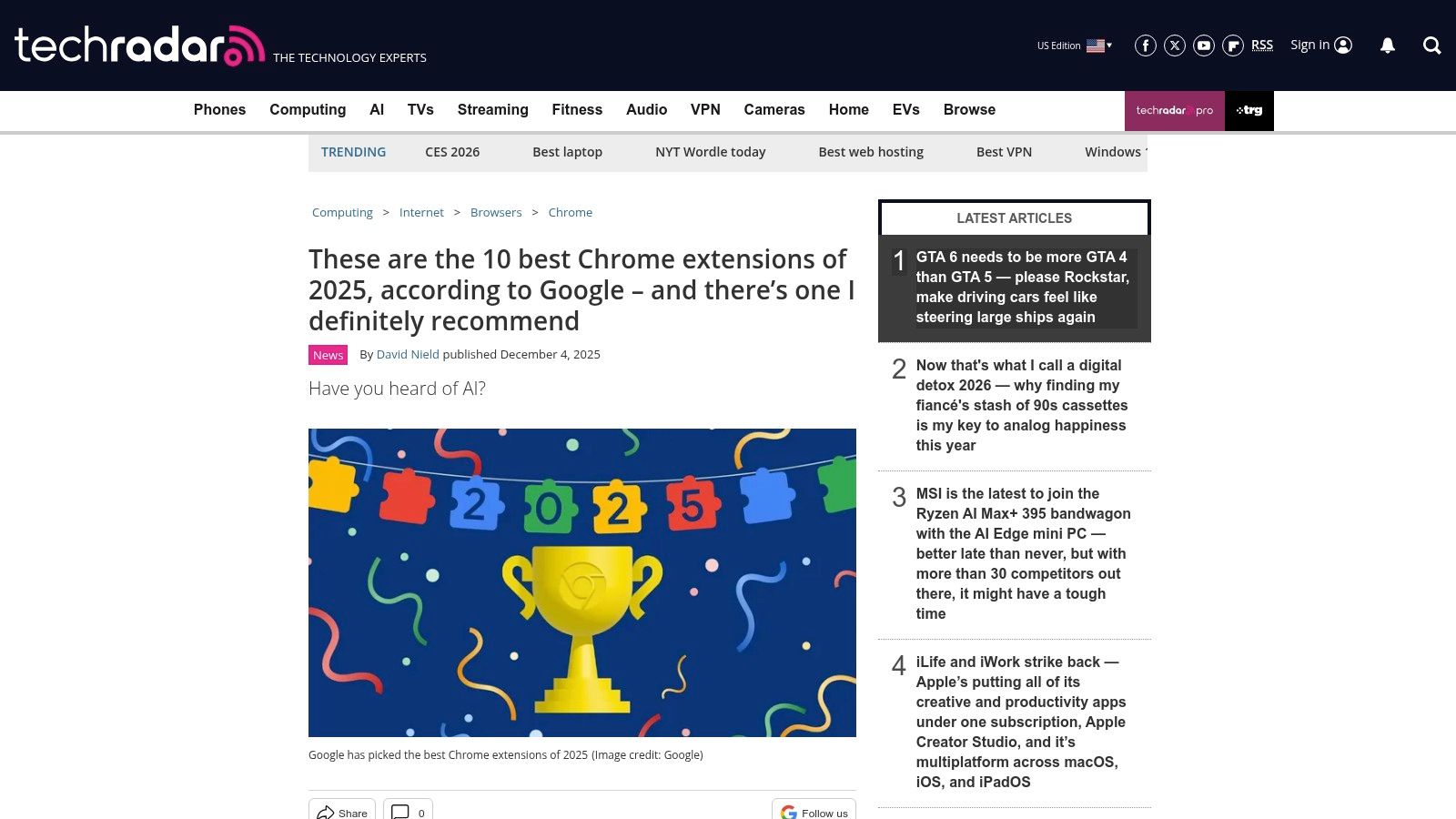
Njia hii ni bora kwa kugundua zana zinazopata umaarufu na ubunifu bila utafiti wa kina binafsi. TechRadar inatoa mwongozo mfupi lakini wa vitendo wa matumizi, ikielezea kwa nini nyongeza ya kumbukumbu za mikutano au msaada wa uandishi ilichaguliwa. Muktadha huu unawasaidia wasio wataalamu kutambua haraka suluhisho zinazolingana na changamoto zao maalum za mtiririko wa kazi, na kubadilisha utafutaji mpana wa nyongeza bora za uzalishaji kwa Chrome kuwa mchakato wa uteuzi ulioelekezwa.
Vipengele Muhimu & Uzoefu wa Mtumiaji
Faida kuu ni uchunguzi wa wahariri kutoka kwa chapisho lenye sifa. Makala kwa kawaida huongezwa ili kuakisi mitindo ya hivi karibuni, kuhakikisha mapendekezo ni ya wakati na yana manufaa. Kila pendekezo lina kiungo cha moja kwa moja kwa Duka la Wavuti la Chrome, kurahisisha mchakato wa usakinishaji. Ingawa jukwaa hili ni rasilimali ya kugundua badala ya msakinishaji wa moja kwa moja, uchanganuzi wake wa kitaalamu huokoa muda na juhudi kubwa kwa watumiaji wanaotafuta nyongeza za kivinjari zenye ubora wa juu na athari kubwa.
| Faida | Hasara |
|---|---|
| Chapisho la teknolojia lenye sifa na uchaguzi wa wakati | Sio duka; watumiaji lazima wafuate viungo ili kusakinisha |
| Njia ya haraka ya kuonyesha uchaguzi wenye taarifa sahihi | Orodha za wahariri zinaweza kuzeeka haraka na zinaweza kufuata mitindo |
| Muktadha wa wahariri unawasaidia wasio wataalamu kuchagua zana | Mapendekezo yanaweza kupuuzilia mbali zana za niche lakini zenye manufaa |
Website: techradar.com
8. Blog ya Zapier – Nyongeza 17 bora za uzalishaji kwa Chrome
Kwa wale wanaotafuta orodha iliyopangwa inayozingatia matumizi ya vitendo, blogu ya Zapier inatoa mwongozo unaolenga watumiaji. Kama kiongozi katika automatisering ya mtiririko wa kazi, mtazamo wao unachora ramani ya nyongeza bora za uzalishaji kwa Chrome kwa kesi halisi za matumizi, kama vile usimamizi wa kazi, uboreshaji wa uandishi, na kudhibiti mzigo wa tab. Rasilimali hii inajitahidi kuelezea jinsi ya kuunganisha zana katika mfumo ulio na umoja badala ya tu kuorodhesha vipengele.
Faida yake kuu ni mtazamo wake unaozingatia mtiririko wa kazi. Badala ya kuelezea tu nyongeza, makala inaelezea jukumu lake katika mkakati mpana wa uzalishaji, ikitoa ushauri wa vitendo juu ya kujenga zana bora za kidijitali. Hii inafanya kuwa rasilimali ya thamani kwa watumiaji wanaotafuta kutatua vizuizi maalum vya mtiririko wa kazi, ikitoa muktadha ambao orodha rahisi ya duka la programu haiwezi kutoa.
Vipengele Muhimu & Uzoefu wa Mtumiaji
Makala imeundwa kwa ajili ya kufanya maamuzi ya haraka, ikiwa na picha wazi za "bora kwa" na bei kwa kila nyongeza iliyopendekezwa. Maelezo yanaelekezwa kwenye hali halisi, yanaonyesha jinsi zana kama rekoda ya skrini au mpanuzi wa maandiko inavyofaa katika ratiba ya kazi ya kila siku. Inatoa viungo vya moja kwa moja kwa ukurasa wa usakinishaji wa Duka la Wavuti la Chrome na tovuti rasmi ya zana kwa utafiti zaidi. Ingawa sio orodha kamili, uchaguzi wake umejaribiwa vizuri na unaonyesha uelewa mzuri wa kanuni za uzalishaji. Kwa maelezo zaidi, gundua nyongeza nyingine bora za Chrome za uzalishaji.
| Faida | Hasara |
|---|---|
| Ushauri wa vitendo, usioegemea zana kwa kujenga stack | Sio kamili; uchaguzi ni wa wahariri na una maoni |
| Inazingatia kuunganisha nyongeza katika mtiririko wa kazi | Wakati mwingine inafafanua zana zinazounganika na mfumo wa Zapier |
| Picha wazi za "bora kwa" na bei kwa urahisi wa kulinganisha | Haina uchambuzi wa kina wa kiufundi au masuala ya faragha |
Website: zapier.com/blog/productivity-extensions-for-chrome
9. Mwelekeo wa Kidijitali – Nyongeza bora za Google Chrome
Kwa wale wanaopendelea orodha zilizopangwa kutoka kwa machapisho ya teknolojia yaliyothibitishwa, Mwelekeo wa Kidijitali unatoa mwongozo wa kuaminika wa kununua zana za uzalishaji. Makala yake ya muda mrefu kuhusu nyongeza bora za uzalishaji kwa Chrome inatumika kama hatua nzuri ya kuanzia, ikivunja chaguo maarufu kama vile clippers, timer za umakini, na zana za picha za skrini kwa muhtasari wa lugha rahisi. Rasilimali hii ni bora kwa watumiaji wasio wa kiufundi wanaotaka muhtasari wa karibu bila kuingiliwa na vipengele vigumu.
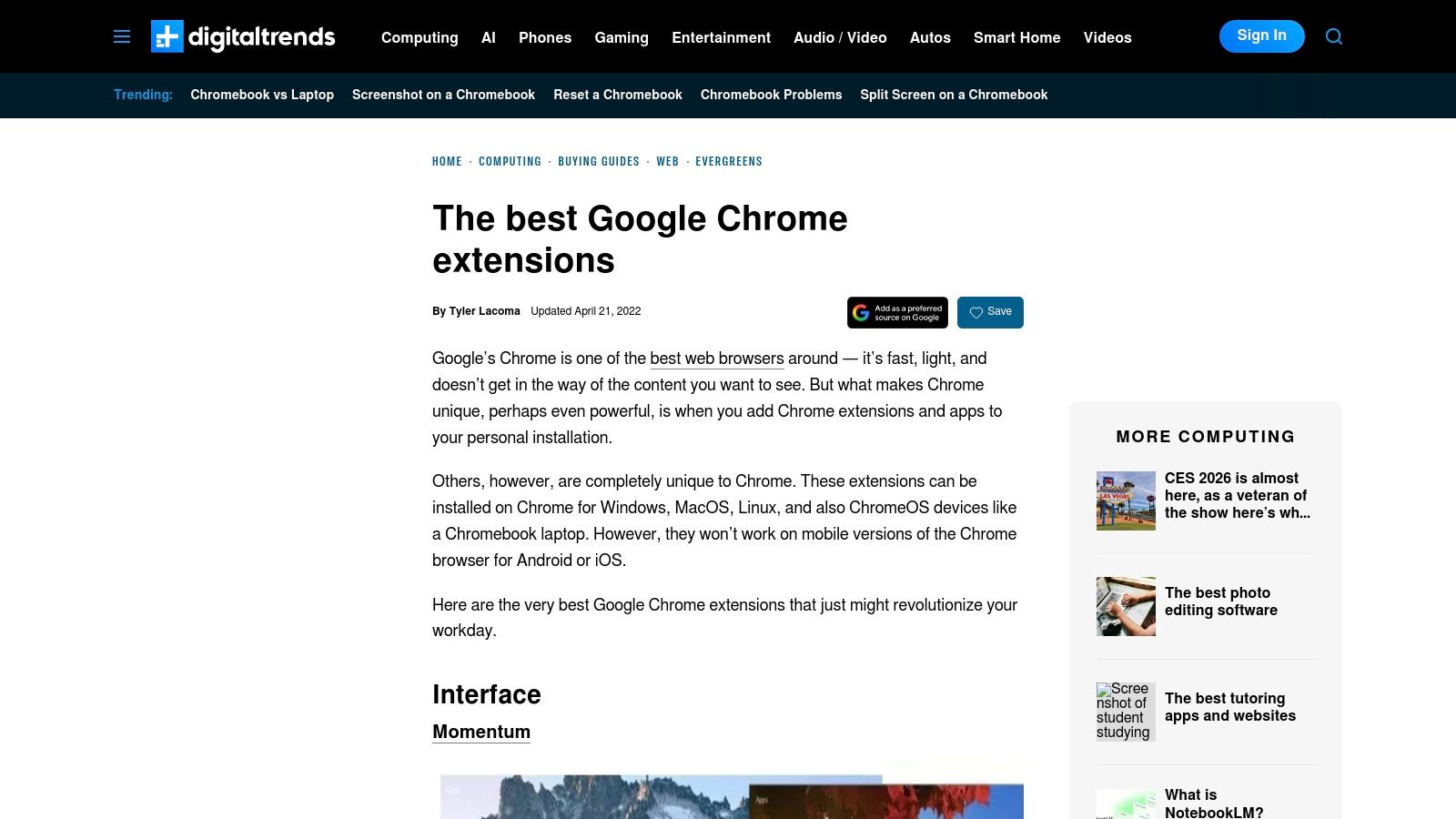
Faida kuu ya mwongozo huu ni muundo wake wa moja kwa moja na wa kupatikana. Inagawanya nyongeza kwa mantiki na inaelezea kazi kuu ya kila zana na matumizi yake makuu, ikifanya iwe rahisi kupata suluhisho kwa mahitaji maalum. Kwa wabunifu wanaotafuta kuboresha mtiririko wao wa kazi, kuelewa zana hizi za msingi ni hatua nzuri ya kwanza; gundua mbinu za juu zaidi na mwongozo wetu kuhusu jinsi ya kuboresha uzalishaji wa wabunifu.
Vipengele Muhimu & Uzoefu wa Mtumiaji
Mwelekeo wa Kidijitali unazingatia uwazi na urahisi. Orodha inatoa viungo vya moja kwa moja kwa kurasa rasmi za Duka la Wavuti la Chrome, kuhakikisha watumiaji wanaweza kusakinisha programu zilizochunguzwa kwa usalama. Kila kipengele kina maelezo mafupi lakini wazi ya kile nyongeza inafanya, ikikusaidia kuamua haraka ikiwa inafaa mahitaji yako. Ingawa mwongozo ni rasilimali yenye nguvu ya kugundua zana maarufu, mara kwa mara ya sasisho inaweza kutofautiana, hivyo ni busara kuangalia tarehe ya kuchapishwa ya makala kwa usahihi. Pia inatoa kina kidogo juu ya vipengele vya kiwango cha biashara au masuala ya faragha ya juu, ikizingatia badala yake mtumiaji wa jumla.
| Faida | Hasara |
|---|---|
| Muhtasari wa kawaida, wa kupatikana kwa watumiaji wasio wa kiufundi | Mara kwa mara ya sasisho inatofautiana, hivyo maudhui yanaweza kuwa si ya sasa |
| Utangulizi wa manufaa kwa nyongeza maarufu za uzalishaji | Kina kidogo juu ya masuala ya biashara au faragha |
| Viungo vya moja kwa moja kwa kurasa rasmi na salama za usakinishaji | Inazingatia nyongeza zinazojulikana, chaguzi chache za niche |
Website: https://www.digitaltrends.com/computing/best-google-chrome-extensions/
10. Capterra
Ingawa sio chanzo cha moja kwa moja kwa nyongeza, Capterra inatumika kama jukwaa muhimu la utafiti wa kutathmini programu nyuma ya nyingi ya nyongeza bora za uzalishaji kwa Chrome, hasa zile zenye ngazi za malipo. Inajitahidi kuvunja zana ngumu kuwa alama zinazofanana, ikionyesha maoni ya watumiaji, orodha za vipengele, na taarifa za bei za kina ambazo huenda usizipate wazi wazi kwenye Duka la Wavuti la Chrome.
Faida yake kuu ni kutoa muktadha wa biashara na uthibitisho wa kijamii. Kabla ya kujitolea kwa usajili wa malipo kwa nyongeza yenye nguvu kama CRM au meneja wa mradi, unaweza kutumia Capterra kulinganisha ngazi zake za bei, kuangalia maoni ya watumiaji waliothibitishwa, na kugundua washindani wa moja kwa moja. Uangalizi huu kabla ya usakinishaji unasaidia timu na watu binafsi kufanya maamuzi ya kifedha yaliyo na taarifa na kuepuka zana ambazo hazifai kwa mtiririko wao wa kazi.
Vipengele Muhimu & Uzoefu wa Mtumiaji
Nguvu ya Capterra inapatikana katika zana zake za kulinganisha zilizopangwa. Unaweza kuona uchambuzi wa upande kwa upande wa vipengele, kusoma maoni ya kina kutoka kwa watumiaji katika sekta zinazofanana, na kupata picha wazi ya mipaka ya freemium dhidi ya faida za premium. Jukwaa pia linapendekeza mbadala, likikusaidia kugundua nyongeza zisizojulikana lakini zinazoweza kuwa bora zaidi. Ingawa usakinishaji wa mwisho unafanyika mahali pengine, kutumia Capterra kwanza hakikisha uchaguzi wako unasaidiwa na data na uzoefu wa jamii, si tu nakala za masoko.
| Faida | Hasara |
|---|---|
| Bora kwa kulinganisha freemium dhidi ya ngazi za malipo | Sio nyongeza zote za Chrome pekee zimeorodheshwa |
| Maoni ya watumiaji waliothibitishwa yanatoa mrejesho wa kweli | Kurasa zingine za programu zinaweza kuwa na masoko mengi |
| Kipengele cha kulinganisha "mbadala" upande kwa upande | Usakinishaji sio wa moja kwa moja; inahitaji kutembelea tovuti za wauzaji |
Website: capterra.com
11. AppSumo
Ingawa sio chanzo cha moja kwa moja kwa nyongeza za bure, AppSumo ni soko maarufu kwa kutoa ofa za muda zilizowekwa kwenye programu, mara nyingi ikiwa na ufikiaji wa maisha kwa zana za uzalishaji za premium ambazo zina kipengele cha nyongeza ya Chrome. Ni rasilimali ya kimkakati kwa kugundua zana zinazoinukia na zilizopo kwa punguzo kubwa, ikiruhusu watumiaji kujenga suite yenye nguvu ya uzalishaji bila kujitolea kwa usajili wa mara kwa mara.
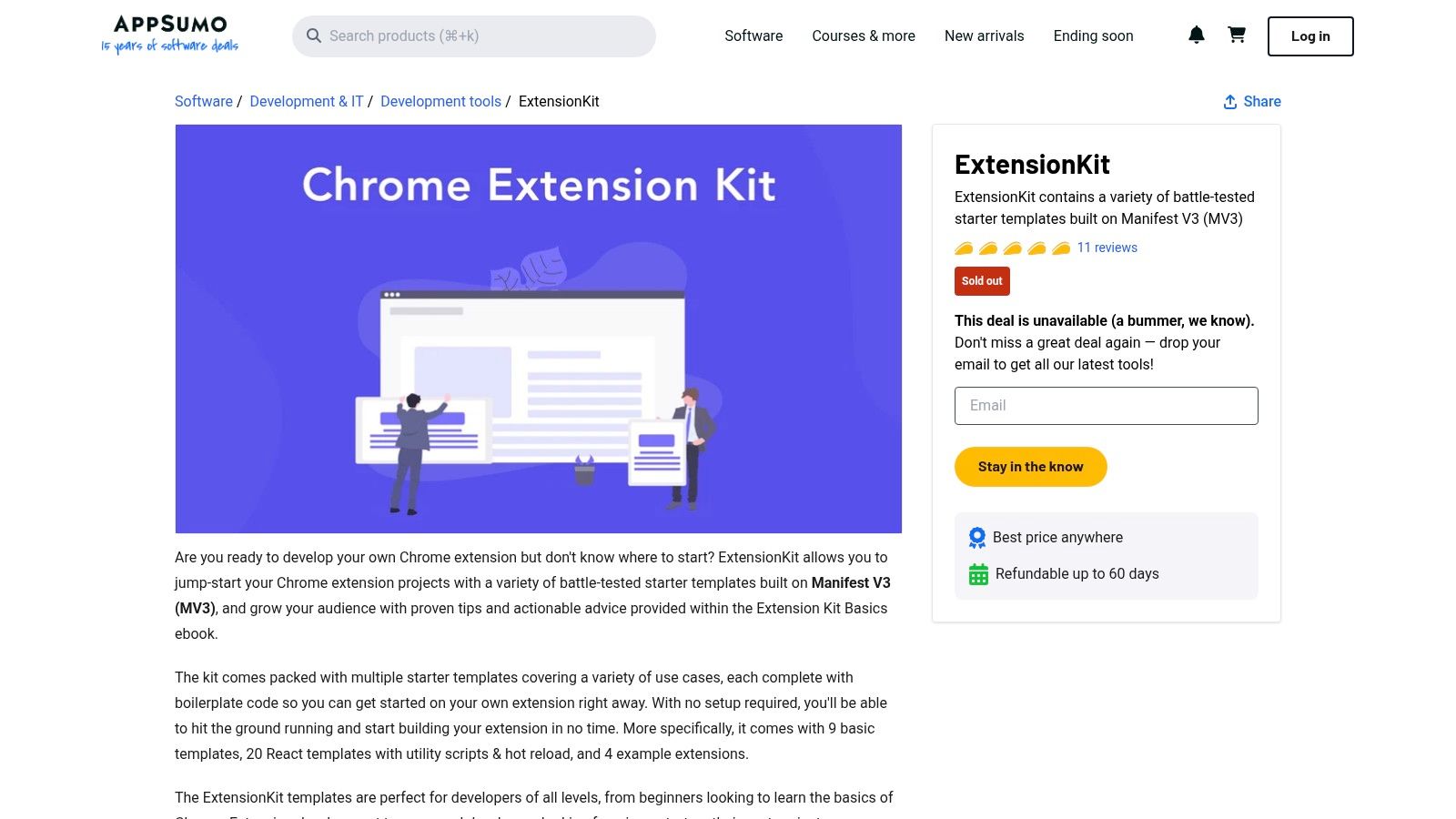
Thamani ya jukwaa inapatikana katika mfano wake wa msingi wa ofa. Kwa kufuatilia orodha zake, unaweza kupata baadhi ya nyongeza bora za uzalishaji kwa Chrome zilizofungamanishwa na programu za wavuti zenye vipengele kamili kwa bei ya mara moja. Dhamana ya kurudishiwa pesa ya siku 60 inatoa dirisha lisilo na hatari la kujaribu ikiwa zana inafaa kwa mtiririko wako wa kazi, ikifanya kuwa chaguo bora kwa majaribio ya bure ya kawaida.
Vipengele Muhimu & Uzoefu wa Mtumiaji
AppSumo inatoa uzoefu wa kipekee wa kugundua zaidi ya Duka la Wavuti la Chrome rasmi. Kila orodha ya bidhaa inajumuisha sehemu ya Q&A ya kina ambapo wanunuzi wanaoweza kuwasiliana moja kwa moja na wabunifu wa programu, pamoja na maoni ya kina kutoka kwa jamii ya "Sumo-ling". Vipengele hivi vinatoa maarifa ya kina kuhusu utendaji wa zana katika ulimwengu halisi, ubora wa msaada, na ramani ya baadaye. Arifa za barua pepe za ofa mpya zinahakikisha huwezi kukosa ofa za muda kwa zana ambazo zinaweza kubadilisha uzalishaji wako.
| Faida | Hasara |
|---|---|
| Uwezekano wa punguzo kubwa na ofa za maisha | Ofa ni za muda na zinaweza kutorejea |
| Gundua kwa kati zaidi ya Duka la Wavuti la Chrome | Ufikiaji wa "maisha" unategemea muda wa muuzaji |
| Sera ya kurudishiwa pesa ya siku 60 inatoa jaribio lisilo na hatari | Wanunuzi lazima wahakikishe uthabiti wa muuzaji na ukuaji wa bidhaa |
Website: appsumo.com/products/marketplace-chromeextensionkit/?utm_source=openai
12. StackSocial
Ingawa sio chanzo cha moja kwa moja kwa nyongeza, StackSocial ni soko la ofa za maisha na vifurushi vya programu vilivyopunguzwa ambavyo mara nyingi vinajumuisha programu za uzalishaji zinazohusiana na au kutegemea nyongeza za Chrome. Ni rasilimali ya thamani kwa kupata zana za premium kwa sehemu ya gharama zao za kawaida, ikifanya kuwa kituo bora kwa watumiaji wanaotafuta kuboresha zana zao bila kujitolea kwa usajili wa bei kamili.
Faida yake kuu ni akiba ya gharama kwenye programu zenye nguvu. Nyongeza nyingi bora za uzalishaji kwa Chrome ni milango ya programu za desktop au wavuti zenye vipengele vingi. StackSocial inatoa fursa ya kupata huduma hizi za msingi, kama vile VPN, majukwaa ya usimamizi wa miradi, au suluhisho za uhifadhi wa wingu, kupitia malipo ya mara moja au mipango ya kila mwaka iliyopunguzwa sana. Hii inafanya kuwa rasilimali ya kimkakati kwa kujenga stack ya uzalishaji ya muda mrefu na ya bei nafuu.
Vipengele Muhimu & Uzoefu wa Mtumiaji
Jukwaa limejengwa kuzunguka kugundua na ofa za muda. Watumiaji wanaweza kuvinjari kategoria kama "Uzalishaji" au "Mwandishi" na kujiandikisha kwa arifa za barua pepe ili kubaki na habari kuhusu ofa mpya. Kila orodha inaelezea vipengele vya programu, masharti ya leseni (kwa mfano, ufikiaji wa maisha kwa idadi maalum ya vifaa), na maelekezo ya ununuzi. Ingawa tovuti ni soko na sio mtoa huduma wa moja kwa moja, mchakato wake wa ununuzi wa kirafiki na muundo wa wazi wa ofa hufanya ununuzi kuwa rahisi. Hata hivyo, ni muhimu kufanya utafiti kuhusu muuzaji wa programu na kuelewa masharti ya leseni kabla ya kununua.
| Faida | Hasara |
|---|---|
| Akiba kubwa kwenye zana za uzalishaji za premium | Ofa ni za muda na upatikanaji hubadilika mara kwa mara |
| Vifurushi vinatoa programu nyingi kwa bei moja | Sio duka maalum la nyongeza; inahitaji utafutaji mpana zaidi |
| Ununuzi rahisi na ofa wazi za matangazo | Watumiaji lazima wahakikishe uhalali wa muuzaji na masharti ya leseni kabla ya ununuzi |
Website: stacksocial.com
12-Kulinganisha Vyanzo: Nyongeza za Uzalishaji za Chrome
| Chaguo | Vipengele vya msingi | UX & Uaminifu ★ | Thamani & Bei 💰 | Kikundi lengwa 👥 | Alama za kipekee za mauzo ✨ |
|---|---|---|---|---|---|
| 🏆 ShiftShift Extensions | Paleti ya Amri Iliyojumuishwa; zana 50+ (waandishi, waongofu, mtazamaji wa 3D, afya & fedha); za ndani pekee & zisizo na mtandao | ★★★★★ faragha ya kwanza; sasisho za mara kwa mara | 💰 Freemium (ukurasa wa bei); thamani kubwa iliyounganishwa dhidi ya nyongeza nyingi za pekee | 👥 Wabunifu, waumbaji, watumiaji wenye nguvu & wanaofikiria faragha | ✨ Paleti ya kwanza ya kibodi; usindikaji wa ndani; zana inayokua |
| Duka la Wavuti la Chrome (rasmi) | Masoko kuu, usakinishaji wa bonyeza moja, makusanyo yaliyoandaliwa, sasisho za moja kwa moja | ★★★★☆ uchunguzi rasmi; maoni & ruhusa | 💰 Jukwaa la bure; bei za nyongeza zinatofautiana | 👥 Watumiaji wote wa Chrome, wasimamizi & biashara | ✨ Uwazi wa ruhusa; udhibiti wa biashara; masasisho ya kiotomatiki |
| Product Hunt – Mada za Chrome Extensions | Uzinduzi wa kila siku, kupigiwa kura, maoni ya jamii, kurasa za mada | ★★★☆☆ ishara za jamii; ubora unatofautiana | 💰 Ugunduzi wa bure; viungo vya usakinishaji | 👥 Wanaotumia mapema, watengenezaji, wachunguzi | ✨ Ufikiaji wa mapema & ishara za kuenea kwa zana mpya |
| AlternativeTo | Ulinganisho wa umma, orodha za makundi, vichujio vya leseni/jukwaa | ★★★☆☆ mapendekezo yanayoendeshwa na jamii | 💰 Bure; husaidia kupata mbadala | 👥 Watumiaji wanaotafuta mbadala & chaguzi zilizochujwa kwa leseni | ✨ Chuja kwa leseni/jukwaa; umaarufu wa umma |
| Chrome-Stats | Idadi ya watumiaji wa kihistoria, mwenendo wa viwango, uchambuzi wa hatari, historia ya maendeleo | ★★★★☆ usalama unaotegemea data & mtazamo wa ubora | 💰 Freemium (uchambuzi wa premium) | 👥 Watafiti na timu zinazojali usalama | ✨ Alama za hatari; kufuatilia ruhusa & mzunguko wa masasisho |
| GitHub – Miradi ya Chrome Extension | Kanuni ya chanzo, waandishi wa masuala, mabadiliko, mkusanyiko wa mada | ★★★★☆ uwazi kamili; matengenezo yanayoweza kukaguliwa | 💰 Bure (inaweza kuhitaji kujenga) | 👥 Wataalamu wa maendeleo, wakaguzi, watumiaji wanaojali faragha | ✨ Ufikiaji wa chanzo kamili; changia/thibitisha kanuni & marekebisho |
| TechRadar – Chrome extensions bora | Muhtasari wa wahariri, uchaguzi uliohakikiwa, viungo vya usakinishaji | ★★★★☆ uandaaji wa wahariri wenye sifa | 💰 Mwongozo wa bure; viungo vya maduka | 👥 Wasomaji wasio na ujuzi wa kiufundi wanaotafuta uchaguzi uliohakikiwa | ✨ Orodha zilizohakikiwa na waandishi, zilizokusanywa kwa wakati |
| Zapier Blog – Extensions 17 bora za uzalishaji | Mapendekezo yanayozingatia mtiririko wa kazi, mwongozo wa "bora kwa" | ★★★★☆ iliyojaribiwa na wataalamu; mtazamo wa mtiririko wa kazi | 💰 Maudhui ya bure; vidokezo vya uunganisho wa mtiririko wa kazi | 👥 Wanaotumia otomatiki, wabunifu wa mtiririko wa kazi | ✨ Mifano ya uunganisho inayoweza kutekelezwa & matumizi |
| Digital Trends – Chrome extensions bora za Google | Mwongozo wa mnunuzi, muhtasari wa lugha rahisi, sehemu za makundi | ★★★☆☆ muhtasari wa karibu | 💰 Mwongozo wa bure; viungo vya moja kwa moja | 👥 Watumiaji wa kawaida & wanaoanza | ✨ Muhtasari rahisi kusoma na viungo vya haraka |
| Capterra | Meza za bei, mapitio ya watumiaji, kulinganisha vidude, mbadala | ★★★★☆ mapitio ya watumiaji & taarifa za wauzaji | 💰 Bure; picha za bei & kulinganisha ngazi | 👥 Wanunuzi wanaotathmini programu za kulipia dhidi ya freemium | ✨ Mtazamo wa bei + mapitio ya wateja kwa maamuzi ya ununuzi |
| AppSumo | Ofa za muda, ofa za maisha, maswali na majibu ya ofa | ★★★☆☆ inazingatia ofa; hatari za wauzaji zinatofautiana | 💰 Ofa zilizopunguzwa/muda mfupi (dirisha la kurejesha) | 👥 Watafutaji wa ofa, biashara ndogo | ✨ Punguzo kubwa & ofa za maisha za wakati mwingine |
| StackSocial | Codes za punguzo, vifurushi, matangazo ya msimu | ★★★☆☆ soko linaloendeshwa na matangazo | 💰 Vifurushi vilivyopunguzwa & kuponi | 👥 Watafutaji wa ofa (inazingatia Marekani) | ✨ Vifurushi na ofa za matangazo ya msimu |
Kujenga Stack Yako ya Uzalishaji Bora
Umekagua vyanzo vya msingi vya kugundua zana bora za kivinjari, kutoka Duka rasmi la Chrome hadi vituo vinavyoendeshwa na jamii kama Product Hunt na hazina za waendelezaji kwenye GitHub. Tumetathmini jinsi ya kuangalia extensions, kubaini vyanzo vya kuaminika, na kupata suluhisho maalum kwa mahitaji maalum ya kitaaluma. Safari ya kutafuta extensions bora za uzalishaji chrome inahitaji si tu kusakinisha zana nyingi; inahitaji uandaaji wa kimkakati.
Kanuni kuu ni kujenga zana binafsi, nyepesi, na yenye ufanisi. Kivinjari kilichozidiwa na extensions zinazopingana kinaweza kuwa kikwazo cha utendaji na chanzo cha kuondoa umakini, na kuharibu lengo la kuboresha uzalishaji. Lengo ni kuunda mazingira ya kidijitali yanayohudumia mtiririko wako maalum wa kazi, iwe wewe ni mendelezi unahitaji formatter ya JSON, mbunifu anayegeuza picha papo hapo, au mlinzi anayeangalia data za Nightscout.
Kutoka Kugundua Hadi Utekelezaji: Mpango Wako wa Hatua
Kuondoka kutoka kwa kusoma mwongo huu hadi kuongeza uzalishaji wako kwa vitendo, fuata hatua hizi zinazoweza kutekelezwa. Mfumo huu unakusaidia kujenga mfumo unaofanya kazi kwako, badala ya kukupinga.
Baini Maeneo Yako ya Maumivu: Kabla ya kutafuta suluhisho, tambua vikwazo vyako vikubwa vya muda. Je, unabadilisha tab kila wakati kutumia kalkuleta? Je, unatumia dakika nyingi kuandaa vipande vya kanuni? Andika chini kazi tatu hadi tano zinazojirudia zinazokukwamisha.
Anza Kidogo na Jaribu Kwa Umakini: Chagua extension moja kutatua eneo lako kubwa la maumivu. Isakinishe na uitumie kwa uthabiti kwa wiki moja. Pima athari yake katika ulimwengu halisi. Je, ilikusaidia kwa kweli kuokoa muda, au ilileta msuguano mpya? Kuwa mkali katika tathmini yako.
Prioritize Faragha na Utendaji: Daima angalia ruhusa za extension na sera ya faragha kabla ya usakinishaji. Zana inayohitaji ufikiaji wa data zako zote za tovuti kwa kazi rahisi ni bendera nyekundu kubwa. Fuata utendaji wa kivinjari chako baada ya kuongeza extension mpya; ikiwa unapata kupungua kwa kasi, kubadilishana kunaweza kutokuwa na thamani.
Kubali Mshikamano: Fikiria ikiwa zana moja yenye kazi nyingi inaweza kuchukua nafasi ya extensions kadhaa za kusudi moja. Suluhisho la kila kitu kama ShiftShift Extensions limetengenezwa kwa sababu hii. Inakusanya zana nyingi katika kiolesura kimoja kilichounganishwa, kupunguza uzito wa kivinjari, kupunguza hatari za usalama, na kudumisha kasi.
Kuchagua Stack Yako kwa Mafanikio ya Muda Mrefu
Mahitaji yako ya uzalishaji yatabadilika, na stack yako ya extensions inapaswa kubadilika pia. Panga "ukaguzi wa extension" wa kila robo mwaka ili kukagua kile ulichosakinisha. Jiulize: "Je, nimelitumia hili katika siku 90 zilizopita?" Ikiwa jibu ni hapana, huenda ni salama kuliondoa. Praktika hii inashikilia kivinjari chako kuwa nyepesi na kuhakikisha kila zana unayo inaongeza thamani kwa ufanisi.
Zaidi ya hayo, kumbuka kwamba zana ni sehemu moja tu ya hesabu ya uzalishaji. Zinakuwa na ufanisi zaidi zinapounganishwa na tabia thabiti na mbinu zilizothibitishwa. Kwa mfano, unapokusanya seti yako bora ya extensions za uzalishaji, usisahau mikakati ya usimamizi wa muda; watumiaji wengi hupata zana za Pomodoro timer kuwa muhimu kwa kazi za umakini. Extension inaweza kukusaidia kusimamia muda wako, lakini mkakati wa msingi ndio unaoleta matokeo.
Hatimaye, kubadilisha kivinjari chako cha Chrome kuwa kituo cha uzalishaji chenye utendaji wa juu ni mchakato wa makusudi. Kwa kuchagua, kujaribu, na kuboresha zana zako zilizochaguliwa kwa uangalifu, unaweza kuondoa msuguano, kujiendesha kwa kazi zinazojirudia, na kujitolea muda wako wa thamani kwa kazi za kina na zenye maana.
Je, uko tayari kuondoa machafuko kwenye kivinjari chako na kuongeza nguvu mtiririko wako wa kazi kwa zana moja yenye nguvu? ShiftShift Extensions inakusanya zana nyingi zilizozungumziwa katika makala hii katika suluhisho moja linaloangazia faragha, linaloendeshwa na kibodi. Acha kusimamia extensions nyingi na anza kuwa na uzalishaji zaidi kwa kutembelea ShiftShift Extensions ili kuboresha kivinjari chako leo.