12 Best free chrome extensions You Should Know
Discover the top 12 best free chrome extensions strategies and tips. Complete guide with actionable insights.

Recommended Extensions

The modern web browser is far more than a simple tool for viewing websites; it's a dynamic platform that can be tailored to your specific workflow. With the right set of tools, Google Chrome can transform from a standard browser into a powerful, customized hub for productivity, development, and daily tasks. This guide is designed to help you navigate the vast ecosystem of browser add-ons to find the best free Chrome extensions that genuinely enhance your online experience, rather than just cluttering your toolbar.
We've curated a comprehensive list that moves beyond generic recommendations. Whether you're a developer needing precise tools for debugging and analysis, a designer who requires instant file conversions, or simply someone looking to streamline everyday activities like managing passwords or blocking distractions, this resource provides practical solutions. Each entry is selected to solve specific, real-world problems, from enhancing privacy with robust security extensions to simplifying complex financial calculations directly within your browser.
This article offers a detailed breakdown of each extension, complete with key features, potential drawbacks, and important privacy considerations. You'll find direct links for installation, screenshots for a quick preview, and practical tips to get you started immediately. Our goal is to equip you with a vetted toolkit that saves you time and effort. We will also highlight innovative ecosystems like ShiftShift Extensions, which consolidate multiple utilities into a single, unified interface accessible via a command palette, offering a glimpse into the future of browser-based productivity. Let's dive in and discover the extensions that will redefine how you work and browse.
1. ShiftShift Extensions
Best For: All-in-one productivity and developer tools in a unified, keyboard-driven interface.
ShiftShift Extensions stands out as a powerful ecosystem, consolidating dozens of disparate browser tools into a single, lightning-fast Command Palette. Instead of cluttering your toolbar with individual extensions for niche tasks, ShiftShift provides an integrated suite accessible with a simple Shift-Shift (or Cmd/Ctrl+Shift+P) keyboard shortcut. This makes it one of the best free Chrome extensions for users who value speed, efficiency, and a clean workspace.
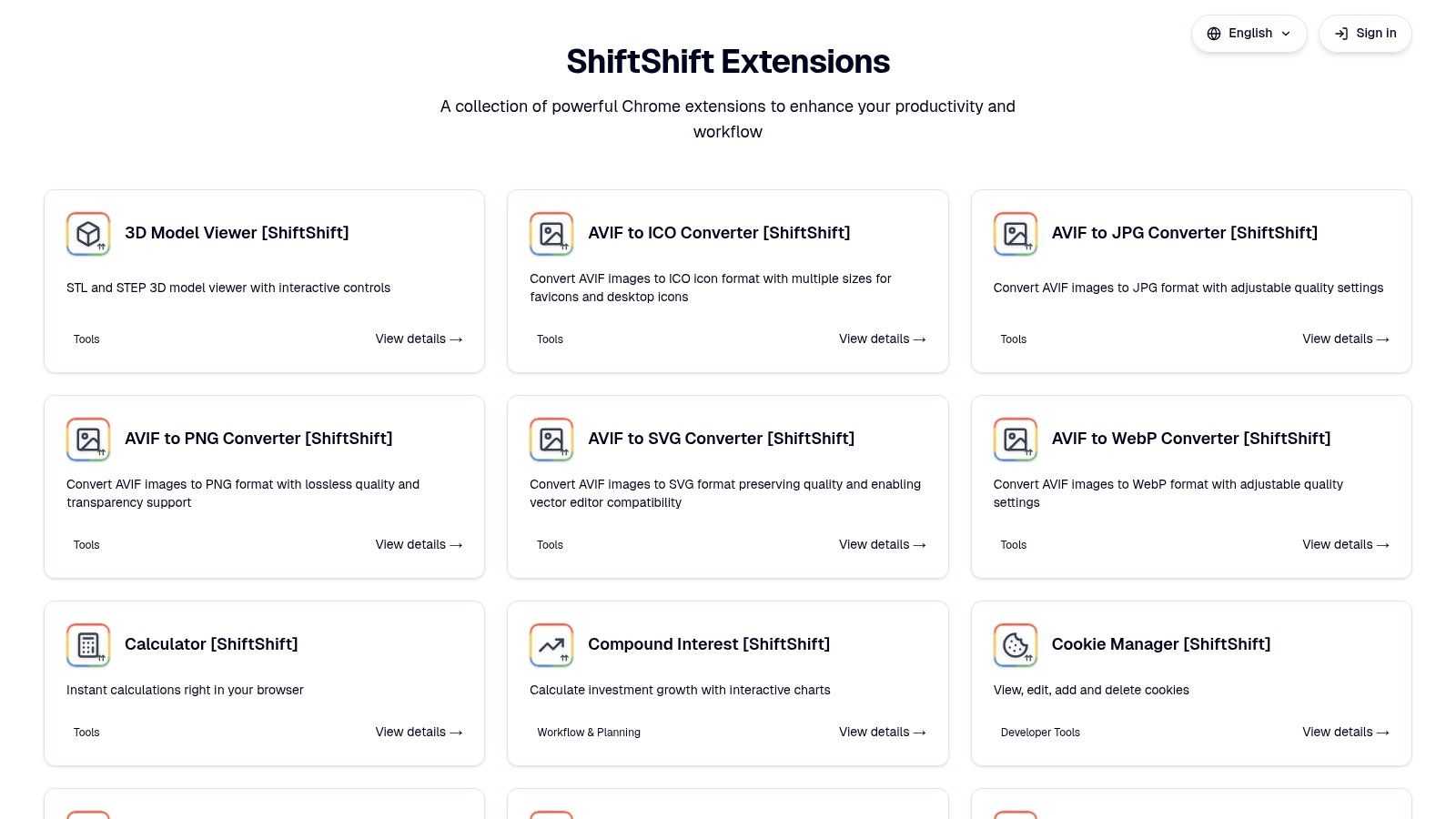
The core strength of ShiftShift is its unified, keyboard-first workflow. Once the Command Palette is open, you can instantly search for and launch any tool without leaving your current tab or touching your mouse. The frecency-based sorting intelligently prioritizes the tools you use most often, further accelerating your workflow. All processing happens locally in your browser, ensuring your data remains private and secure with no cloud uploads or external tracking.
Key Features & Use Cases
- Developer Utilities: Instantly format JSON or SQL, compare text with a side-by-side diff tool, manage cookies, and generate MD5 hashes. This is invaluable for developers and QA engineers who need quick, reliable tools without switching contexts.
- Batch Converters: Designers and content creators can convert multiple images between JPG, PNG, WebP, AVIF, SVG, and ICO formats. It also handles file conversions like CSV to XLSX and DOCX to PDF, all locally.
- Everyday Tools: The suite includes a built-in calculator, QR code generator, full-page screenshot tool, translator, and a secure password generator for daily tasks.
- Finance & Health: Track live crypto rates, visualize compound interest scenarios, or monitor glucose levels directly in the browser via its Nightscout integration, serving investors and caregivers alike.
Practical Considerations
While the core functionality is robust, ShiftShift's public-facing information on pricing and licensing is not listed on its main product pages. For commercial or enterprise use, you will need to consult the official site or the Chrome Web Store listing for the most current details. Its local-only architecture is a significant privacy benefit, but it also means there is no built-in cloud synchronization of settings or history across different devices.
Website: https://shiftshift.app
2. Chrome Web Store (official marketplace)
The Chrome Web Store is the official, centralized hub for discovering and installing extensions for the Google Chrome browser. As the primary marketplace, it offers the most comprehensive and authoritative catalog, ensuring that the extensions you find are generally vetted against Google's developer policies. This makes it the safest starting point for anyone looking to enhance their browser.
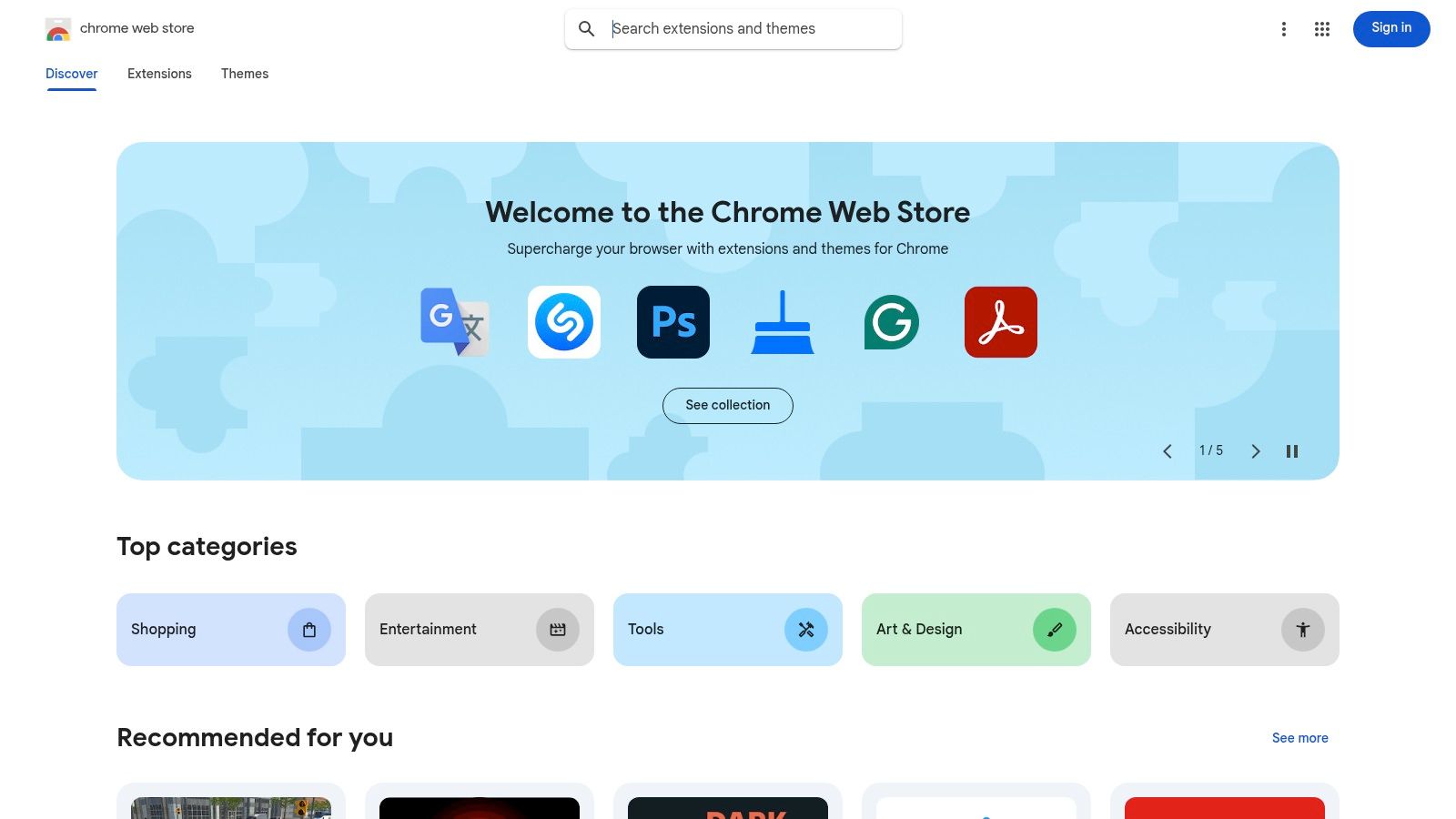
The platform excels in providing a secure and streamlined user experience. One-click installations and automatic updates remove technical barriers, while clear permission prompts before installation give you full transparency into what data an extension can access. This focus on security is a key differentiator from unofficial sources. For anyone seeking the best free chrome extensions, starting here is non-negotiable.
Key Features & User Experience
Navigating the store is straightforward. Its interface features editor-curated collections ("Editors' picks"), trending charts, and user ratings that help surface high-quality tools. While its search filters are basic, these curated sections provide excellent guidance, especially for new users. Exploring the different ecosystems for software distribution can also be valuable; for example, understanding other software marketplaces like Capterra provides a broader perspective on how digital tools are categorized and reviewed. The store's review system, while imperfect, offers crucial community feedback.
Pros:
- Most Authoritative Source: The largest and most complete collection of Chrome extensions.
- Security-Focused: Clear permission prompts and enforcement of developer policies.
- Seamless Integration: One-click installs and automatic updates are handled by Chrome.
Cons:
- Limited Discovery Filters: Lacks advanced filtering options compared to third-party catalogs.
- Potential for Malice: Malicious extensions can occasionally bypass initial checks.
Website: https://chromewebstore.google.com/webstore
3. Product Hunt (Chrome Extensions topic)
Product Hunt is a community-driven platform for discovering new products, and its dedicated Chrome Extensions topic serves as a launchpad for the latest and most innovative browser tools. It's the ideal place to find up-and-coming extensions before they hit the mainstream. Unlike the official store, Product Hunt focuses on the story behind the product, with makers actively participating in discussions, answering questions, and gathering feedback.
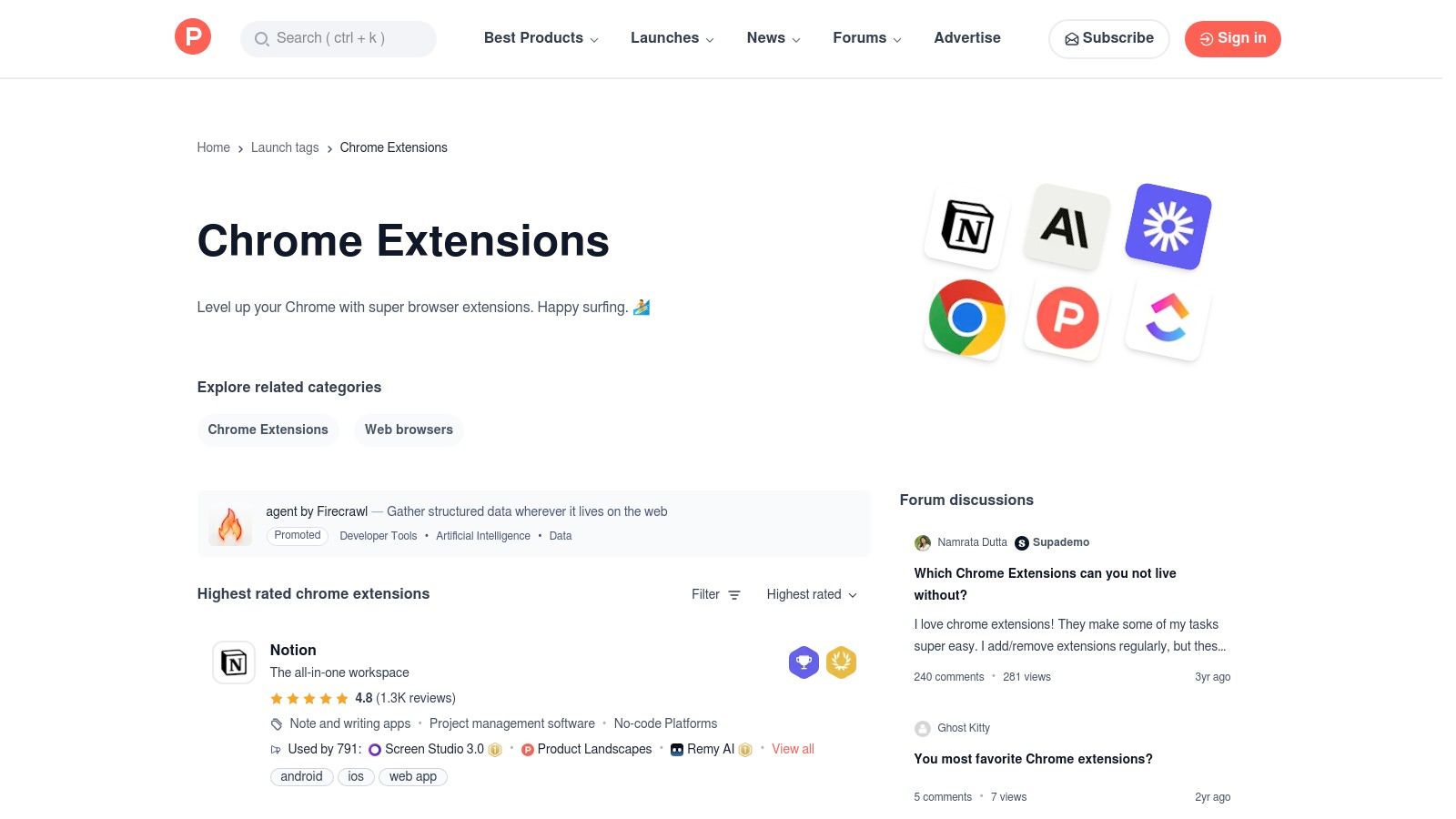
The platform's value lies in its vibrant community engagement. Upvotes, comments, and reviews provide real-time social proof and practical insights into an extension's functionality and potential use cases. For those searching for the best free chrome extensions, this direct line to developers and early adopters offers a unique, transparent discovery experience you won't find anywhere else. It’s an excellent way to spot fast-rising, indie-developed tools that solve niche problems effectively.
Key Features & User Experience
Navigating Product Hunt is dynamic and engaging. You can sort extensions by popularity, date, or through curated collections. Each product page features a description, screenshots, and a comment thread where users and makers discuss features, bugs, and alternatives. This direct interaction is invaluable for assessing if an extension is a good fit for your workflow and for seeing how responsive its developer is to community feedback.
Pros:
- Early Access to Innovation: Discover new and trending extensions on their launch day.
- Direct Maker Feedback: Engage directly with developers in comment threads.
- Community Curation: Upvotes and discussions help surface high-quality, useful tools.
Cons:
- Hype Can Outpace Quality: Popularity doesn't always guarantee long-term stability or support.
- Inconsistent Documentation: Not every listing provides robust documentation or a clear roadmap.
Website: https://www.producthunt.com/topics/chrome-extensions?utm_source=openai
4. GitHub (chrome-extension / chrome-extensions topics)
For developers and privacy-conscious users, GitHub is an essential resource for discovering open-source Chrome extensions. It hosts thousands of projects where the source code is entirely public, allowing for a level of transparency and security vetting that closed-source extensions simply cannot offer. Instead of a traditional storefront, GitHub uses "topics" like chrome-extension to group relevant repositories, making it a hub for innovation and community-driven development.
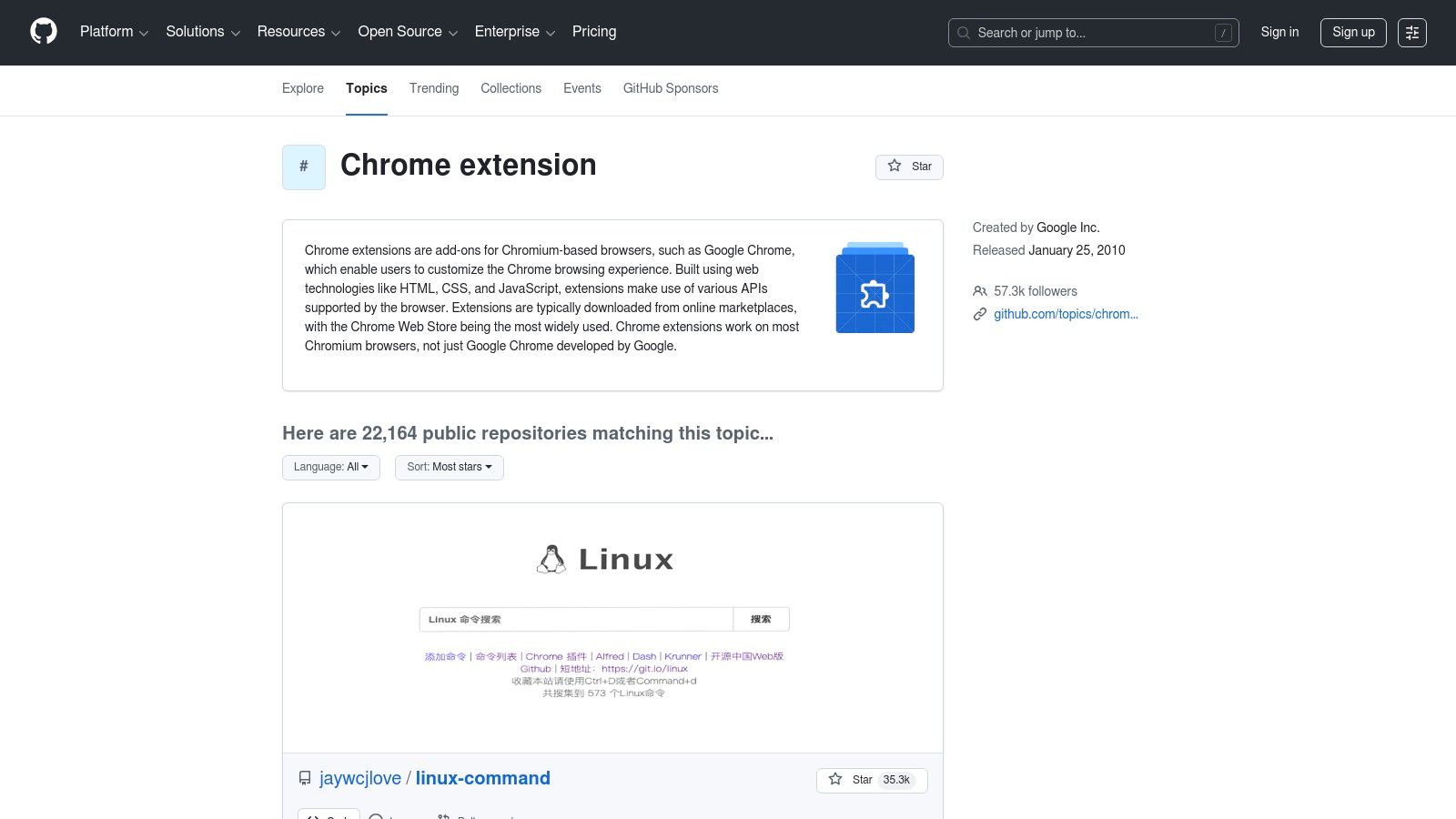
The platform empowers users to go beyond the Chrome Web Store and find niche tools or bleeding-edge projects that haven't been officially published yet. By reviewing the code yourself or checking the project’s issue trackers and release notes, you can verify its purpose and gauge its maintenance activity. This makes GitHub a prime destination for finding some of the best free chrome extensions if you value ultimate transparency and control over your digital tools.
Key Features & User Experience
Navigating GitHub for extensions involves exploring topic pages, curated "awesome" lists, and developer profiles. Topic hubs for chrome-extension and chrome-extensions surface the most popular and actively maintained repositories, acting as a de facto discovery engine. For developers, this ecosystem is invaluable; you can find more insights on using GitHub for developer-focused extensions. While it lacks the one-click install simplicity of the Web Store, its value lies in the direct access it provides to the code and the community behind it.
Pros:
- Complete Transparency: Source code is available for public audit and verification.
- Active Communities: Issue trackers and pull requests offer direct lines to developers.
- Access to Cutting-Edge Tools: Find extensions and boilerplates not yet on the Web Store.
Cons:
- Requires Technical Skill: Some extensions must be installed manually in developer mode.
- Variable Quality: Security and stability depend entirely on the individual project maintainers.
Website: https://github.com/topics/chrome-extension?utm_source=openai
5. AlternativeTo
AlternativeTo is a crowdsourced software discovery platform where users can find alternatives to almost any application, including Chrome extensions. Instead of functioning as a direct marketplace, it serves as a powerful recommendation engine, helping you find similar tools based on community suggestions. This is invaluable when you find an extension you like but need a free, open-source, or simply different version.
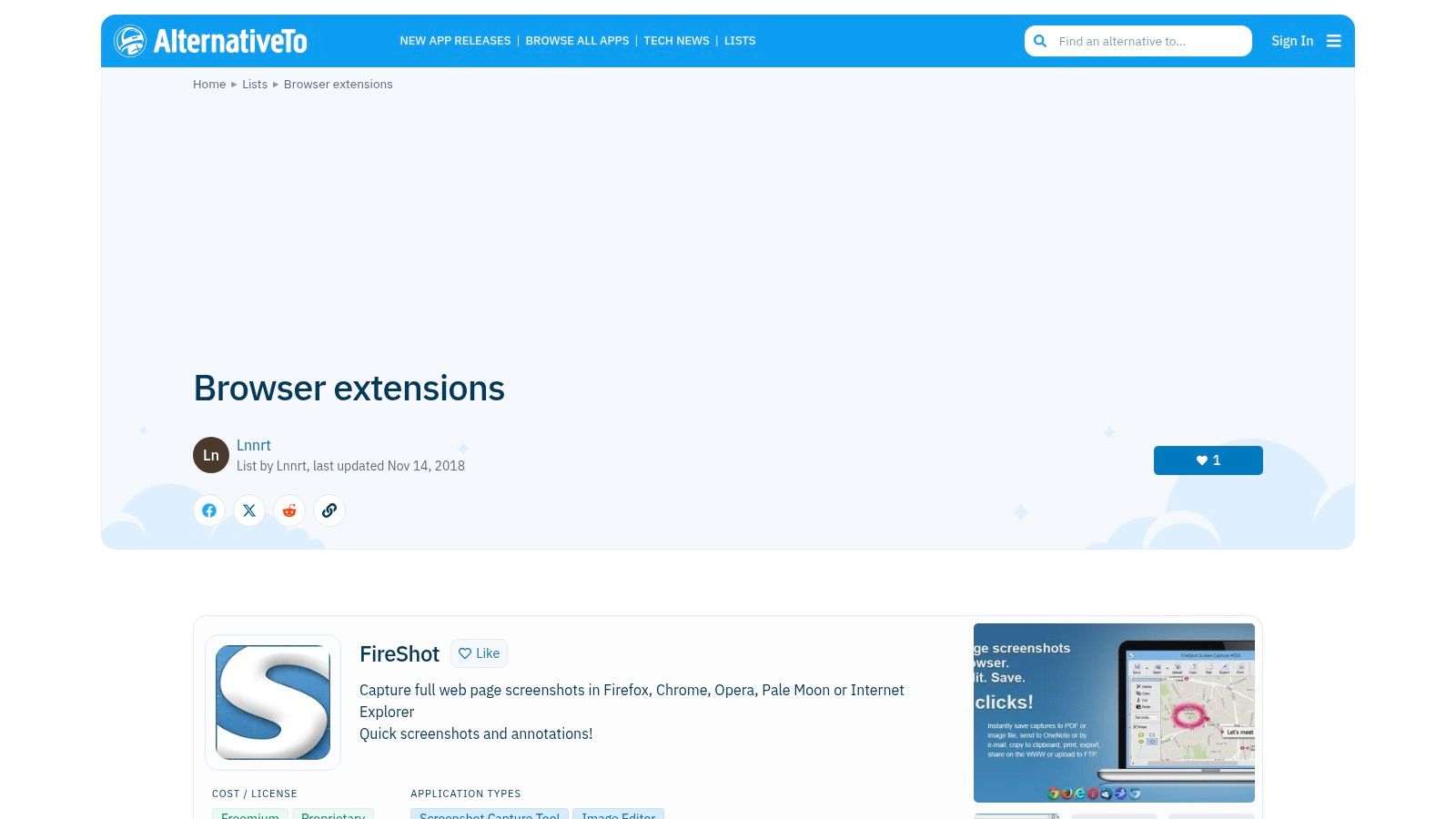
The platform’s strength lies in its user-driven data and powerful filtering. You can search for a specific extension and immediately see a list of alternatives filtered by platform (like Google Chrome), license type (free, commercial, open-source), and user "likes." This makes it an essential resource for anyone looking for the best free chrome extensions that might not be prominently featured on the official web store. It empowers users to move beyond mainstream options and discover niche tools that better fit their specific needs.
Key Features & User Experience
Navigating AlternativeTo is centered around its search-and-discover workflow. Once you find an extension, the community-curated alternatives are its main feature, complete with user comments and tags that provide context. While the interface is utilitarian, its filters are highly effective for narrowing down options. You can easily find, for example, a free and open-source alternative to a popular paid productivity extension. The reliance on community input means you get authentic recommendations, though some lists can become outdated over time.
Pros:
- Excellent for Discovery: Ideal for finding "like X but free/open-source" alternatives.
- Community-Driven: Relies on real user suggestions and ratings rather than just editor picks.
- Broad Coverage: Includes desktop software, web apps, and mobile apps beyond just extensions.
Cons:
- Potentially Dated: User-created lists and recommendations can sometimes be outdated.
- Indirect Links: Links often go to the software's main page, not directly to the Chrome Web Store listing.
Website: https://alternativeto.net/lists/6487/browser-extensions/
6. Chrome-Stats
Chrome-Stats is an independent analytics platform that provides deep, data-driven insights into the Chrome Web Store ecosystem. It goes far beyond the surface-level information available on the official store, offering historical trends, detailed permission summaries, and competitive rankings. This makes it an indispensable tool for anyone performing due diligence before installing a new extension, especially those concerned with security and an extension's development history.
The platform is designed for users who want to make informed decisions. By tracking version histories, review trends, and weekly user counts, Chrome-Stats helps you spot potential red flags, like a sudden drop in ratings or a recent update that added intrusive permissions. For developers and discerning users searching for the best free chrome extensions, it provides a layer of analytical rigor that the official marketplace lacks, helping to verify an extension's credibility and track record over time.
Key Features & User Experience
The interface is data-centric yet easy to navigate, with dedicated pages for each extension that display charts and key metrics. You can quickly see an extension's growth trajectory, review distribution, and a full manifest breakdown. The keyword and ranking insights are particularly useful for understanding an extension's popularity and discovering alternatives in a specific niche. While it’s not an installation platform itself, it acts as a critical research hub before you commit.
Pros:
- Adds Deep Context: Provides historical data and trends not found on the Web Store.
- Security-Oriented: Helps vet extensions by analyzing permission history and user trends.
- Excellent for Research: Offers competitive insights and popularity tracking.
Cons:
- Advanced Features are Paid: Some of the most powerful analytics require a subscription.
- Not an Installer: Functions as a research tool that links back to the official store pages.
Website: https://chrome-stats.com/?utm_source=openai
7. TechRadar
TechRadar is a well-respected technology news and reviews site that provides editorial roundups and buyer's guides for a broad audience. For users seeking curated recommendations on the best free chrome extensions, its lists offer a reliable, mainstream perspective. The platform frequently covers Google's own "best of" picks and publishes safety advisories, making it a great resource for staying informed on vetted and popular tools.
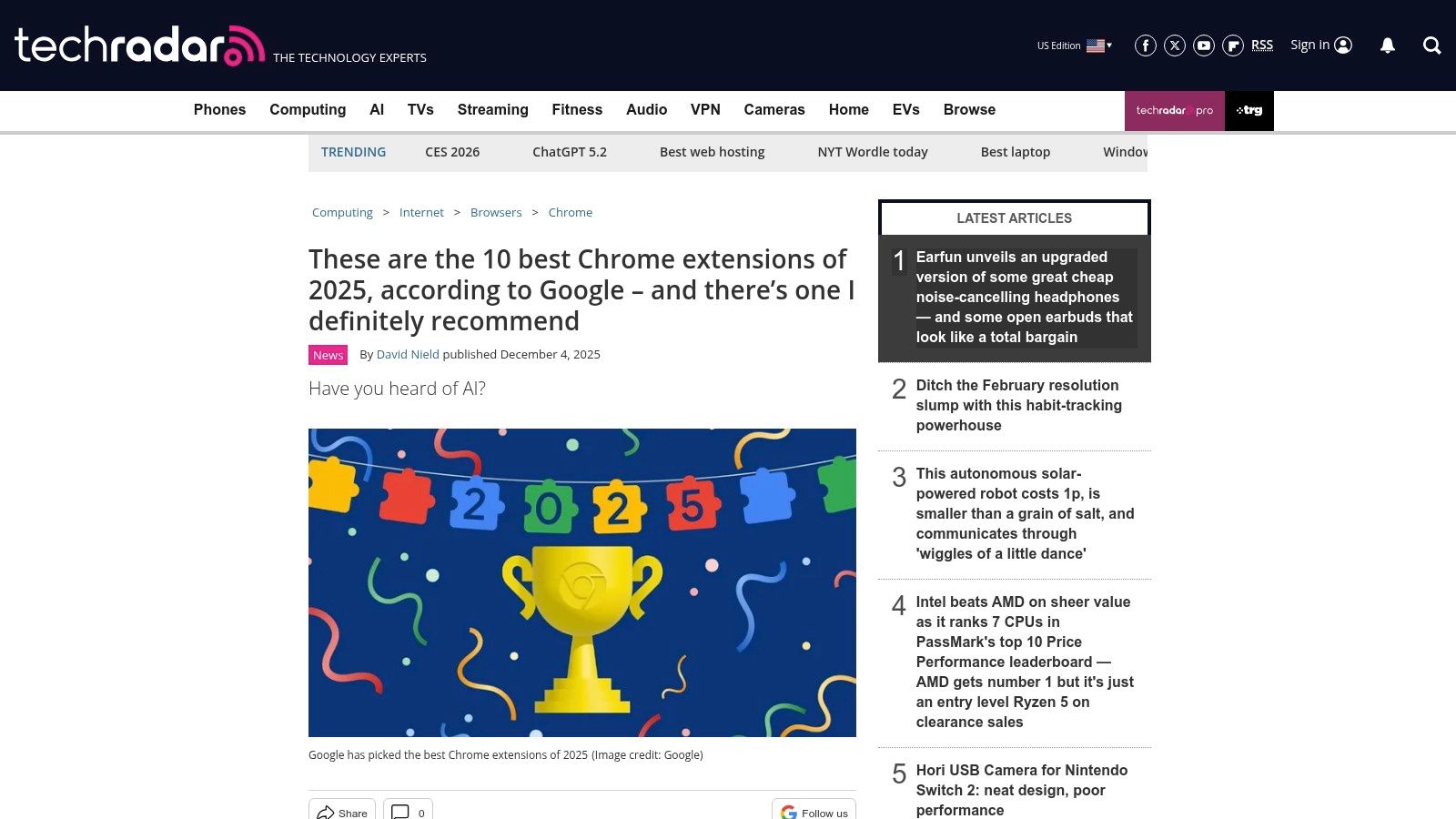
Unlike a direct marketplace, TechRadar’s value comes from its editorial curation and security-conscious reporting. Its articles often highlight why an extension was chosen, its primary use case, and any potential security news related to it, such as malicious extensions being removed from the Chrome Web Store. This journalistic approach helps readers make more informed decisions before they even visit the store to install an extension.
Key Features & User Experience
The platform's content is presented in a classic listicle format that is easy to skim and digest. Each recommended extension typically includes a brief description, its core benefit, and a direct link to the Chrome Web Store for installation. The key strength is the timeliness of its coverage; TechRadar is quick to report on new trends, security incidents, and official recommendations from Google, providing an up-to-date snapshot of the extension landscape.
Pros:
- Timely, Mainstream Coverage: Offers accessible and current recommendations that are easy to understand.
- Flags Risks and Incidents: Provides valuable security news on malicious extensions and recent takedowns.
- Editorially Vetted: Selections are curated by tech journalists rather than just sorted by user ratings.
Cons:
- Not a Direct Source: It is a review site that links out to the Web Store, not a host for extensions.
- Focus on Popularity: Lists may favor well-known extensions over powerful, niche tools.
8. Digital Trends
Digital Trends offers periodically updated roundups and how-to guides that curate lists of popular and useful Chrome extensions. Rather than being a comprehensive directory, it acts as an editorial filter, presenting consumer-friendly selections for common needs like tab management, screen recording, and ad-blocking. This approach makes it an excellent resource for users who prefer guided recommendations over browsing an exhaustive marketplace.
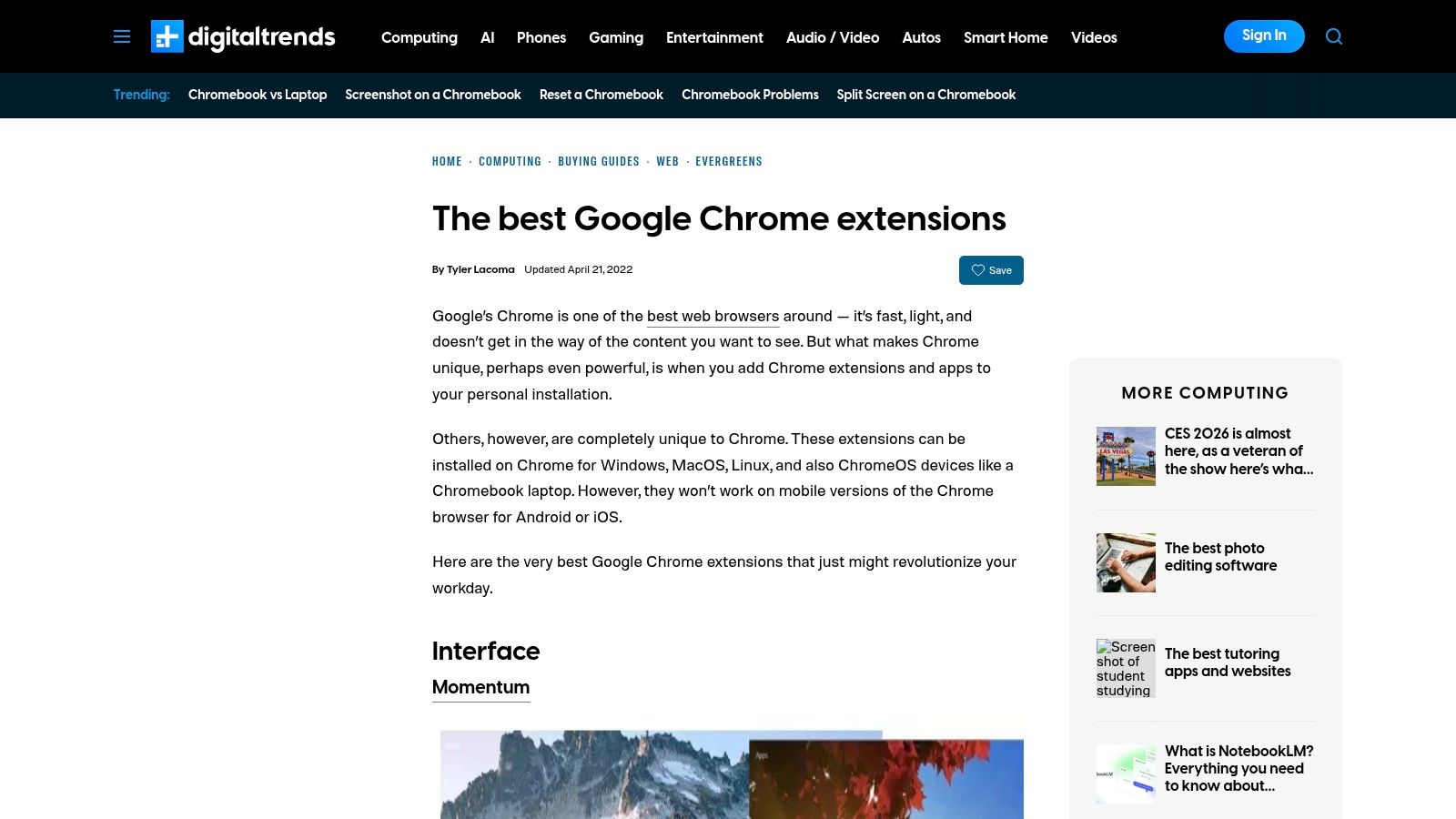
The platform’s strength lies in its accessible, jargon-free writing and use-case-driven picks. Each recommendation typically includes a straightforward description, key benefits, and a direct link to the Chrome Web Store for installation. For anyone looking for a quick, reliable list of the best free chrome extensions without getting overwhelmed by technical details, Digital Trends provides a great starting point for enhancing everyday workflows.
Key Features & User Experience
Navigating Digital Trends' articles is simple, as they are formatted like standard blog posts with clear headings for each extension. The content focuses on practical applications, explaining how a tool can solve a specific problem, such as improving focus or managing passwords. This problem-solution format is particularly helpful for non-technical users who may not know what to search for in the official store. The direct installation links remove friction, taking you straight to the relevant store page.
Pros:
- Accessible Writing: Descriptions are easy to understand for a general audience.
- Curated Selections: Offers a pre-vetted list of popular and reliable tools.
- Use-Case Driven: Focuses on how extensions solve common user problems.
Cons:
- Not Exhaustive: Lists are selective and may miss newer or niche extensions.
- Update Frequency Varies: Content may lag behind the latest tool launches and updates.
Website: https://www.digitaltrends.com/computing/best-google-chrome-extensions/?utm_source=openai
9. MakeUseOf (MUO)
MakeUseOf (MUO) provides a valuable service beyond simple catalogs by curating thematic listicles of the best free Chrome extensions tailored to specific audiences and needs. Instead of overwhelming users with options, MUO creates targeted roundups for students, shoppers, and professionals, focusing on practical, everyday use cases. This approach helps users discover genuinely useful tools they might not find otherwise.
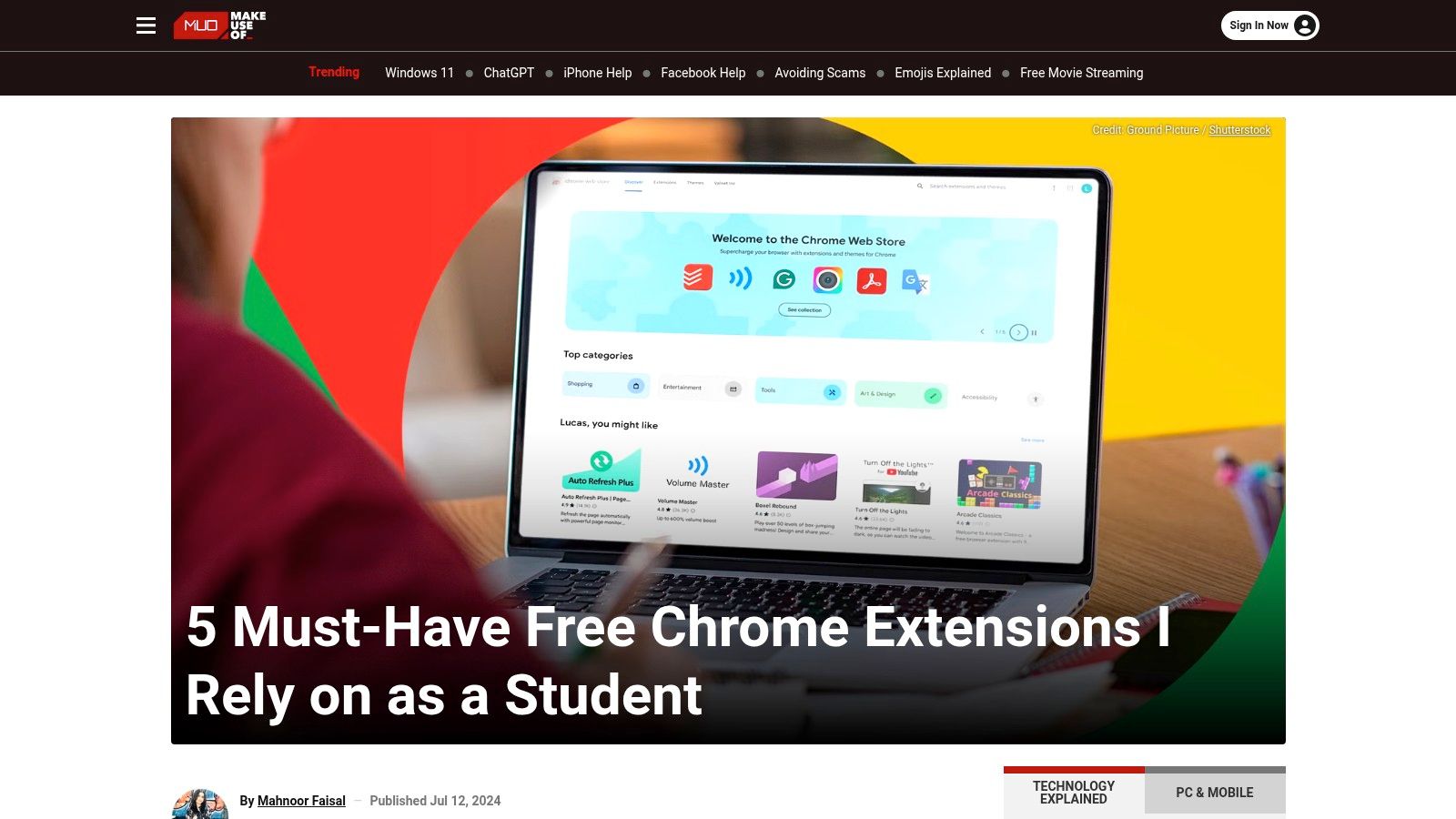
The platform also stands out for its frequent security advisories, which warn readers about malicious extensions that have been identified and need to be removed. This focus on user safety, combined with its practical advice, makes it an excellent resource for less tech-savvy users. By recommending tools for specific tasks, like citation managers or dark mode enablers, MUO makes browser customization accessible to everyone.
Key Features & User Experience
Navigating MUO is straightforward, with articles organized by topic and clear headlines guiding you to relevant content. Each listicle typically explains the purpose of the recommended extensions and provides direct links to the Chrome Web Store for easy installation. Their content often includes practical tips, such as how to effectively use a tool for a specific task; for example, they might cover extensions for productivity, which can sometimes include advanced functionalities like taking a scrolling screenshot. For more on this, you can learn how to take full page screenshots.
Pros:
- Focused Recommendations: Audience-specific lists make it easy to find relevant tools.
- Security-Conscious: Publishes helpful articles on identifying and removing malicious add-ons.
- Practical Guidance: Helps novices discover and utilize safe, high-value extensions quickly.
Cons:
- Potentially Outdated: Some articles may not be recently updated; always check the publication date.
- Variable Depth: The level of detail and analysis can differ from one article to another.
Website: https://www.makeuseof.com/chrome-extensions-student-free-must-have/?utm_source=openai
10. Reddit – r/chrome_extensions
Beyond official stores and curated catalogs, Reddit’s r/chrome_extensions subreddit serves as a dynamic, community-driven hub for discovering new and niche extensions. It is a forum where developers announce their latest creations, users share interesting finds, and in-depth discussions cover everything from security concerns to feature requests. This makes it an invaluable resource for finding tools before they hit the mainstream.
The platform’s strength lies in its raw, unfiltered feedback. Unlike the often-polished reviews on the Web Store, Reddit threads offer candid opinions, real-world troubleshooting, and direct interaction with extension developers. For those hunting for the best free chrome extensions, especially indie or open-source projects, this community provides a transparent look into a tool's development and user base.
Key Features & User Experience
The subreddit’s experience is centered around posts and comments. Developers often post "Showoff" threads with demos and direct links, while users create "Request" or "Discussion" posts to find solutions or compare existing extensions. This interactive format allows you to ask questions directly and see how others are using a particular tool. However, because it's a community forum, users must be diligent in vetting permissions and the credibility of recommendations.
Pros:
- Up-to-the-Minute Discoveries: Find indie tools and open-source projects as soon as they launch.
- Transparent Community Feedback: Access honest user reviews, bug reports, and direct developer communication.
- Niche Solutions: A great place to discover extensions built for very specific use cases.
Cons:
- Variable Quality: Self-promotion is common, and not all featured extensions are high-quality or secure.
- Requires Vetting: Users need to carefully check permissions and developer history before installing.
Website: https://www.reddit.com/r/chrome_extensions/
11. ExtensionHub
ExtensionHub is a community-driven directory and marketplace designed to help users discover browser extensions beyond the official Chrome Web Store. It offers a unique angle by focusing on developer portfolios and community curation, making it an excellent resource for finding niche, independent, or newly launched tools that might not yet have high visibility on larger platforms.
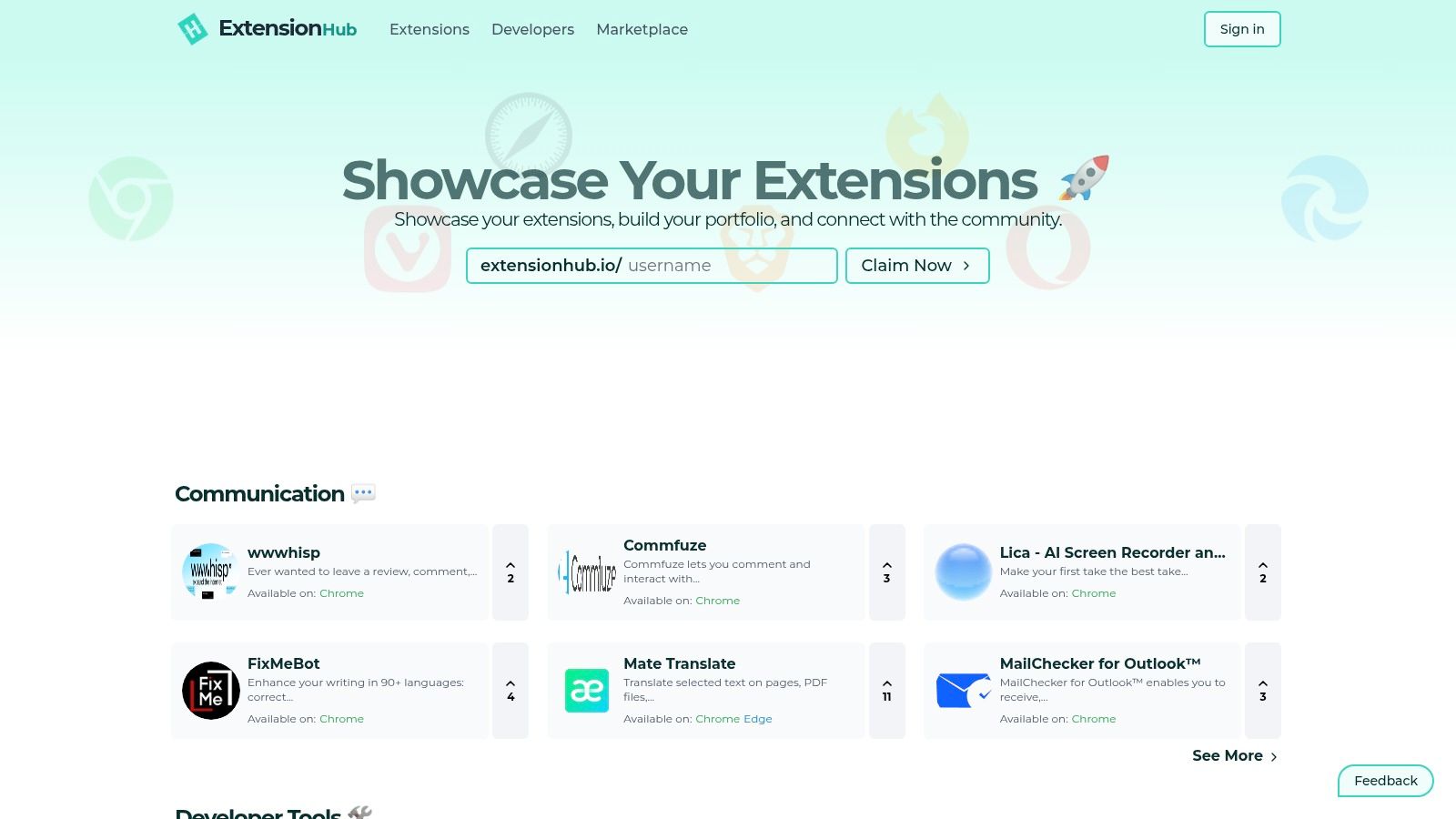
The platform functions as a social hub for extension enthusiasts and creators. Users can browse categorized listings, follow specific developers to see their latest projects, and explore collections curated by the community. This developer-centric approach provides a valuable alternative for those looking to find the best free chrome extensions from up-and-coming talent or indie creators who are actively building a following.
Key Features & User Experience
The interface is clean and modern, prioritizing discovery through simple categories and developer profiles. Each listing typically links directly to the official web store for installation, ensuring a secure download process. A notable feature is its marketplace component, where developers can list their extensions for sale or transfer, though this section is still growing. For users, the primary value lies in its alternative discovery mechanism, which can surface hidden gems not easily found through the Web Store's algorithm.
Pros:
- Alternative Discovery: Excellent for finding indie or niche extensions.
- Developer-Focused: Follow favorite creators and track their portfolios.
- Community Curation: Highlights tools that may not rank high on the official store.
Cons:
- Smaller Catalog: Less comprehensive than the official Chrome Web Store.
- Varying Listing Quality: The detail and vetting of marketplace listings can be inconsistent.
Website: https://www.extensionhub.io/?utm_source=openai
12. ShiftShift Extensions
ShiftShift offers a privacy-first ecosystem of cohesive, free Chrome extensions united by a powerful Command Palette. Unlike single-purpose tools, this publisher bundles a wide range of utilities, from formatters and converters to productivity widgets, all designed to run locally on your device with no tracking. This offline-first approach ensures your data remains private and the tools are accessible even without an internet connection.
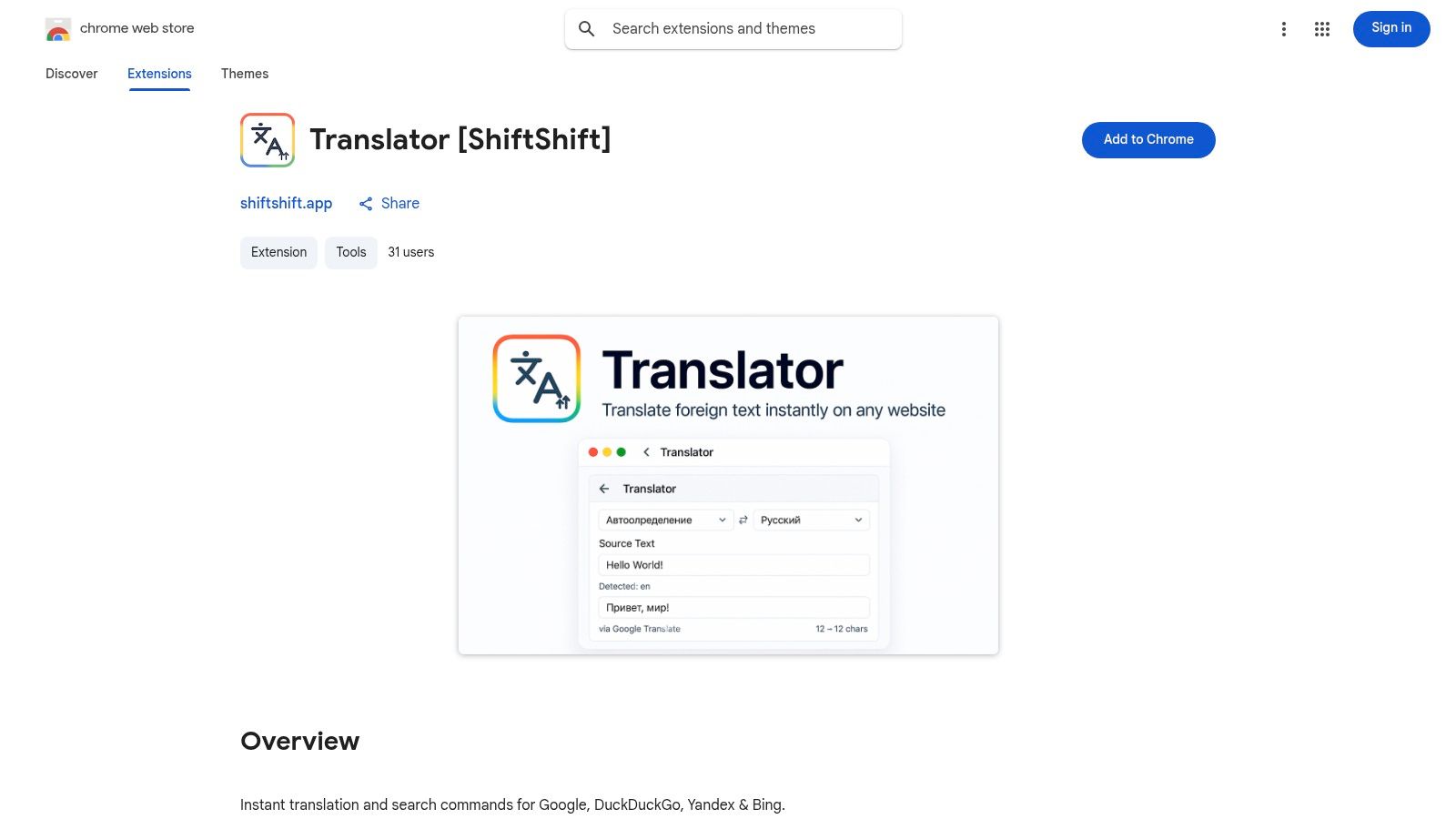
The platform stands out by prioritizing a consistent user experience and robust functionality across its entire suite. Whether you're a developer needing a quick JSON formatter, a designer converting images, or an everyday user looking for a translator, the tools share a familiar interface. For those seeking the best free chrome extensions that respect user privacy, this ecosystem provides a compelling, all-in-one solution.
Key Features & User Experience
The hallmark feature is the unified Command Palette, enabling keyboard-first navigation and rapid tool switching without touching your mouse. The suite is impressively broad, including a JSON/SQL formatter, text diff checker, image converters, a translator supporting 52 languages, and even a network speed test. Because all processing happens locally, performance is fast and secure. The tools are installed individually from the Chrome Web Store, allowing users to pick only what they need.
Pros:
- Privacy-First Architecture: All tools work offline and process data locally with no tracking.
- Unified Experience: A consistent UI and a shared Command Palette across all extensions.
- Broad Utility: A diverse collection of high-value tools for developers, designers, and general users.
Cons:
- Fragmented Installation: No single installer; users must add each extension from the Web Store individually.
- Newer Publisher: Some tools may have fewer user reviews compared to more established extensions.
12-Source Comparison: Best Free Chrome Extensions
| Source | Core Features ✨ | UX & Trust ★ | Value / Pricing 💰 | Target Audience 👥 | Unique Strengths 🏆 |
|---|---|---|---|---|---|
| 🏆 ShiftShift Extensions | Unified Command Palette, 52 langs, offline, local processing ✨ | ★★★★☆ — keyboard-first, consistent UI, active updates | 💰 Mostly free; pricing not publicly listed | 👥 Developers, designers, power users, privacy-conscious | 🏆 Unified, privacy-first toolkit running locally; broad toolset across dev, converters, utilities |
| Chrome Web Store (official) | One-click install, auto-updates, editor picks ✨ | ★★★★★ — publisher verification, user reviews, store policies | 💰 Free to browse; extension pricing varies | 👥 General users, mainstream installers | Official source for safe installs, curated charts & trending discovery |
| Product Hunt (Chrome Extensions) | Launch pages, upvotes, comments ✨ | ★★★☆☆ — community signal varies, active discussions | 💰 Free to use | 👥 Early adopters, indie-tool seekers | Fast discovery of new indie extensions and maker engagement |
| GitHub (chrome-extension topics) | Source code, topics, issue trackers ✨ | ★★★★☆ — transparent, audit-friendly | 💰 Mostly free / OSS; sometimes manual installs | 👥 Developers, security-minded users | Open-source transparency, direct maintenance history & code audit |
| AlternativeTo | Alternative suggestions, platform/license filters ✨ | ★★★☆☆ — community ratings, mixed freshness | 💰 Free to browse | 👥 Users seeking like-for-like alternatives | Great for finding free / OSS alternatives to paid tools |
| Chrome-Stats | Analytics, permission summaries, trends ✨ | ★★★★☆ — data-driven vetting; some paid features | 💰 Free basic; subscription for advanced | 👥 Analysts, security-conscious users, researchers | Due-diligence metrics, historical trends, permission insights |
| TechRadar | Editorial roundups, security advisories ✨ | ★★★★☆ — professional editorial, mainstream trust | 💰 Free guides | 👥 Non-technical consumers, buyers | Vetted recommendations, timely risk & security coverage |
| Digital Trends | Consumer how-tos & roundups ✨ | ★★★☆☆ — accessible reviews, periodic updates | 💰 Free guides | 👥 Everyday users, casual tech shoppers | Easy-to-read guides and direct install links for popular needs |
| MakeUseOf (MUO) | Use-case lists, security tips ✨ | ★★★☆☆ — practical, audience-focused | 💰 Free articles | 👥 Students, novices, task-focused users | Thematic lists tailored to specific audiences and tasks |
| Reddit – r/chrome_extensions | Launch posts, real-user threads, demos ✨ | ★★★☆☆ — candid feedback but noisy | 💰 Free community | 👥 Community members, indie seekers | Up-to-the-minute discoveries and hands-on user feedback |
| ExtensionHub | Directory + marketplace, dev profiles ✨ | ★★★☆☆ — growing coverage, variable vetting | 💰 Free browse; marketplace fees vary | 👥 Indie developers, buyers, collectors | Cross-developer discovery and marketplace for transfers/sales |
| ShiftShift Extensions (Web Store listing) | Publisher listing: consolidated tools, Web Store pages ✨ | ★★★★☆ — growing reviews on store, consistent UX | 💰 Free extensions; no single monolithic installer | 👥 Chromium users, privacy-first tool adopters | Consistent publisher UX across multiple Web Store entries; privacy-first local tools |
Final Thoughts
We've journeyed through a comprehensive landscape of tools and communities, all centered on discovering and leveraging the best free Chrome extensions. From the official Chrome Web Store to niche Reddit communities and curated tech blogs, the resources available are vast. The goal wasn't just to list places to find extensions but to equip you with a strategy for evaluating, selecting, and integrating these powerful browser enhancements into your daily workflow. The core takeaway is that the right extension isn't just a gadget, it's a force multiplier for your productivity, security, and overall digital experience.
The sheer volume of options can be overwhelming, but that's where a strategic approach becomes essential. Instead of randomly installing popular add-ons, your focus should be on identifying specific pain points in your workflow. Are you a developer constantly decoding JSON? A designer needing quick color picking and image analysis? Or perhaps a student looking to streamline research? By defining your need first, you transform your search from a passive browse into a targeted mission.
Key Takeaways and Your Next Steps
Reflecting on our exploration, several key principles stand out for anyone looking to build their ideal extension toolkit. First, prioritize purpose over popularity. A highly-rated extension is useless if it doesn't solve a problem you actually have. Second, vet the source and permissions aggressively. An extension's privacy policy and requested access are not fine print, they are critical security considerations. Always ask: "Does this tool really need access to all my website data?"
With these principles in mind, here are actionable next steps to take:
- Conduct a Personal Workflow Audit: For one day, consciously note down every repetitive task, every moment of friction, and every piece of information you wish you had at your fingertips. This audit will become your personalized shopping list for finding relevant extensions. Do you find yourself constantly converting units, managing cookies, or checking stock prices? There's an extension for that.
- Start Small and Test Rigorously: Don't install twenty new extensions at once. Choose one or two from your audit list that address your biggest pain points. Use them for a week. Assess their impact, performance, and usability. Did it genuinely save you time? Did it slow down your browser? This iterative process prevents "extension bloat" and ensures every tool in your arsenal serves a distinct, valuable purpose.
- Explore Unified Ecosystems: Consider platforms like ShiftShift Extensions, which aim to consolidate functionality. Instead of installing a separate calculator, a QR code generator, and a unit converter, a single unified extension can handle all three. This approach not only reduces browser clutter and potential security vulnerabilities but also streamlines your workflow by keeping essential tools accessible through a single, consistent interface like a Command Palette.
- Stay Informed and Prune Regularly: The world of browser extensions is dynamic. New, innovative tools are released constantly, while older ones may become outdated or even compromised. Periodically review your installed extensions. If you haven't used one in months, it might be time to remove it. Follow sources like Product Hunt or tech blogs to stay aware of emerging solutions that might better serve your evolving needs. For those focusing on academic or research-oriented tasks, diving deeper into specific use cases can be incredibly beneficial. To that end, you might find value in this article on the best Chrome extensions for video learning and productivity.
Ultimately, mastering your browser through the strategic use of the best free Chrome extensions is an investment in your own efficiency. It's about customizing your primary digital tool to fit your unique needs, turning it from a simple web browser into a personalized command center for work, learning, and life.
Ready to streamline your browser and consolidate your most-used tools into a single, lightning-fast interface? Explore ShiftShift Extensions to discover a unified ecosystem of utilities accessible through a powerful Command Palette, reducing clutter and supercharging your productivity. Find your perfect workflow at ShiftShift Extensions.