The 12 Best Free PDF Converter Software Tools for 2026
Discover the 12 best free PDF converter software options. Compare top online, desktop, and browser tools for privacy, features, and performance.
Recommended Extensions

Choosing the best free PDF converter software involves more than just a simple upload-and-download process. The right tool must balance convenience, privacy, and power to match your specific needs. Whether you require a secure, offline desktop application for sensitive documents, a lightning-fast browser extension for on-the-fly conversions, or a feature-rich online suite for complex tasks, the options can feel overwhelming.
This comprehensive guide cuts through the noise. We will dive deep into 12 of the top solutions available today, comparing them across critical features like Optical Character Recognition (OCR), batch processing capabilities, and broad format support. Each review will include screenshots and direct links to help you make an informed decision quickly.
We will also examine the fine print that truly defines a "free" service, including daily usage limits, data privacy policies, and the hidden costs that can impact your workflow. This isn't just a list; it's a detailed breakdown designed to help you find the perfect fit, from casual one-off file changes to intensive daily document management. Beyond simple format changes, some powerful tools allow you to directly transform document structures, for instance, to convert PDF to JSON for advanced data extraction. Our analysis will equip you to select the ideal converter that aligns perfectly with your privacy requirements, feature needs, and platform preferences, ensuring you get the job done efficiently and securely.
1. ShiftShift Extensions
Best For: Fast, offline-first, and private in-browser document conversion.
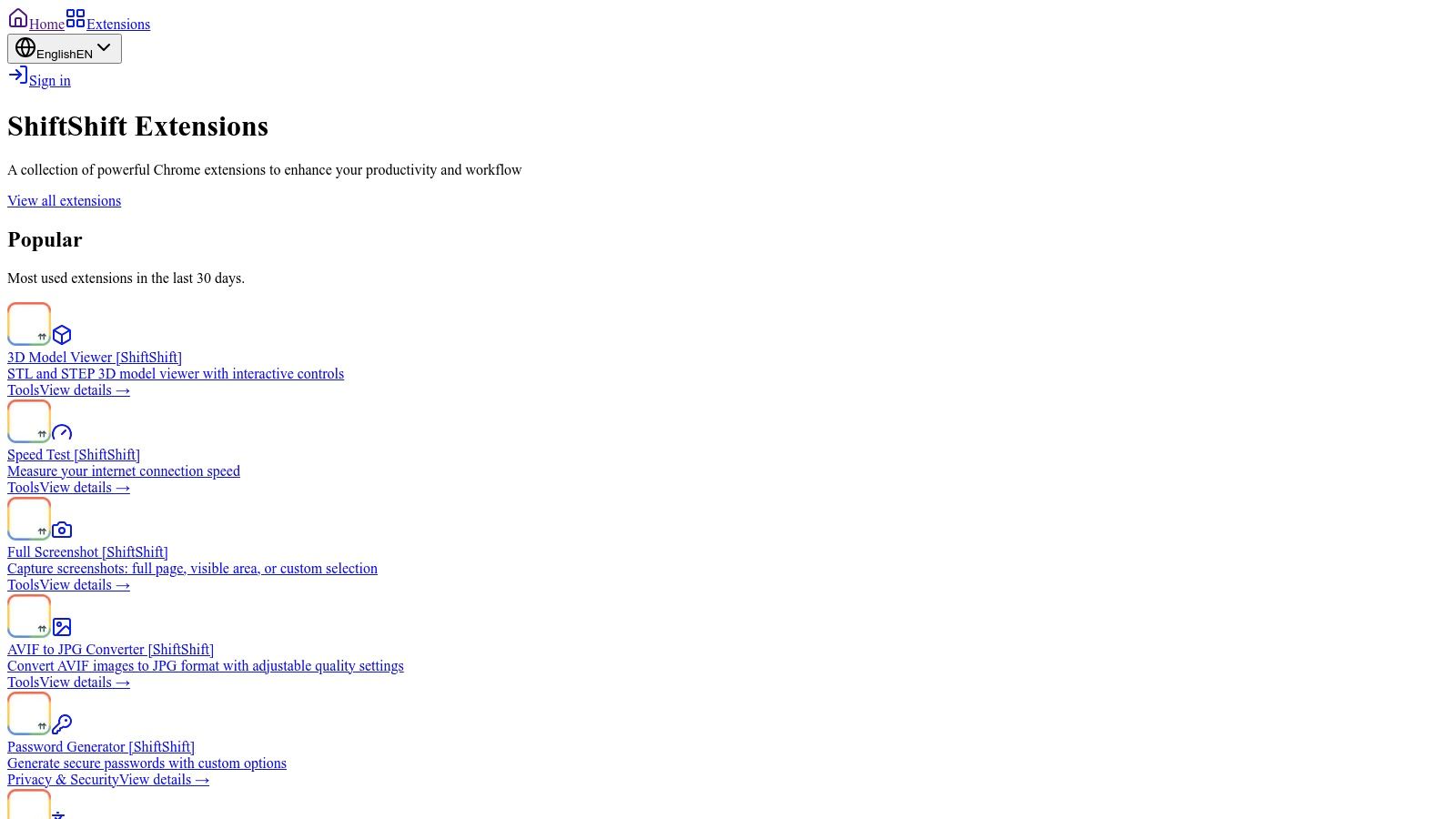
ShiftShift Extensions stands out not as a single-purpose tool but as a comprehensive, browser-based productivity ecosystem. Its primary strength lies in its unified Command Palette, allowing users to access dozens of utilities, including a powerful local Word to PDF converter, with a simple keyboard shortcut (double-press Shift). This approach eliminates the need for multiple extensions and streamlines workflows for professionals who value speed and efficiency.
What makes ShiftShift a top contender for the best free PDF converter software is its unwavering commitment to privacy. Unlike online converters that require you to upload sensitive documents to a server, its Word→PDF tool processes files entirely within your browser. This local-first architecture ensures that your data never leaves your computer, making it an ideal choice for converting confidential reports, contracts, or manuscripts without security concerns.
Key Features and Use Cases
The platform is more than just a PDF converter; it’s a full suite of tools designed for developers, designers, and power users. This integration means you can format a JSON file, convert a batch of images from WebP to JPG, and then turn a Word document into a PDF without ever leaving your current tab.
- Offline-First Functionality: Once installed, the core conversion tools work completely offline. This is perfect for users with intermittent internet access or those working on the go.
- Unified Keyboard-First Interface: Access the Word to PDF converter instantly with
Shift+Shift. The frecency-based search learns your habits, surfacing your most-used tools first for maximum speed. - Privacy by Design: All file conversions, including Word to PDF, happen locally on your machine. There are no cloud uploads, tracking, or data retention, providing a secure environment for sensitive information.
- Broad Utility Suite: Beyond PDFs, ShiftShift includes batch image converters (JPG, PNG, WebP, AVIF), a CSV to XLSX tool with auto-delimiter detection, and developer utilities like a side-by-side text diff viewer and a JSON formatter.
Practical Implementation
Using ShiftShift is straightforward. After installing the Chrome extension, simply press Shift+Shift, type "word," select the "Word→PDF" tool, and drag your DOCX file into the palette. The conversion happens instantly, and the PDF is ready for download without any intermediate steps. This seamless experience is a significant advantage over web-based tools that involve multiple clicks and page reloads. The ecosystem is part of a growing trend of powerful browser tools, and you can discover more in their roundup of the best free Chrome extensions for productivity.
- Access: Available as a free Chrome extension. Check the Chrome Web Store listing for specific permission details.
- Website: shiftshift.app
2. Adobe Acrobat Online
Adobe Acrobat Online is the browser-based suite of tools from the company that invented the PDF format. This platform offers a collection of free, high-quality conversion utilities that require no software installation, making it one of the best free PDF converter software options for quick, reliable tasks directly in your browser. Its primary strength lies in its exceptional conversion fidelity, ensuring that the layout, fonts, and images from your original documents are preserved with professional accuracy.
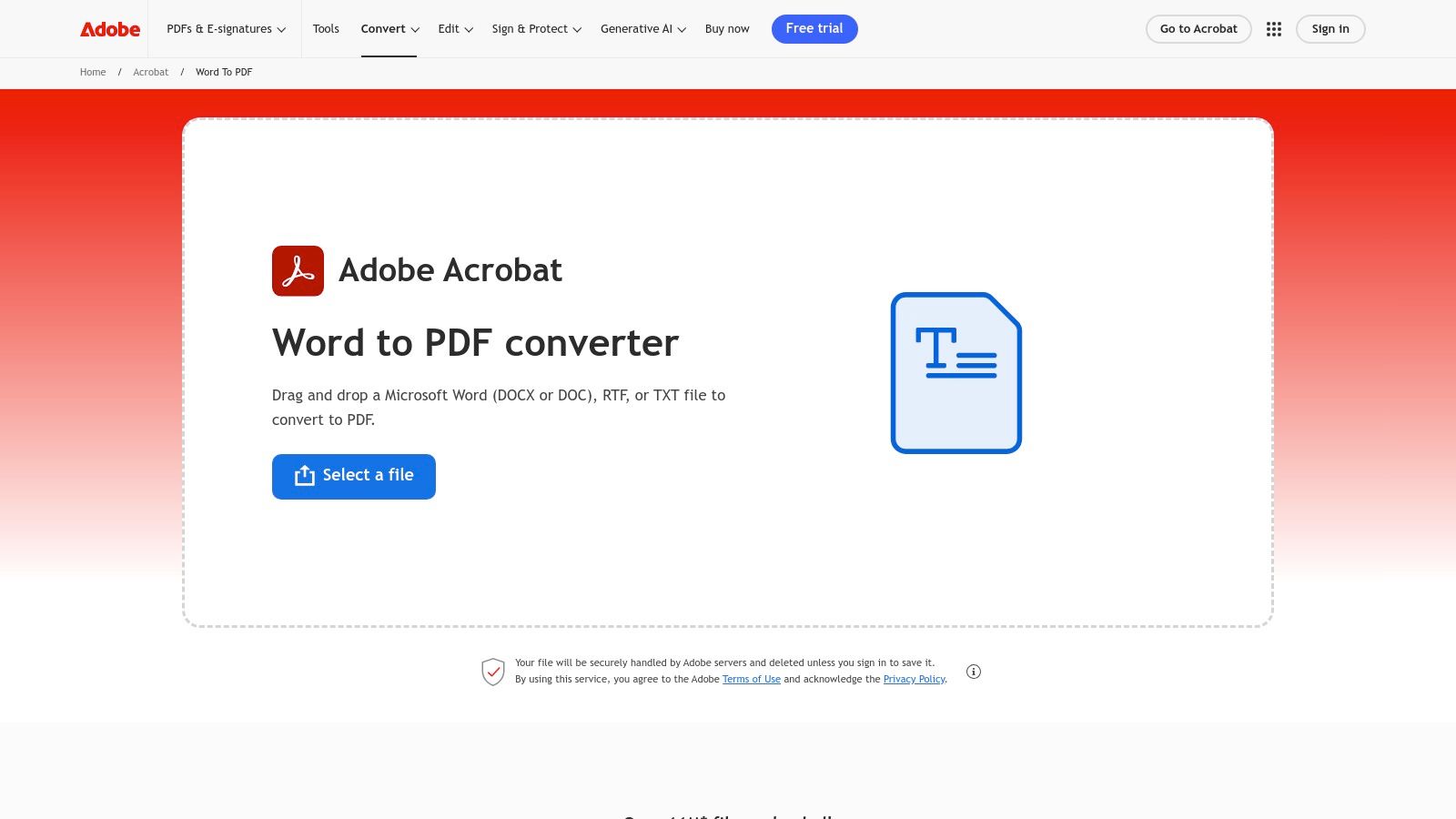
The user experience is straightforward and clean. You simply drag and drop your file, wait for the cloud-based processing to complete, and download the converted document. For users concerned about privacy, Adobe automatically deletes uploaded files from their servers unless you sign in to save them.
Key Features and Limitations
Adobe’s free online tools cover essential conversions like Word, Excel, PowerPoint, and JPG to PDF, as well as the reverse. However, more advanced features such as OCR, batch processing, and comprehensive editing are locked behind a free trial or a paid Adobe Acrobat Pro subscription.
- Best For: Users needing the highest quality, one-off conversions from common Microsoft Office formats or images without installing any desktop software.
- Pricing: Core conversion tools are free. Access to advanced editing, e-signing, and other premium features requires an Acrobat Pro subscription (starting at $19.99/month).
- Platform: Web-based (works on any modern browser and operating system).
- Privacy Note: Files are processed in the cloud. While Adobe deletes files for non-signed-in users, it's a cloud service, so it's not suitable for highly sensitive documents that must remain offline. The Word-to-PDF tool page notes a 100 MB file size limit.
3. Smallpdf
Smallpdf has carved out a niche as one of the most user-friendly and visually appealing online PDF toolkits available. Its clean, drag-and-drop interface makes it an excellent choice for users who need more than just a simple conversion. The platform offers a comprehensive suite of over 20 tools, including utilities to merge, split, compress, and e-sign documents, making it a versatile contender for the best free PDF converter software for occasional, multi-step tasks.
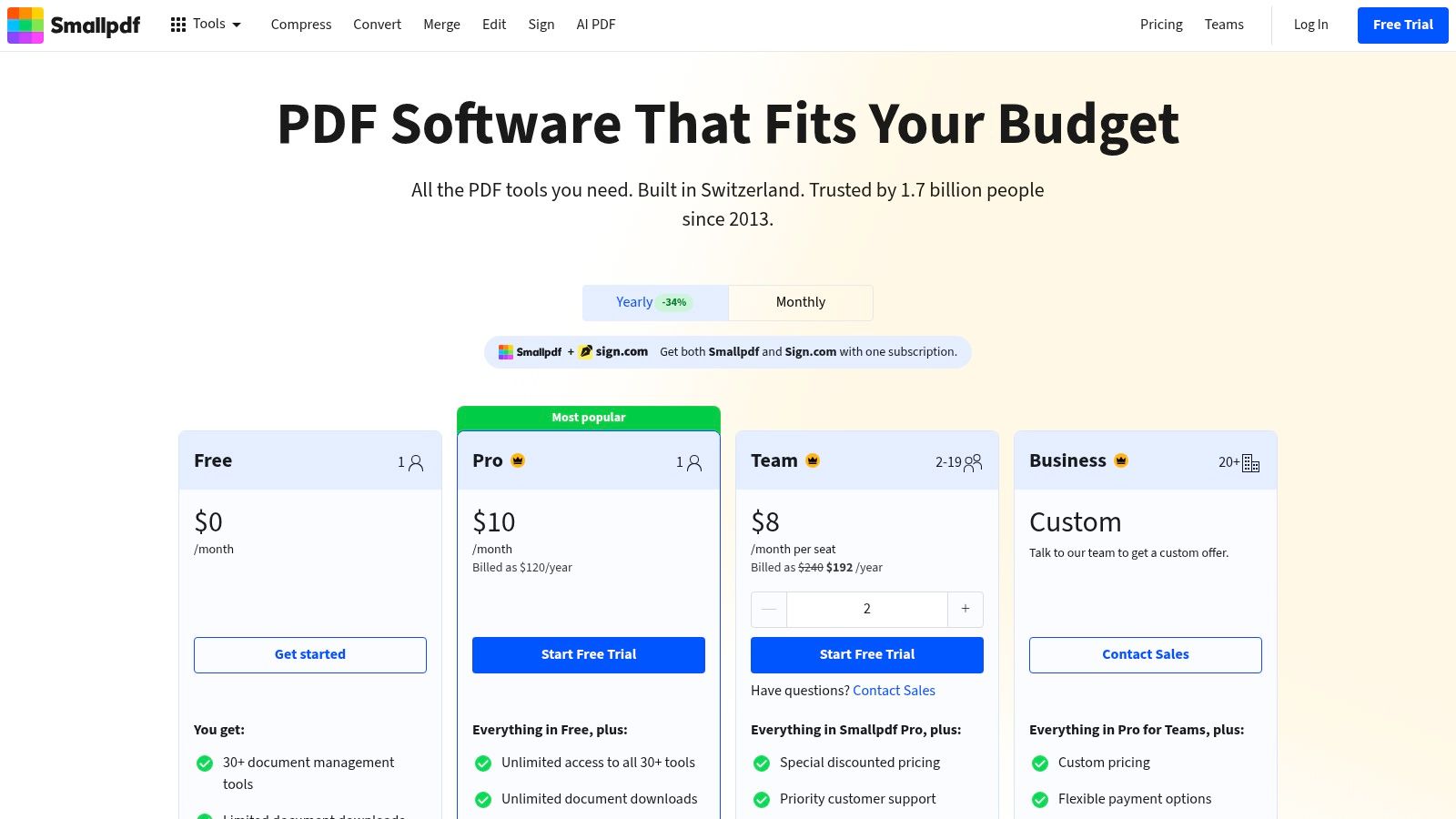
The user experience is seamless. You choose a tool, upload your file, and Smallpdf guides you through the process with clear instructions. For security, files are protected with TLS encryption and deleted from servers after one hour. This combination of simplicity and a broad feature set makes it a go-to for users who want to perform several different actions on a PDF without juggling multiple websites. Its functionality is so streamlined that you won't need tools to compare text online for free to see the conversion accuracy on standard documents.
Key Features and Limitations
Smallpdf provides a robust free tier that supports conversions to and from common formats like Word, Excel, PPT, and JPG. While the core tools are free, its primary limitation is the usage cap. Free users are restricted to processing a limited number of documents per day. Heavier usage or access to features like OCR and batch processing requires upgrading to a Pro subscription.
- Best For: Users who need an all-in-one online platform for various PDF tasks beyond simple conversion and can work within daily usage limits.
- Pricing: Free with a daily task limit. The Pro plan (starting at $9/month) removes limits and adds advanced features.
- Platform: Web-based (with mobile apps for iOS and Android).
- Privacy Note: Files are encrypted during transfer and are automatically deleted from servers after one hour. While secure, it is still a cloud-based service, so users with highly sensitive documents should be cautious.
4. iLovePDF
iLovePDF is a comprehensive, all-in-one online platform that has become a go-to resource for a wide range of PDF tasks. It stands out for its extensive suite of tools that go beyond simple format changes, offering utilities to merge, split, compress, and organize documents. This combination makes it one of the best free PDF converter software options for users who need a versatile toolkit for managing documents, not just converting them.
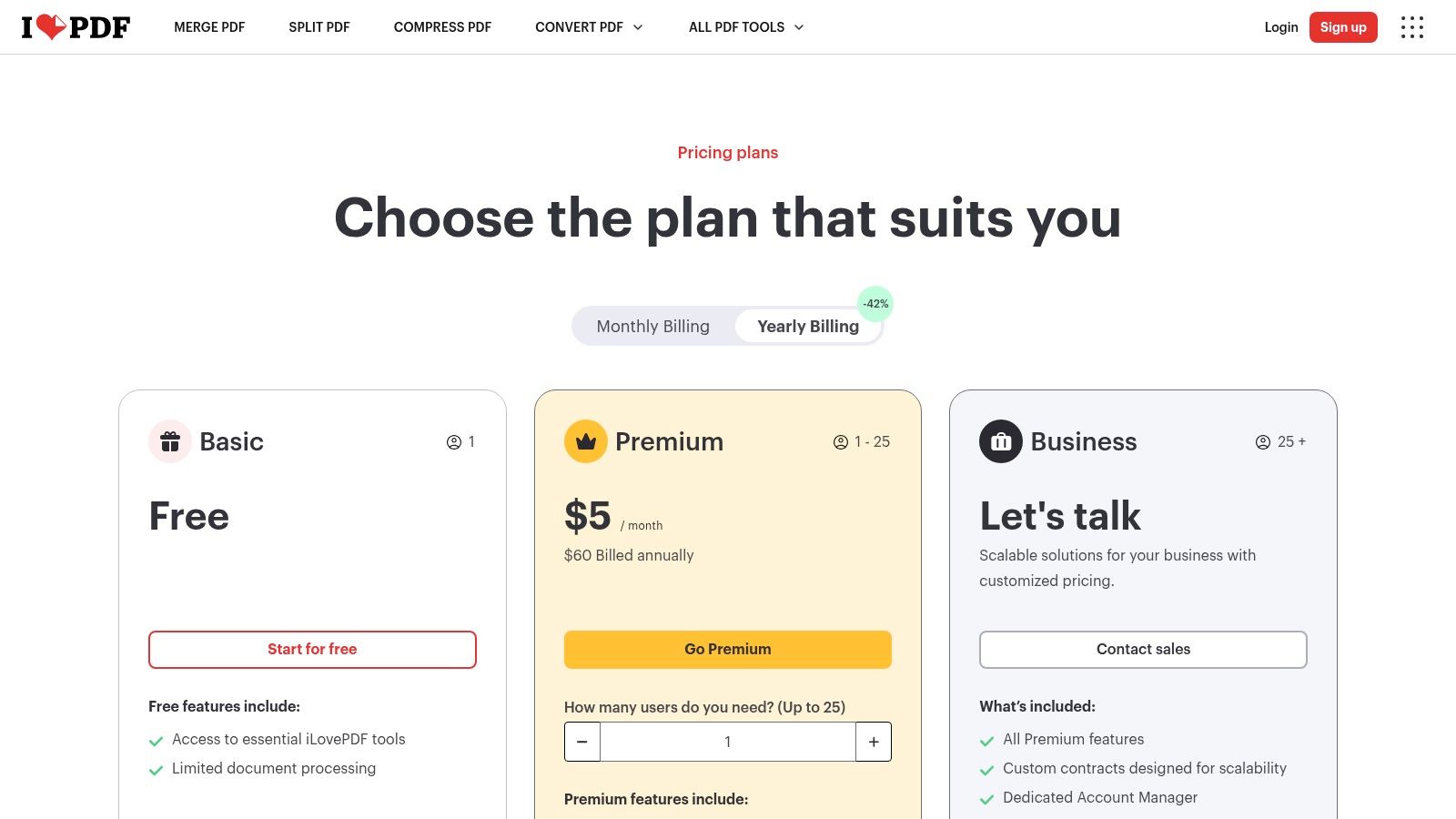
The user interface is incredibly intuitive, presenting a clean grid of icons for each function. This design allows users to quickly find the tool they need, upload their file, and complete their task with minimal friction. Its availability as a web service, desktop application, and mobile app provides excellent flexibility for working on documents from any device.
Key Features and Limitations
iLovePDF’s free version generously covers most common needs, including converting Microsoft Office documents and images to PDF and vice versa. It also excels at structural PDF modifications like adding page numbers, rotating pages, or applying a watermark. However, the free service limits the number of files you can process at once and imposes file size restrictions.
- Best For: Users needing a versatile, multi-functional tool for both conversion and day-to-day PDF management like merging or compressing files.
- Pricing: A robust free tier is available with limitations on task and file size. The Premium subscription (starting at $4/month) unlocks unlimited document processing, OCR, and desktop access.
- Platform: Web-based, with dedicated desktop apps for Windows and macOS, and mobile apps for iOS and Android.
- Privacy Note: As a cloud-based service, files are uploaded to iLovePDF's servers for processing. The service states files are automatically deleted after two hours, but it is not ideal for confidential documents that must stay offline.
5. PDF24 Tools / PDF24 Creator (Windows)
PDF24 Tools is a powerful, 100% free suite that offers both online utilities and a comprehensive offline desktop application for Windows called PDF24 Creator. This two-pronged approach makes it an exceptionally versatile contender for the best free PDF converter software, especially for users who prioritize privacy and functionality. The desktop app, PDF24 Creator, allows you to convert, merge, split, and edit PDFs entirely on your local machine, ensuring sensitive documents never leave your computer.
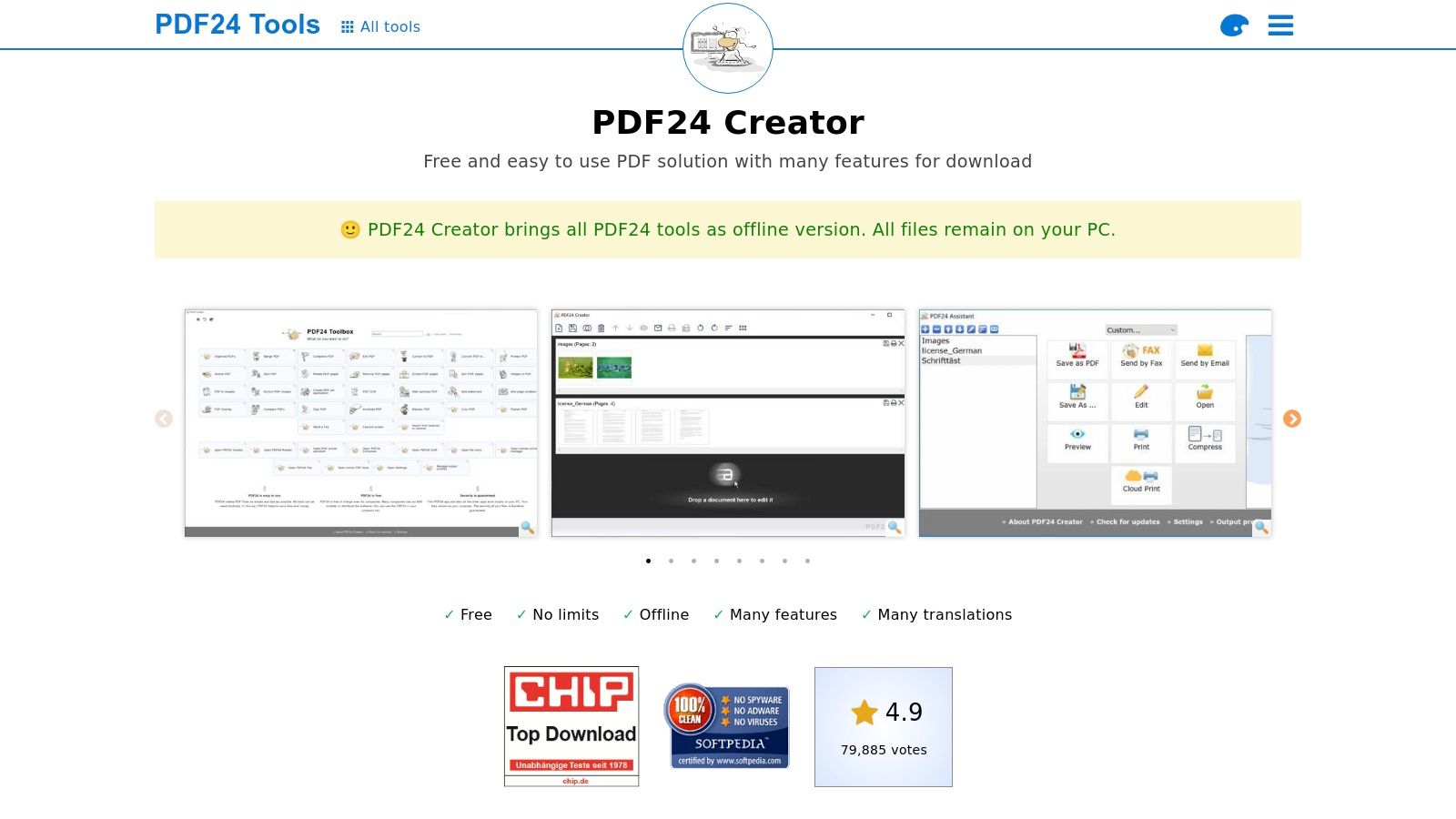
The user experience is functional and straightforward, though the interface may feel more utilitarian than polished commercial alternatives. One of its standout features is the PDF virtual printer, which lets you convert any file from any application to PDF simply by using the "Print" command. This makes it incredibly easy to create PDFs from proprietary software, web pages, or any other printable content without needing a dedicated export function.
Key Features and Limitations
PDF24 is completely free, without the usage limits, watermarks, or premium feature paywalls common in other tools. The desktop app is robust, offering offline conversion to and from Word, Excel, and images, along with tools for rearranging or deleting pages. The main drawback is that the feature-rich desktop software is exclusive to Windows users.
- Best For: Windows users seeking a completely free, all-in-one offline solution for PDF conversion and management, particularly for privacy-sensitive documents.
- Pricing: 100% free. There are no paid versions, subscriptions, or feature limitations for both the online tools and the desktop application.
- Platform: Web-based tools work on all browsers; the powerful PDF24 Creator desktop app is for Windows only.
- Privacy Note: The PDF24 Creator desktop application processes all files locally and offline, offering maximum privacy. The online tools use cloud processing, so the desktop version is recommended for confidential files.
Visit PDF24 Tools / PDF24 Creator (Windows)
6. PDF Candy
PDF Candy is a comprehensive online toolkit that offers an impressive collection of over 90 different PDF utilities, making it a powerful contender for the best free PDF converter software. Its strength lies in its sheer versatility; beyond standard conversions, it provides tools for merging, splitting, compressing, editing metadata, and much more, all accessible through a clean, icon-driven interface. This "all-in-one" approach eliminates the need to jump between different websites for various PDF tasks.
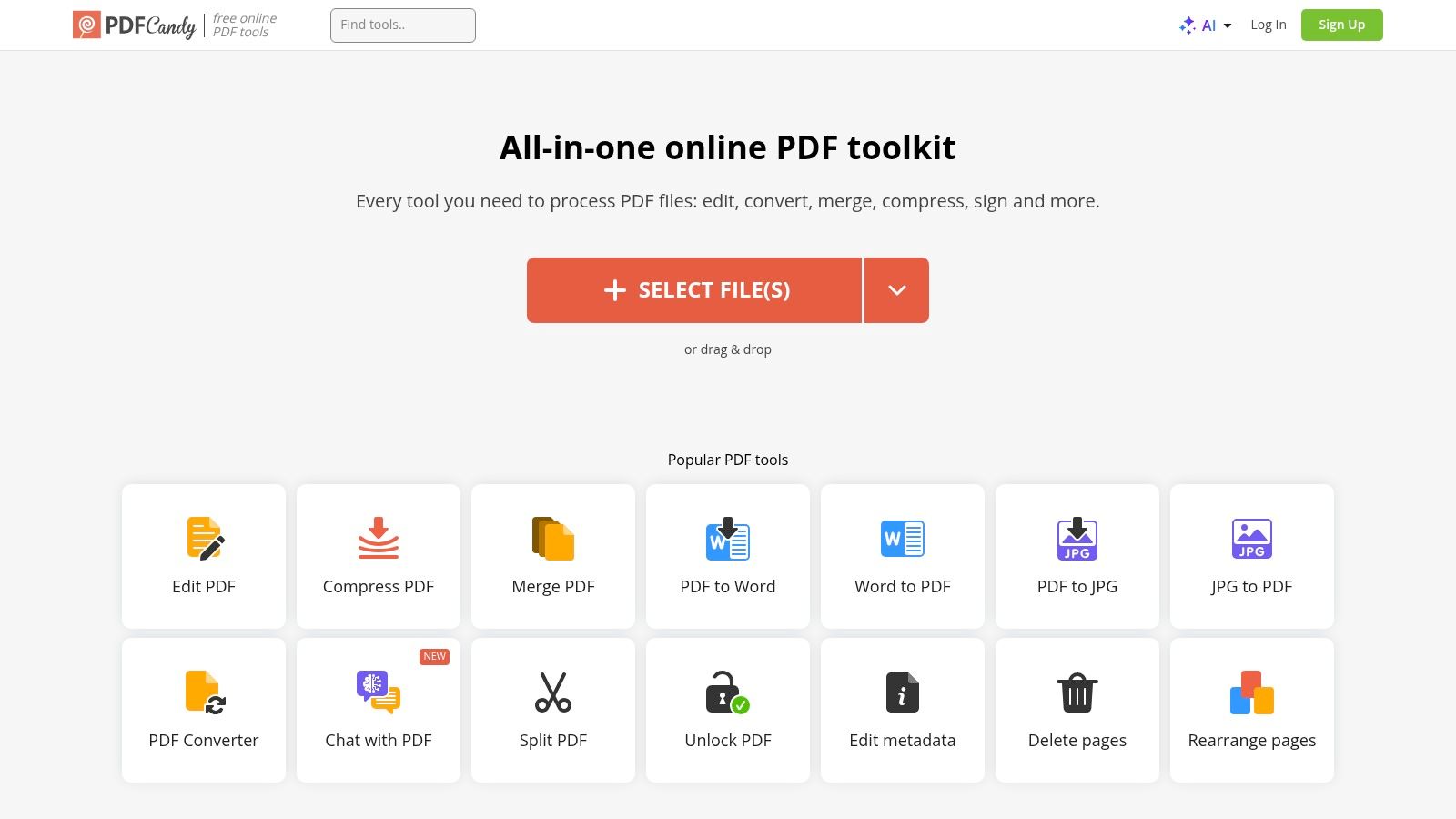
The user experience is straightforward: select a tool, upload your file from your device, Google Drive, or Dropbox, and download the result. For users who prefer offline access or need to handle more sensitive documents, PDF Candy also offers a downloadable desktop application for Windows. Privacy is addressed transparently, with files being automatically deleted from their servers after approximately two hours.
Key Features and Limitations
The platform covers a vast range of conversions, from Office formats and images to more niche formats like EPUB and MOBI. While the free web version is highly functional, it imposes hourly task limits and file size restrictions to encourage users to upgrade. The availability of a lifetime license for the paid version is a unique and cost-effective option for heavy users.
- Best For: Users who need a wide variety of PDF tools in one place and appreciate the option of a one-time payment for lifetime offline access.
- Pricing: A generous free plan is available with usage limits. Paid plans include Web Monthly ($6/month), Web Yearly ($48/year), and a Desktop + Web Lifetime license ($99 one-time payment).
- Platform: Web-based (all browsers) and a dedicated desktop application for Windows.
- Privacy Note: Files are processed online and automatically deleted within about two hours. The desktop app provides an offline alternative for enhanced privacy, but it is limited to the Windows operating system.
7. Sejda
Sejda offers a versatile suite of PDF tools available both online and as a desktop application. It stands out for its transparency regarding its free tier limitations, making it a reliable choice for users who need a powerful PDF solution for occasional tasks. The platform provides a broad range of functionalities beyond simple conversion, including editing, merging, splitting, and compressing PDFs, positioning it as an excellent all-in-one free PDF converter software for light to moderate usage.
The user interface is clean and intuitive, making it easy to find the right tool and process your files without a learning curve. For privacy-conscious users, Sejda’s policy of automatically deleting uploaded files after two hours is a significant advantage. The availability of a desktop app also provides a secure, offline alternative for handling sensitive documents, though unlimited use requires a subscription.
Key Features and Limitations
Sejda's free web service is refreshingly clear about its usage limits: users can perform up to three tasks per hour on files up to 200 pages or 50 MB. This is often sufficient for day-to-day conversion needs. For those requiring more, the desktop version offers offline processing, and paid plans unlock unlimited access to both the web and desktop tools without hourly restrictions.
- Best For: Users who need a comprehensive set of PDF tools (conversion, editing, merging) for occasional use and appreciate clear, upfront free usage limits.
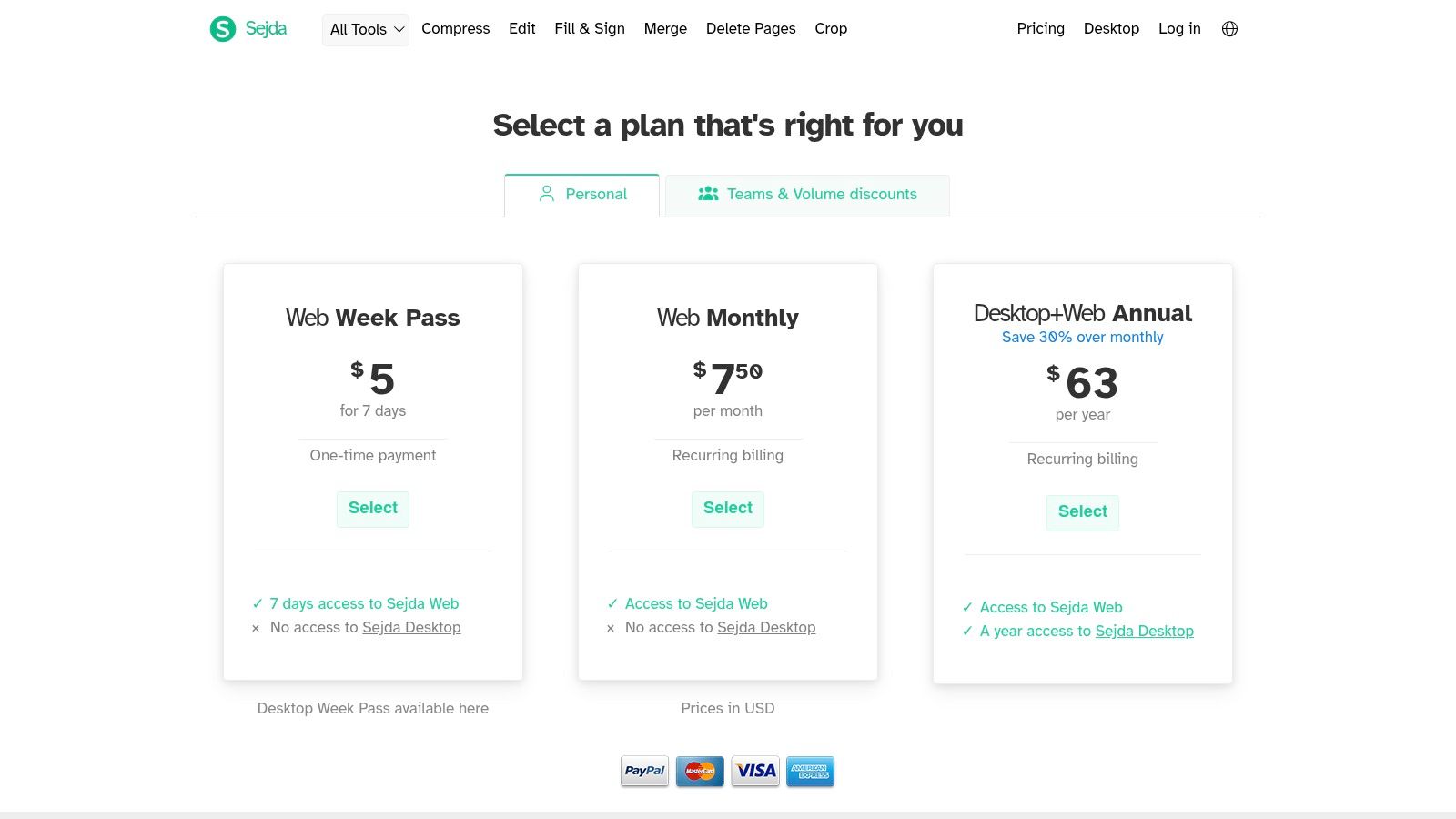
- Pricing: Free for up to 3 tasks per hour online. Paid plans (Web Week Pass for $5, Web Monthly for $7.50, or Desktop+Web Annual for $63) remove all restrictions.
- Platform: Web-based and a downloadable desktop app (Windows, macOS, Linux).
- Privacy Note: Online files are automatically deleted from servers after two hours. The desktop app allows for completely offline file processing, making it a secure option for confidential information.
8. Foxit PDF Converter (Foxit PDF Editor Online Tools)
Foxit is a well-established name in the PDF industry, often seen as a direct competitor to Adobe. Its suite of free online PDF converter tools provides a reliable, browser-based solution for common conversion needs without any software installation. The platform is known for its speed and straightforward functionality, making it a strong contender for users familiar with professional PDF software who need a quick online utility. Its reputation in enterprise environments lends it a high degree of trust and reliability.
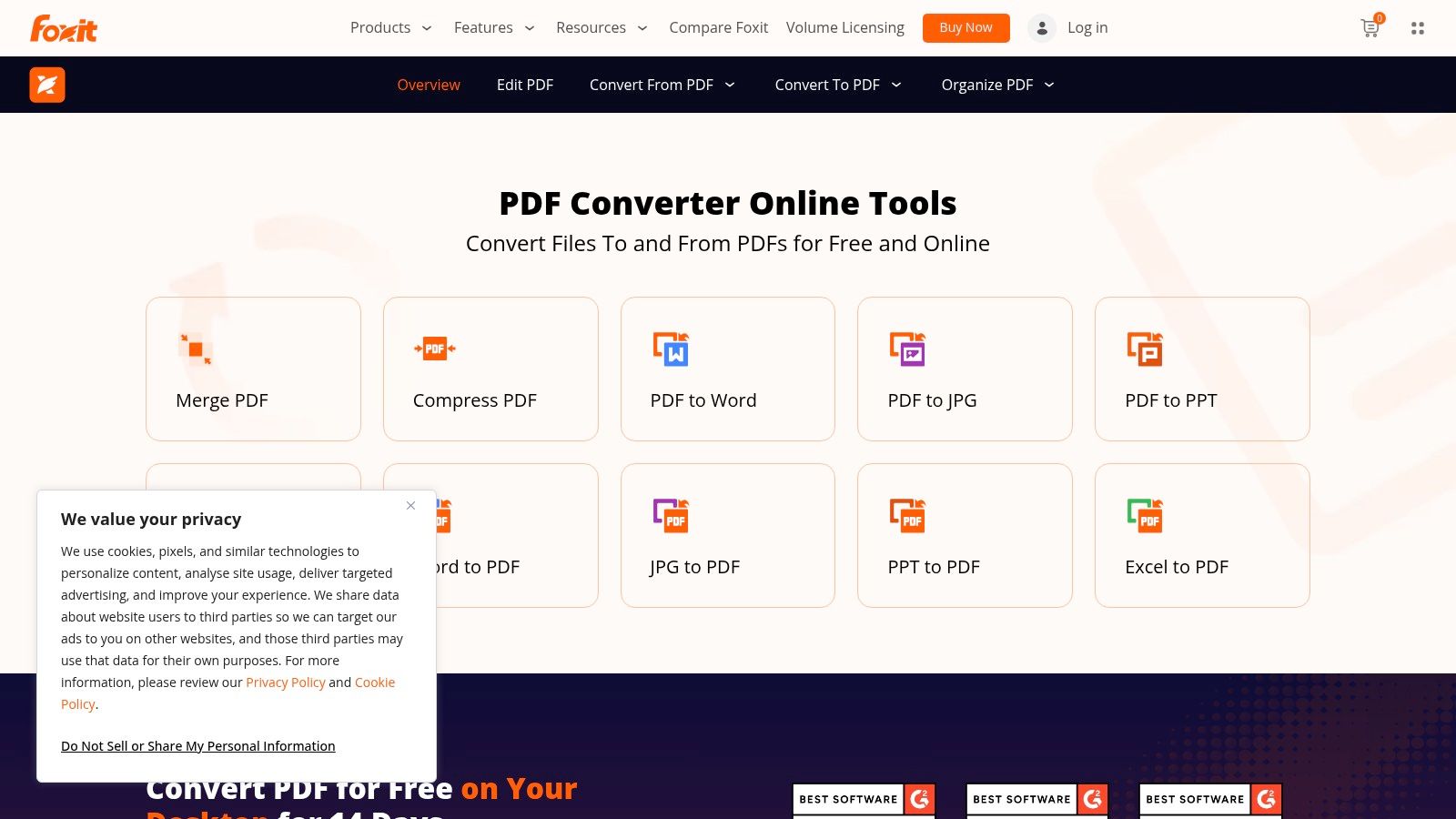
The user experience is clean and efficient. You can easily drag and drop a file to convert it from PDF to formats like Word, Excel, and PowerPoint, or vice-versa. The tools are designed to get the job done with minimal clicks, reflecting Foxit's business-oriented background. While the online tools are free, they serve as a gateway to its more powerful desktop application, the Foxit PDF Editor.
Key Features and Limitations
Foxit's free online converters handle the most essential file types with excellent accuracy. For more complex tasks like OCR, batch processing, or advanced document editing, users are encouraged to try the 14-day free trial of the desktop software. Unlike some services, Foxit does not prominently display file size or daily usage limits for its free online tools, so heavy users might unexpectedly hit an unstated quota.
- Best For: Business professionals and individuals who need fast, dependable online conversions and may be interested in a trial for more advanced desktop features.
- Pricing: Online conversion tools are free. The full-featured desktop Foxit PDF Editor requires a subscription (starts at $14.99/month) or a one-time purchase.
- Platform: Web-based (online tools work on all major browsers), with downloadable desktop software for Windows and macOS.
- Privacy Note: As a cloud-based service, files are uploaded to Foxit's servers for processing. This is a key consideration for anyone handling confidential or sensitive information who requires an offline solution.
9. CloudConvert
CloudConvert is less a dedicated PDF tool and more a universal file conversion powerhouse, supporting over 200 formats. Its inclusion as one of the best free PDF converter software options comes from its sheer flexibility and robust integration capabilities. If you need to convert a PDF to an obscure format or vice versa, from e-book files like EPUB to CAD drawings, CloudConvert is often the answer.
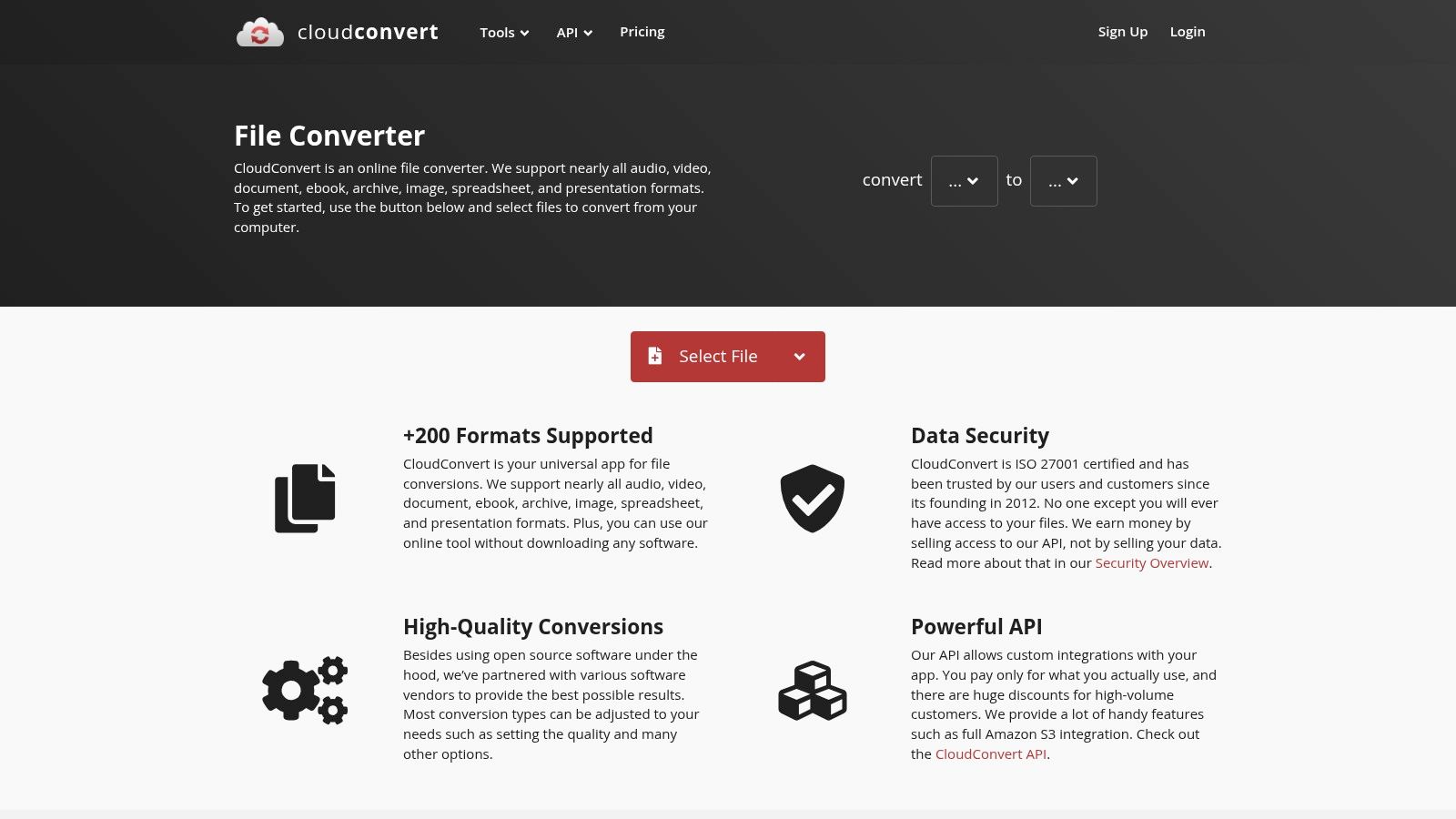
The platform shines with its cloud-first approach. You can pull files directly from Google Drive, Dropbox, or OneDrive and have the converted file automatically saved back. This makes it ideal for users who manage their documents entirely in the cloud and want to set up simple, automated conversion workflows without manual downloads and uploads.
Key Features and Limitations
CloudConvert's strength is its unparalleled format support, going far beyond typical Office and image files. The free tier is limited, offering up to 25 free conversions per day, which may not be enough for heavy users. The paid model is based on "conversion minutes," a credit system that can be confusing at first but is cost-effective for occasional, complex jobs.
- Best For: Users needing to convert PDFs to or from a vast range of uncommon file types or those who want to automate conversions directly within their cloud storage.
- Pricing: Free for up to 25 conversions per day. Paid plans are based on prepaid credits for "conversion minutes" (e.g., a package of 500 minutes for a one-time payment of $9.00).
- Platform: Web-based (works on any modern browser and operating system).
- Privacy Note: As a cloud-based service, files are uploaded to their servers for processing. According to its privacy policy, files are deleted immediately after conversion unless you have specified an output destination like cloud storage.
10. Zamzar
Zamzar is a veteran in the online file conversion space, supporting an astonishing range of over 1,100 conversion types. This extensive format support makes it a standout choice for users needing to convert less common file types, like eBooks (e.g., EPUB, MOBI) or CAD files, into PDF. Its long-standing reputation is built on a simple, no-frills process that guides users through the conversion in just a few clicks, making it a reliable tool for occasional, one-off tasks.
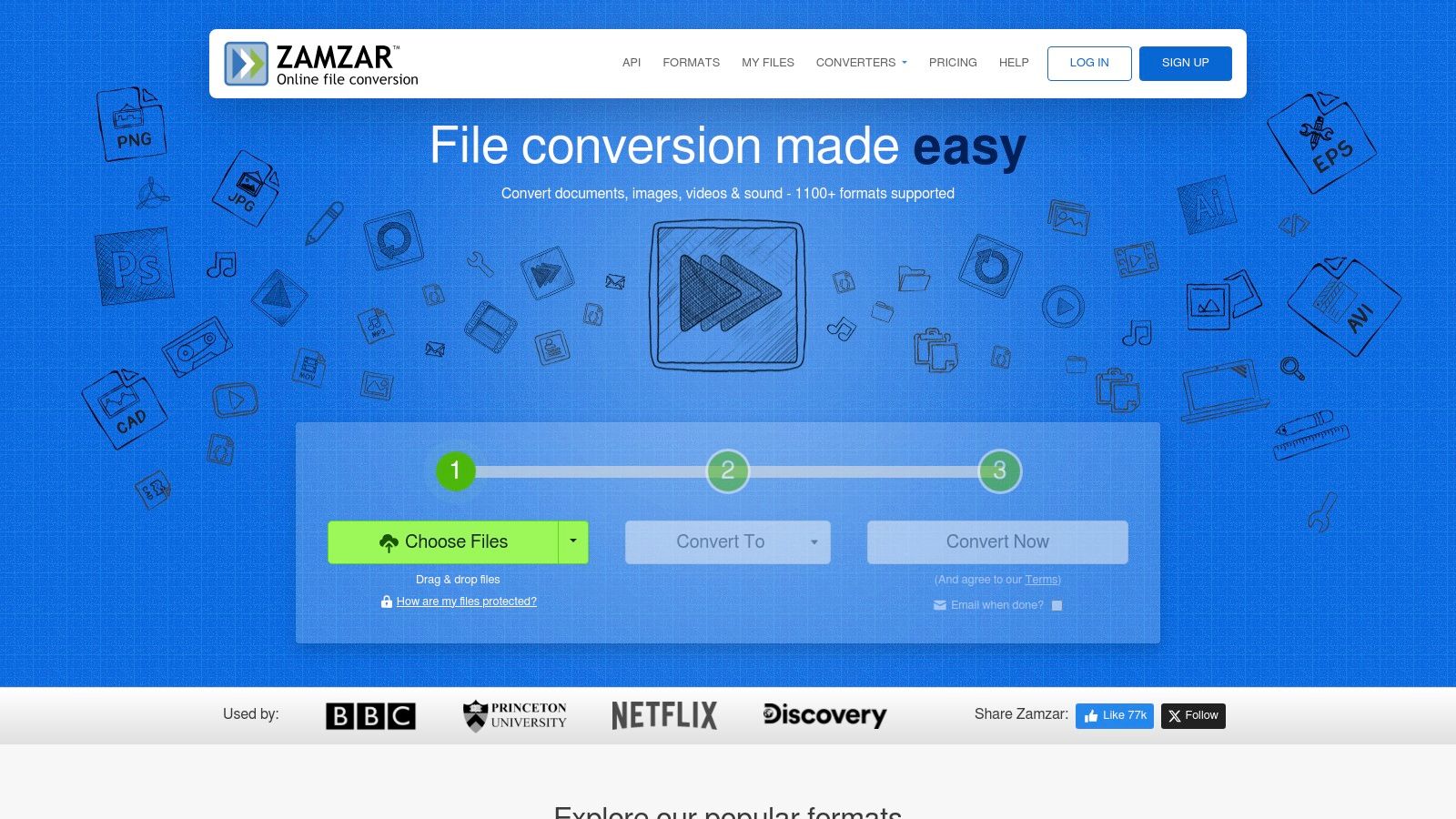
The user experience is incredibly straightforward: upload a file, select the output format, and start the conversion. You can opt to receive an email notification when your file is ready, which is useful for larger files that may take more time. While its versatility is a major strength, Zamzar is best suited for infrequent use due to its strict limitations on the free tier.
Key Features and Limitations
Zamzar’s power lies in its sheer breadth of format compatibility rather than advanced PDF features. The free service is quite restricted, often limiting users to just a couple of conversions within a 24-hour period and imposing file size caps. For those needing more, paid plans offer faster speeds, higher size limits, and access to a desktop app and API.
- Best For: Users who need to convert rare or uncommon file formats to PDF and only require a tool for occasional, non-urgent tasks.
- Pricing: Free for limited use (around 2 conversions/day, 50 MB max file size). Paid plans with higher limits and features start at $18/month.
- Platform: Web-based (works on any modern browser).
- Privacy Note: As a cloud-based converter, files are uploaded to Zamzar's servers for processing. The service states that unconverted files are deleted after 24 hours and converted files after 7 days, so it is not ideal for sensitive information.
11. LibreOffice
LibreOffice is a powerful, free, and open-source desktop office suite that serves as an excellent alternative to Microsoft Office. While not a dedicated converter, its core applications (Writer, Calc, Impress, Draw) include a robust, built-in PDF export function. This makes it a top contender for the best free PDF converter software, especially for users who need to create high-quality, secure PDFs offline without relying on cloud services.
The primary advantage of LibreOffice is the extensive control it offers during the PDF creation process. Users can define image compression levels, embed fonts, configure hyperlink behavior, set security permissions with passwords, and even add digital signatures or watermarks directly from the export menu. This granular control is ideal for producing professional or sensitive documents that must remain on a local machine. It even has a drawing tool, which is a great feature you can read about in our list of free Snagit alternatives.
Key Features and Limitations
LibreOffice excels at creating PDFs from scratch or from existing documents you can open in its suite. However, it does not include a tool to convert existing PDFs back into editable formats like DOCX; for that, you would need a different application. The installation is also larger than a simple, single-purpose converter tool.
- Best For: Users who need a complete, offline office suite with advanced, privacy-focused PDF creation capabilities for sensitive documents.
- Pricing: Completely free and open-source. There are no hidden fees or subscriptions.
- Platform: Desktop software available for Windows, macOS, and Linux.
- Privacy Note: As a fully offline desktop application, all file processing happens locally on your computer. No data is ever uploaded to the cloud, ensuring maximum privacy and security for your documents.
12. Online2PDF
Online2PDF is a long-standing and powerful web-based service that offers an impressive degree of control over the conversion process. Unlike simpler drag-and-drop tools, this platform provides granular options for merging files, extracting specific pages, and rearranging documents before conversion. Its robust feature set and generous file size limits make it one of the best free PDF converter software choices for users who need more than just a basic format switch.
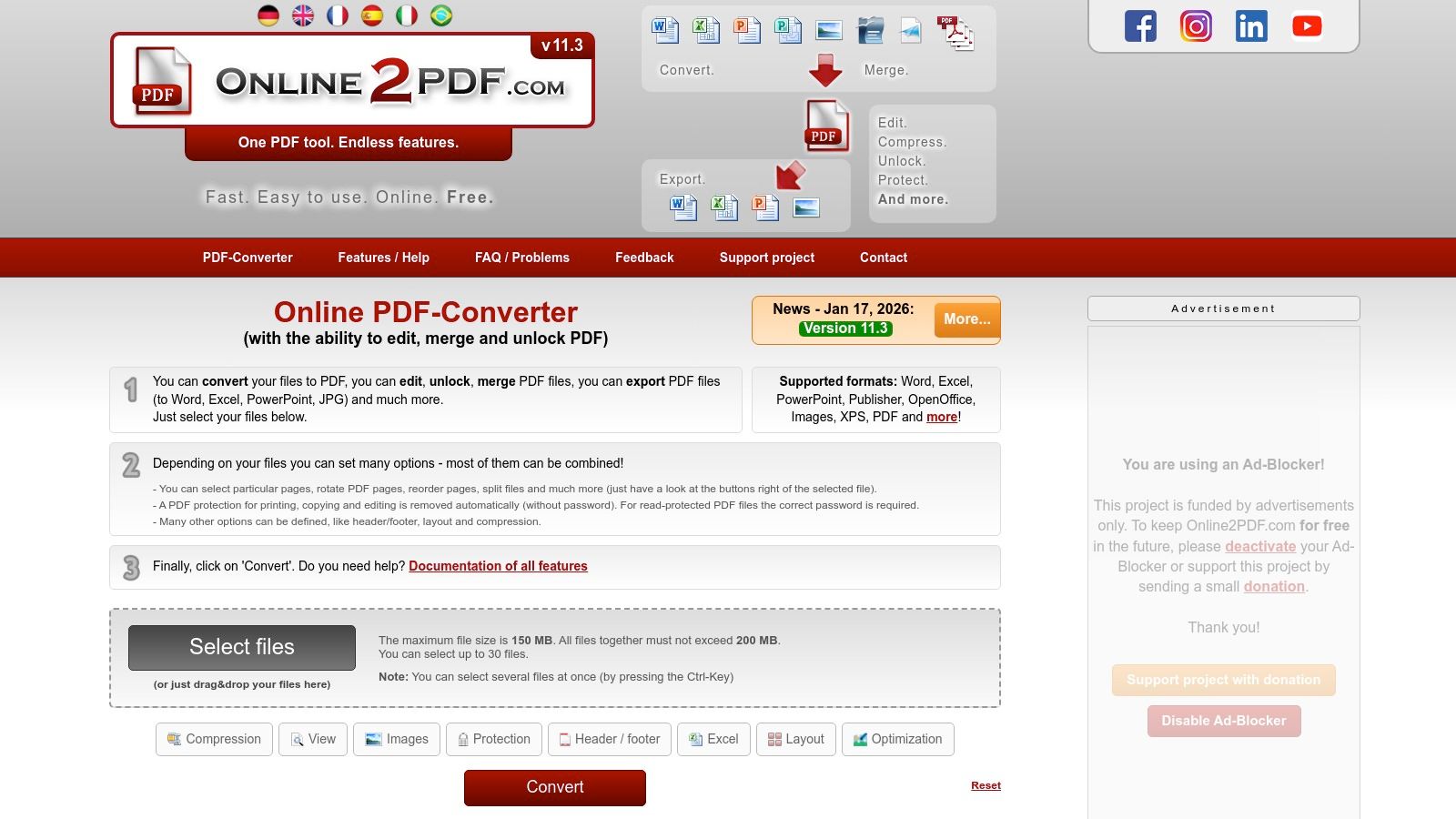
The interface is functional, allowing you to upload up to 20 files at once for batch operations like merging or converting. You can fine-tune settings for compression, layout, headers/footers, and even protection before processing. This level of customization is rare for a free online tool and is its key differentiator. While the site is ad-supported, the functionality it provides without requiring an account is substantial.
Key Features and Limitations
Online2PDF supports a wide array of conversions to and from PDF, including Office documents, images, and text files. Its strength is not just format support but the integrated editing and management tools, such as rotating pages or applying OCR to scanned documents. However, being a web-only service, it is not suitable for highly sensitive information, and heavy automated use is disallowed.
- Best For: Users who need to perform multi-file operations like merging several documents into one PDF or converting specific page ranges from a large file.
- Pricing: Free to use. File size limits are generous (up to 150 MB total, 100 MB per file) but exist, and the site is supported by ads.
- Platform: Web-based (compatible with all modern browsers).
- Privacy Note: As an online tool, all files are uploaded to their servers for processing. The service states files are deleted after a short period, but it's not ideal for confidential content.
Top 12 Free PDF Converters: Feature Comparison
| Product | Core features | UX & Quality (★) | Pricing & Value (💰) | Target audience (👥) | Unique selling points (✨) |
|---|---|---|---|---|---|
| ShiftShift Extensions 🏆 | Unified Command Palette; dev tools, converters, utilities; local & offline | ★★★★☆ — keyboard-first, fast | 💰 Not listed; check Chrome Web Store | 👥 Developers, designers, power users, caregivers | ✨ Single keyboard palette; privacy-first local processing; 52 languages; growing tool library |
| Adobe Acrobat Online | Browser Word↔PDF conversions; 100 MB limit; auto-delete | ★★★★★ — high fidelity | 💰 Free basic; Acrobat Pro for advanced (paid) | 👥 Office users, professionals | ✨ Best-in-class layout fidelity; trusted brand |
| Smallpdf | 30+ PDF tools: convert, compress, merge, e-sign; mobile apps | ★★★★☆ — clean, simple | 💰 Free tier w/daily limits; Pro subscription | 👥 Occasional users, small teams | ✨ Easy UX; mobile apps; broad everyday toolset |
| iLovePDF | Convert/merge/split/compress; web + desktop + mobile | ★★★★☆ | 💰 Free limited; Premium for heavy use | 👥 Everyday users, multi-platform users | ✨ Cross-platform apps; batch operations |
| PDF24 Tools / PDF24 Creator | Web tools + Windows desktop app; virtual PDF printer; offline | ★★★★☆ — utilitarian | 💰 100% free (desktop); no limits | 👥 Privacy-conscious users, Windows users | ✨ Fully offline processing; no uploads; free |
| PDF Candy | 90+ online tools; optional Windows app; auto-delete | ★★★★☆ | 💰 Forever free w/ limits; clear paid plans (incl. lifetime) | 👥 Power users needing many tools | ✨ Huge tool coverage; lifetime license option |
| Sejda | Edit/convert/merge/split; free web tier (3 tasks/hr); desktop app | ★★★★☆ — simple | 💰 Free web limits; paid for unlimited/desktop | 👥 Occasional power users | ✨ Published limits; desktop local processing |
| Foxit PDF Converter | Fast online converters; desktop Editor (trial) | ★★★★☆ — business-ready | 💰 Free online tools; paid Editor/trial | 👥 Businesses, enterprise users | ✨ Enterprise pedigree; fast converters |
| CloudConvert | 200+ formats; Drive/Dropbox integrations; API | ★★★★☆ | 💰 Modest free quota; pay-per-use (conversion minutes) | 👥 Developers, automation & cloud workflows | ✨ Broad format support; API & cloud integrations |
| Zamzar | 1,100+ conversion types; simple upload→convert→download | ★★★☆☆ | 💰 Free limited (small files); paid plans/APIs | 👥 Users needing rare/uncommon formats | ✨ Very wide format coverage |
| LibreOffice | Desktop suite export to PDF with granular controls | ★★★★☆ — robust | 💰 Free & open-source | 👥 Privacy-focused, offline/batch users | ✨ Cross-platform offline PDF export with fine controls |
| Online2PDF | Granular conversion options; merge/extract; higher limits (~150 MB/500 pages) | ★★★☆☆ | 💰 Free web service; no account required | 👥 Users with larger files who need free tools | ✨ Higher per-conversion limits; detailed page controls |
Making the Final Choice for Your PDF Needs
Navigating the landscape of free PDF converters can feel overwhelming, but as we've explored, the "best" tool is rarely a one-size-fits-all solution. The ideal choice hinges entirely on your specific workflow, security requirements, and the types of documents you handle daily. By now, you should have a clear picture of how different categories of tools serve distinct purposes, from powerful offline desktop applications to convenient, browser-based utilities.
The journey to finding the best free pdf converter software for your needs begins with a simple question: what is my primary use case? Answering this honestly will immediately narrow your options and guide you toward the most efficient solution.
Recapping the Core Categories
Let's distill our findings into actionable takeaways based on the major tool types we've covered:
For Maximum Security and Offline Power: If you handle sensitive, confidential, or proprietary information, an offline desktop solution is non-negotiable. Tools like PDF24 Creator (for Windows users) and the cross-platform suite LibreOffice provide robust, feature-rich environments for converting and manipulating documents without ever uploading them to a third-party server. They offer unparalleled peace of mind and are perfect for corporate environments or users dealing with personal data. Their strength lies in their comprehensive feature sets and complete data privacy.
For All-in-One Online Convenience: When your tasks are varied and you need a digital Swiss Army knife for documents, the comprehensive online suites are your best bet. iLovePDF, Smallpdf, and PDF Candy excel here, offering a vast array of tools beyond simple conversion, including merging, splitting, editing, and e-signing. Their primary trade-off is the daily usage limits on their free tiers and the fact that your files are processed on their servers. They are ideal for users who need a wide range of functions and prioritize ease of access over strict data locality.
For Specialized, High-Fidelity Conversions: Sometimes, you need more than just a standard PDF conversion. This is where specialized services like CloudConvert and Zamzar shine. Supporting hundreds of file formats, they are the go-to choice for converting niche or complex file types with high fidelity. While they also have free-tier limitations, their sheer versatility makes them invaluable for developers, designers, and anyone working with a diverse range of media.
For Instant, In-Browser Efficiency: For the modern professional who lives and works within their browser, speed and integration are paramount. This is the domain of ShiftShift Extensions. By performing conversions locally within the browser, it eliminates the need to upload files or even switch tabs. This makes it the fastest and most efficient option for frequent, straightforward tasks like converting a Word document to a PDF or capturing a webpage. This category is for users who value workflow optimization and immediate results for common tasks.
A Decision-Making Framework for Your Workflow
To make your final decision, consider these critical factors. Rank them by importance to your own work:
- Privacy and Security: Do my documents contain sensitive information? If yes, prioritize offline tools like LibreOffice or PDF24 Creator.
- Frequency and Volume: How many conversions do I perform daily? If you frequently hit the limits of online tools, a desktop application or a browser extension with local processing may be a more sustainable choice.
- Task Complexity: Do I just need to convert
DOCXtoPDF, or do I also need to edit, merge, compress, and sign files? For complex, multi-step workflows, a full-featured online suite like Smallpdf or iLovePDF is highly effective. - Workflow Integration: Do I want a tool that lives where I work? If you spend most of your day in a web browser, an integrated solution like ShiftShift Extensions will save you significant time and context-switching.
- File Type Variety: Am I converting standard office documents or obscure, specialized file types? For the latter, a dedicated conversion engine like CloudConvert is essential.
By assessing your needs against these five pillars, the best free pdf converter software for you will become clear. It's not about finding a single tool that does everything perfectly; it's about building a toolkit. You might use LibreOffice for sensitive reports, iLovePDF for occasional PDF merging, and a browser extension for all your quick, daily conversions. This hybrid approach ensures you have the right tool for every job, optimizing for security, convenience, and efficiency all at once.
Ready to supercharge your browser and make document conversions an instant, seamless part of your workflow? ShiftShift Extensions bundles a powerful, local PDF converter with dozens of other utilities, all accessible without ever leaving your current tab. Experience the speed of client-side processing by installing the free extension today.