12 Essential Marketplaces and Hubs for Developer Productivity Tools in 2025
Boost your workflow with our 2025 guide to the top 12 hubs for developer productivity tools. Discover curated marketplaces, extensions, and apps.

Recommended Extensions

In modern software development, the difference between good and great often comes down to the efficiency of your workflow. While a powerful code editor is foundational, the real magic happens when you augment it with the right developer productivity tools. From in-browser utilities that eliminate context switching to vast marketplaces for CI/CD actions, the landscape of available tools is richer than ever. But with so many options scattered across different platforms, knowing where to look is the first challenge.
This guide cuts through the noise, curating the 12 most essential marketplaces and resource hubs where you can find, evaluate, and integrate the tools that will genuinely accelerate your development cycle. We'll explore each platform's unique strengths, from privacy-first browser extensions like those from ShiftShift to enterprise-grade app stores, helping you build a toolkit that is both powerful and perfectly suited to your specific needs.
Whether you're a developer seeking better linters, a designer needing quick image conversions, or a QA engineer managing browser cookies, this comprehensive listicle is your starting point. Each entry provides a detailed analysis, key features, direct links, and screenshots to help you make informed decisions quickly. Forget endless searching; this resource is designed to help you discover and implement the best developer productivity tools to solve practical, everyday problems and supercharge your workflow. We will cover everything from the massive Visual Studio and JetBrains marketplaces to specialized hubs like the Atlassian Marketplace and niche discovery platforms like Product Hunt.
1. ShiftShift Extensions
ShiftShift Extensions redefines in-browser efficiency by consolidating dozens of essential developer productivity tools into a single, unified Command Palette. Instead of juggling multiple tabs, standalone apps, or single-purpose extensions, developers can access a comprehensive suite of utilities with a simple keyboard shortcut (Double-Shift or Cmd/Ctrl+Shift+P). This keyboard-first approach, combined with a frecency-based search algorithm, provides nearly instantaneous access to tools, minimizing context switching and keeping you in a state of flow.
The platform’s standout feature is its privacy-first architecture. All data processing, from formatting sensitive SQL queries to converting confidential documents, happens entirely locally within your browser. There are no data uploads, no tracking, and no cloud dependencies, ensuring your work remains private and the tools function perfectly offline. This commitment to local processing makes it a trustworthy choice for handling proprietary code or personal information.
Key Features and Use Cases
- Developer Utilities: Instantly format, validate, and minify JSON, SQL (with support for multiple dialects), XML, and HTML. The built-in diff checker is invaluable for quick code comparisons, while the cookie editor simplifies debugging and session management. Other tools, like the UNIX timestamp converter, are indispensable for backend and API development. For more details on specific tools, you can explore resources like their guide to the UNIX timestamp convertor tool on shiftshift.app.
- Batch Media & File Conversion: A powerful toolkit for designers and content creators. Convert entire folders of images between formats like JPG, PNG, WebP, and AVIF. It also handles document conversions (Word→PDF), CSV to XLSX, and even includes a 3D model viewer for STL/STEP files.
- Unified, Accessible Interface: The Command Palette provides a consistent, distraction-free UI across all tools. With support for 52 interface languages, it is built for a global user base.
Analysis and Considerations
| Aspect | Evaluation |
|---|---|
| Strengths | Unified Workflow: The single Command Palette is a game-changer for productivity. Privacy & Offline Access: Local processing is a major advantage for security-conscious users. Diverse Toolset: Caters to developers, designers, finance professionals, and general users. |
| Limitations | Platform Dependency: Primarily focused on Chrome and Chromium-based browsers, which may not suit all development environments. Lack of Social Proof: The website does not prominently feature pricing, customer testimonials, or third-party certifications, requiring users to self-evaluate its suitability. |
Website: https://shiftshift.app
2. Visual Studio Marketplace
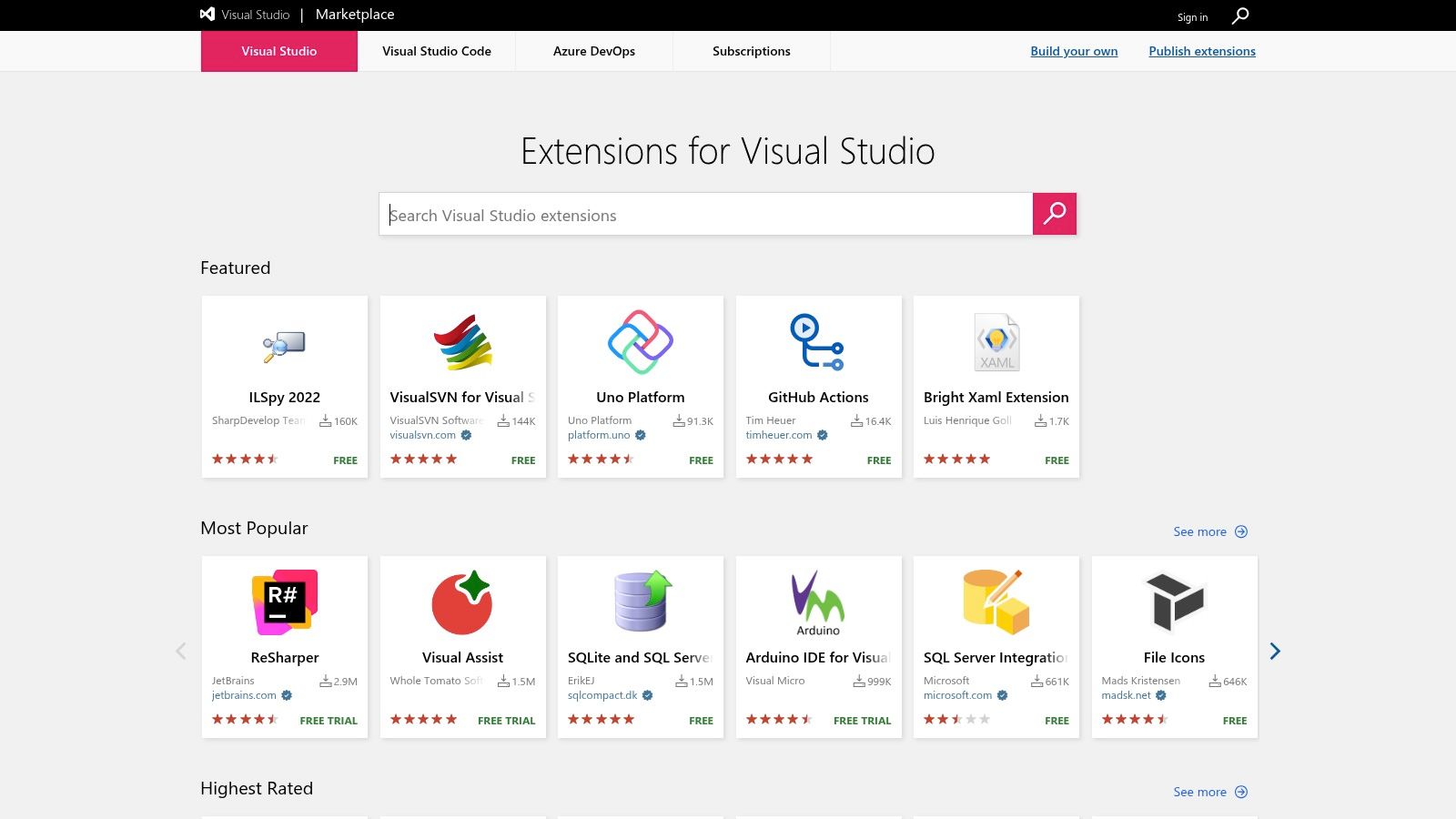
The Visual Studio Marketplace is the central hub for discovering and installing extensions that supercharge Visual Studio Code and Azure DevOps. It serves as the primary source for countless developer productivity tools, from essential linters and formatters like ESLint and Prettier to advanced AI coding assistants and specialized language support. Its deep, native integration with VS Code allows for seamless one-click installation and updates directly within the editor, creating a frictionless workflow.
Key Features and User Experience
What sets the Marketplace apart is its security model and enterprise-grade features. All extensions can be digitally signed, and VS Code prompts users before installing from an unknown publisher, adding a crucial layer of trust. For organizations, Private Marketplaces allow administrators to curate a specific, approved list of extensions, ensuring compliance and standardizing the development environment across teams.
While the vast majority of extensions are free, the platform also supports paid and subscription-based tools. A notable drawback is the occasional clunkiness in its web UI, particularly for users needing direct .vsix file downloads for offline installation, which has become less straightforward. However, the sheer breadth of its catalog and robust versioning history make it an indispensable resource for any VS Code user looking to customize their toolkit.
- Website: https://marketplace.visualstudio.com
- Primary Use: Finding and managing VS Code and Azure DevOps extensions.
- Pros: Deep editor integration, strong security with signed packages, enterprise support.
- Cons: Web UI can be cumbersome for offline workflows, extension quality varies by publisher.
3. JetBrains Marketplace
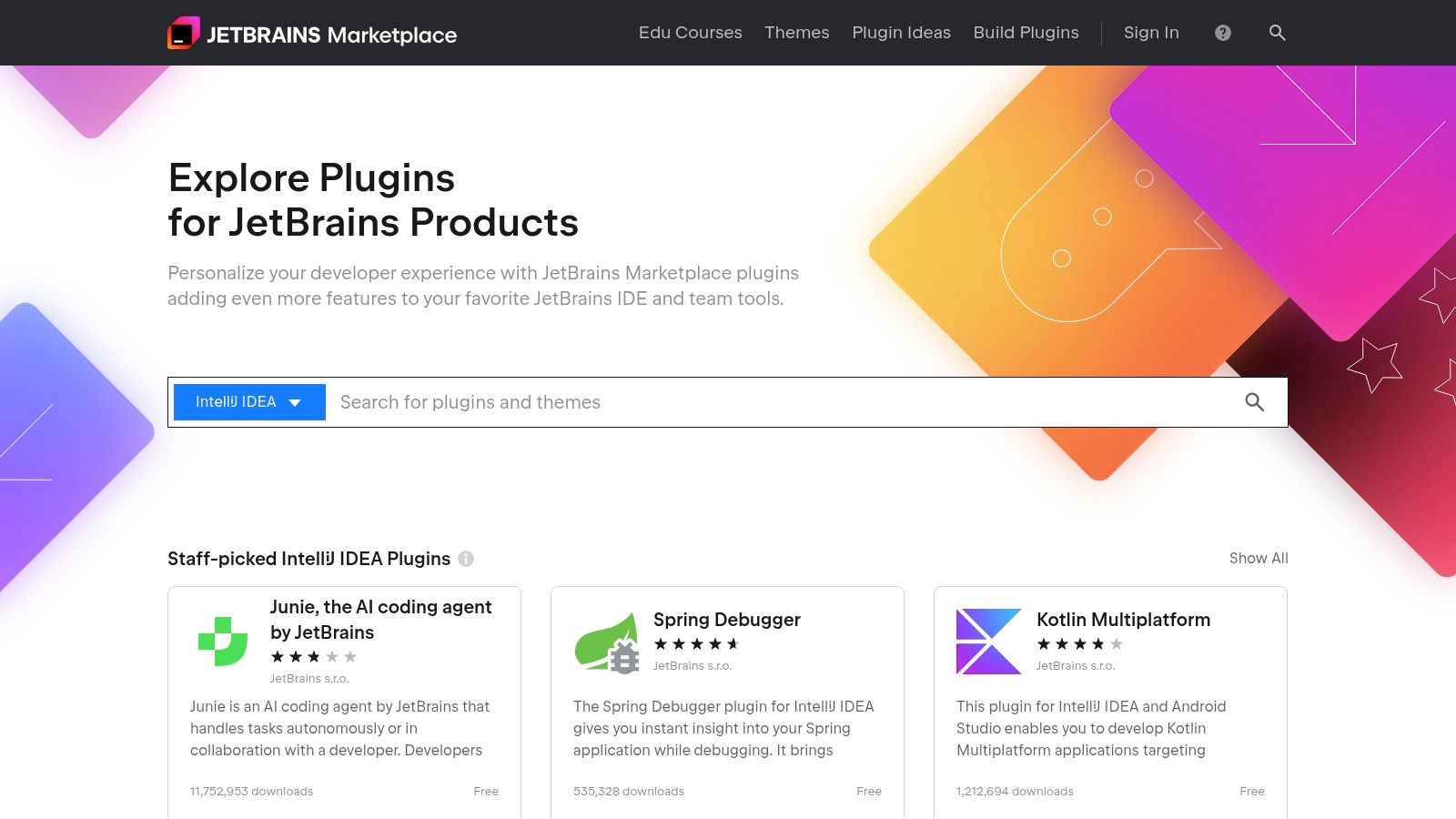
The JetBrains Marketplace is the official plugin repository for the entire suite of JetBrains IDEs, including IntelliJ IDEA, PyCharm, and WebStorm. It acts as a centralized ecosystem where developers can find tools to extend their IDE's functionality, from advanced language support and frameworks to themes and integration with third-party services. Its seamless integration allows for direct browsing, installation, and management of plugins from within the IDE, making it a critical resource for enhancing developer productivity tools within the JetBrains environment.
Key Features and User Experience
What distinguishes the JetBrains Marketplace is its robust support for commercial plugins and its high quality standards. JetBrains manages the entire billing and licensing process for paid plugins, providing a trusted and streamlined experience for both vendors and users. Each plugin is clearly tagged with compatible IDE versions, which prevents installation issues and ensures stability. This curated approach generally results in reliable, well-maintained extensions.
The marketplace is, by design, exclusive to the JetBrains ecosystem, meaning its vast library of tools is not accessible to users of other editors like VS Code. However, for those invested in JetBrains IDEs, it offers an unparalleled, tightly integrated experience. The quality of plugins, such as powerful database tools and formatters, is a major draw; for more on this, explore resources on SQL formatters to see how integrated tools compare. The primary limitation is its platform lock-in, but this focus is also its greatest strength, ensuring a consistent and high-quality user experience.
- Website: https://plugins.jetbrains.com
- Primary Use: Discovering and installing plugins for JetBrains IDEs.
- Pros: Tight IDE integration and generally high plugin quality, transparent revenue and billing handled by JetBrains.
- Cons: Plugins are tied to JetBrains IDEs and not cross-editor, marketplace relevance limited to JetBrains users.
4. GitHub Marketplace
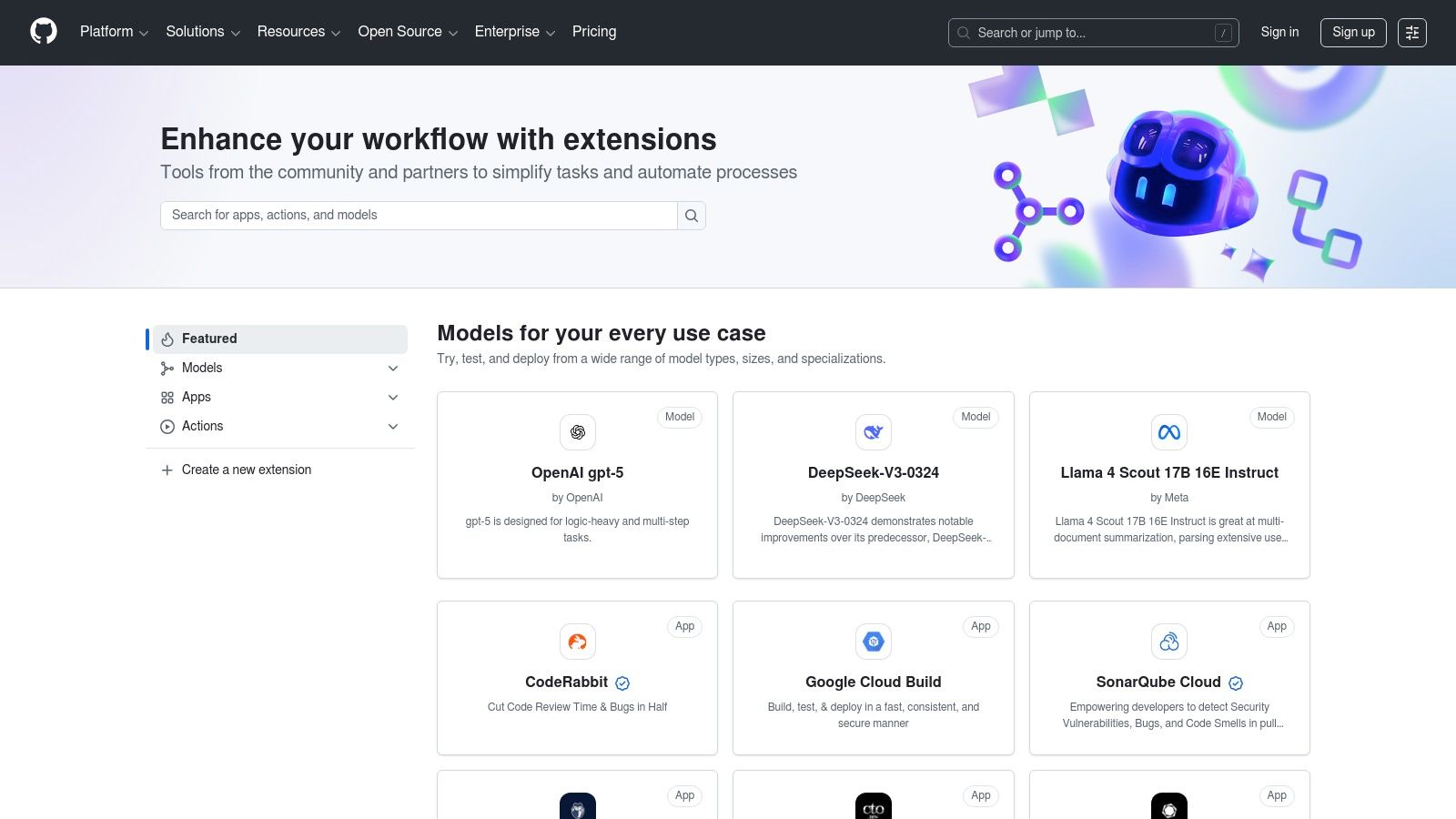
The GitHub Marketplace is a centralized platform for discovering and integrating tools that extend the functionality of GitHub. It primarily features GitHub Actions and Apps designed to automate CI/CD pipelines, enhance code quality, perform security scanning, and connect with third-party services. As a key source for developer productivity tools, its main strength lies in allowing developers to install these enhancements directly into their repositories and organizations, triggering them as part of their native GitHub workflows.
Key Features and User Experience
What distinguishes the GitHub Marketplace is its unified billing and management system. Pricing plans for apps-including free, flat-rate, and per-user models-are handled directly through a user's GitHub account, often with a 14-day free trial for paid tools. This model simplifies procurement and allows for easy evaluation. Publishers are verified, adding a layer of trust, and the tight integration means developers can find and deploy a new tool without ever leaving the GitHub ecosystem.
A potential drawback is that costs can accumulate, especially at scale. While many Actions are free, the associated compute minutes and storage for artifacts can become significant expenses. Furthermore, many powerful apps require ongoing per-repository or per-organization subscriptions. However, for teams heavily invested in GitHub, the seamless installation and workflow automation make it an essential resource for building a robust and efficient development pipeline. For teams comparing workflow outputs, other tools can offer supplementary capabilities; you can compare text changes here to analyze differences in build logs or configurations.
- Website: https://github.com/marketplace
- Primary Use: Integrating CI/CD, security, and project management apps into GitHub workflows.
- Pros: Installs directly into repos/organizations for seamless integration, trials and flexible pricing make evaluation easier.
- Cons: Costs for Actions minutes and storage can add up at scale, some paid apps may lead to ongoing per-repo/org charges.
5. Chrome Web Store
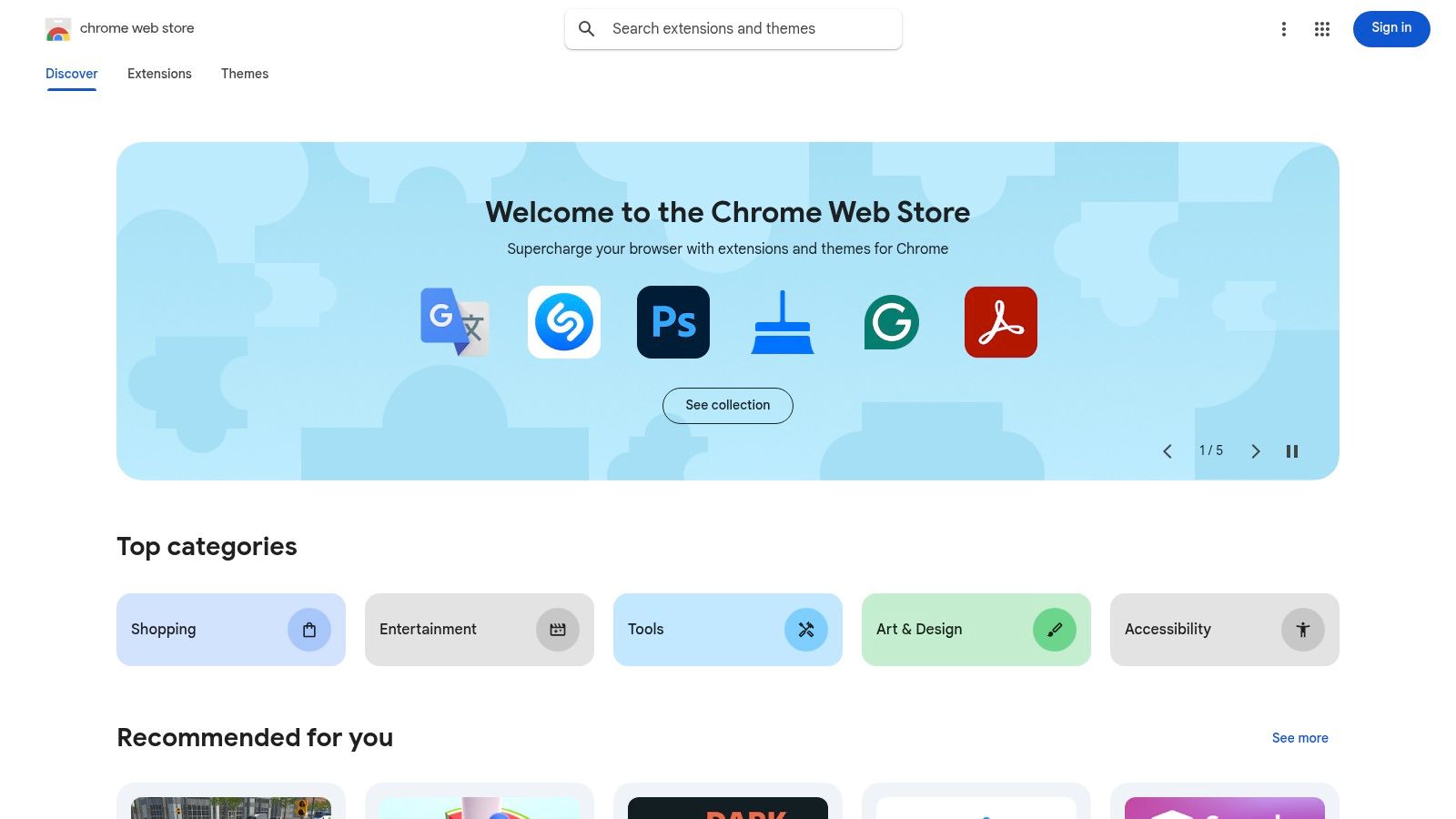
The Chrome Web Store is Google’s official marketplace for extensions that enhance the functionality of Chrome and other Chromium-based browsers. It offers a vast collection of browser-based developer productivity tools, ranging from JSON formatters and API clients to automation utilities and cookie editors. Its primary advantage is the zero-friction distribution model, allowing developers to install powerful tools directly into their workflow with a single click and receive automatic updates.
Key Features and User Experience
What makes the Chrome Web Store essential is its massive reach and the sheer diversity of its offerings. Developers can find extensions for nearly any task, from debugging front-end code to managing project tabs. The simple publishing process, which requires a one-time developer registration fee, has fostered a huge ecosystem of both free and paid tools. For organizations, enterprise policies allow administrators to control and distribute a standard set of extensions to their teams, ensuring consistency and security.
However, the ease of publishing also means that extension quality varies widely. Users must carefully scrutinize reviews, publisher history, and permission scopes before installation to mitigate security risks. Unlike more curated platforms, the onus is largely on the user to vet the tools they install. Despite this, its accessibility and the immediate productivity gains offered by well-chosen extensions make it an indispensable resource for modern web development and testing.
- Website: https://chromewebstore.google.com
- Primary Use: Discovering and installing browser-based developer utilities and productivity extensions.
- Pros: Zero-friction distribution to Chrome/Chromium users, massive reach across OSes.
- Cons: Extension quality varies widely between publishers, permission scopes require careful trust considerations.
6. Atlassian Marketplace
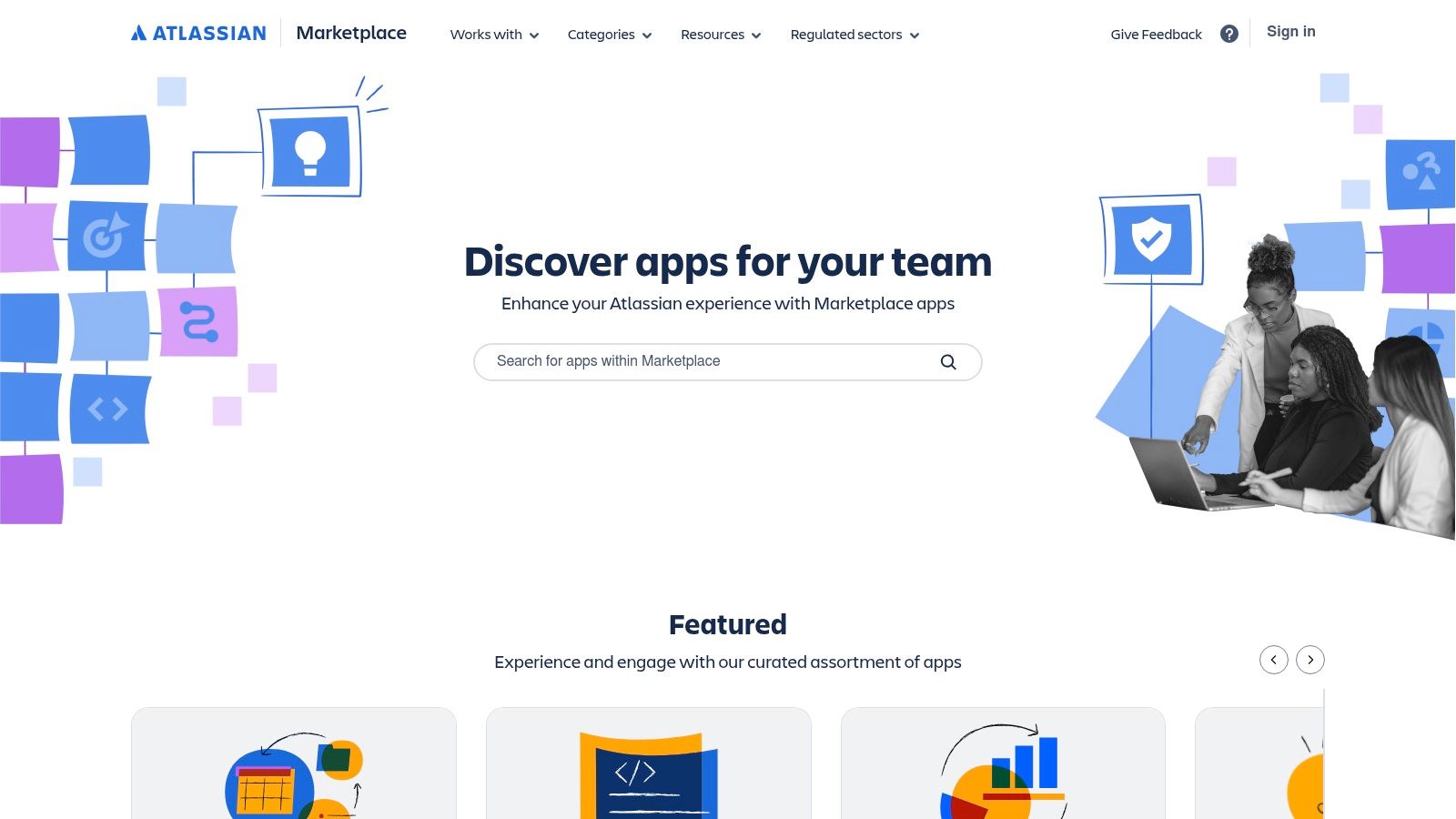
The Atlassian Marketplace is the central app store for the entire Atlassian ecosystem, including Jira, Confluence, and Bitbucket. It offers thousands of apps that extend the core functionality of these platforms, directly addressing team and developer productivity. From advanced backlog grooming and time tracking tools to sophisticated test management and DevOps connectors, the marketplace allows teams to tailor their Atlassian instances to their exact workflow needs, creating a deeply integrated and efficient work environment.
Key Features and User Experience
What makes the Atlassian Marketplace powerful is its seamless integration and standardized administration. Apps for both Cloud and Data Center deployments are available, with predictable monthly or annual billing handled directly through Atlassian. This centralized model simplifies procurement and license management for organizations. The user experience for discovering and trying apps is straightforward, with standardized trial periods that let teams evaluate solutions before committing.
The platform's main limitation is its inherent dependency on the Atlassian suite; its value is almost exclusively for teams already invested in products like Jira or Confluence. Furthermore, app quality and support can vary significantly between vendors, and teams must operate within the platform rules set by Atlassian. Despite this, for organizations leveraging Atlassian tools, the marketplace is an indispensable resource for enhancing collaboration and streamlining software development lifecycles.
- Website: https://marketplace.atlassian.com
- Primary Use: Finding and managing apps for Jira, Confluence, Bitbucket, and other Atlassian products.
- Pros: Deep integration into Atlassian product workflows, centralized billing and admin controls.
- Cons: Only valuable for teams standardized on Atlassian tools, marketplace dynamics are tied to Atlassian’s platform rules.
7. AWS Marketplace
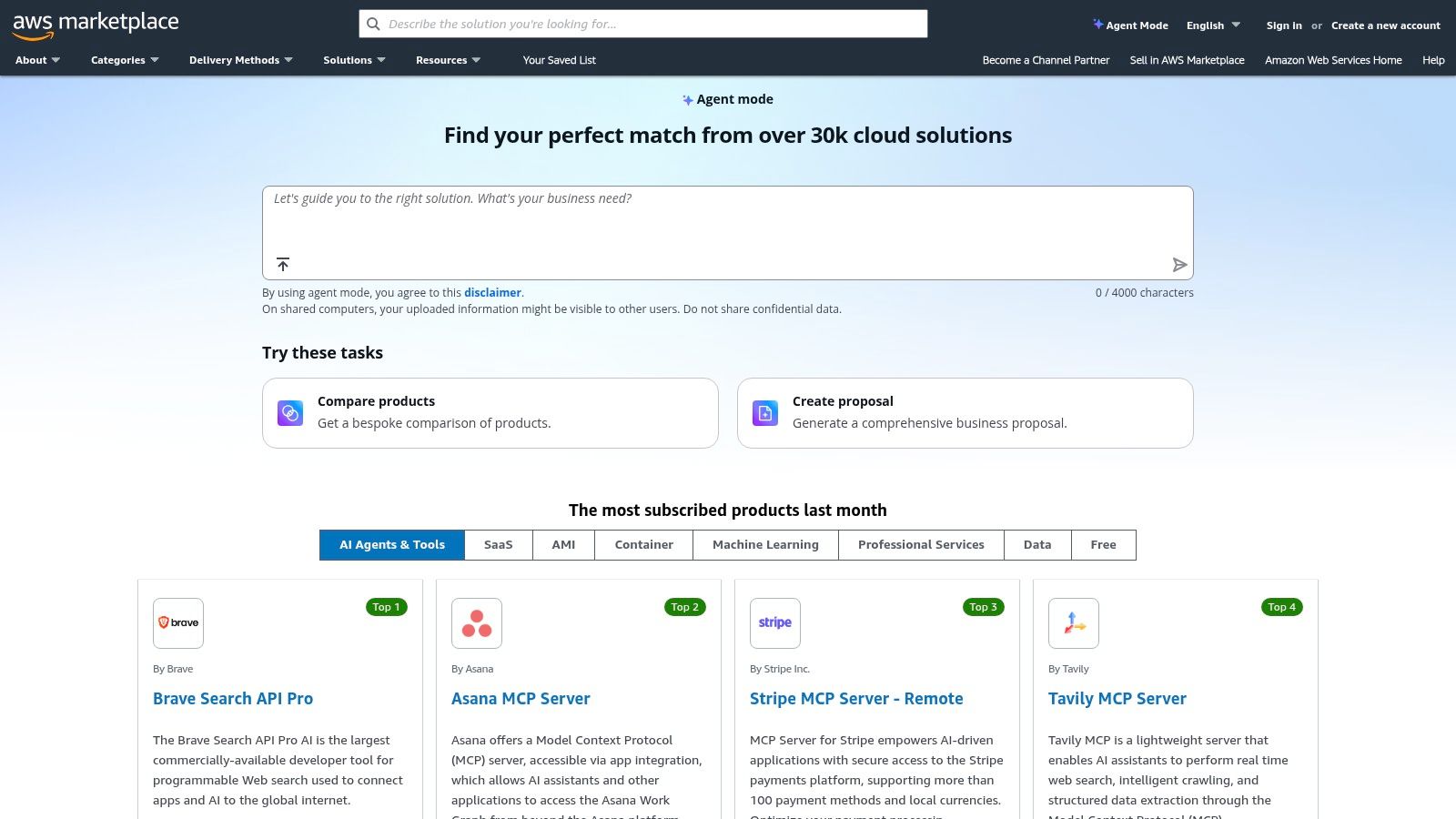
The AWS Marketplace is an enterprise-ready digital catalog where organizations can find, test, buy, and deploy third-party software that runs on Amazon Web Services. For developers, it offers a vast array of infrastructure-integrated developer productivity tools, from complete CI/CD platforms and observability suites to specialized security scanners and data management solutions. Its primary value lies in simplifying procurement and billing, allowing teams to acquire powerful software and consolidate all costs directly into their existing AWS bill.
Key Features and User Experience
What distinguishes the AWS Marketplace is its deep integration with enterprise procurement workflows. It supports private offers, flexible pricing models (including metered subscriptions and multi-year contracts), and various deployment formats like SaaS, AMIs, and container images. This allows companies to leverage their existing AWS Enterprise Discount Programs for third-party software, streamlining approvals and financial management significantly.
While the platform offers free trials for many products, users must remember that the underlying AWS infrastructure charges still apply, which can be an unexpected cost. The procurement and pricing models, though powerful, can also introduce complexity for teams navigating enterprise contracts for the first time. However, for organizations already invested in the AWS ecosystem, it provides an unmatched, centralized way to discover, deploy, and manage essential developer and DevOps tooling with unified billing and governance.
- Website: https://aws.amazon.com/marketplace
- Primary Use: Procuring and deploying third-party developer tools with consolidated AWS billing.
- Pros: Consolidated AWS billing and support for private offers/enterprise procurement, broad selection spanning DevOps, security, and developer tooling.
- Cons: Underlying AWS infrastructure charges still apply during trials, pricing and procurement complexity for enterprise contracts.
8. Setapp
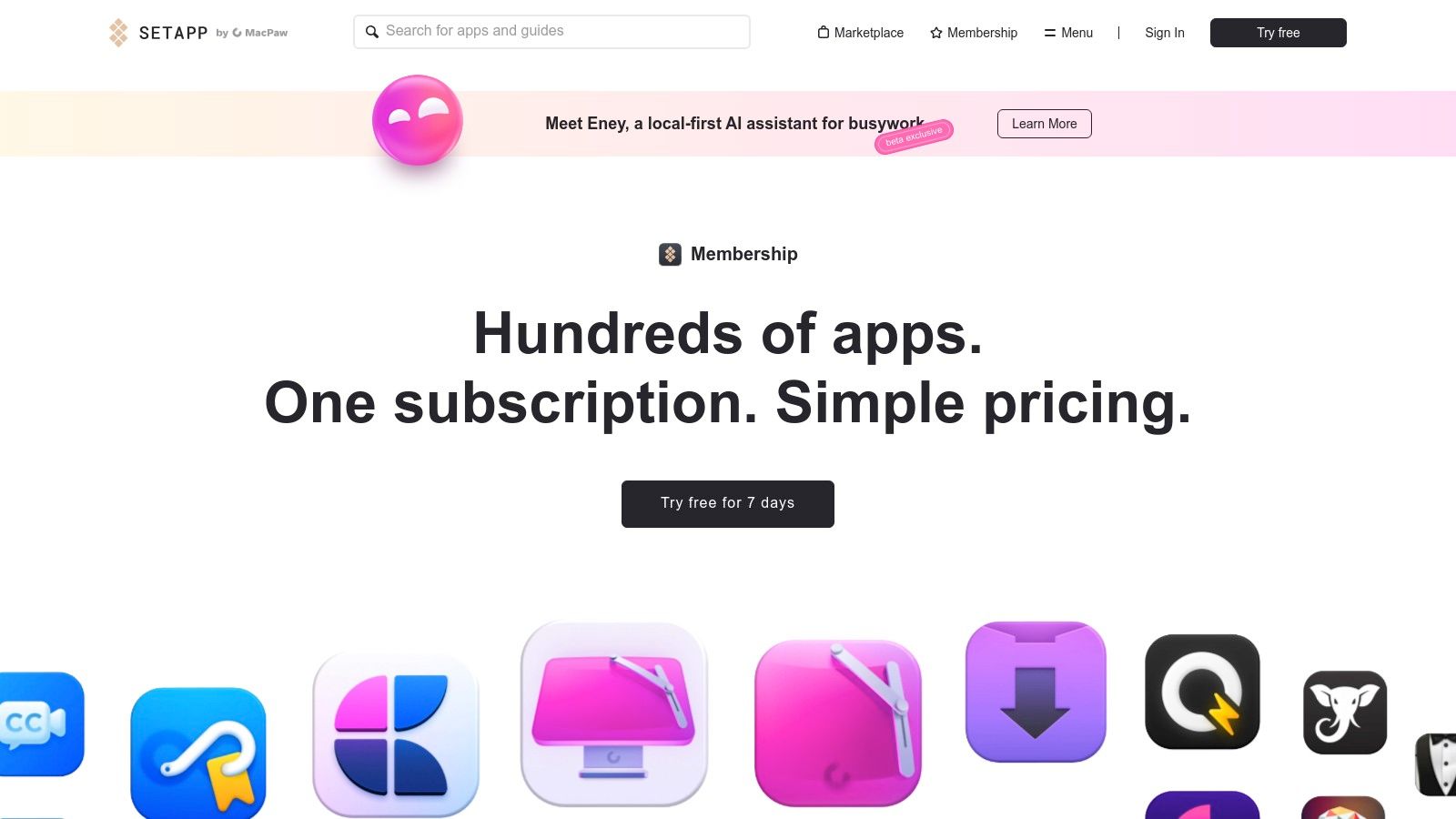
Setapp is a unique subscription service that offers a curated collection of over 240 premium macOS and iOS applications for a single monthly fee. It positions itself as the "Netflix for apps," providing developers with a cost-effective way to access a wide array of high-quality developer productivity tools without purchasing individual licenses. The catalog includes everything from powerful Git clients and database managers to text editors, diff tools, and menu bar utilities, all vetted for quality and updated seamlessly.
Key Features and User Experience
What makes Setapp stand out is its value proposition and curation. Instead of developers hunting for and buying multiple tools, they get an all-in-one solution that covers many needs. The platform's dedicated "Develop" category and AI-assisted search make discovering new tools straightforward. This model is especially beneficial for teams standardizing on macOS, as it simplifies software procurement and management while ensuring everyone has access to a consistent, high-quality toolkit.
The primary limitation is its Apple-ecosystem focus, offering no support for Windows or Linux users. While the collection is extensive, developers in highly specialized fields may find that certain niche tools are not included. However, for the majority of macOS developers, the sheer convenience and bundled cost savings make it an incredibly compelling platform for enhancing their daily workflow and discovering new, useful applications.
- Website: https://setapp.com/membership
- Primary Use: Accessing a large suite of curated premium Mac/iOS apps for a flat fee.
- Pros: Cost-effective access to many premium utilities, curated and maintained applications.
- Cons: Best value for macOS users; Windows and Linux are not covered, some niche tools may not be included.
9. Mac App Store
For macOS users, the Mac App Store serves as Apple's official, highly curated distribution platform for a wide range of native software. It is a critical source for finding trusted developer productivity tools, from powerful Git clients and database managers to specialized API clients and menu bar utilities. The platform’s key advantage is its unified system for installation, updates, and billing, all tied directly to a user's Apple ID, which simplifies license management across multiple Mac devices.

Key Features and User Experience
What distinguishes the Mac App Store is its rigorous app review process and sandboxing requirements, providing a high level of security and stability. Developers can easily discover new tools in dedicated categories like "Developer Tools," and Apple-managed billing makes purchasing and refunds straightforward. This centralized model ensures that all installed applications receive timely updates automatically, removing the manual effort of checking for new versions.
However, this strict ecosystem has its trade-offs. Some powerful developer tools are not available on the store because Apple’s sandboxing policies can restrict necessary system-level access, forcing developers to distribute them independently. This means users may need to look outside the App Store for certain command-line utilities or system-modifying applications. Despite this limitation, it remains an essential and reliable resource for a significant portion of a Mac-based developer's toolkit.
- Website: https://apps.apple.com/us/mac
- Primary Use: Discovering, purchasing, and managing native macOS developer tools.
- Pros: High security due to review process, trusted billing, seamless license and update management.
- Cons: App sandboxing can limit tool capabilities, not all developer tools are available on the store.
10. Homebrew (Homebrew Formulae)
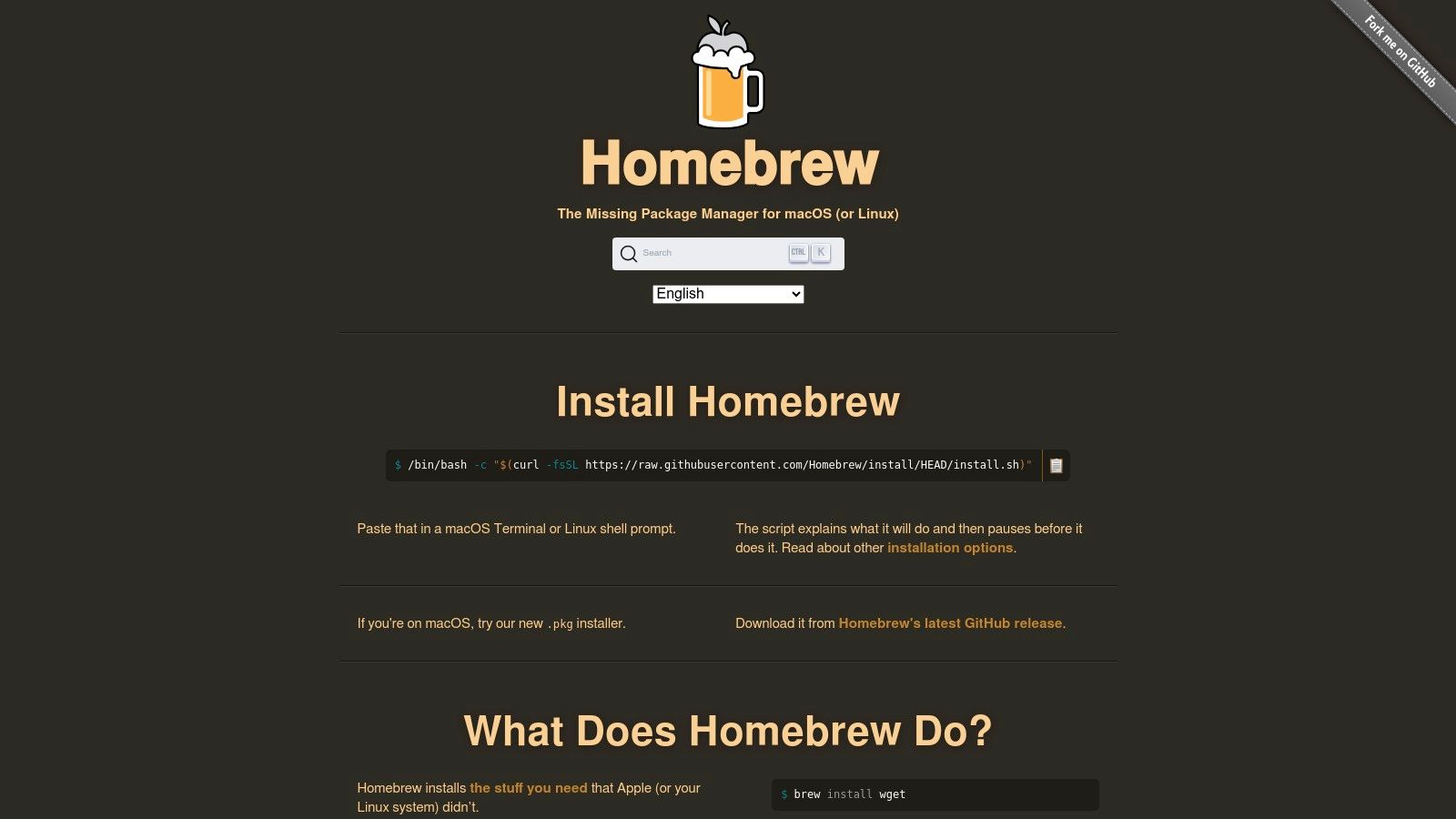
Homebrew is the quintessential package manager for macOS and a popular choice for Linux, fundamentally changing how developers install and manage command-line tools. It simplifies obtaining essential developer productivity tools, from programming languages like Python to utilities like htop or jq, with a single command: brew install. By handling dependencies, compilation, and PATH updates automatically, it eliminates the tedious and error-prone process of manual software installation, making it a cornerstone for setting up a new machine or standardizing environments.
Key Features and User Experience
What makes Homebrew indispensable is its scriptable nature and vast ecosystem of "formulae" (for CLI tools) and "casks" (for GUI applications). This allows developers to create a simple Brewfile that lists all required software, enabling a fully automated, reproducible setup for an individual or an entire team. This capability is invaluable for onboarding new developers and ensuring consistency across local and CI/CD environments. The web-based searchable catalog, Homebrew Formulae, provides a clean interface to explore packages, view analytics, and access a JSON API for custom integrations.
While incredibly powerful, it's not a traditional app store; some casks install applications that still require a separate license purchase. Occasionally, users might encounter build-from-source issues on bleeding-edge OS versions or with complex dependencies, but these edge cases are rare due to the large, active community that maintains pre-compiled "bottles" for most packages. For any macOS or Linux developer, mastering Homebrew is a critical step toward a more efficient workflow.
- Website: https://brew.sh
- Primary Use: Installing and managing command-line utilities and GUI applications on macOS and Linux.
- Pros: Fast, scriptable provisioning for teams and CI images, large community and frequently updated packages.
- Cons: Occasional compile needs on edge cases, not a storefront as some apps require separate licenses.
11. Product Hunt
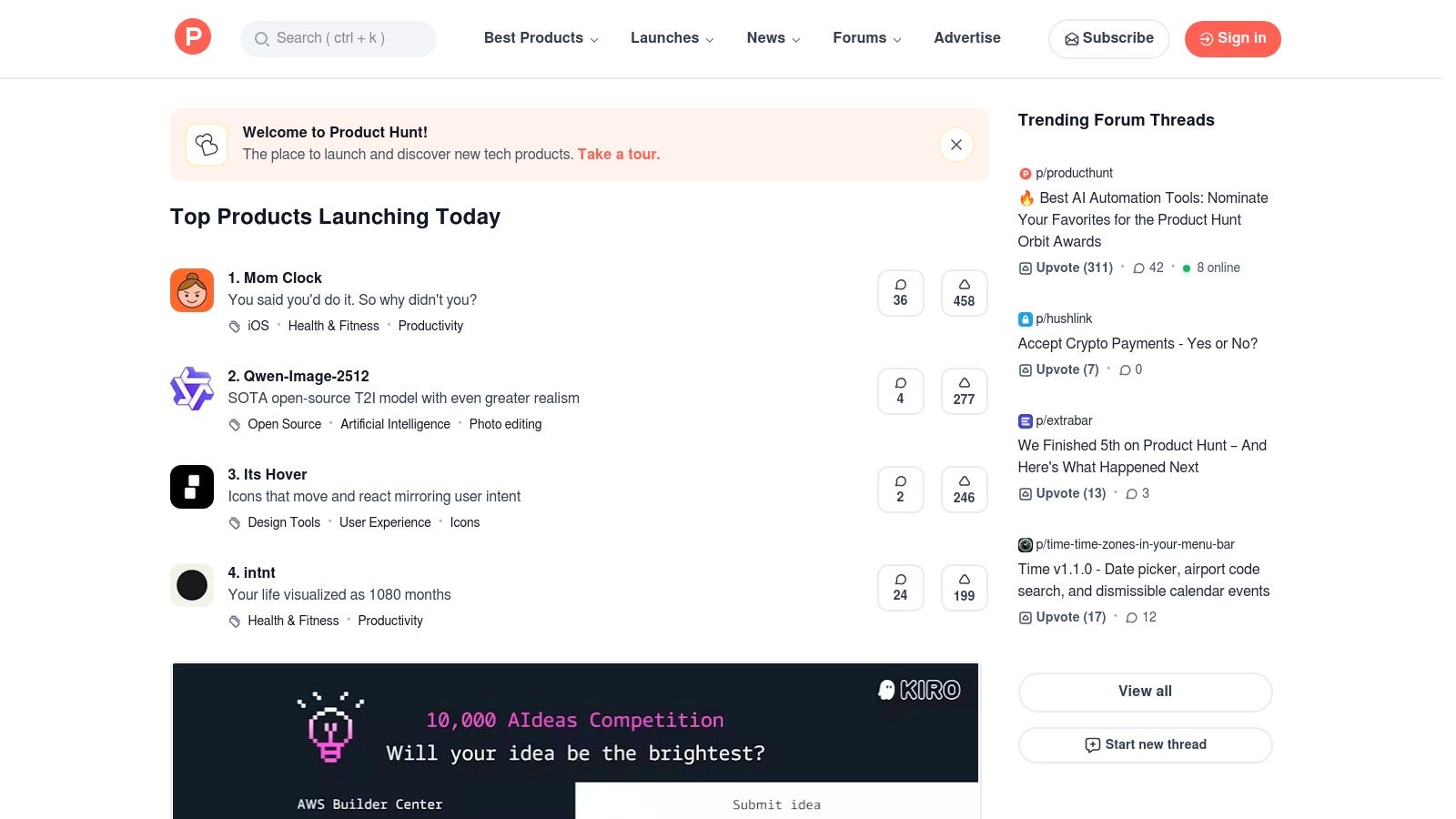
Product Hunt is the daily leaderboard for what’s new in tech, serving as a launchpad and discovery engine for emerging products. For developers, it’s an essential destination to find innovative developer productivity tools, often before they gain mainstream traction. The platform highlights new software, websites, and mobile apps daily, allowing the community to upvote, comment, and engage directly with the creators, known as "makers."
Key Features and User Experience
What makes Product Hunt uniquely valuable is the direct line of communication it opens between users and makers. The comment sections are often filled with insightful Q&As, feature requests, and real-world feedback, providing a layer of context that a simple app store listing lacks. Users can follow specific topics like "Developer Tools" or "APIs" to get a curated feed. Browsing the site is free, and many launches include special deals or discounts for early adopters.
While it's an excellent source for discovery, the signal-to-noise ratio can be a challenge. The platform features everything from production-ready enterprise software to experimental weekend projects. This means users must critically evaluate each product's maturity and long-term viability. However, for those willing to explore, it offers an unparalleled glimpse into the future of developer tooling and a chance to support indie makers from day one.
- Website: https://producthunt.com
- Primary Use: Discovering new and trending developer tools and engaging with their creators.
- Pros: Excellent for finding innovative and indie tools, direct feedback from makers, frequent early adopter deals.
- Cons: Product quality and maturity vary widely, can surface many experimental or unproven tools.
12. G2
G2 is a massive B2B software marketplace and review platform where developers can research, compare, and select a wide range of developer productivity tools. Unlike a direct tool, its value lies in providing aggregated user feedback and data-driven reports, such as its proprietary Grid reports. This allows teams to evaluate competing products based on real-world satisfaction and market presence, making it an essential resource for procurement and technology stack decisions. It helps cut through marketing noise by offering candid reviews from verified users.
Key Features and User Experience
G2's core strength is its structured comparison data. Users can filter tools by categories like "Static Application Security Testing (SAST)" or "Continuous Integration," then use the side-by-side comparison feature to analyze feature lists, pricing models, and user ratings. This streamlines the shortlisting process, helping teams quickly identify vendors that meet their technical and budgetary requirements. The platform consolidates links to vendor trials and demos, creating a centralized starting point for hands-on evaluation.
While invaluable for research, some deeper content and reports require a free account login. Users should also be aware that vendor marketing efforts and paid placements can influence a product's prominence on the site. Despite this, the sheer volume of genuine user reviews and detailed product profiles makes G2 a powerful tool for making informed decisions on software adoption and finding the best developer productivity tools for a team's specific needs.
- Website: https://www.g2.com
- Primary Use: Researching and comparing B2B software and DevOps tools.
- Pros: Extensive user reviews and data, excellent for shortlisting vendors for procurement.
- Cons: Some content is gated behind a login, paid placements can influence visibility.
Top 12 Developer Productivity Marketplaces Comparison
| Product | Core features | UX & quality (★) | Value & pricing (💰) | Target audience (👥) | Unique selling points (✨) |
|---|---|---|---|---|---|
| 🏆 ShiftShift Extensions | Unified Command Palette; 52 langs; local/offline tools | ★★★★☆ — fast, keyboard‑first | 💰 Unlisted / freemium potential | 👥 Devs, designers, power users, caregivers | ✨ All tools in‑browser, privacy‑first, growing tool library |
| Visual Studio Marketplace | Vast VS Code extensions; changelogs; private catalogs | ★★★★ — native VS Code integration | 💰 Mostly free; paid extensions vary | 👥 VS Code developers & enterprises | ✨ One‑click install, signed publisher trust |
| JetBrains Marketplace | IDE‑specific plugins; commercial licensing | ★★★★ — high plugin quality | 💰 Mix of free/paid; JetBrains billing | 👥 JetBrains IDE users | ✨ Curated per‑IDE compatibility & vendor billing |
| GitHub Marketplace | Actions & Apps for CI/CD; repo installs | ★★★★ — seamless repo/workflow fit | 💰 Per‑app plans; trials; Actions minutes costs | 👥 Teams using GitHub repos/workflows | ✨ Direct repo integration & workflow automation |
| Chrome Web Store | Chrome/Chromium extension storefront | ★★★☆ — massive reach, quality varies | 💰 Free to users; one‑time dev fee | 👥 Chrome/Chromium users & extension devs | ✨ Zero‑friction browser distribution |
| Atlassian Marketplace | Apps for Jira/Confluence; Cloud/Data Center | ★★★★ — deep product integrations | 💰 Monthly/annual licenses; trials | 👥 Atlassian‑standardized teams | ✨ Native Jira/Confluence workflow extensions |
| AWS Marketplace | SaaS, AMI, containers; enterprise billing | ★★★★ — enterprise‑grade but complex | 💰 Subscriptions/metered/contracts; infra charges | 👥 Enterprise/cloud/infra teams | ✨ Consolidated AWS billing & private offers |
| Setapp | Flat subscription for 240+ Mac/iOS apps | ★★★★ — curated, maintained apps | 💰 Flat monthly/annual fee (trial) | 👥 macOS users wanting many premium apps | ✨ Many vetted utilities under one plan |
| Mac App Store | Apple‑managed Mac app distribution | ★★★☆ — trusted & sandboxed | 💰 App purchases via Apple billing | 👥 Mac users preferring App Store installs | ✨ Apple review/sandboxing & trusted billing |
| Homebrew (Formulae) | One‑line installs; casks & taps; scriptable | ★★★★ — fast, scriptable, CI friendly | 💰 Free / community‑driven | 👥 macOS/Linux devs, CI engineers | ✨ Custom taps & reproducible provisioning |
| Product Hunt | Launch/discovery leaderboard; maker Q&A | ★★★☆ — great discovery, variable signal | 💰 Free to browse; promos common | 👥 Early adopters, founders, makers | ✨ Community launches & maker feedback |
| G2 | B2B reviews, Grid reports, side‑by‑side | ★★★★ — extensive reviews for procurement | 💰 Free browsing; paid vendor placements | 👥 Procurement, buyers, vendor evaluators | ✨ Grid reports & detailed user reviews |
Building Your Ultimate Developer Toolkit
Navigating the vast landscape of developer productivity tools we've explored can feel like both a challenge and an immense opportunity. From the expansive ecosystems of the Visual Studio and JetBrains Marketplaces to the focused, curated collections on Setapp and Product Hunt, the sheer volume of options underscores a fundamental truth: there is no single, perfect toolkit. The most powerful setup is not a one-size-fits-all prescription but a deeply personal, continuously evolving collection of utilities tailored to your unique workflow, projects, and professional goals.
The journey toward enhanced productivity begins with introspection. Before diving into another marketplace, take a moment to identify the most significant friction points in your daily routine. Where do you lose momentum? Is it the repetitive, manual formatting of code snippets? The cumbersome process of managing dependencies and environments? Or perhaps the constant context-switching between your editor, terminal, and browser for small, miscellaneous tasks? The most impactful developer productivity tools are those that solve these specific, recurring annoyances.
Crafting Your Personalized Toolchain
Think of the platforms we've covered not just as stores, but as strategic resources. Your goal is to build a cohesive system where each tool serves a distinct purpose, minimizing overlap and maximizing efficiency. A great way to start is by categorizing your needs:
- Core Development Environment: This is your foundation. Are you deeply embedded in a single IDE like VS Code or a JetBrains product? If so, their respective marketplaces are your first port of call for extensions that integrate seamlessly.
- Command-Line Efficiency: For developers who live in the terminal, Homebrew is non-negotiable on macOS and Linux. It streamlines the installation and management of everything from
gitto specialized CLI utilities, saving countless hours over time. - In-Browser Operations: Consider how much of your work happens within the browser. From testing APIs and managing cookies to quick data conversions, a versatile browser extension can eliminate the need to open separate applications. Tools that consolidate multiple utilities into a single interface are particularly valuable here.
- Project and Team Collaboration: Marketplaces from Atlassian and GitHub are essential for integrating tools directly into your collaborative workflows, automating processes from code review to deployment.
A Strategy for Adoption and Integration
Adopting new tools should be a deliberate, incremental process, not a complete overhaul. Avoid the temptation to install dozens of new extensions at once, as this can lead to "tool fatigue" and a more cluttered, rather than streamlined, environment. Instead, follow a methodical approach.
First, identify one primary pain point and research a single tool to address it. For example, if you frequently find yourself needing to convert data formats like JSON to YAML or decode a Base64 string, look for a utility that specializes in this. Second, commit to using that tool exclusively for that task for at least a week. This trial period is crucial for assessing its true impact on your workflow. Does it save you time? Is it intuitive? Does it introduce any new frustrations?
Finally, evaluate its place in your long-term toolkit. A truly productive tool becomes an invisible extension of your workflow, something you reach for without conscious thought. If a tool doesn't achieve that level of integration, don't be afraid to discard it and try another. The goal is to curate a lean, powerful set of developer productivity tools that genuinely enhance your focus and output. By being selective and strategic, you transform the process of tool selection from a chore into a powerful lever for professional growth and efficiency.
Ready to reclaim the time you lose to context-switching in your browser? ShiftShift Extensions consolidates dozens of essential developer utilities like formatters, converters, and encoders into a single, lightning-fast interface, all accessible with a simple click. Start streamlining your in-browser tasks today by visiting ShiftShift Extensions and adding it to your toolkit.